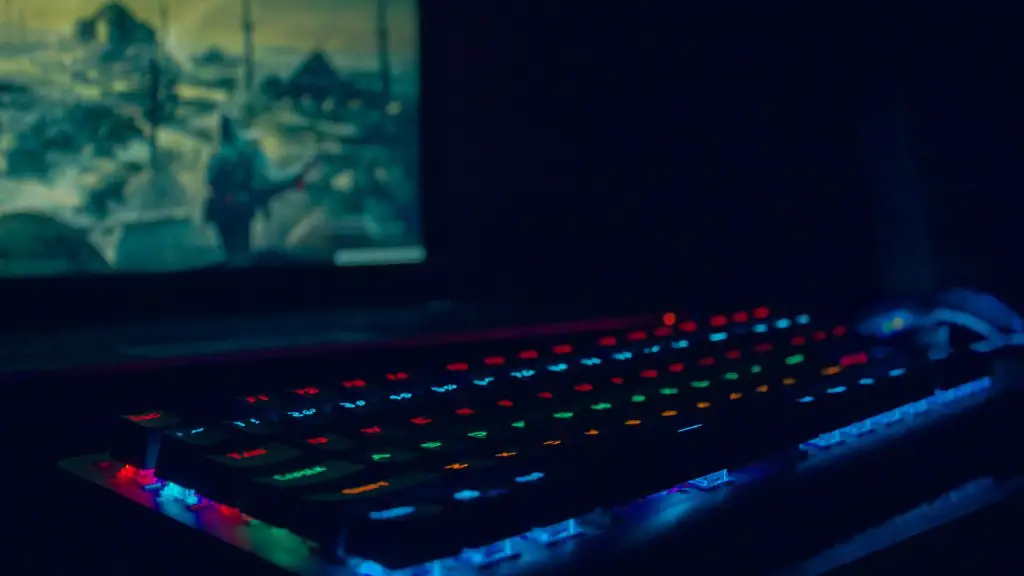
Making a PC ready for gaming requires more than the installation of a game, as the system’s hardware must be configured to support the game. Monitor resolution, processor speed and capacity, RAM, and other considerations need to be addressed to make a gaming PC optimal for gaming. In this article, we’ll take a look at how to make a PC a gaming PC.
The first consideration is the resolution of the monitor. Gamers want to make sure their gaming experience is as immersive as possible, and this often includes opting for the highest resolution monitor they can afford. PC gamers can purchase a system with a monitor that supports resolutions up to 4K, which will provide the best gaming experience.
The second consideration is the processor. Most PC gamers opt for models with an Intel Core i5 processor. These processors are designed to increase gaming performance and reduce lag time, making them ideal for gaming. Additionally, gamers should ensure their system has sufficient RAM to provide a smooth gaming experience. For example, 8GB of RAM is considered the minimum to provide reliable gaming performance.
The third consideration is the graphics card. Graphics cards are key to a great gaming experience, as they provide the processor the ability to process multiple graphics intensive tasks at once. Gamers should opt for a graphics card with at least 4GB of dedicated memory to ensure the best gaming performance.
The fourth consideration is storage. Many modern gaming PCs come with SSD (Solid State Drives) for storage. These drives are much faster than traditional hard drives and provide a reliable storage solution for better gaming performance.
The fifth consideration is cooling. If a PC gets too hot, its performance will suffer, so gamers should ensure their system is equipped with a sufficient cooling system. There are many options available, including air coolers and liquid coolers.
The sixth consideration is audio. Audio is an important part of the gaming experience, and gamers should opt for a system with a 5.1 or 7.1 surround sound speaker system to ensure they get the most immersive experience possible.
Optimizing The PC
Once gamers have made sure their PC is properly equipped, they can take steps to optimize the system for gaming. This includes taking advantage of new technologies such as virtual reality (VR), 4K gaming, or ray tracing. Additionally, gamers can adjust their system’s settings to maximize performance.
For example, gamers can turn off any unnecessary processes or applications and adjust the graphics settings to a balance between performance and image quality.
Additionally, gamers should make sure their system is up to date and all the latest drivers are installed. Doing so can help ensure the best gaming performance.

Lastly, gamers should consider using overclocking to increase the performance of their PC. Overclocking is the process of pushing a system beyond its designed speed in order to get more performance. While it can be a risky process, it can significantly enhance the gaming experience.
Using Gaming Accessories
While gamers can invest in the hardware components they need to make a gaming PC optimal for gaming, they can also add some accessories to enhance the experience. Gaming headsets, ergonomic chairs, and external gaming monitors can all add to the gaming experience.
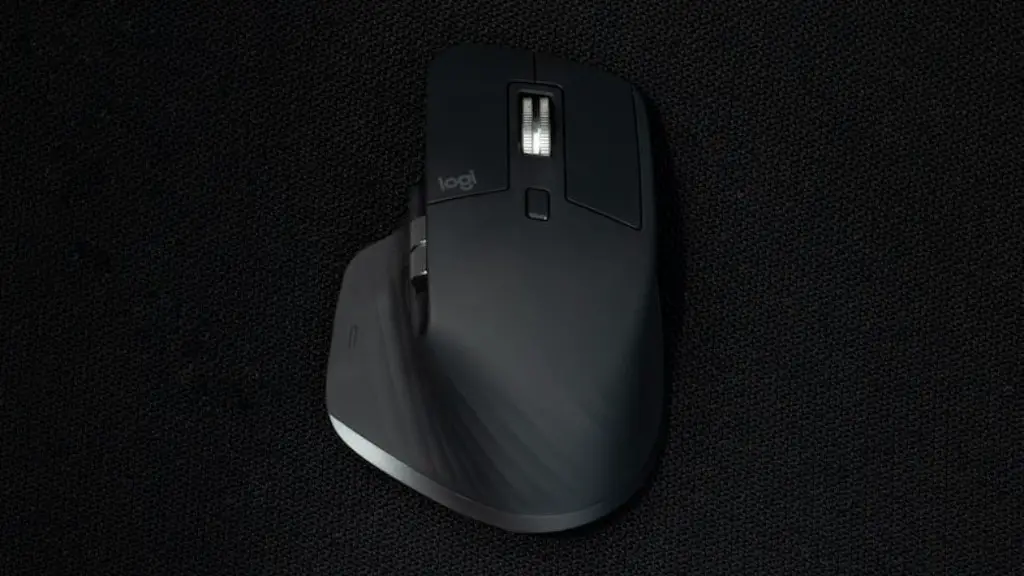
Additionally, gamers may want to opt for specialized gaming input devices such as a gaming keyboard or mouse. These devices provide gamers with an extra level of control, making them ideal for competitive gaming.
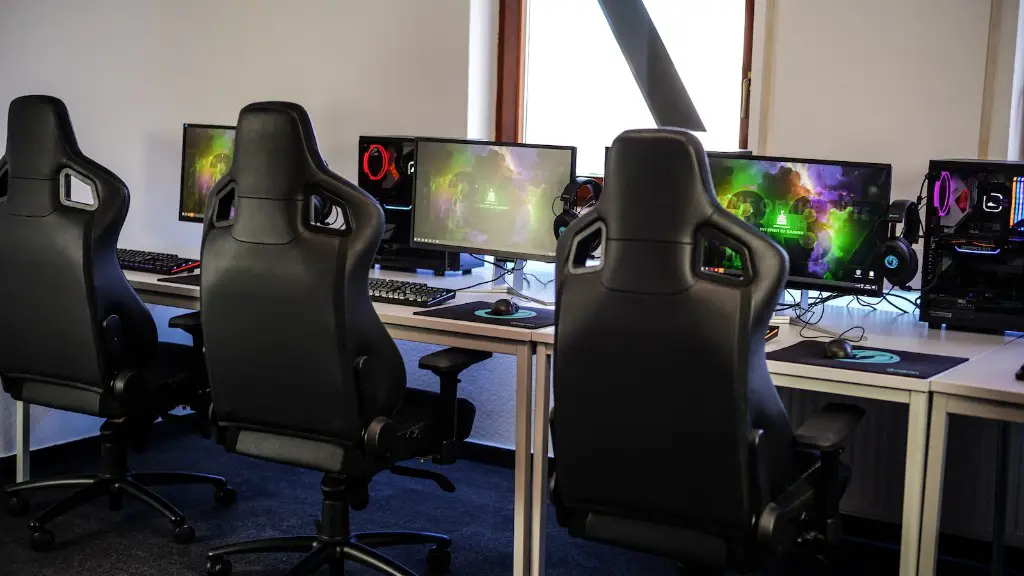
Gamers can also opt for specialized gaming peripherals such as a gaming headset or gaming mouse. These devices offer gamers the ability to customize their gaming experience, giving them an edge in competitive gaming.
Alternatively, gamers may opt for wireless gaming controllers, which offer gamers portability and convenience. Wireless controllers are great for gaming on the go, and they are ideal for those who don’t want to be tethered to their PC.
Upgrading The PC
If gamers don’t have the budget for a new gaming PC, they can upgrade their current system instead. Upgrading components like the graphics card, processor, or RAM can give gamers a noticeable increase in performance and make their gaming experience more enjoyable.
It is important that gamers choose the right components for the upgrade, however. It is best to select components that are compatible with the existing system and understand what components are available in the market.
Additionally, upgrading an existing system can be a good way to save money. Gamers can select specific components that meet their needs and give their system the performance boost they are looking for.
Lastly, gamers should ensure they are properly protecting their upgraded systems. A gaming PC can be susceptible to overheating, so it is important that adequate cooling measures are installed. Additionally, it is important that gamers keep their systems up to date and install the latest security patches.
Finding The Right Software
Finally, gamers should pay attention to the software they are running on their PC. When it comes to gaming, there are a variety of options available, from online gaming to console ports.
It is important that gamers select software that is compatible with their system and provides the best performance for the type of game being played. Additionally, gamers should make sure that the games they are playing are optimized for their specific hardware, as this can make a huge difference in their gaming experience.
Gamers should also be aware of potential compatibility issues. For instance, some games may be incompatible with certain hardware and operating systems, so it’s important that gamers check for compatibility before purchasing a game.
Lastly, gamers should ensure they have the right drivers and software updates in order to ensure the best performance. Drivers are responsible for translating the instructions from hardware to software, and they should be regularly updated in order to ensure optimal performance.
Streaming To Twitch
For gamers who want to show off their gaming skills, streaming to Twitch can be a great option. Streaming to Twitch allows gamers to broadcast their gameplay in real time, and there are a variety of tools and programs available to make streaming easier.
In order to stream to Twitch, gamers will need to have a good internet connection, as well as the necessary streaming software. Additionally, it is important to check for any potential latency issues which could affect streaming performance.
Additionally, gamers should consider using a capture card (or other capture device) when streaming to Twitch. This will allow gamers to record the game in the highest resolution possible, and provide viewers with the best viewing experience.
Lastly, gamers should consider upgrading their PC if it can’t handle streaming. When streaming, gamers need to be sure their PC’s hardware can handle the extra burden of streaming, as this can significantly affect performance.
Conclusion
Making a PC a gaming PC requires more than just installing a game. Gamers must ensure their system is properly equipped and optimized before they can truly enjoy their gaming experience. It is important to ensure the right hardware components are installed, as well as the right software and peripherals. Additionally, gamers should consider overclocking their system and streaming to Twitch in order to maximize their gaming experience.
