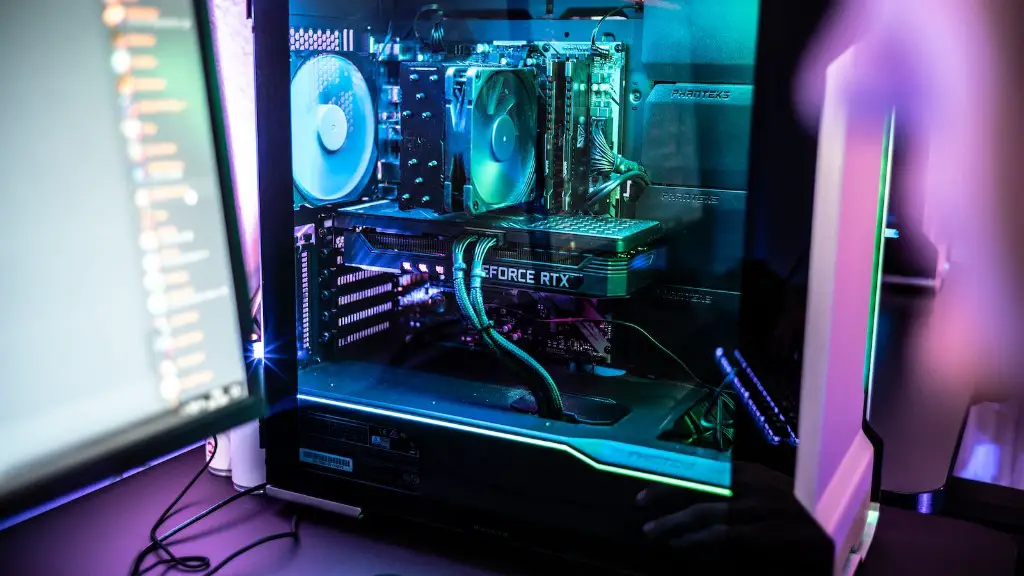
Building a gaming PC in 2020 requires some investment and self-education. It can be cheaper to buy a pre-made desktop, but a customized build often yields superior performance. You’ll need an understanding of current hardware trends and the willingness to configure your system properly. This guide will explain what you need to know in order to build a gaming PC on any budget.
The first factor to consider is the budget you have available for your build. If you’re a hardcore gamer, then you’ve got more to spend. But if you’re a casual player, then you’ll need to be more frugal. For either case, aim to spend as much of your build budget as possible on the important components. These include the CPU, GPU, motherboard, RAM, and storage.
A powerful GPU is paramount for gaming in 2020. It’s best to choose a card made by either NVIDIA or AMD, depending on your budget and preference. For GPUs, paying more generally means better performance, though there are diminishing returns. As far as CPUs go, you may consider Intel or AMD, depending on your budget and workloads. Again, higher-priced CPUs generally deliver better performance.

The motherboard serves as the foundation of your build. It will determine the size of the case, the type of RAM you can use, the number of PCIe slots for adding GPUs and other expansion cards, and many other details. In general, more expensive motherboards offer more features and better support for overclocking. But, lower-priced motherboards are still capable of providing a good gaming experience.
RAM is an important component in any gaming PC build. Make sure to get enough RAM to run your games comfortably. 8GB is usually a good starting point, though 16GB is becoming increasingly standard. It’s also important to make sure that your RAM is compatible with your motherboard and CPU.
Storage should also be taken into consideration when building a gaming PC. If you’re looking for maximum performance then you may want to opt for an SSD (solid-state drive). They’re much faster than HDD (hard disk drive) and are usually more expensive. You may also want to consider opting for a hybrid drive that offers a combination of the two.
When all is said and done, your total cost will depend on the components and parts you choose to build your gaming PC on. You can expect to spend anywhere from $500 to $2,500 or more, depending on the quality and performance of your components. To save money, look out for sales on components, create a system tailored to your gaming needs, and take advantage of DIY building options.
Factors to consider when building a gaming pc 2020
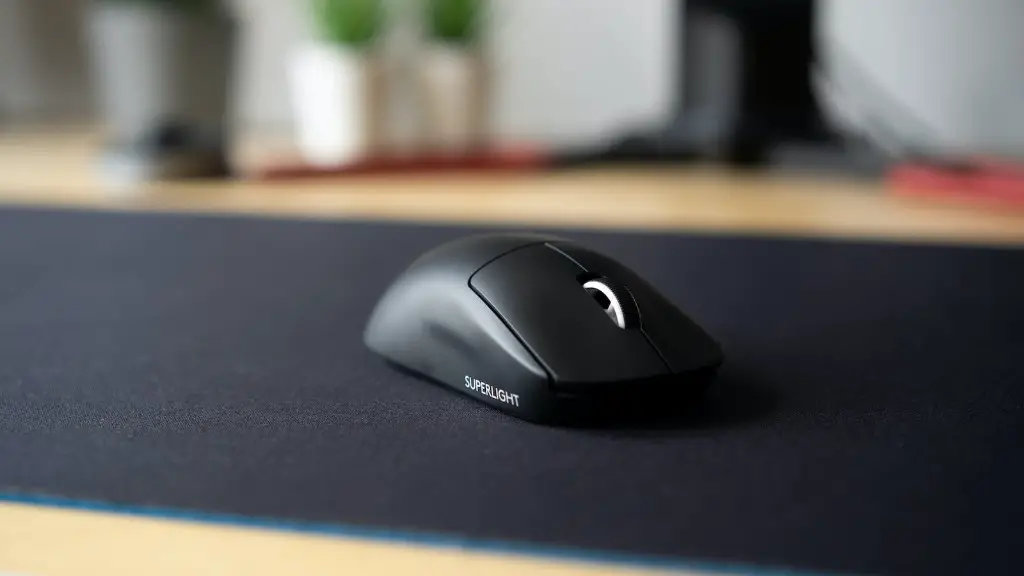
When building a gaming PC in 2020, there are several factors to take into consideration. Firstly, one should assess their budget and decide on how much they are willing to spend, following which they should choose their component parts and peripherals accordingly. When it comes to the core components, these are typically the CPU, GPU, Motherboard, RAM and Storage.
The processor at the heart of the system is essential when it comes to gaming, and choosing between Intel and AMD is often a hotly-debated topic. Depending on the budget, it’s important to keep in mind that higher-priced CPUs usually provide better performance. Then there’s the all-important Graphics Processing Unit (GPU), which is largely responsible for the games’ visual depiction and performance on screen. GPUs made by either NVIDIA or AMD are usually preferred, and again, better performing GPUs come with higher prices.
Another core component to consider is the motherboard. This acts as the foundation of the PC build and is responsible for connecting all the components. Depending on the budget and the planned use of the system, a midrange or expensive motherboard can prove to be worthwhile investments. There is also the choice of RAM to be made. 8GB is usually the minimum recommended for gaming in 2020, with 16GB becoming the current standard.
Finally, in terms of storage, choosing an SSD will improve the overall performance, although these drives tend to come at a cost. Hybrid and HDD drives tend to be a better option for those on a budget.Overall, the cost of a gaming PC will ultimately depend on the components chosen and the build quality of the system, with prices ranging from $500 to $2500 or more.
Types of gaming pc components
The components used to build a gaming PC in 2020 vary in terms of performance and budget. The main components include the processor, Graphics Processing Unit (GPU), Motherboard, Random Access Memory (RAM), and storage. The processor is considered the core of the system, with Intel and AMD offering different levels of performance and price points. The GPU is largely responsible for the graphical performance of the system, and choosing between NVIDIA or AMD again depends on available budget.
The motherboard acts as the platform on which the components are installed and is an important factor to consider when building a gaming PC. Motherboards range from low cost to high end, the latter providing a better platform for gaming. RAM is also an important factor, and with 8GB being the minimum for a gaming setup and 16GB being the current standard for most gamers.
Regarding storage, it’s worth noting that SSDs provide faster performance compared to the traditional hard disk drives, although they tend to come at a higher cost. HDD and hybrid drives offer good storage options for those with a tighter budget. All of these components come with different price ranges and levels of performance, so it’s important to consider each factor carefully when building a gaming PC in 2020.
Cooling solutions
One essential factor to consider when building a gaming PC in 2020 is cooling. Given the level of performance required, the components of the system can generate a great deal of heat, making proper cooling essential. Cooling solutions vary in terms of content, complexity and price. A quality air cooler is usually the most cost effective approach, using either a single fan or multiple fans depending on the processor and thermal demands.

For those interested in a more deluxe solution, an AIO (all-in-one) liquid cooler could be considered. These are self-contained liquid cooling solutions that can absorb and dissipate heat more efficiently. They usually come with a radiator, pump, fan and tubing, with the radiator being mounted either on the case or on the rear of the motherboard.
Another option is custom water cooling, which involves DIY installs featuring waterblocks and other components. This approach can provide the greatest cooling performance, but requires a larger initial outlay and some technical know-how. Ultimately, it’s important to choose the right cooling solution for your system, but for most gamers an air cooler or an AIO will be enough for adequate system cooling.
Storage alternatives
When building a gaming PC in 2020, it’s important to consider your storage options. Solid-state drives (SSDs) are often the best choice for gaming, providing faster read and write speeds compared to traditional hard disk drives. While these tend to come at a higher price, the improved performance could prove to be a worthwhile investment for gamers.
Hard disk drives (HDD) are the more traditional option and offer a larger storage space than SSDs at a lower cost. However, the performance is slower compared to SSDs, so this is an option to consider if budget and storage size are bigger priorities. There are also hybrid drives that comprise both HDD and SSD storage, offering good speeds and storage sizes at an affordable price.
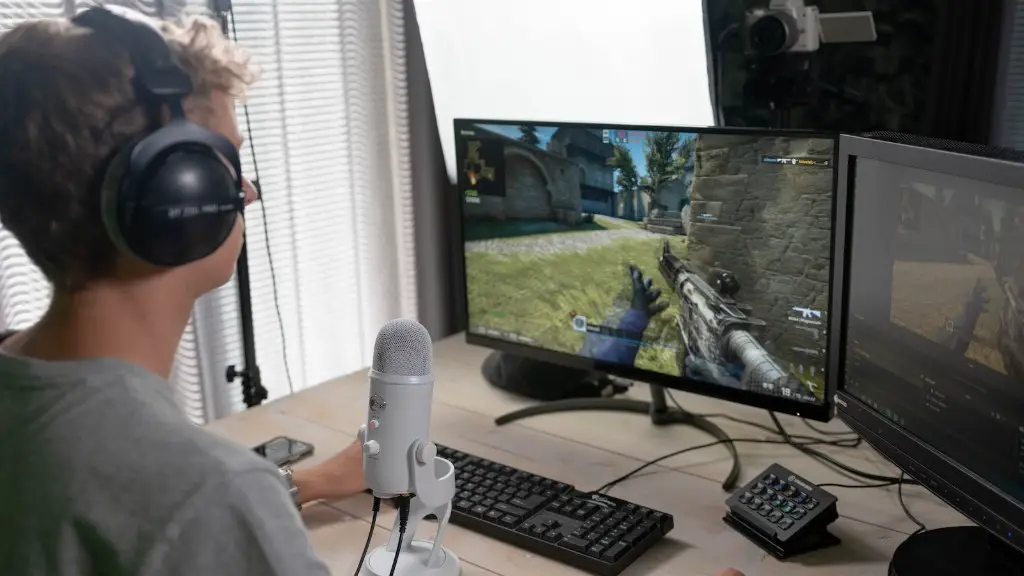
Another storage option to consider is external storage. Many users opt to use an external HDD or SSD as an additional backup drive or for holding large files, such as media. These drives usually connect via USB or Thunderbolt, with USB 3.0 offering the best performance.
External storage solutions also come in the form of memory cards and flash drives. Memory cards tend to be smaller in capacity, but are highly portable, making them great for quick transfer of files from one device to another. Flash drives are also useful, although their read and write speeds tend to be slower. Ultimately, the choice of storage depends on how much one is willing to spend and the level of performance desired.
