
Making your own gaming PC at home can be a great option if you’re looking to get the most bang for your buck. With careful selection and planning, you can create a system that meets your particular gaming needs, while staying within a tight budget. Here’s how to build a gaming PC at home.
First things first, you’ll need to pick what parts you want. There are generally five main components that make up a gaming PC: CPU, Motherboard, RAM, Storage, and Graphics Card. Most gaming PC components can be purchased from several online retailers like Amazon, BestBuy, or Newegg.
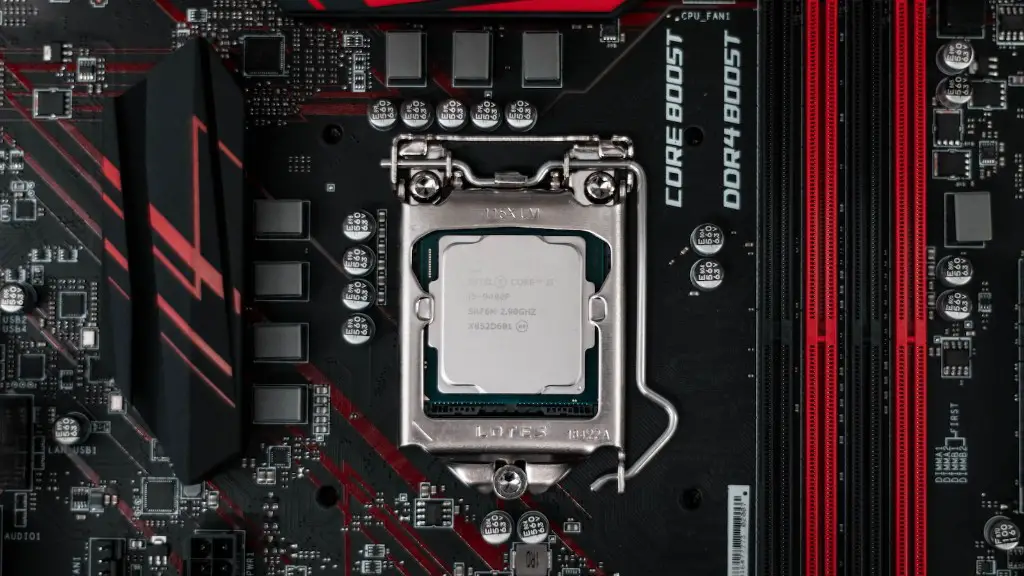
Once you’ve chosen the parts for your PC, it’s time to assemble them. If you’ve never built a PC before, don’t worry – it’s not overly complicated. Start by properly grounding yourself, and then carefully unpack each part and begin building your PC. First, you’ll need to install the motherboard into the case and connect all of the components – CPU, RAM, and Storage. Once that’s done, you can install the Graphics Card and power supply.
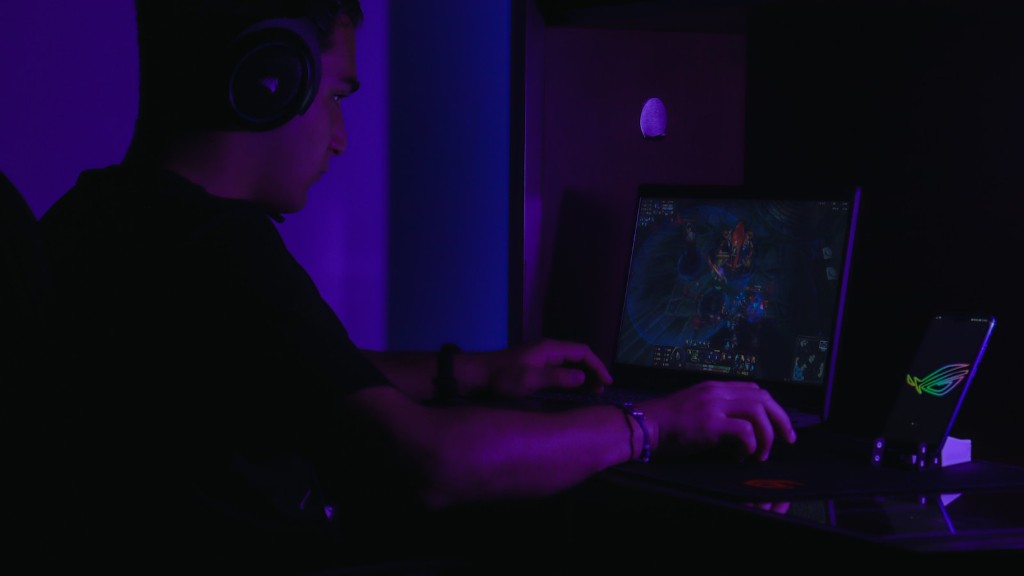
It’s important to take your time when putting together a gaming PC. Carefully follow instructions, and make sure all cables are connected properly and that components are inserted correctly. If you’re unsure of the process, there are many instructional videos online that can help guide you. Additionally, many retailers offer customers extended customer service and advice on building their gaming PCs.
Once the components have been installed and connected, it’s time to install the operating system. Windows 10 is the most popular choice for gaming PCs, but you can choose another operating system if you prefer. Make sure to follow the manufacturer’s instructions when installing.
Finally, configure the PC’s control settings and download the latest drivers. Drivers are pieces of software that help the PC’s components interact with each other, and they’re vital to the efficient operation of a gaming PC. This is often the longest part of the process, so be sure to leave plenty of time for this. Once all the drivers have been installed, you can start using your newly-constructed gaming PC.
Compatibility of PC Components
When building a gaming PC, one of the most important considerations is whether the components are compatible. You should always double-check that all components are fully compatible before you start assembling the PC. While most components from the same manufacturer will work together, there may be exceptions. Checking the manufacturer’s website for compatibility information can help you ensure that all parts will work together.
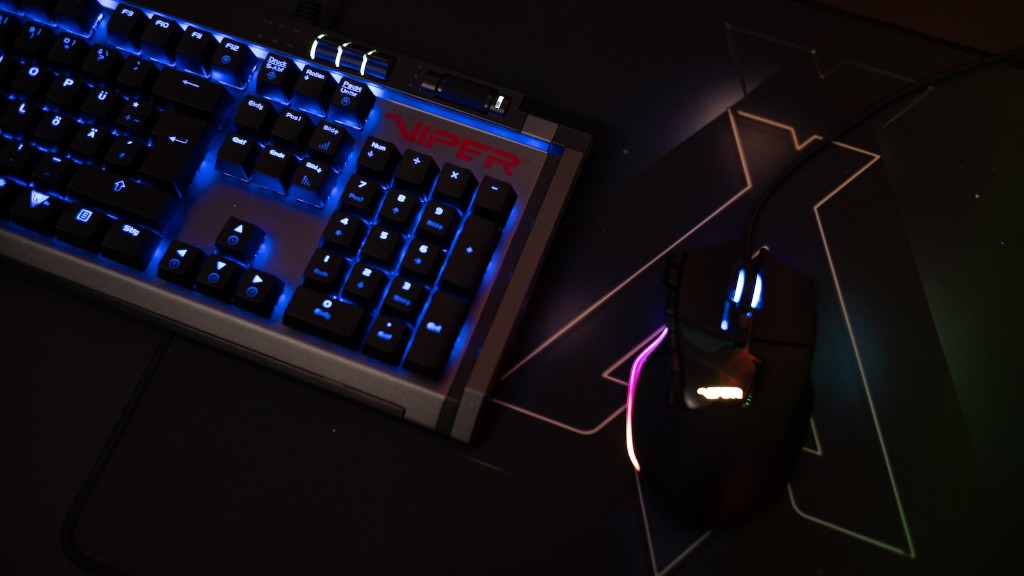
Compatibility also applies to the PC case. Your PC components must fit inside the PC case for the PC to function properly. Make sure to check the case’s size and the components’ size before you buy them to make sure they’ll fit. If you’re unsure, look up the manufacturer specifications or contact customer service.
Finally, compatibility also applies to the power supply unit. The power supply must have enough wattage to power all the components, as well as any extra peripherals. Most power supply units have a label with their wattage, and it’s important to check that the power supply will be powerful enough. Fortunately, most power supply units are designed to handle more power than the components need, so you shouldn’t have to worry about this too much.
Checking Cable Lengths
Another important consideration when building a gaming PC is cable lengths. All cables in the PC must be long enough to reach from the component to the port where it will be connected. For example, a long enough HDMI cable is necessary for connecting a display to the PC. There are also other cables such as SATA and power cables, which must be long enough to reach from the hard drives/ other components to the Motherboard/ Power Supply.
To make sure all the cables will be long enough, measure the distance between where the cable will be connected and where it will be coming from. The length of the cable needs to be at least this long. Some cables – such as those used to connect computer peripherals -can be bought in various lengths, so pick a long enough length to fit your needs. Other cables, such as those for the power supply, are fixed in length and can’t be replaced.
When picking a cable length, it’s important to keep in mind the cable routing. If possible, the cables should run behind the motherboard rather than directly in front of it, as this will greatly reduce the clutter and improve airflow in the PC. Try to plan out your cable routing before you start building so you have an idea of what lengths you’ll need.
Avoiding Overheating
Overheating is a common problem in gaming PCs. This is especially true during intensive gaming sessions, when the PC is running at full power. To avoid overheating, it’s important to make sure the PC has proper air flow. This means making sure there is adequate space around each component, especially the CPU and Graphics Card.
Also, make sure the fans in your case are running at full speed. Fans can be manually adjusted or you can use a program to automatically adjust the fan speeds depending on the temperature of the components. If you’re unsure how to adjust the fan speeds, check your motherboard’s manual or the manufacturer’s website for instructions.
Finally, remember to remove any dust that accumulates on the PC components. Dust and other particulates can cause the PC to overheat, so it’s important to keep the inside of the PC clean. Regularly using compressed air can help keep the dust away and keep your PC running at its optimal temperature.
Installing Basic Software
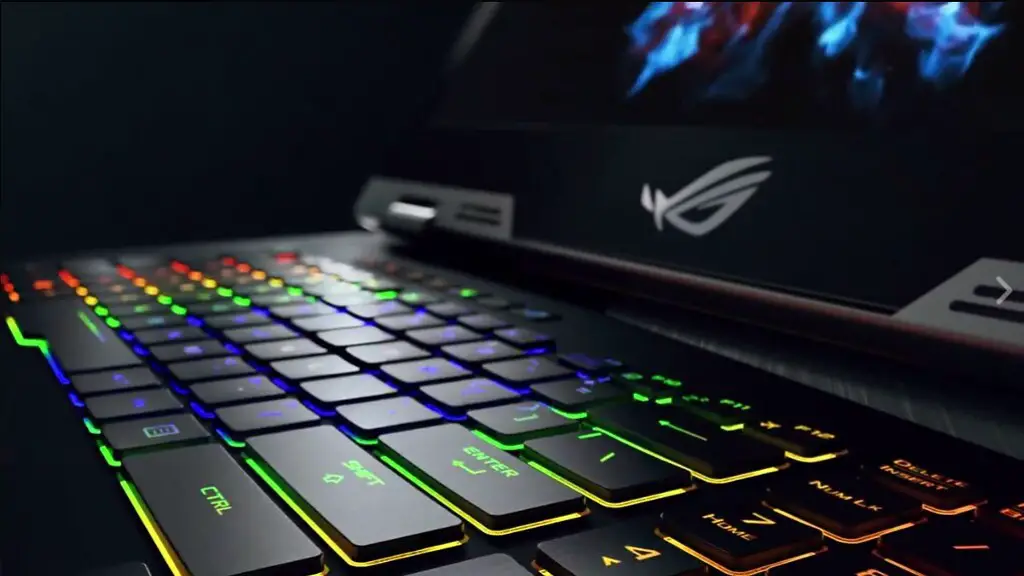
Once you’ve built your gaming PC, the next step is to install any necessary software. This can include basic Windows 10, anti-virus software, and necessary drivers. Most of these can be downloaded from the internet, but you’ll need to install them properly for them to work correctly.
Additionally, you’ll also need to update any existing software that you’re using. Make sure to download the latest versions of all the software you’re running, as this will ensure the best performance. Some programs may require restarting the PC after an update, so be sure to keep that in mind.
Finally, you’ll want to install any gaming-specific software. This could include game launchers like Steam or GOG, and gaming-specific programs like MSI Afterburner or Origin. All of these can be found online and should be fairly easy to install. Make sure to have these downloaded before you get into serious gaming, so that you don’t have to pause in the middle of a game.
Updated Drivers and Software
It’s essential to keep all of your drivers up to date. Drivers control how the hardware components interact with the operating system, and outdated drivers can cause a variety of problems, including slower performance and lower frame rates. To make sure your drivers are working properly, periodically check for updates and install them. Many components come with automatic update features, which can make this process easier.

Software also needs to be updated every so often. Make sure to weigh up all the benefits of updating, as there is a chance that the update could cause more problems or lead to incompatibilities. Most software updates are released to add new features or improve performance, so it often pays off to update your software. Be sure to read up on any changes before updating to make sure the update won’t be counter-productive.
Finally, when it comes to gaming, make sure your GPU drivers are fully up to date. GPU (Graphics Processing Unit) drivers can have a big effect on your gaming performance, so it’s important to keep them up to date. GPU drivers are usually updated more frequently than other components, so pay special attention to them when it comes to updates.
Using Your PC
Once you have everything installed and updated, you can start using your gaming PC. Dive into the world of PC gaming and explore the many different possibilities it has to offer. Whether you’re into eSports or single-player narrative games, your new gaming PC is the perfect tool to experience them in the highest quality.
Make sure to look after your PC and keep it running at its best. This includes regularly cleaning the PC, making sure all the components are working properly, and keeping it free from dust and other particulates. Following these steps should keep your PC running smoothly for many years to come.
Finally, it’s important to enjoy your PC. Having a home-built gaming PC gives you the freedom to customize it however you want. Have fun tinkering with the components and exploring all the potential your PC has to offer.
