
For those looking to build their own gaming PC for the ultimate gaming experience in 2022, this plan is perfect for you. Contrary to what many people think, assembling your own gaming PC is not as intimidating and complicated as it seems. With the right components, your own PC will be the envy of many gaming enthusiasts. Here are the steps to follow to get you building your PC in no time.
Firstly, determine your budget and figure out how much money you want to spend on your gaming PC. It’s important to set a budget so you don’t overspend and go over your expected costs. While the more you spend, the more powerful and faster your PC will be, a smaller budget does not mean you should settle for less quality components. Affected by your budget, the next step is to go shopping for your PC components.
Once you have an idea of your price range, visiting a reliable online store for computer parts is the way to go. Collect the necessary parts such as a processor, a motherboard, a graphics card, a hard drive, a memory module, and a power supply. Depending on the type of games you enjoy, you can upgrade one or two of the parts to meet your expectations and maximize your gaming experience. As with the budget, review your options and do your research before committing to a purchase.
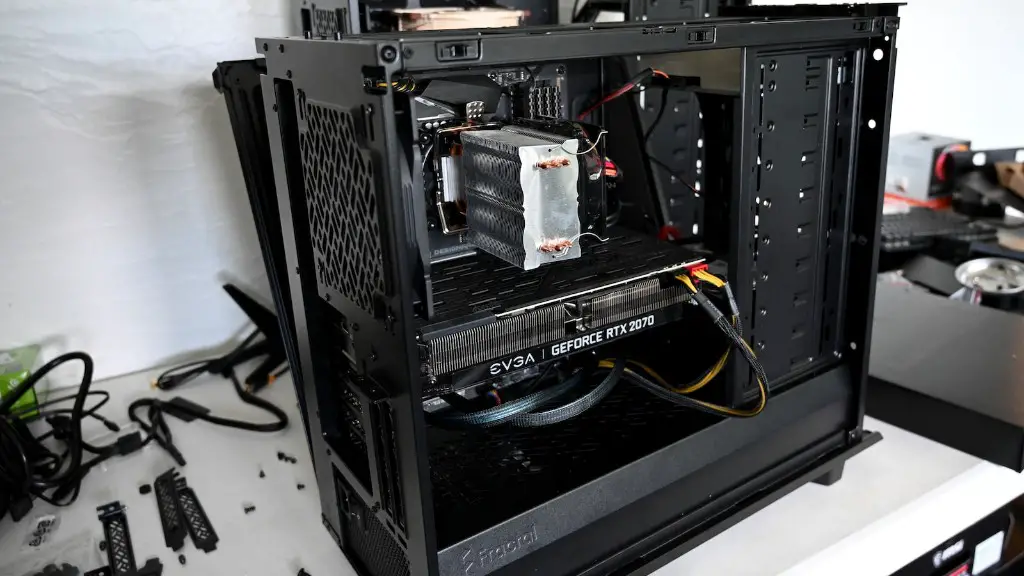
Once you’ve gathered your hardware, you’re ready to build. You’ll need the right tools and a bit of patience. Begin by opening the case and examining your motherboard to establish that all the ports and connections are there. Make sure it fits into the case and is fitted with a nose guard. Then, you can start to build the inside of your PC. Insert the CPU, memory module, and graphics card into the motherboard and attach the power supply to the motherboard. Once integrated, the next step is to connect the hard drive and CD/DVD drive.
The next step is to put it all together, connecting the cables from the motherboard to the drives and any other components that need to be connected. Once the whole set is connected you can begin the boot process. Use an OS installation disc or USB and connect the components according to the manufacturer’s instructions. Finally, install the necessary drivers and test that everything runs properly by running some basic computer tasks.
Additional Requirements for a Gaming PC
In order to enhance the gaming performance of your machine, adding a few more elements is a must. Generally speaking, if you are planning to run the latest high-end titles without any issues, you will need to have a good quality power supply. In addition to that, a cooling system such as liquid cooling, a chassis fan and thermal paste is also important to keep the components from overheating. Furthermore, gamers should opt for some RGB lighting to show off their rig.
Powering Up for Bigger Perfomance
Though the hardware plays a large part in gaming performance, the software can also significantly boost your gaming experience. Installing the necessary gaming software such as Steam and Uplay is always beneficial. However, optimizing the computer is also an important factor. With the right programs and utilities, you can optimize the performance of the PC by configuring and tweaking settings.
Upgradeable Parts for the Future
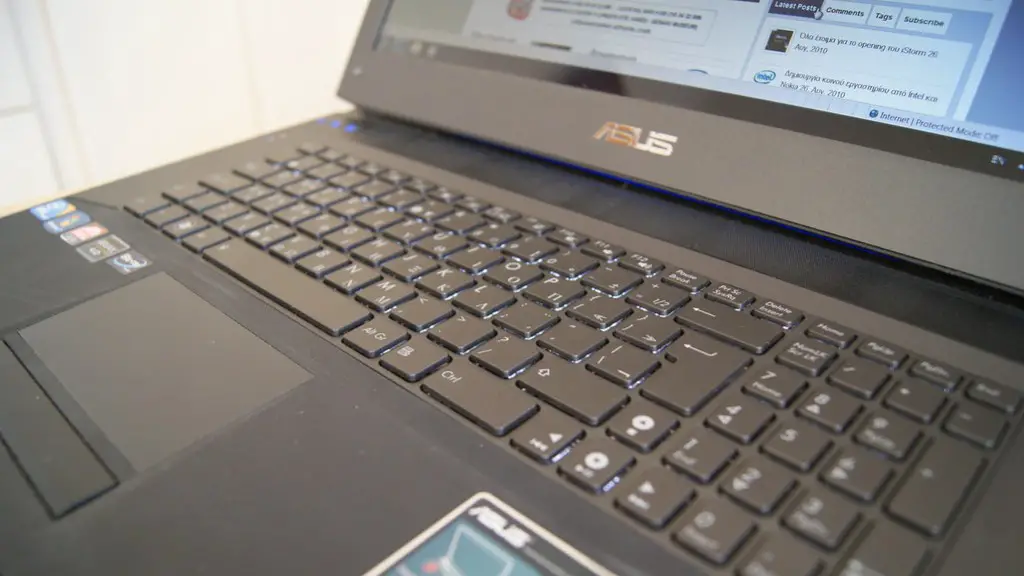
For gamers who want to future-proof their gaming PC, upgrading some of the components is the key. While most parts can be replaced and upgraded, there are a few that need more careful consideration. The power supply and the processor are the most important parts to upgrade. To have the best gaming experience, look for the most powerful and efficient components that also fit your budget.
Digital Marketing for Gaming
In the contemporary gaming world, digital marketing plays a major role. It is important to use effective methods for engaging your audience and make your game more prominent. This includes creating an ideal website for your game, targeting the right channels and areas, and using proper promotion techniques such as influencer and social media marketing. This is to ensure that you continually build engagement and reach the right audience while enjoying the benefits of a successful game.
Maximizing Gaming Performance with the Right Prosess
Another way to get the most out of your gaming PC is to use the right processes and tools that improve gaming performance. This includes optimizing system resources, using the latest software for gaming, and using benchmark tools to measure the system’s performance. Additionally, dedicating a specific part of the system as the ‘gaming area’ helps avoid CPU, memory, and disk slowdown from other applications.
