
Gaming PCs have become increasingly popular over the last few years. From esports to streaming and more, they offer an immersive experience that you just can’t get from a standard console. But when it comes to choosing a build, what matters most? Today we’re going to explore what you should look for when building or buying a gaming rig.
First and foremost, the quality of your graphics card is incredibly important when gaming. Aim for something at least mid to high end, such as an NVIDIA RTX 2070 Super or an AMD Radeon VII. This will ensure you have enough power to run the latest and greatest games on the highest settings.
Another critical component is a good processor. Intel’s 8th and 9th Generation Core i5, i7, and i9 processors are all great choices. These chips will ensure your games run smoothly and that your gaming experience is immersive and satisfying. Plus, they’ll last you for years.

The amount of RAM you need for gaming also varies depending on the type of games you plan to play. If you plan to run any demanding titles, like Ark: Survival Evolved, you’ll need at least 8GB of RAM. For more casual games, 4GB will suffice. If you can, go for something in the 16GB range.
Besides graphics and processor performance, the storage type is another key factor. There are two primary types of storage: an HDD (hard disk drive) and an SSD (solid-state drive). In general, an SSD is faster and more reliable. This is crucial if you’re an avid gamer, as you’ll need quick loading times and the ability to save your game in a timely manner.
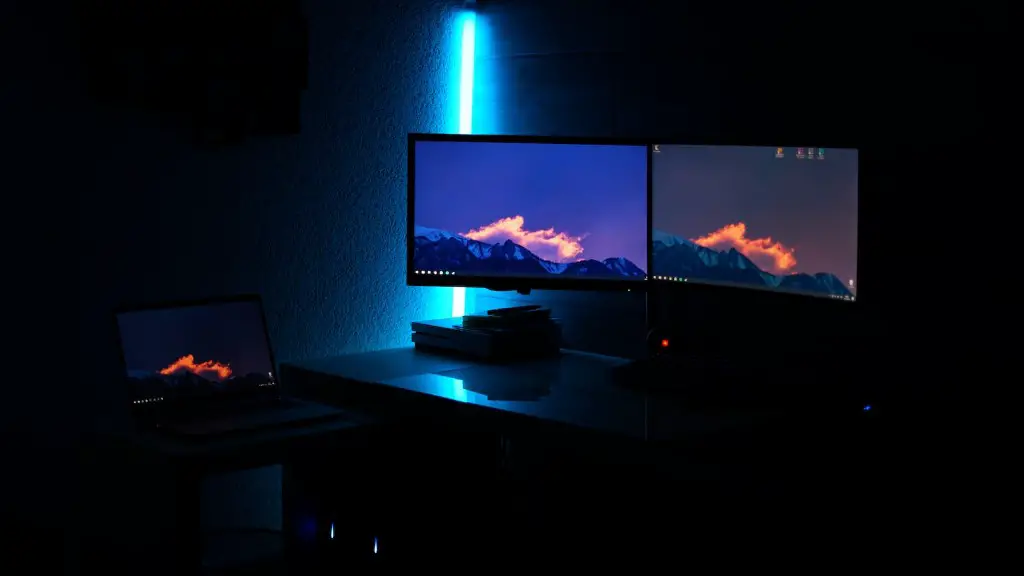
The size of the monitor should also be considered. A larger monitor will give you more screen real estate, allowing you to better appreciate the game you’re playing. Some games even support multiple monitors, so if you can afford it – go for it! A good monitor should also have a high refresh rate of at least 144Hz.
Finally, the size and type of your gaming case should be considered. You want to make sure your hardware will fit comfortably and that your case has good airflow to keep everything cool. If you want to customise the lighting and design of your rig, check out one of the many RGB-enabled cases on the market.
Motherboard Criteria For Gaming PCs
Finding the right motherboard for gaming PCs is also essential. In addition to providing the foundations for your PC, a good gaming motherboard can allow for more upgradability, support for faster RAM speeds, and even better power delivery which is great if you’re running multiple GPUs. Look out for features such as more PCIe lanes, more USB ports, and support for the latest chipset sockets.
In terms of compatibility, make sure the motherboard you select is able to work with the processor and RAM you’ve chosen. If you’re planning on expanding your PC, you may also want to consider a motherboard with more PCIe slots. This will allow you to add components, such as a sound card, or additional graphics cards.
The size of your motherboard may be important to consider too. If you want a large case, go for a larger ATX motherboard. If you prefer a compact build, mini-ITX motherboards could be a great option. For mid-range builds, a micro-ATX motherboard should do the trick.
Finally, you should also make sure you’re getting good value for money. Higher-end motherboards may offer additional features, such as higher quality audio circuitry or support for faster RAM speeds. If you’re an enthusiast gamer, these features could be worth the extra money.
Cooling Criterias For Gaming PCs
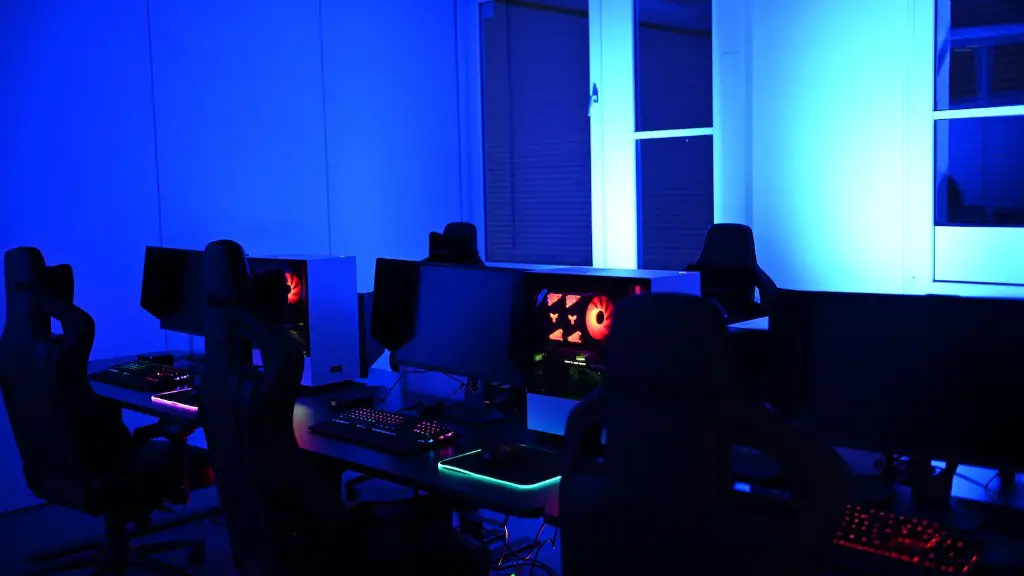
In order to get the most out of your gaming PC, it’s important to keep its components cool. A good cooling system is essential to prevent your hardware from overheating and improving your PC’s overall performance. Here are a few things to consider when shopping for a cooling system.
The most important thing is to make sure the components you’re using are supported by the cooling system you select. For example, most CPUs will come with a bundled cooler, but these units are often inadequate for gaming. Consider a larger, more powerful third-party cooler instead.
Watercooling is a great way to keep temperatures low and allow for higher overclocking. This solution is particularly good for people who want to keep their rigs as quiet as possible, as there’s no need for fans. That said, these setups tend to be more expensive.
For an even more customisable cooling solution, consider getting a custom loop setup. This is a very complex process and should only be undertaken by expert PC builders. The setup will require you to buy special water cooling components, which can be costly.
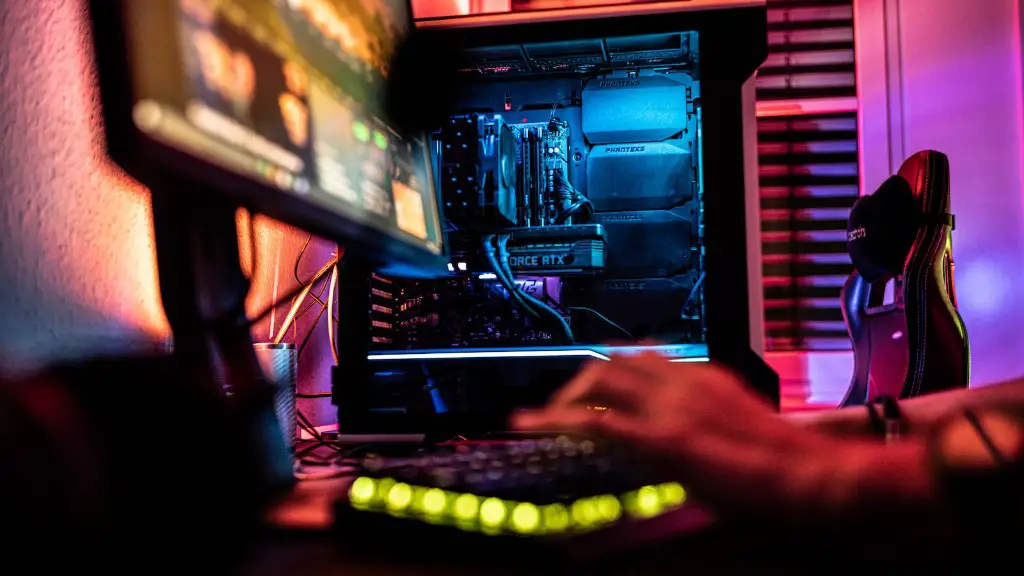
Finally, air cooling solutions are the most budget friendly. If you’re on a limited budget, this may be the best option. While not as powerful as watercooling, air cooling offers decent performance and will keep your temps low.
PSU Criteria For Gaming PCs
Power supplies are an important but often overlooked part of a gaming PC. If you want your gaming hardware to run efficiently, it’s important to ensure you have enough power and the right cables. Here’s what to look for when shopping for a PSU.
First, you need to pick the right wattage rating. In general, mid-range builds require a 750-watt PSU, while high-end builds require 850 to 1,000-watt PSUs. Make sure the unit you pick is reliable and has active power protection. This will ensure your components are safe if there’s a power outage.
Another important factor to consider is the efficiency rating. PSUs usually come in 80 Plus Bronze, Silver, Gold, and Platinum ratings. The higher the rating, the more efficient the unit. Investing in an energy-efficient PSU can save you money in the long run.
Additionally, you need to make sure the PSU can fit in your case. The most popular size for gaming rigs is ATX, but you need to double-check that the PSU is compatible with your case. Also, keep an eye out for cable length – make sure the PSU cables will reach your components.
Finally, you should check for the type of cables it comes with. Some PSUs have modular cables that you can easily remove if you don’t need them, while others come with a fixed set. Modular cables allow you to keep a tidy build and reduce clutter, so they’re worth considering.
Networking Criteria For Gaming PCs
Having a good network connection is essential for gamers. Latency plays a crucial role in competitive games, so it’s important to ensure you pick the right equipment. Here are a few things to consider when choosing a networking setup for your gaming PC.
The most important thing is to choose your router wisely. I recommend getting a dual-band router with at least two antennas for optimal range and coverage. You should also make sure it supports the latest networking standards such as 802.11ac and utilize MU-MIMO technology. This will ensure you’re getting a fast and reliable connection.
For the best gaming performance, a wired connection is your best bet. Investing in Ethernet cables is worth it, as wireless connections can be unreliable due to interference from other wireless devices, like phones and microwaves. If a wired connection isn’t an option, make sure you have a good, interference-free wireless connection.
If you’re playing games with other players, you may want to consider investing in a gaming VPN service. This will not only help protect your privacy, but can also reduce lag and improve your connection to distant game servers.
Finally, make sure your PC’s settings are optimized for gaming. For example, turning on Game Mode in Windows 10 and disabling background apps can help improve network performance. Additionally, limiting your PC’s network usage to gaming activities will ensure you’re getting the best possible connection and ping times.
