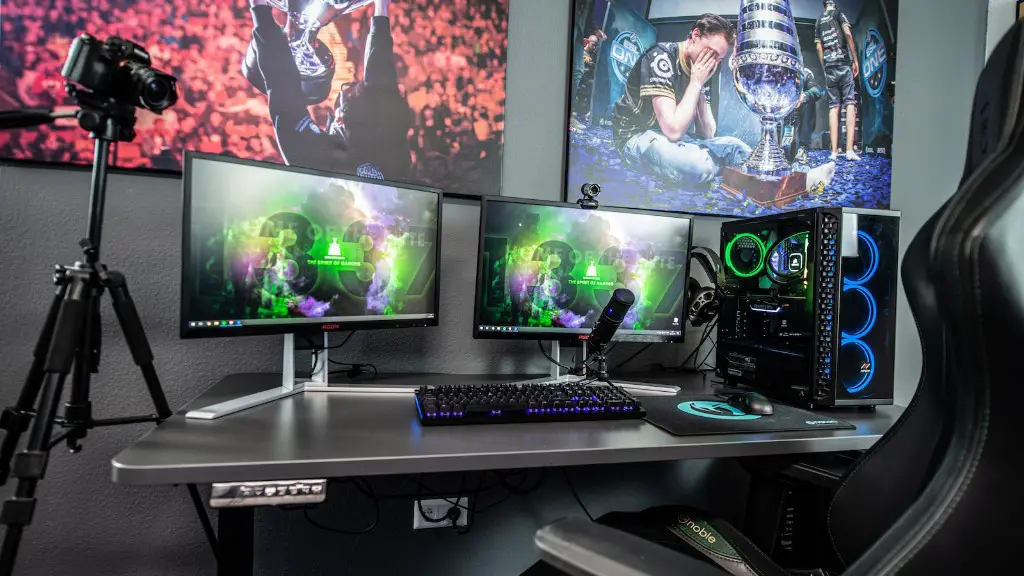
Building an inexpensive gaming PC doesn’t have to be difficult. With the right parts, research and careful purchasing, anyone can put together a capable gaming machine without breaking the bank.
The first step in building an inexpensive gaming PC is planning your build. Determine what kind of games you want to play and how much performance you need. Do some research and look at benchmarks to get a sense of how well different hardware components will perform together. Make a list of components that fit your budget but can still achieve the performance you need.
Once you have an idea of what components you want to use, it’s time to start shopping. Aim to purchase components either on sale or used. In addition to browsing individual online stores such as Amazon and Newegg, look for bundle deals and combination discounts. Buying components in a bundle or as part of a package can save you a considerable amount of money.
After deciding on and purchasing the necessary components, it’s time to actually build the PC. Building your own gaming PC will require some technical knowledge, however there are plenty of resources and tutorials available online that can help guide you through the process if you get stuck. Having tools such as screwdrivers, a parts mat and antistatic wristband on hand can help make the process smoother.
After putting together your PC, the next step is assembling the software. You will need an operating system (OS) to start with. Windows 10 is the most popular OS for gaming, but it will come with a cost. If you’re looking to save money, Linux is a free and open-source option that still has great gaming support. You can also get a free version of Windows 10 from Microsoft with a valid license.
The last step is to install your games and other software. Once you have everything installed and up to date, you’re ready to start gaming. With proper research, good negotiation skills and a bit of technical know-how, building an inexpensive gaming PC is possible.
Budget-Friendly Online Resources
When putting together a gaming PC on a tight budget, it pays to shop around. Many popular e-commerce stores like Amazon, Newegg and B&H offer discounts and package deals that can save you money when building a gaming PC. Keep an eye out for coupons, promo codes, and other seasonal offers that can help you get more bang for your buck.
Another option is to purchase used components. Though warranties may not apply with refurbished parts, you may be able to get a good deal on open-box or used items. Just make sure to check the condition of the components before buying and always purchase from a reputable dealer.
Combining both new and used components can also be a good way to find the best prices. Consider scouring sites such as Craigslist or eBay for bargains. Don’t forget to ask family or friends if they have any components that they’re no longer using. A relative or friend’s used spare parts can be a great way to save.
Lastly, always research a component before you purchase. Read reviews, check benchmark results and get a feel for how well the component will integrate into your build. Relying on research and word of mouth can help you make an informed decision without breaking the bank.
Reviewing the Setup Process
The process of building an inexpensive gaming PC can feel time-consuming and daunting. To help save time, review your planned build beforehand and make sure you have all the necessary tools and parts. As mentioned, having a parts mat and antistatic wristband are especially important.
The actual building process can vary depending on your planned setup. If you plan to purchase a pre-built case and power supply, the build should be fairly straightforward. Otherwise, you may need to spend some extra time configuring the proper steps to fit your custom setup. Make sure to read the instruction manuals that come with your components as they can provide helpful information on compatibility and setup specifics.
Lastly, double–check your component setup and cables to make sure everything is plugged in correctly. This extra step can prevent any potential hardware issues in the future.
Testing Your PC’s Performance
To get the best performance out of your inexpensive gaming PC, it’s important to test its performance prior to playing any games. Thankfully, there are a number of free benchmarking tools available online that can measure your PC’s performance and stability, such as 3DMark and Novabench.
Benchmarking tools provide helpful information, such as framerate, that allow you to make important adjustments as needed. These benchmarking tests also give you a good idea of how well your inexpensive gaming PC will perform under gaming load and provide you with a way to compare its performance against other gaming PCs.
Keep in mind that the hardware components you choose will play a big role in performance, stability and framerate. Having the right combination of components can make a huge difference, so be sure to research your components before you buy.
Choosing the Right Games
While building an inexpensive gaming PC can be a great way to achieve decent gaming performance without breaking the bank, this isn’t the only factor to consider. In addition to focusing on hardware components, it pays to choose the right games to ensure the best games playing experience.
Certain games may be more demanding than others when it comes to gaming performance. To get the best performance with your PC, consider purchasing games that are optimized for low-end gaming rigs. You can also look for games that do not require too many hardware components and look at the minimum system requirements to get an idea of what your PC can handle.
Make sure to take advantage of sales and bundle deals when looking for games. Steam, GOG, and Epic all have their own seasonal sales where you can find great deals on games, so keep an eye out.
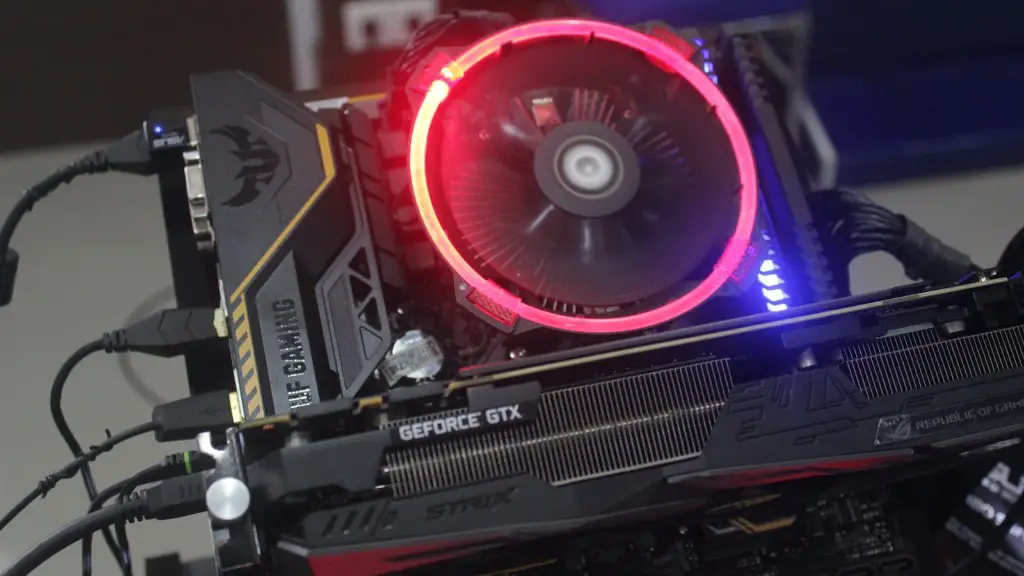
By purchasing games that are well-optimized and taking advantage of sales and bundle deals, you can get the most out of your inexpensive gaming PC, without sacrificing the performance you need to enjoy your games.
