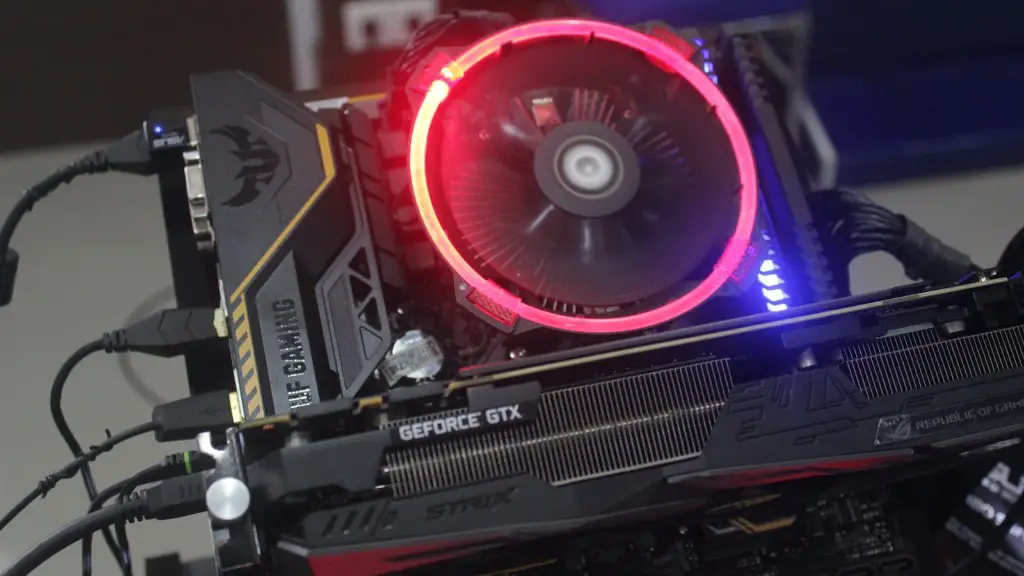
Building a portable gaming PC doesn’t have to be complicated. With the right components and setup, you can build a truly powerful machine that can handle your favorite modern games. Here’s a step-by-step guide on how to do it.
Firstly, choose the right size of case and know what parts to buy. Smaller cases will make your computer more portable, but larger cases may have better cooling. Choose parts that are compatible with your desired form factor and make sure that the parts you buy can fit inside the case you have chosen.
Next, consider what type of ports your gaming computer will need. Some parts are made specifically for gaming and may come with limited connectivity options. For example, some low-end graphics cards may only have a single HDMI port, so make sure you consider other potential connections such as DisplayPort adapter cables and USBs for controllers.
Thirdly, decide how many graphics cards you need. A single graphics card may be enough for some games, but you’ll need multiple ones if you wish to get the most out of your gaming experience. Make sure your motherboard supports SLI or Crossfire, as this will enable you to link multiple cards together and squeeze more performance out of them.
Fourthly, consider your power supply unit (PSU). You’ll need a powerful PSU to power your components, as there’s no room to fit multiple power cables inside a small form factor. Choose a PSU with a wattage rating that is appropriate for your chosen components and find one that is the correct size for your case.
Fifthly, decide what type of cooling you need. Smaller cases won’t have room for extra fans, so you have to choose the right case fans that can still keep your components cool. Consider liquid cooling if you have space or if you want to make your PC even more portable, as it can be quite efficient.
Lastly, you will need to choose the right operating system (OS). Windows 10 or Linux based distros are the most popular choices, but you can also install the SteamOS if you want to play games directly from the Steam store. Whatever you choose, make sure you have an installation disk for the OS and that you have the correct license.
Case & Components
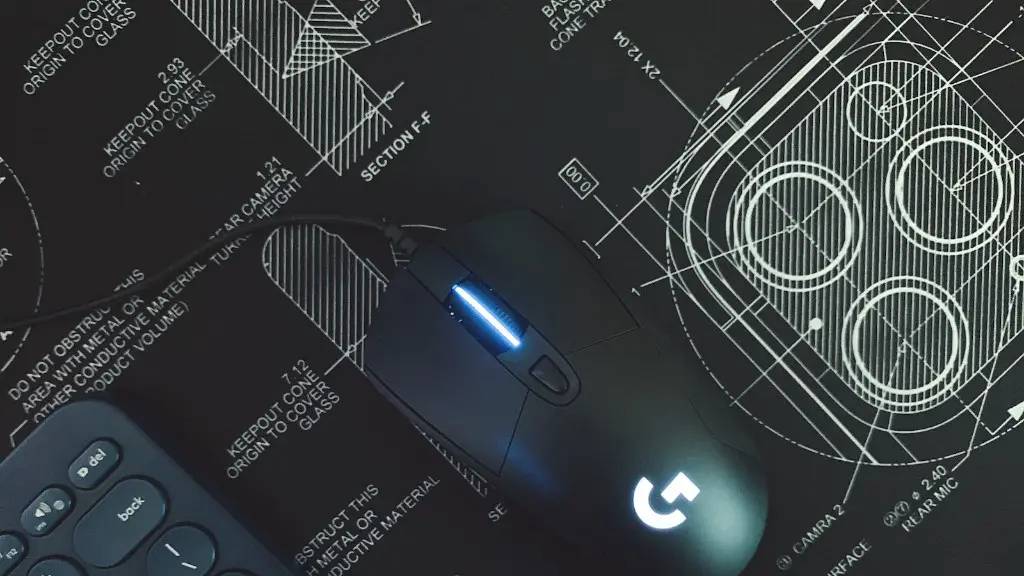
Choosing the right case and components is essential for pulling off a successful build. Your case should be small and lightweight enough for portability, but it also needs to fit all the parts you need to run your gaming PC. This is especially important if you want to install a high-end graphics card or multiple GPUs. Also, take into account the ports that the parts you are going to buy need to connect up together. HDMI, DisplayPort, and USB ports are the most common ports you’ll need when building a gaming PC.
Components must be compatible with the form factor and layout of your case and should be powerful enough to handle the games you play. Make sure to purchase high-quality parts that can work together in harmony – this means avoiding cheaper parts if they won’t be able to handle the games you play. It’s also important to consider the power requirements of each component and buy the right amount of wattage in the PSU.
Cooling Requirements
Smaller cases usually come with limited airflow, so it’s important to choose the right cooling system. A heat sink can be used to keep your processor cool, but for more intensive gaming it’s best to opt for a liquid cooling system. Installing a liquid cooling loop inside a small form factor can be a tricky task, so make sure you do your research or ask a professional to do it if you’re not confident in your abilities.
On the other hand, if you don’t want to install a liquid cooling system, there are other options to consider such as air-cooled cases. These types of cases usually come with additional fans that can keep your components cool even during more intensive gaming sessions. To make sure your computer won’t overheat, consider buying an additional case fan to add more cooling potential.
Optimizing Performance
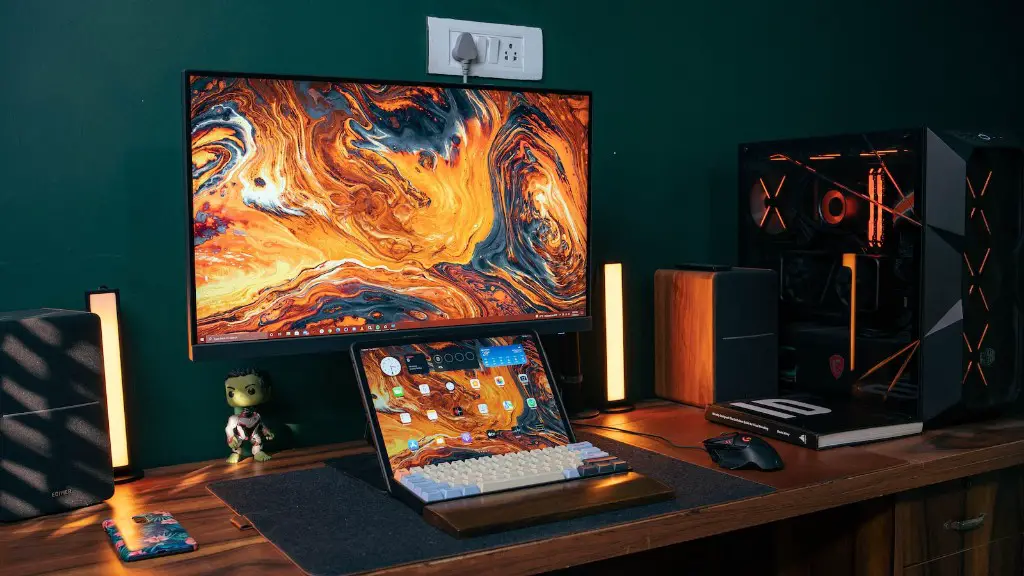
When building a gaming PC, it’s important to take into account the optimizations that can help you squeeze out the best performance from your machine. This is especially important for portable gaming PCs as they usually have limited resources to work with. To make sure your gaming PC runs smoothly, consider disabling any unnecessary applications that are running in the background, as well as uninstalling any unnecessary programs you don’t need.
Another way to optimize your gaming PC’s performance is to ensure that components like the graphics card, processor, and RAM are running at their maximum potential. You can do this with software such as MSI Afterburner, which can help you overclock your components and optimize settings like fan curve and voltage.
Software Requirements
Choosing the right operating system is important for portable gaming PCs. For example, Windows 10 is the most popular OS because of its wide compatibility and support for most games. However, if you want to play games from Steam, you may want to install the SteamOS, and for Linux support, you can install a Linux based distro such as Ubuntu.
In addition to the OS, a gaming PC needs the right additional software to make it fully functional. If you’re building a high-end gaming PC, you may want to consider tools such as MSI Gaming Boost, which can overclock your components, optimize settings and improve your gaming performance.
Storage Setup
To be able to run games, your portable gaming PC will require storage. A good storage setup should include an SSD for your operating system, plus a couple of extra storage drives such as an HDD or even an NVME drive.
Overall, it’s important to choose the right size and type of storage for your setup. This means taking into account the type of games you’ll be playing, how much space they require, and whether you need to store additional games and programs such as editing software.
Final Touches
Finally, it’s important to ensure you have the right accessories to make your portable gaming PC fully portable. This includes a laptop bag or carrying case, along with a power adapter if you’re planning on taking your gaming PC on the go. You may also want to invest in a gaming mouse and keyboard so that you can be comfortable during long gaming sessions.
Also, make sure that your PC is clean and dust-free before you take it with you. Use a can of compressed air to get rid of any dust and dirt that may have accumulated inside your PC and make sure the fans are spinning freely.
