Building a gaming PC doesn’t have to be complicated or expensive. With just a few components and tools, you can put together a powerful gaming computer in no time. Here’s how you do it. First, choose a computer case. It should be large enough to fit the motherboard and all other components, such as the CPU and GPU. Next, select the best CPU for your budget and gaming needs. Opt for an Intel processor if you want the best performance, or for an AMD processor for the widest selection of compatible parts. Third, pick a suitable GPU for your gaming PC. It should have sufficient performance for the type of games you want to play. Lastly, you’ll need to invest in some RAM, as well as a power supply unit and an operating system.
Choosing a Motherboard
The next step in building your gaming personal computer is to choose a motherboard. This component is responsible for connecting all the components and allowing them to work together. It should have enough RAM and memory slots, as well as plenty of USB ports, HDMI and DisplayPort connectors, and so on. Make sure that your motherboard is compatible with your CPU and GPU, otherwise, you won’t be able to use them. Finally, make sure that your motherboard has enough PCI-E slots for additional components and peripherals, such as a Wi-Fi card, sound card, and any other expansion cards.
Installing the components
Now that you have all the components, it’s time to put them together. Start by laying the components out in your computer case and fitting them into position. This includes the motherboard, CPU, GPU, RAM, power supply unit, and any additional cards. When done, connect the power supply to the motherboard and then to the AC power outlet. You can also attach the GPU to the PCI-E slot and plug it into the power supply for additional power.
Adding the Storage Devices
Storage devices are the components responsible for holding all your data, including games and programs. You have a few options here, such as an optical drive, an HDD, an NVMe SSD, and an M.2 SSD. For gaming, it’s best to get a large HDD and an NVMe SSD, both of which you can attach to your motherboard. Once you’ve connected them, you can install your OS and begin downloading and installing games.
Connecting Your Peripherals
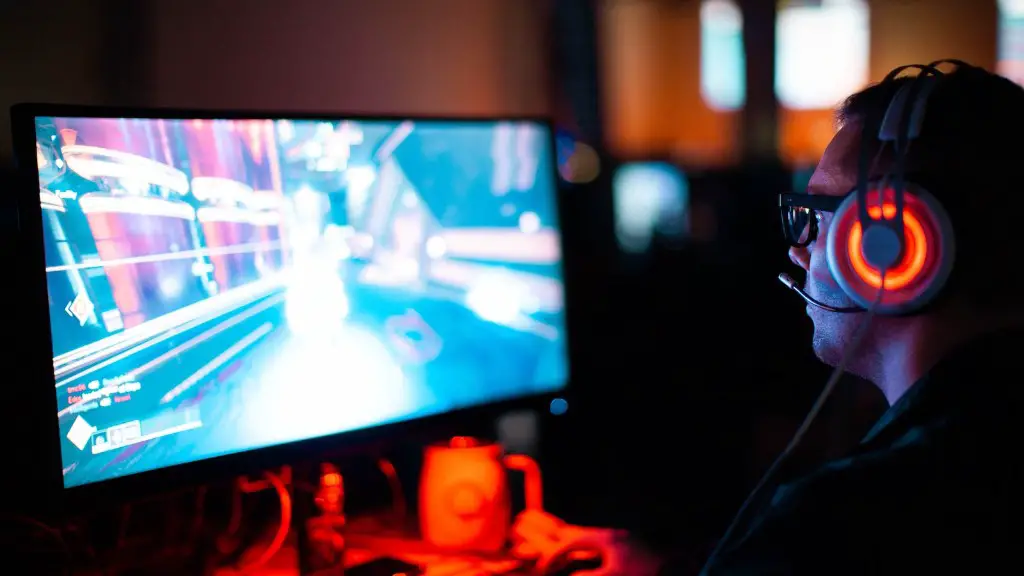
After installing the components and the storage devices, you just need to connect your peripherals. This includes a monitor, mouse, keyboard, headset, and any other gaming accessories. Simply plug them into the appropriate ports and you’ll be ready to go. You may also want to add some cooling fans or a liquid cooling setup to your gaming PC, especially if you plan on overclocking it.
Testing and Optimizing
Before you can start gaming, you need to make sure that your gaming PC is performing as expected. This involves running benchmarks and tests to evaluate its performance. If you’re not satisfied with the results, you can also implement some optimizations to improve the performance of your gaming PC. This includes tweaking the BIOS settings, overclocking the CPU and GPU, and turning on high-performance power settings.
Upgrading Your Gaming PC
Finally, it’s important to remember that building a gaming PC isn’t a one-time process. You can always upgrade it over time with better components, such as a new CPU, GPU, or RAM. This will allow you to keep up with the latest games and push your gaming PC to the limits. Additionally, it’s important to keep your gaming PC clean and dust-free, as dirt build-up can lead to overheating and performance issues.
Getting the Best Components
When shopping for components, it’s important to get the best quality parts you can afford. Your gaming performance will depend on the components, so don’t do any skimping. Look for components that are designed specifically for gaming and are compatible with your other parts. Additionally, make sure that the components you buy come with warranties or guarantees, so that you can get a replacement in case anything goes wrong. This will give you the peace of mind that your gaming PC is built with the best possible components.
Where to Buy Components
You can buy computer components at most electronics stores or online. But if you want to get the best deals, shop around for the cheapest prices. Some online retailers even offer discounts for first-time buyers. Additionally, it may be worth considering second-hand components, especially if you can find them at affordable prices and from reliable sources.
Putting Everything Together
Once you have all the components, it’s time to start assembling your gaming PC. Follow the manufacturer’s instructions and be extremely careful when handling the components. Make sure all cables are connected correctly, and check for any loose parts. When everything is wired up, plug in the AC power cord, turn on the switch, and boot your gaming PC. If all goes well, you should be able to start gaming in no time.
