
Are you looking to purchase your first gaming PC? Perhaps you’re trying to find a good deal on a used gaming PC that you can purchase for a fraction of its original cost? If so, then there are several things you should check before you make a decision. This article will provide you with some useful tips to help you make sure you purchase a quality used gaming PC.
Firstly, check the health of the hardware. Make sure all the components are working properly and have no signs of wear and tear. Inspect the case for any signs of cosmetic damage and make sure all of the cables are securely attached. If the hardware looks alright, it’s time to move on to the next step.
Next, check the graphics card. This is arguably one of the most important components of a gaming PC. You should also check that the graphics card is compatible with the game you want to play, and make sure it has enough memory to handle the game. Finally, make sure it can handle the resolution and refresh rate of your monitor.
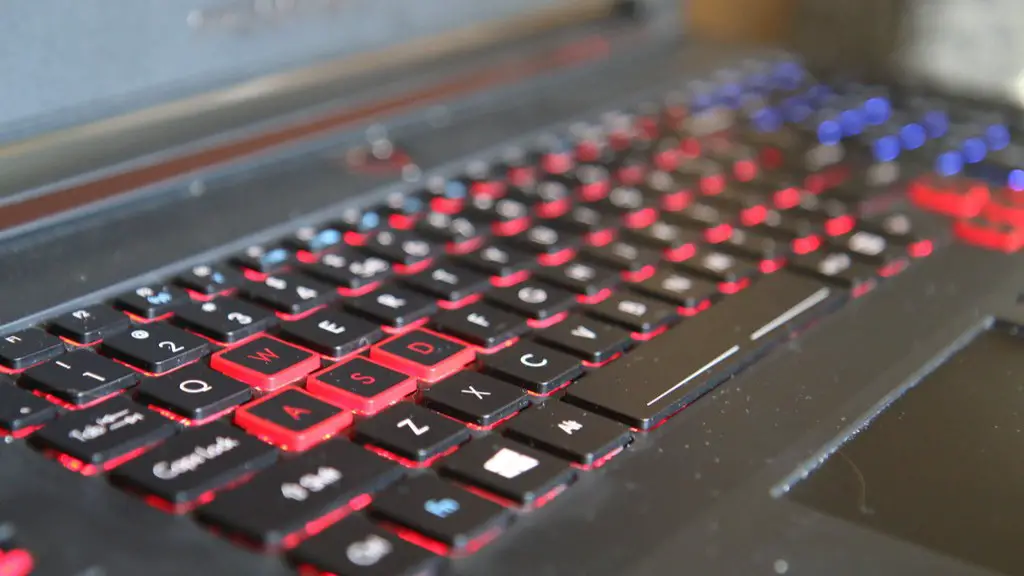
Thirdly, inspect the processor. Look for any signs of overclock, as well as the speed of the processor. In general, you should opt for a faster processor if you plan on running modern games, as lower-end processors can experience performance drops due to the increased visual demand.
Fourthly, check the amount of RAM. 4GB of RAM is the minimum for gaming these days, with 8GB being the recommended amount. Make sure it has enough RAM for the games you plan to play, as this will greatly influence how well the games run.
Fifthly, ensure that the motherboard is in good condition. Check for any signs of damage or corrosion, as this could lead to performance drops or system crashes. Also, make sure it is compatible with the components of the PC, such as the processor and graphics card.
Finally, check the hard drive. Make sure it has enough space to install the games you plan to play, and that it has a high read/write speed. Hard drives with a faster speed will be better able to process data, thus increasing game performance.
Battery Life
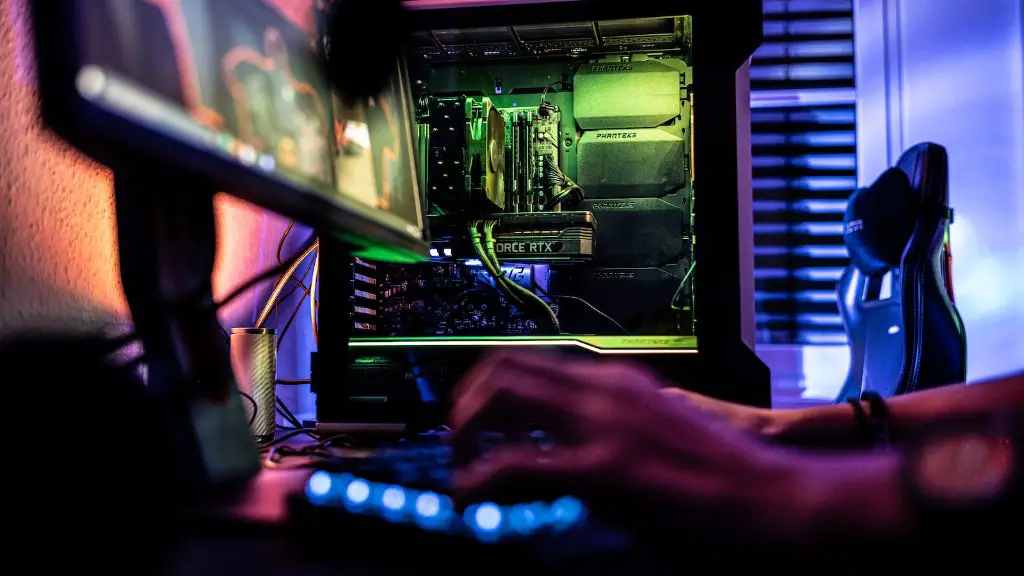
When it comes to gaming laptops, battery life is a very important consideration. Gaming PCs require a lot of power and if you plan on using them on the go, you should be sure to check the battery life before you purchase it. Also, make sure the battery is not damaged or corroded – if it is, you may need to replace it.
Most gaming laptops come with two batteries and it is important to check both of them. Make sure all of the components are in good working order and check to see if the battery can hold a charge for an extended period of time. You should also look for any signs of damage or corrosion.
Finally, check the manufacturer’s warranty. Many manufacturers offer warranties on their gaming laptops, so check to see if the used laptop you’re considering is still covered by the warranty. This can mean great savings in both money and headache if the laptop breaks down shortly after purchase.
Cooling System
Additionally, you should check the cooling system of a used gaming PC you’re considering. Gaming PCs generate a lot of heat, and it’s important to have a proper cooling system installed to keep the system from overheating. If possible, check the fans to make sure they’re in good condition and not clogged with dust.
Also, check the thermal paste. The thermal paste should be applied correctly, as improper application will lead to decreased cooling performance. You should also make sure the air vents are not blocked and that the system has enough air circulation.
Finally, check for any software malfunctions or errors. Check the event logs for error messages and make sure the system is functioning properly. If there are any software issues, you can either troubleshoot the problem or restore the system to its original settings.
Operating System
Another important factor to consider when buying a used gaming PC is the operating system. Most gaming PCs come pre-installed with either Windows or Linux, but the two systems have different requirements. Make sure the operating system is compatible with your games and that it has all of the features you need.
Also, check that the drivers are up to date and that any security patches have been applied. This is especially important on older gaming PCs as outdated drivers can lead to decreased game performance and even game crashes.
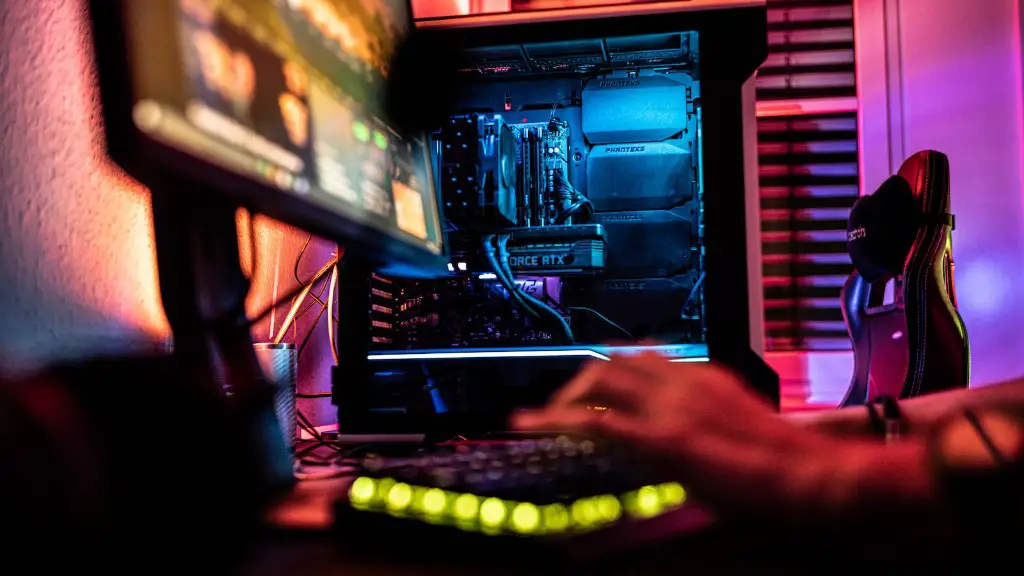
Additionally, check the version of the operating system, as newer versions may be more stable or provide better performance. Moreover, make sure the system is legal and that you have the original installation media.
Peripherals
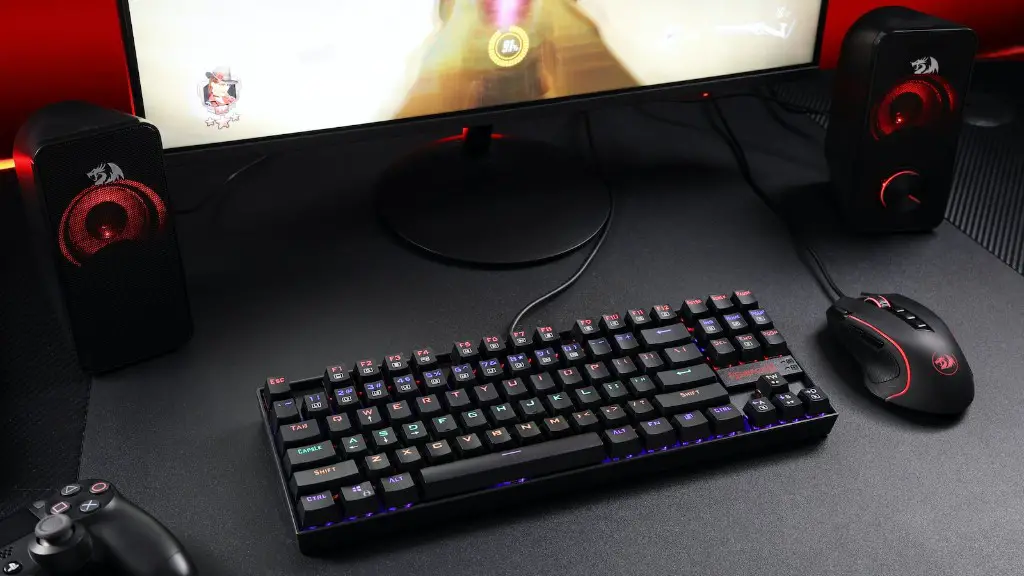
Finally, you should also check the peripherals that come with the gaming PC. This includes the mice, keyboards, monitors, and other pieces of hardware. Make sure all the pieces are in good condition and that there are no signs of wear and tear.
Also, check the drivers for these peripherals. Outdated drivers can lead to reduced performance and strange behavior. If you can, try out the peripherals before you make a purchase to make sure they feel comfortable.
Finally, if you are satisfied with the state of the peripherals, check the manufacturer’s website to ensure all the drivers are up to date. This is especially important if you need to use the peripherals for gaming.
