Building a budget gaming PC isn’t necessarily the easiest task. But it is possible, and once you figure out the components you need and the best way to put it all together, you’ll be well on your way to gaming heaven. Here’s a step-by-step guide on how to build a budget gaming PC in 2020.
First, determine what type of gaming PC you want, which will depend on the type of games you want to play. Do you want to play PC games with 3D graphics, or do you just want to play low-end games? If you plan on playing 3D games, you’ll need to choose a mid-to-high end graphics card and processor, whereas if you only plan on playing low-end games, you can get away with a budget-friendly GPU and CPU.
The next step is to decide on a motherboard. A good motherboard is essential for a good gaming PC. Look for one that offers the latest technologies, such as the latest Intel or AMD processor and USB 3.0 ports.
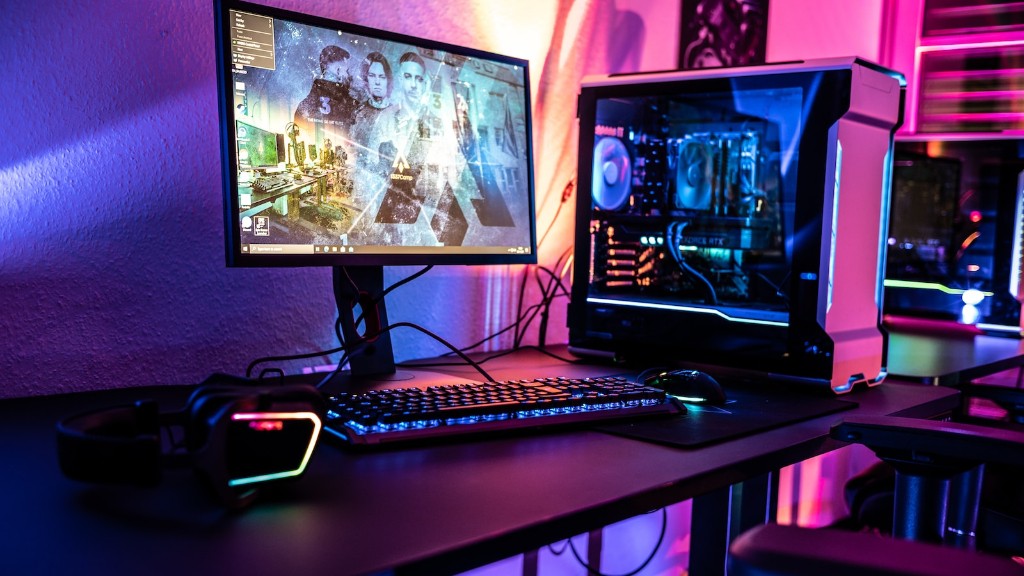
Then, you’ll need to choose a case for your PC. The case should be of a size that will fit all of your components, as well as offering adequate ventilation. It’s best to go for a case that has good air flow, as your gaming PC will get quite hot at times. You’ll also want to ensure that the case is sturdy enough to keep your precious components safe from any bumps or knocks.
The next step is to choose your RAM. For budget gaming PCs, budget RAM is a great option. You can get away with 4GB or 6GB of RAM in most cases, which should be enough to play the latest games. However, if you are really serious about your gaming, it’s best to opt for 8GB or even 16GB.
Now, you’ll need to select your processor. If you’re building a budget gaming PC, you should opt for an Intel or AMD processor. You can get a high-end Intel or AMD processor for around $150-$200, which should be more than enough to run the latest games. Just make sure that your motherboard is compatible with your chosen processor.
The last step is to select a graphics card. Your graphics card is what will determine how well your games will run. If you want to play the latest games, you’ll need to invest in a good graphics card. Your best bet is to go with a mid-range graphics card, such as an NVIDIA GeForce GTX 1060 or an AMD Radeon RX 570, which should handle most modern games with ease.
Types of Budget Gaming PCs
Budget gaming PCs come in all shapes and sizes, and there are different types of PCs that are best suited to different types of gamers. Here are some of the most popular types of budget gaming PCs:
The entry-level gaming PC is perfect for those who are just getting started with gaming. These PCs are usually powered by Intel or AMD processors and generally contain budget RAM and graphics cards. They will be able to run the latest games on low or medium settings.
Mid-range gaming PCs are for those who want to step up their game and will be able to run most modern titles on high settings. These PCs can be powered by Intel or AMD processors, and usually come with more RAM and higher-end graphics cards.
High-end gaming PCs are for those serious about their gaming and want the best of the best. These PCs usually contain Intel or AMD processors, lots of RAM, and the latest graphics cards. They are usually the most expensive type of gaming PC, as they contain the best components.
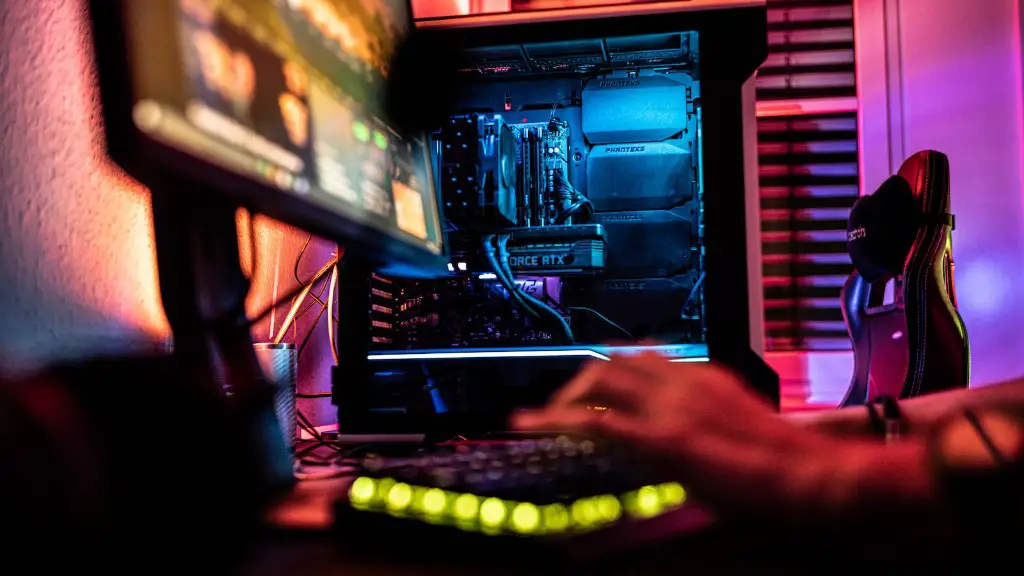
Lastly, there are also custom gaming PCs, which are PCs that have been custom-built to fit the user’s exact needs and specifications. This is a great option for those who have a specific build in mind and don’t want to settle for anything less.
Components to Consider
When it comes to building a budget gaming PC, there are several types of components that you need to consider. The most important components are the processor, graphics card, RAM, and HDD (hard disk drive). Here are some of the components to consider when building a budget gaming PC:
The processor is arguably the most important component of any gaming PC. The performance of your PC will largely depend on your chosen processor, so make sure to choose one that fits your budget. Intel and AMD processors are both good options for budget gaming PCs.
The graphics card is the other most important component for a gaming PC. Graphics cards come in all shapes and sizes, so make sure to choose one that fits your budget and games of choice. NVIDIA’s GeForce GTX 1060 and AMD’s Radeon RX 570 are both good choices for budget gaming PCs.
RAM is another important part of any gaming PC, and budget RAM is easily available. 8GB or 16GB of RAM should be enough to handle most modern games, so make sure to get enough to run the games you plan on playing.
Storage is another important part of any gaming PC, and hard disk drives are the most popular choice for budget gaming PCs. Look for an HDD with at least 1TB of storage, as this should be enough for most modern games.
Other components to consider include the motherboard and case, which house the other components. Make sure to check whether your chosen components are compatible with each other and choose a case that offers enough space and adequate ventilation.
Putting It All Together
Now that you have all the components needed to build your budget gaming PC, it’s time to put it all together. This process can be daunting, but there are several resources available to help you out. If you’re feeling really confident, there are plenty of tutorials available on YouTube or Reddit.
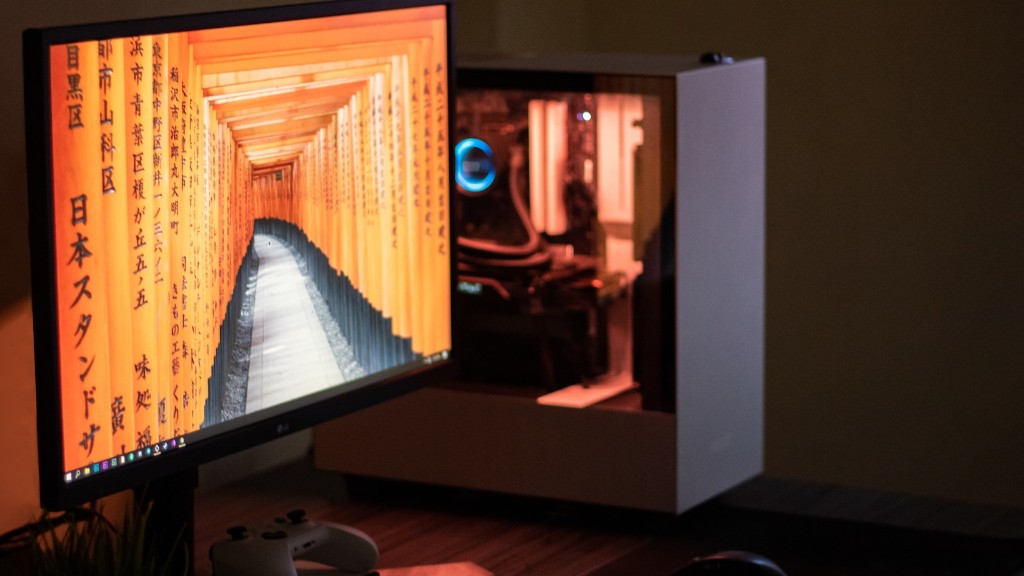
If you don’t feel like you have the knowledge or expertise to put it together, then it’s best to take it to a local PC shop. They will be able to put your PC together for you, as well as give you some advice on what components are best for your budget.
Before you begin, make sure you have all the necessary tools and components. You’ll need certain screws and connectors to put your PC together, and make sure to use the correct screwdriver so you don’t damage any of the components.
Start by connecting the motherboard to the case. Take your time here and make sure to get the connectors in the correct slots, as this is the most important part of the entire process. Then, you can begin connecting the other components, such as the processor, RAM, graphics card, and storage.
When you’re done, make sure to double-check all the components and cables, and make sure they’re secure. Then, make sure your PC is connected to the power source, and you’re ready to turn it on. And that’s it—your budget gaming PC is ready to go.
Tips for Choosing Components
When it comes to building a budget gaming PC, there are a few tips and tricks you should keep in mind. First, you should always try to get the best components for the least amount of money—for example, it’s usually better to invest more in the processor and graphics card, and settle for cheaper options for the other components.
It’s also a good idea to look for deals, as companies often have sales on certain components. However, make sure to read reviews before you buy anything, as companies may be trying to push old or faulty components. It’s always better to spend a little extra to get the best components.
It’s also a good idea to find out more about the different components before you buy them. Read reviews, watch videos, and ask around—it’s always better to be informed before you buy a component.
Finally, make sure to measure the dimensions of your case before you buy any components, as some components might be too large for the case. Also, make sure to check for compatibility between the components, as some components might not be compatible with each other.
Final Advice
Building a budget gaming PC isn’t easy, but once you put the effort in, you’ll be rewarded with a great gaming experience. Just remember to do your research and select components that fit your budget and your needs. With enough experience, you can upgrade your PC or even build a custom PC that suits your exact gaming needs.
Good luck, and happy gaming!
