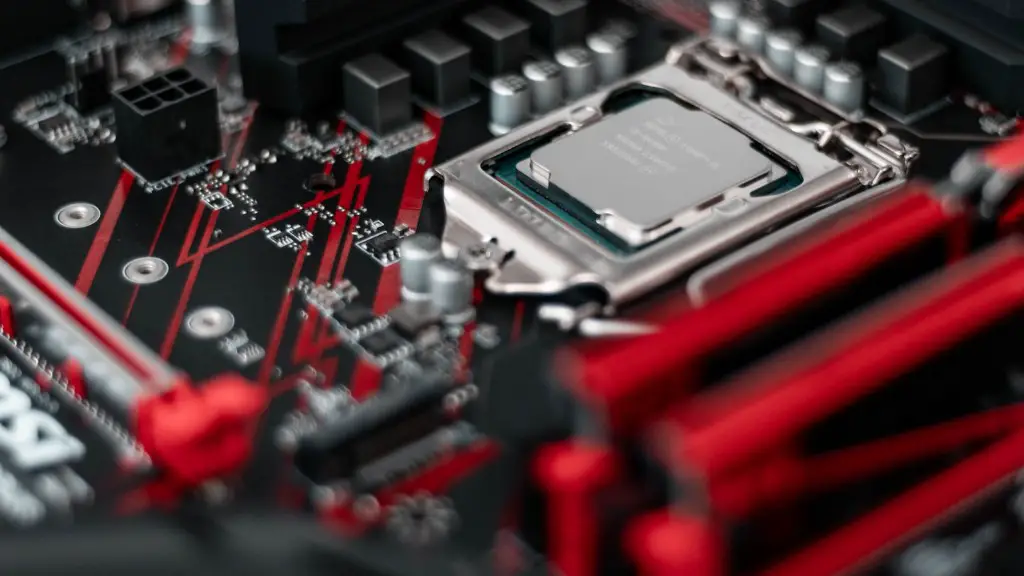
Constructing a gaming PC involves understanding the basics of building and maintaining a computer as well as having the appropriate hardware and software. To build a gaming PC, it takes knowledge of technological components, an understanding of the mechanics involved in putting it all together, and the patience to troubleshoot and adjust the system if needed. Here is what it takes to build a gaming PC.
First up, selecting the right hardware is critical. Decide on a CPU, motherboard, graphics card, RAM, storage, cooling system, power supply and case. Motherboard, processor, and RAM are the main core components and need to be chosen and then paired with the rest of the components to ensure they are all compatible. Then, GPUs, usually the most expensive part, and storage, preferably an SSD, need to be chosen.
Next, it’s time to install the components. Installing the motherboard, CPU and RAM is simple, but be careful to ensure all components are compatible and free from static electricity. Depending on the case, laying out hard drive, GPU and other components within the case may require some troubleshooting. All the components must be plugged into the correct slots and cables to ensure that power is going to where it needs to go.
After putting all the hardware together, the next step is installing the operating system. This usually involves creating a partition and then installing the OS. Once the OS is installed, the necessary drivers and software must be installed to ensure all components are working correctly. This includes the graphics card, sound card, and other software like an anti- virus to protect the computer.
Finally, properly stress testing the gaming PC must be carried out. Running some game benchmarks is a good way to find out the PC runs as expected and check for any possible performance issues. The testing results can be compared to the hardware system specs to see if the computer is running up to expectations, or if software and hardware tweaks are necessary to optimize performance.
Data Storage and Backup Solutions
Data accessible, durability and security are some of the prime concerns while storing data on a gaming PC, which must be taken into account when deciding upon storage and backup solutions. Internal storage using SSDs and hard drives provide excellent data accessibility, whereas external storage through NAS, external hard drives and cloud backup solutions offer better data safety and durability. With the rise of cyber-attacks, it is important to opt for the best backup solutions depending on the type of data stored, such as using redundant storage methods or RAID configurations.
Another important aspect of gaming PCs is cooling. Heat is necessary for the proper functioning of a gaming PC but must also be properly managed so as to avoid overheating. The optimal temperature for keeping a gaming PC running smoothly is between 28 and 32 C, depending on the exact setup. High-end air and liquid cooling solutions provide the best performance and stability, however, a mid-range air cooler should be enough for most standard gaming PCs.
The choice of a case is also quite important for proper airflow and dust management. The size of the case is mostly determined by the size of the motherboard, but it is important to pick a case that is robust and well designed with excellent ventilation. Examples of good cases include mid-tower ATX or micro-ATX cases with good build quality.
Solid power delivery is necessary to ensure that all components get the juice they need when gaming and running heavy software. As such, it is important to have a power supply that has enough wattage and is certified for the respective components. Power supply protection and Super Flower Leadex series of PSUs provide great durability and reliable power.
Aesthetics and Lighting Solutions
Cupping the last yet critical aspect of gaming PCs is choosing the right lighting and aesthetics solutions. Most cases come with some degree of decorative and temperature controlled lighting, although it is possible to add more of either in order to get the right look and feel. RGB lighting kits provide some flexibility when it comes to customizing the look of your gaming PC, but be sure to purchase the right kit in order to avoid compatibility issues.
External RGB controllers are also great tools to control the color of the LEDs and fans in a gaming PC. Additionally, custom-made re-lighting kits can be purchased online to give a more tasteful look to the PC. Another option is the inclusion of “gaming” aesthetics such as decals and vinyls, these give offers some great customizations and personalization.
Finally, fan filters are also a great investment for gaming PCs. Fan filters not only offer extra screening from dust but also make the PC a lot quieter, especially if the setup includes large and powerful fans. The fan filters also add to the overall look of the PC by helping it blend in with its surroundings.
Upgrades and Maintenance
Another important aspect of a successful gaming PC setup is making sure it can perform when it is needed, and that comes down to upgrades and maintenance. It is important to make sure the gaming PC is up to date with the latest hardware, drivers and software in order to keep up with current best practices. The latest hardware can often help with performance and stability, while drivers and software can help with resource optimization.
When it comes to maintenance, things like dusting and cleaning can improve performance as well as reduce the overall noise of the PC. Fan filters, as mentioned above, are highly recommended as they help keep dust at bay. Additionally, regular checks for any loose cables or connections are also important for reducing chances of issues.
Lastly, and often not considered, is the upgradability of the gaming PC. With technology and hardware continually evolving, it is important to make sure that a gaming PC can be upgraded with the latest hardware and that the motherboard can handle additional components. Choosing a motherboard that supports the latest CPU generations and tech with compatible upgrades is the way to go.
Peripherals and Accessories
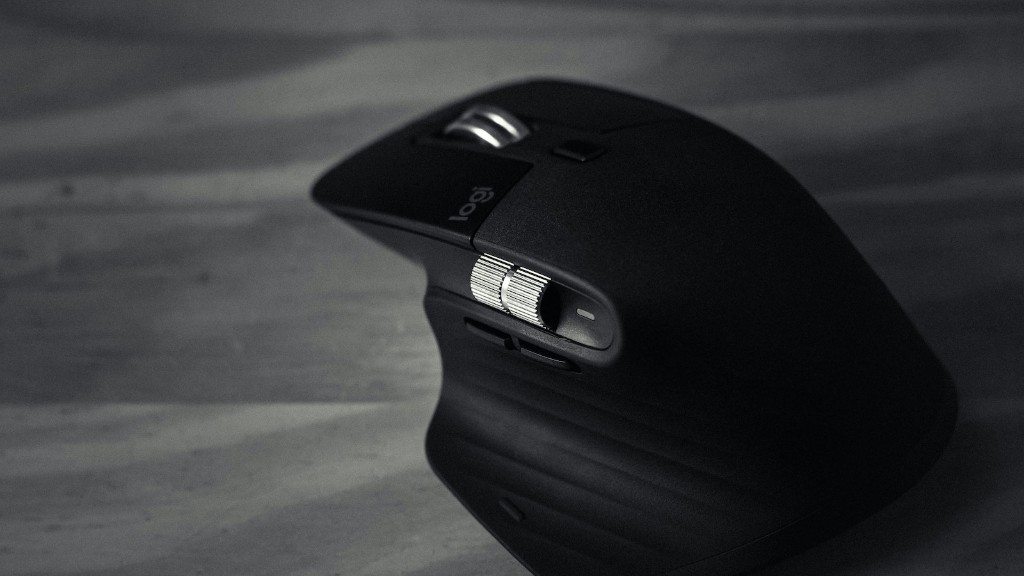
The last type of components to consider for a gaming PC are the various peripherals and accessories, such as keyboards, mice, controllers and gaming headsets. These types of accessories can greatly enhance and improve the gaming experience, as depending on the game, specific peripherals and accessories may be needed. For example, if the game is a first-person shooter, a gaming mouse may be essential for precision aiming and a gaming headset is a must for some immersive sound.
Other peripherals to look out for include a gaming controller if the game does not support a mouse and keyboard, and a monitor for displaying visuals. When selecting a monitor, it is important to choose the right panel type, resolution, size and refresh rate to get the most out of gaming experience. All these will depend on the budget, as prices vary greatly.
Apart from the hardware components, it is also important to consider the software side of gaming. Online systems such as Steam, Origin, Uplay and others provide access to digital games, while launchers such as GOG Galaxy or NVIDIA’s GeForce Now are great tools for organizing games, especially if they are installed on multiple platforms.
Finally, gaming PCs also require some level of monitoring in order to ensure that all hardware is running as expected, and that’s where third-party software solutions come into play. These solutions provide a helpful overview of hardware temperatures, components utilization and other information related to the overall PC performance.
