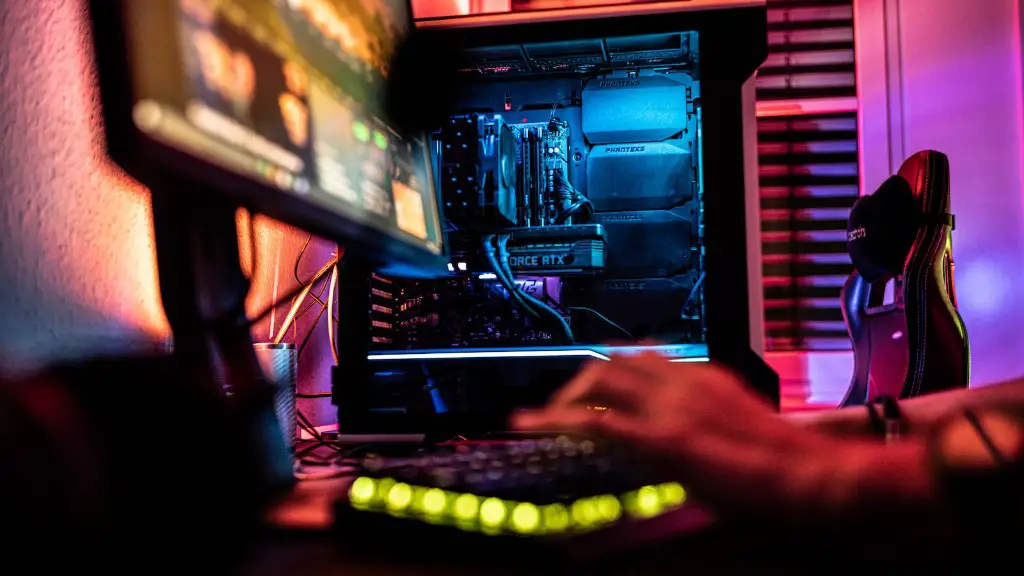
When it comes to gaming PCs, there are many different components that need to be taken into consideration. For example, deciding on the best processor, graphics card, and RAM will determine the level of performance you’ll get from your system. Fortunately, there are a few basic components that all gaming PCs should have, regardless of your budget or gaming goals.
The first item you’ll need to buy for your gaming PC is a high-end GPU. Having a powerful graphics card will make all the difference when it comes to playing games at higher resolutions and frame rates. Some of the best GPUs on the market today include the Nvidia RTX 3090 and RTX 3080. Both cards offer excellent performance, though the RTX 3090 is the more powerful of the two.
You’ll also need a good processor. Ryzen 5000 and Intel 11th gen processors are currently among the best-performing CPUs. The Ryzen 9 5900X and Intel Core i7-11700K offer the highest performance. Whichever processor you choose, make sure you have a compatible motherboard.
You’ll also need plenty of RAM. 8GB is the minimum amount of RAM recommended for gaming, but 16GB is ideal. If you plan on playing games that feature a lot of detail or run in 4K resolution, you may want to opt for 32GB. Make sure you find compatible RAM for your motherboard.
Next, you need to buy a reliable storage drive. Solid-state drives offer the highest level of performance and are ideal for gaming. Both SATA SSDs and NVMe SSDs offer great performance, but NVMe SSDs are generally faster. However, if you plan on storing a lot of games, then you may want to invest in two SATA SSDs and one or two hard drives.
A quality power supply must also be included in your gaming set-up. Only buy a PSU from a reputable brand, such as Corsair, Cooler Master, or EVGA. Most gaming PCs require at least 750W, but if you plan on adding more components to your system, then invest in an 850W or 1000W power supply.
Finally, you’ll need a good computer case. Mid-tower cases are the most popular choice for gaming PCs and offer plenty of space for components. Some cases also feature additional features such as RGB lighting or cable management, which can improve the overall look of your gaming PC.
What Motherboard Should I Buy?

Choosing the right motherboard is essential in order to ensure you get the best possible performance out of your system. It’s important to consider your requirements and budget when selecting a motherboard. Your motherboard needs to be compatible with your processor, GPU, RAM, and any other components you may have.
The latest Intel 11th and AMD 5000 series CPUs are only compatible with the latest socket designs. If you plan on buying one of these processors, then you’ll need to opt for the newest LGA 1200 Intel or the AM4 socket for AMD.
You also need to make sure your motherboard has enough PCIe slots to accommodate your GPU. Most gaming PCs require at least three of these slots; two are required for most graphics cards, and one for an additional storage solution (NVMe or SATA).
Finally, you’ll want to make sure your motherboard has the features and ports you require. You may want additional USB or audio ports, or you may need M.2 slots if you plan on adding an NVMe SSD at a later date. Make sure the motherboard has features that you need and not just ones that sound appealing.

The top brands for motherboards include MSI, Gigabyte, Asus, and ASRock, but you can also find good quality boards from lesser-known names, such as Biostar. Just make sure you research the compatibility and features of a motherboard before making your purchase.
What Type Of Cooling Should I Choose?
Cooling is an important aspect of a gaming PC. Your system generates a lot of heat when running intensive applications, so it’s important to make sure your components are properly cooled. Air cooling is generally the most practical cooling solution for a gaming PC, but there are also other options available.
Air cooling typically consists of fans and heat sinks. The fans keep air moving and help to disperse the heat generated by the CPU and other components. Standalone CPU coolers are a popular choice for air cooling. They range from basic models to premium designs, with prices varying accordingly.
If you want to reduce noise levels and cut down on fan speeds, then you may want to opt for liquid cooling. Liquid cooling operates more quietly than air cooling, but it can be more expensive. All-in-one kits are available, or you can build your own custom loop.
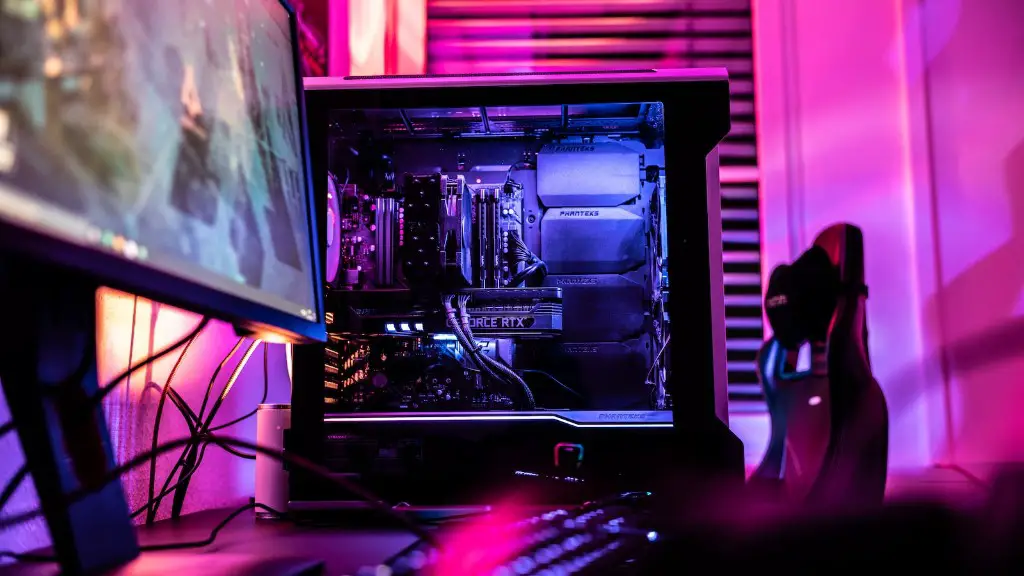
Once you’ve chosen the right cooling solution for your gaming PC, you’ll need to make sure it’s properly installed. Make sure all fans and radiators are securely attached and all waterlines are properly connected and leak-free. Making sure your system is cooled properly will help ensure it runs at its best.
What Monitor Should I Buy?
A monitor is the last major component of your gaming PC, and it plays a huge role in your overall gaming experience. Picking the right monitor for your system is just as important as choosing the right CPU or GPU.
The resolution and refresh rate are two of the most important features to consider when buying a gaming monitor. Most modern monitors have either a 4K (3840 x 2160) or a 1440p (2560 x 1440) resolution, but higher resolutions are also available.
As for refresh rates, most monitors have a refresh rate of 60 Hz, which should be fine for most gaming purposes. If you want to get a higher refresh rate, then you’ll need to invest in an expensive high-end gaming monitor.

It’s also important to consider panel technology. TN panels are the cheapest and offer the highest refresh rates, but they have the worst color accuracy and viewing angles. On the other hand, IPS panels have better color accuracy and viewing angles but typically cost more and have lower refresh rates.
Finally, you should consider the monitor’s size. Monitors come in a wide range of sizes, from small 24-inch models to large 32-inch ones. Choose a size that matches your preference and budget.
What Other Components Do I Need?
In addition to the more obvious components such as the CPU, GPU, and RAM, you may also need other components to build a complete gaming PC. Here are a few other items you should consider.
An operating system is essential for running your games, and chances are you’ll need to purchase a copy. Windows 10 remains the primary OS for gaming. You may also need to buy an optical drive or a wireless adapter if your system doesn’t already have one.
You’ll also need a keyboard and mouse, as well as a headset if you plan on doing multiplayer gaming. Be sure to pick out peripherals that are comfortable to use and fit your budget.
If you want to show off your gaming rig, then you may want to invest in some RGB lighting. There are a number of different lighting solutions available, from simple strips to powerful addressable systems.
Finally, it’s important to make sure your system is well protected. A good surge protector and an anti-static wrist strap can help guard your components from damage.
The components listed above will help you build a complete gaming PC, but there are many others you can add depending on your requirements and budget. Just make sure you research each component before you make a purchase.
What Is The Best Way To Customize My PC?
Customizing your gaming PC is the best way to make it truly your own. Some gamers prefer to buy pre-built systems, but if you want to get the most out of your system, then you need to customize it yourself. Here are a few tips to help you get started.
If you want to save money, then you can customize your system by purchasing parts from different vendors. Compare prices from different stores to get the best deals. You may even be able to find some components that don’t cost as much from lesser-known brands.
Another way to customize your PC is to make sure the components you choose work well together. The CPU, GPU, and RAM should all be compatible with each other. The motherboard should also support the latest specs so you can take full advantage of the performance of your components.
Finally, you should consider installing additional components. Choose the components you need, such as a wireless adapter or an additional storage drive. You may also want to invest in premium components such as a better power supply or a larger case if you plan on upgrading your system in the future.
There are many ways to customize your gaming PC, so be creative and have fun with it. Just make sure you know what components are compatible with each other and what type of performance you’re getting out of your system.
