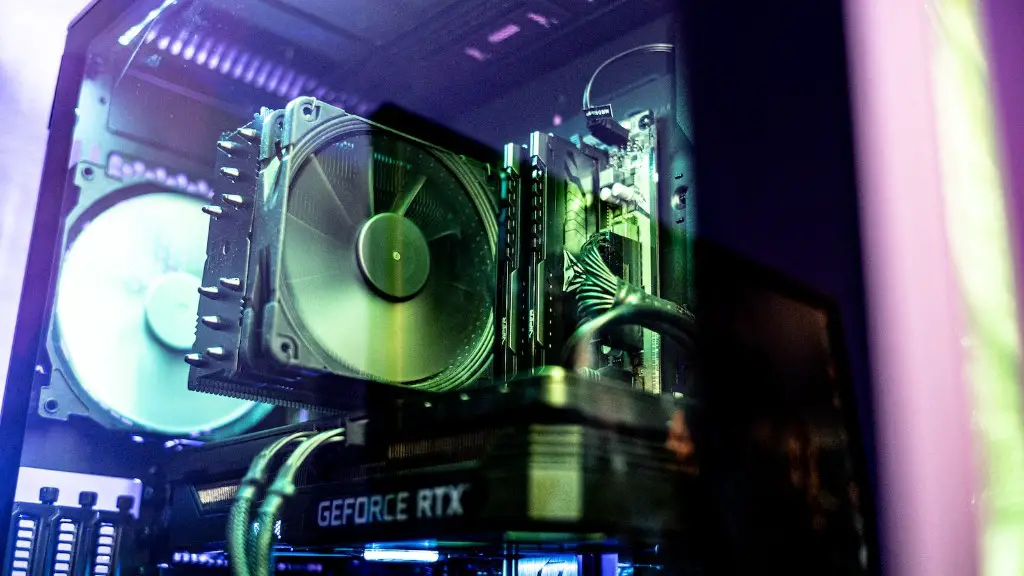
Building a gaming PC with Newegg is an exciting project that requires forethought and research. Taking the time to plan your PC build before making a purchase can save you the hassle of purchasing parts that do not work harmoniously together. Here is a guide to help you build the ultimate gaming PC with Newegg.
Firstly, identify what components you need to complete your gaming PC. It is essential to figure out what type of motherboard, processor, RAM, graphics card and power supply you need. Additionally, narrowing down the brand, series and model may be necessary if purchasing certain components. Consider factoring in other types of peripherals, storage devices and cooling systems that may be necessary for the build.
Once you make a list of components, compare their price and specs to determine what budget and type of computer you want. Try to avoid making compromises due to tight budget constraints and instead focus on getting the necessary components for your gaming PC. The price of all the components should not exceed your allocated budget. You should also take into account whether any components require an upgrade in the near future.
Once you finalize your gaming PC configuration, review the relative performance of the components. Take into account the compatibility of the components together and determine whether they work in harmony. It is imperative to understand the maximum performance potential the PC may reach and whether they are necessary for the type of games you want to play. User reviews on Newegg are especially helpful in this regard.
After confirming compatibility and performance, it is time to buy the components of your gaming PC. Newegg provides an expansive selection of parts, including pre-built PCs. Consider any additional accessories that may be necessary to complete your PC’s configuration and begin the journey of building your dream gaming PC.
When the components are in your hands, the project and fun can begin. Connect all the components according to the manual and plug it into the power supply. Install the necessary operating system and drivers for the hardware. It is also important to install the latest security updates, anti-virus software, and other drivers for the best experience. Consider adding games to your library or subscribing to services such as Steam or Origin.
Finally, test the gaming PC before playing a game. Run diagnostic tools such as Novabench and similar software to test the accuracy of the components and performance of the build. Find out if all the components work together peacefully and if there are any temperature issues that need to be addressed. This can save the hassle of having to troubleshoot later on.
Supporting Components
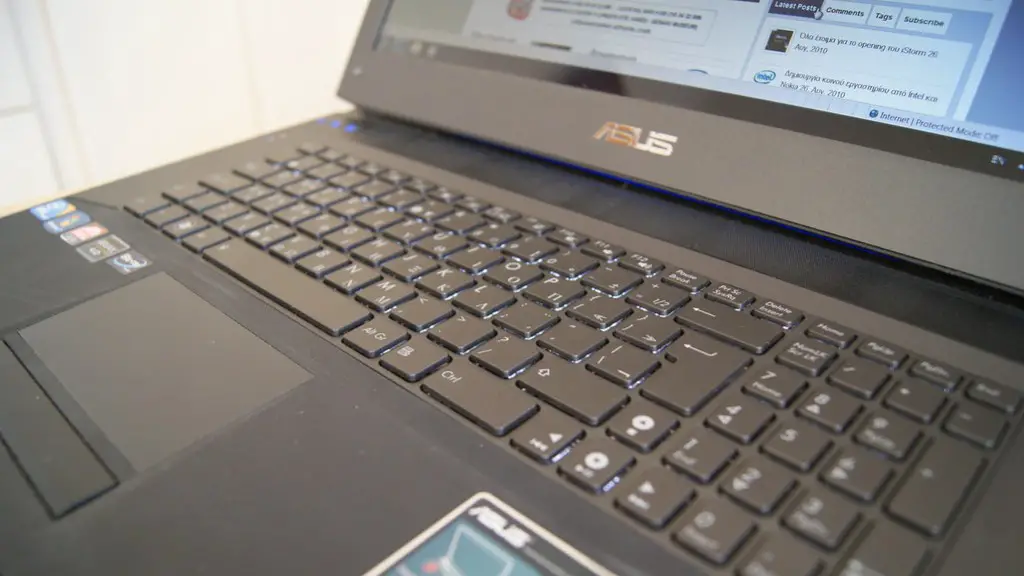
An ideal gaming PC requires more than just a beefy CPU and GPU. Supporting components are necessary to optimize a PC’s performance and to ensure ample power and cooling. Here are several additional components to consider when building a gaming PC with Newegg.
To begin with, determine the types of monitors you need. Consider the cost and specs more than the brand and select a resolution that matches with the specifications of graphics cards you plan to purchase. Additionally, consider the types of accessories such as keyboards, microphones and headsets that would be useful for games. Choose components that are designed for gaming to take advantage of their features.
Allocating space for storage devices is also crucial. Look for fast SSDs to run the operating system, applications and games. With the advancement of technology, large and cheap HDDs are ideal for storing your media files and older games. Consider investing in an external storage solution such as a network attached storage for optimal usage.
It is essential to optimize airflow and cooling in your gaming PC build. Choose a case that has enough space for components and fans, and consider liquid cooling systems to ensure components do not overheat. Also, dual fans per component can increase the lifespan of needed parts. Select the right fans to reduce noise.

Besides, acquiring a warranty is also necessary. Longer warranties provide more protection to newer components, in the case of malfunctioning. Additionally, having an extended warranty provides more peace of mind as faulty components may be returned or exchanged if needed. Check the additional e-waste recycling programs for additional benefits.
Accessories for a Gaming PC
A gaming PC does not simply finish with the components and its supporting components. Upgrading the gaming experience may be necessary to make it a better one; functionality and convenience can always be improved. Here are some accessories to consider when building a gaming PC with Newegg.
Look for gaming-focused peripheral devices such as a mouse, keyboard, headset and microphone. Consider upgrades such as mechanical keyboards, wireless mice and VOIP headsets. Adding controllers such as racing wheels, joysticks, and gamepads can also enhance the experience for specific types of games. The selection of these types of peripherals on Newegg is especially impressive.
Along with peripherals, there are various tools to consider when completing your gaming PC build. Fixing tools may be needed such as anti-static wrist bands, precision screwdriver kits, pliers, wire cutters, and more. Additionally, investing in a clean bench or power supply tester to avoid static discharges during installation is a solid decision.

As for additional accessories, consider the extra features offered by certain gaming PCs. Numerous devices such as fan controllers, card readers, and additional ports may be needed for specific games. For example, installing a micro e-ATX acoustic system can improve the sound of your games, while LED lighting can spruce up the look of your gaming rig.
Upgrading and customization are the most exciting parts of building a gaming PC, and looking into the selection of accessories on Newegg can help you find the right fit. Finally, ensure the warranty covers these types of accessories.
Software and Drivers
Installing the necessary software and drivers is also imperative when building a gaming PC. Fortunately, Newegg has a wide selection of drivers and software to get you started. Here’s some software to consider for your gaming PC.
To begin with, it is advised to install the latest version of the operating system. Updating to the latest operating system can reduce the chances of viruses and improve the overall performance of your gaming PC. Additionally, consider the anti-virus software provided by Newegg to protect your PC from malware, phishing and other malicious attacks.
The next priority should be finding software to help optimize the performance of your gaming PC. Major items such as video and audio recording software are universally used. Other more specialized software such as game streaming software, recording software to capture game highlights, and game-specific software such as shader programs should also be considered.
Furthermore, Newegg also offers various types of drivers for components on a gaming PC. Download and install motherboard and card drivers from the relevant manufacturers. Look for the latest drivers to ensure the compatibility with the operating system. Drivers for external devices such as Bluetooth adapters and Wi-Fi dongles may also be necessary.
On top of that, certain game engines require certain software and drivers to activate. Install the necessary plugins, add-ons, and codecs required to get your gaming PC to run smoothly and efficiently. Remember to check for the newest versions of software and drivers to stay up to date.
Optimization and Maintenance
Finally, properly optimizing and maintaining a gaming PC is invaluable. Similar to a car, a gaming PC requires certain maintenance to run at its peak performance. Here are a few steps to consider when optimizing a gaming PC with Newegg.
First, examine the RAM for any damage and make sure that it is plugged into the correct RAM slots. More importantly, monitor the temperature of the CPU and GPU to ensure they are not running too hot. Make adjustments to the fan speed or liquid cooling settings accordingly. You should also check the settings of the energy settings to maximize the performance of the hardware.
Furthermore, updating to the latest version of the operating system is important for optimal gaming performance. Allocating more space for specific tasks and expanding the memory can increase the frame rate of games alongside the latest updates. If you encounter any issues with your gaming PC, consider these steps before contacting customer support.
On top of that, cleaning the PC regularly is essential. Dust and lint can easily build up on the fans, compromising the performance of the PC. Consider cleaning these external components with a compressed air can or brush to make sure the cool air can flow in and out of the system. Additionally, cleaning the keyboard, mouse and any other external peripherals is also important.
Moreover, do a complete system backup in case of an emergency. This can save a lot of hassle if the system crashes and you cannot reboot it. Additionally, upgrade the BIOS regularly to make sure the component functionality is optimised. This can also help with compatibility issues with the latest operating systems.
Overclocking
Finally, if you are an experienced PC builder and wish to optimize the performance of your gaming PC, consider overclocking the components. Overclocking will make the components run faster than their standard clock speed and make the PC run faster while gaming. Here is the process of overclocking your gaming PC with Newegg.
Overclocking has become much easier with modern motherboards with pre-built overclocking profiles and settings. Start off by performing a stress test on the components to see how much it can take before crashing. Refer to the manufacturer’s site for overclocking guidelines and see how much power the CPU or GPU can take.
After stress testing the components and determine the safe limits for overclocking, start immediately to optimize. Overclocking involves increasing voltage and clock rate, and reduce the temperature of the components. Use the tools available with Newegg to achieve the desired clock speed, and then re-run a benchmark test to determine the effectiveness of the overclocking.
Furthermore, considering the BIOS settings and power management is essential to get the best out of overclocking. Take the time to customize the power settings and tweak the frequency, voltage, cores and boost on the software. This will ensure the overclocking will occur at the required time and temperature.
Finally, check the stressing results after overclocking. See if the components have become more efficient in terms of clock speed and temperature. Monitor both the temperature and performance on regular intervals to ensure the overclocked settings are running optimally. Remember to create a backup in case of instability as overclocking voids any manufacturer’s warranty.
