
The selection of a motherboard for a gaming PC is a critical step in the process of custom building the system. With so many different motherboards available, understanding what features they have to offer and what form factors they support can make the shopping process a daunting task. To help guide gamers in selecting the right motherboard, this guide will overview the elements to consider.
What Form Factor?
Before selecting a motherboard for a gaming PC, it is important to know what form factors are compatible with the case. Motherboards come in three standard form factors: ATX, Micro-ATX and Mini-ITX. The ATX form factor provides the most expansion options, making it the most popular for gaming PCs. The Micro-ATX form factor is the mid-level offering, and the Mini-ITX form factor is the smallest of the three, providing the least number of expansion options.
Socket Type
The socket type must match with the processor that is chosen. Intel processors use LGA (land grid array) sockets and AMD processors use PGA (pin grid array) sockets. Additionally, the motherboard must also support the processor’s architecture. A motherboard purchased in 2020 must support the new Ryzen 3000 series processor, and therefore must have an AM4 socket.
Memory Type & Amount
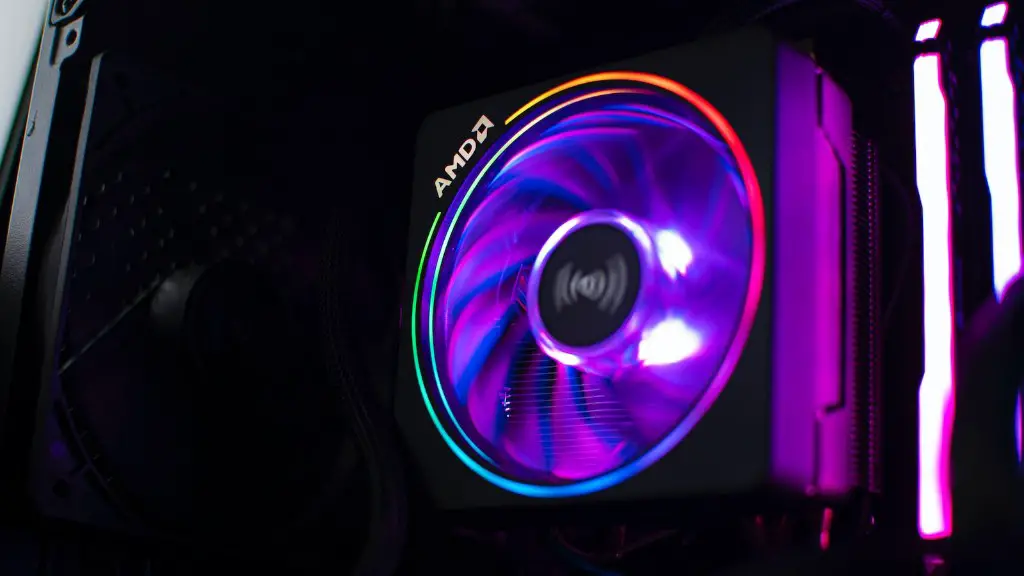
Gamers should consider the type and amount of memory the motherboard supports. DDR4 is the most popular type and having at least 16 GB of RAM is recommended for gaming PCs. Additionally, having multiple RAM slots allows for future upgradability, as memory can be added as needed.
Storage Options
It is important to consider the storage options that a motherboard offers. An M.2 storage slot supports faster NVMe storage, which provides shortened load times to reduce in-game lag. Additionally, it is important to consider the number of SATA ports for connecting multiple hard drives or optical drives.
PCI Slots & USB Ports
The number of PCI slots and USB ports available on a motherboard should also be considered. PCI slots provide the connection points for additional components such as graphics cards and sound cards. USB ports are important for connecting various peripherals, and a minimum of two USB 3.1 ports are recommended for a gaming PC.
Expansion Capabilities
Finally, a gaming PC’s motherboard should include expansion capabilities for future upgrades. Such upgrades could include faster memory, advanced graphics cards or additional fans and other cooling components. Knowing what expansion options are available ensures the motherboard can handle the upgrade in the future.
Overclocking Considerations

Overclocking is something to consider when selecting a motherboard, especially when constructing a gaming PC. Overclocking is the process of getting more performance out of the processor and graphics card. To achieve this performance, the motherboards must have a good power subsystem and robust voltage regulator module that can handle the increased electrical demand.
Biometric Security Support
Finally, in modern PC gaming, having biometric security support is something to consider when choosing a motherboard. Biometric security support provides extra security for gamers, who can use the latest scanning technologies such as face and fingerprint recognition to protect personal data from unauthorized access.
Budget
When selecting a motherboard for a gaming PC, having a set budget also helps to narrow down the selection. Knowing the ideal range of features and accessories makes it easier to decide which type of motherboard fits with the particular build. With dozens of options to choose from, there is sure to be a motherboard that meets the gaming needs while also fitting the budget.
Vendor
When selecting a motherboard, vendor should also be kept in mind. Companies such as ASUS, Gigabyte and MSI all offer motherboards at various price points, so researching and comparing their features across the range of motherboards can also help narrow down the search. Additionally, some vendors may offer rewards or advantages that should be considered when making the purchase.
Reviews
Reading reviews from customers that have experience with a motherboard can provide extra insight into whether it’s suitable for the project. Reviews can provide feedback on performance, longevity and any potential issues with a given motherboard, so consulting reviews can be a invaluable in helping to select the right motherboard for a gaming PC.
