
Upgrading a standard PC to a gaming PC can seem daunting, but can open up a world of possibilities if done correctly. There are several components that make up a gaming PC. To start the process, one must first decide what type of gaming they intend on doing, if any at all. Understanding that different types of games require different hardware components will allow the user to put together a gaming PC that can be tailored to their specific gaming needs. This article will go over the essential components of a gaming PC, as well as how to upgrade a standard PC to be a gaming PC.
The first component is the graphics card, which is essentially the heart of any gaming PC. Graphics cards come in various sizes and power requirements, so it is important to select one that is compatible with the type of gaming one intends on doing. For the average casual gamer, a mid-range graphics card should be sufficient; however, for competitive gaming, it may be necessary to look into more powerful options. A good place to start looking for graphics cards is the NVIDIA GeForce line, which offers a wide range of options at various prices.
The next component is the CPU, which is essentially the brains of the PC. A good CPU is essential for gaming, as it controls how quickly the graphics and other components run. An Intel Core i5 or AMD Ryzen 5 processor should be sufficient for most casual gaming, while products from AMD’s Ryzen or Intel’s Core series can provide an extra boost of performance, along with increased frame rates and smoother visuals.
The third component is the RAM, which is an essential component for a gaming PC. The amount of RAM depends on the types of games and applications being run, as well as the frequency of use. A minimum of 8 GB of RAM should be sufficient for casual gaming, while more serious gaming and applications may require more RAM.
The fourth component is the hard drive. This component determines how much storage is available on the PC. Generally, a 1 TB hard drive should be sufficient for most gaming purposes, while a 2 TB hard drive would be more suitable for demanding gaming activities and applications. One should also consider whether a solid-state drive (SSD) or a hard disk drive (HDD) would be more appropriate for their gaming needs.
The fifth component is the motherboard. The type of motherboard one needs depends on the type of CPU and graphics card being used, as well as the ports required. If one is using a mid-range graphics card, then a mid-range motherboard should be sufficient. If a more powerful graphics card is being used, then a more powerful motherboard should be selected.
Finally, the power supply should also be taken into consideration. This is important as it determines how much power the other components will be able to use. Generally speaking, a 500-600 watt power supply should be sufficient for most gaming purposes. It is important to ensure that the power supply is compatible with both the motherboard and the graphics card.
Choosing the Right Components

When putting together a gaming PC, it is important to make sure that the motherboard and processor are compatible with the graphics card by researching the specs of each component. Additionally, the RAM and hard drive should be selected according to the type of gaming and/or applications being run. It is also important to ensure that the power supply is compatible with both the motherboard and graphics card.
Installing the Components
Once one has gathered all of the components, the next step is to install them. This may involve removing existing parts, such as the motherboard, the processor, and the RAM. Once these parts are removed, the new components can be installed by carefully following the instructions in the manual. After installation is complete, the user can turn on their PC to make sure everything is functioning properly.
Optimizing the Settings
After ensuring that all of the components are functioning correctly, the user must then set up their system to get the best gaming experience. This may involve tweaking the graphics settings and making sure the graphics card is correctly installed. Additionally, one should make sure to update their software to the latest version and ensure that everything is running correctly.
Installing the Games
Once the system is optimized and set up to run the games, the user can then start installing them. Depending on the gaming platform they are using, the process of installing games should be relatively straightforward. After installation is complete, the user can begin to enjoy their newfound gaming experience!
Adding Accessories
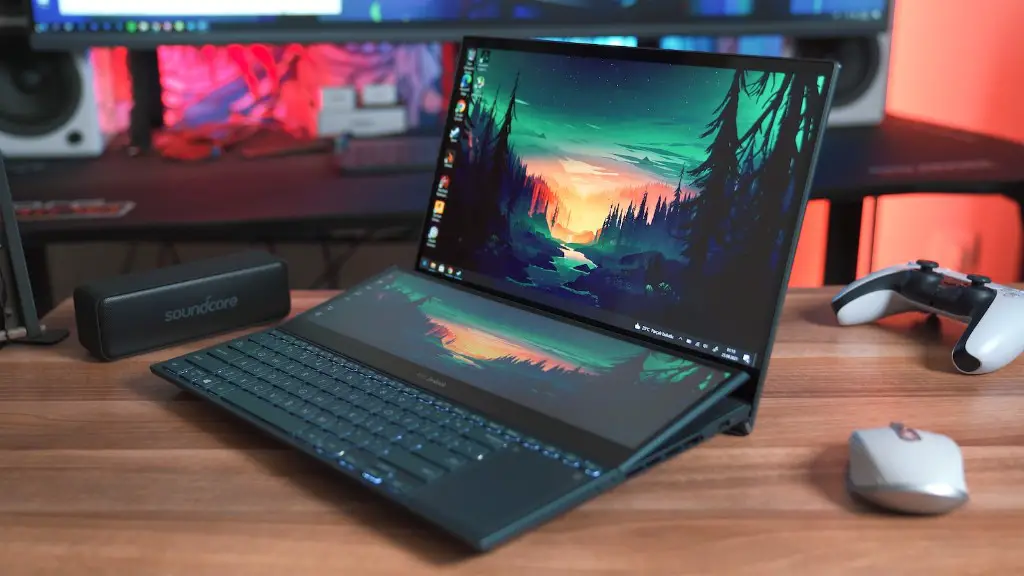
Once the basic setup is complete, one may want to consider adding additional accessories to their gaming PC. These may include gaming mice, gaming keyboards, and gaming headsets, all of which can improve the overall gaming experience. Additionally, one should make sure to find accessories that are compatible with the graphic card and other components of the PC.
Upgrading The PC Over Time
As games become more and more demanding, it may become necessary to upgrade one’s PC in order to keep up. Upgrading components such as the graphics card or CPU can often yield significant increases in performance. Additionally, additional RAM or a larger hard drive can also be beneficial. It is important to ensure that all of the components used are compatible with one another even after upgrading.
