Are you a passionate gamer? Today, more and more gamers are investing in gaming PCs to maximize their gaming experience. But where do you start on how to buy the best gaming PCs? Here are 7 tips from an expert on how to get the best gaming system for your needs.
First, determine your gaming needs. Consider your budget, the type of games you play, the hardware needed for your games, the sound and graphics quality, etc. This will help you narrow down the list of possible gaming PCs and make the process of finding the best one easier.
Secondly, research gaming PC makers. You want to make sure that the PC components used in the machine are of top quality and are backed by a good warranty service. A good recommendation is to choose well-known PC makers like Dell, HP, Razer, and Acer.
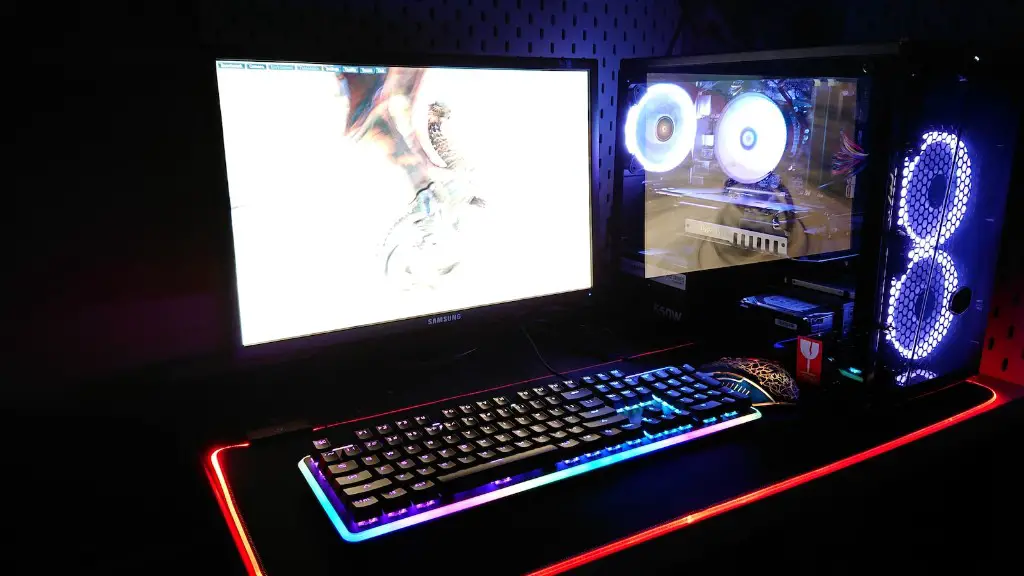
Thirdly, decide on the type of graphics and processor you need. A good graphics card ensures smooth gaming visuals while a powerful CPU ensures good gaming performance. Read up on reviews and benchmarks to determine the best cards and CPUs on the market.
Fourthly, think about the type of storage you need. Comprehensive game libraries usually require lots of storage space. USe a high capacity hard drive or an SSD for better performance.
Fifthly, decide how much RAM you need for your gaming PC. It should be at least 8GB but this may vary based on the types of games you play and should be enough for most gaming scenarios.
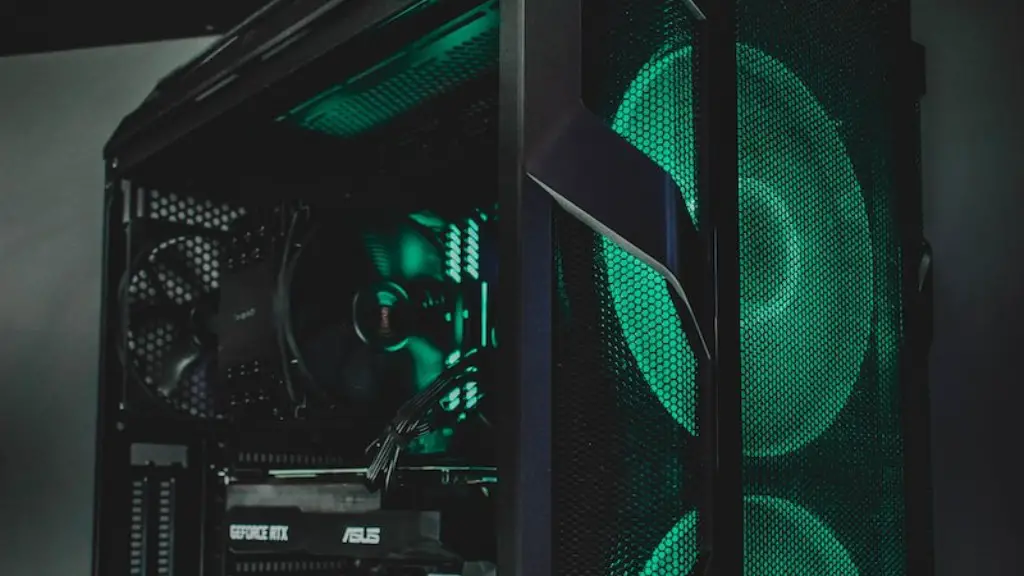
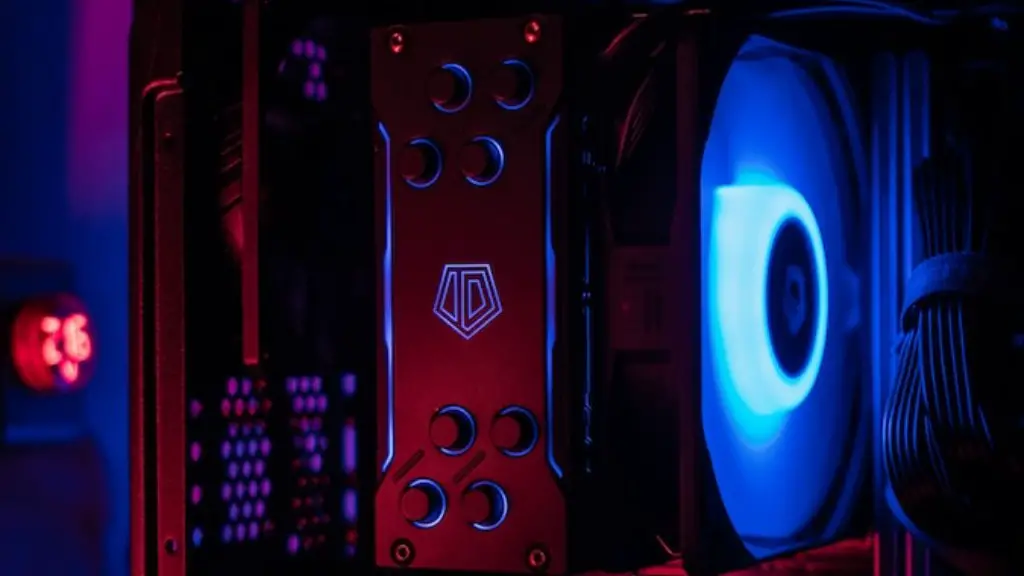
Sixthly, make sure your gaming PC has good cooling. Many gaming PCs come with good cooling systems already installed, but if not, make sure to add a few good quality fans.
Lastly, choose the right ports and slots for your gaming accessories. This includes the USB ports, HDMI and DisplayPort to connect the display and other components.
Where to Buy Gaming PCs?
Now that you’ve decided on the gaming PC specs you need, it is time to find the best place to purchase them. As mentioned above, reputable gaming PC makers offer good warranty services and customer support, so these are the ideal sellers to buy from. Additionally, it’s a good option to buy from well-known online platforms such as Amazon or Newegg that offer competitive prices and extensive product catalogs.
It is also recommended to read customer reviews of possible gaming PC models before making the purchase. The reviews can help you decide if the model is suitable for your needs and know the strengths and weaknesses of the machine before committing to it.
It is important not to send your PC to any authorized repair center until you are sure that the warranty is active and valid. Reputable PC makers often have specific terms and conditions that void the warranties in cases of DIY repairs or third-party repairs.
When comparing prices of gaming PCs, make sure to check the extra costs such as the shipping and taxes, if any. These additional costs can add significantly to the cost of your gaming PC.
Building Your Own Gaming PC
One of the best ways to buy a gaming PC is to build it yourself. Building your own PC gives you flexibility in terms of what components you can use and means that you can modify or upgrade the machine any time you want in the future.
Another advantage of building your own gaming PC is that you get to choose the components from the best manufacturers, so you don’t have to settle for lower quality components found in pre-built PCs. Additionally, you can customize the look of your machine, so it fits your style and gaming needs.
Building a gaming PC requires having the right tools and knowledge of the components and how to assemble and maintain them. If you’re a beginner in this field, it is strongly recommended to look for a step-by-step guide and detailed instructions on how to put the different components together and what to do in case something goes wrong.
Additionally, make sure to purchase the components from trustworthy sources and double-check the specifications of any hardware before buying. This will ensure that all the components work well together at the same time.
Additional Gaming PC Recommendations
Finally, it is important to pick the right monitor and controller for your gaming PC. A good monitor will provide sharp visuals and short response time, while an ergonomic gaming controller can make the gaming experience much more enjoyable.
It is also recommended to invest in good quality speakers or a headset that not only provide excellent sound, but also prolong your gaming sessions. Other luxury items that could improve your gaming experience include a gaming mouse and keyboard, headphones, and any other gaming accessories.
Keep in mind that depending on the turning and gaming purposes, certain components may not be necessary for your gaming experience. You should also consider the price, as components’ pricing can vary drastically from model to model and make sure to invest in something that will last you for a long time.

Also, investing in a good power supply unit is also important as a low-quality PSU can cause unexpected crashes or damage the system significantly. These should be chosen with utmost care and be prepared to spend a bit more on quality parts.
Grahics Cards for Gaming PCs
Graphics cards are one of the main components of any gaming PC. They work in tandem with the processor and other components to deliver smooth visuals and provide good gaming performance. Many of the newer models come with advanced features that can drastically improve the performance of the system.
Before you purchase a graphics card, make sure to research the recommended settings for the games you play, as this will determine the type of parts needed to run them at the best settings. Good graphics cards are expensive, but there are models for different budgets and specs.
Good-quality gaming graphics cards often come overclockable and can give you an extra boost of performance. The amount of graphics memory (VRAM) is also important and the higher the VRAM, the better the performance of the graphics card.
Advanced cards may even support virtual reality gaming, while others may come with additional features such as SLI multi-GPU support, dedicated hardware encoding and decoding, and so on. Consider these features to make sure your gaming PC is future-proof.
Tips for Upgradeability
When purchasing a gaming PC or building your own, always think ahead. This means investing in quality components and looking for upgradeability options in your gaming PC. Over the years, gaming hardware may become outdated, so make sure that your gaming PC is ready to receive any new additions.
For example, consider models that come with modular features that allow for easy upgrade or tweaking. Good-quality mid-towers will often come with space for many extra components, allowing you to upgrade or add more components as needed.
Additionally, make sure that the PC case you choose has plenty of space for good airflow. This will also help to ensure better cooling and longer gaming sessions. Also, make sure that the graphics card you choose has a good aftermarket cooling solution as it will help the card to handle higher overclocks.
Finally, take the time to look at all the possible upgrade options. It is not only beneficial in the long run, but it can also make your gaming PC last longer.
