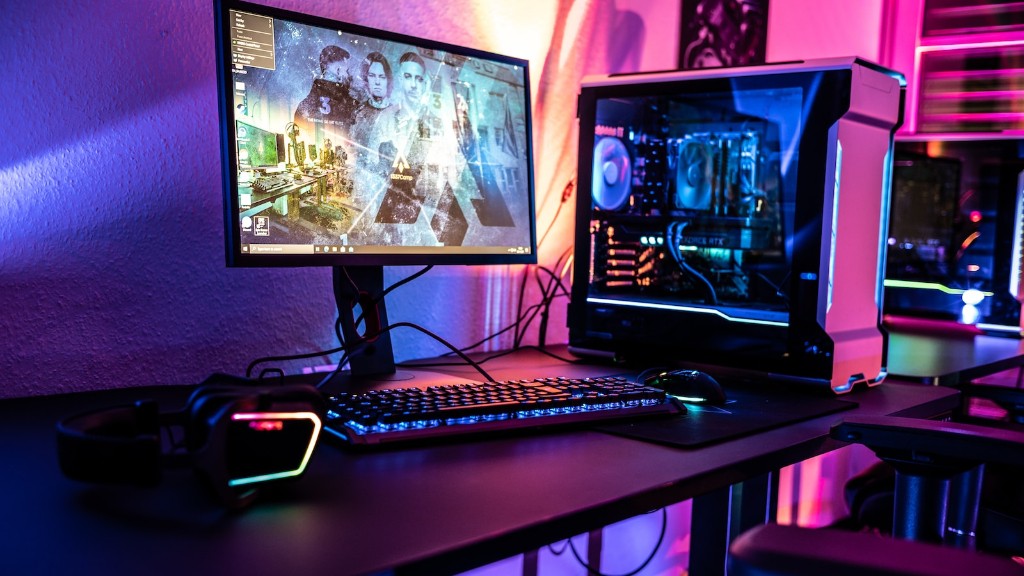
As a gamer, the maintenance of a gaming PC is of utmost importance. Proper maintenance can ensure improved performance and longer life for the system. Following a few best practices will allow you to keep your PC in top condition.
Start with regular PC cleaning. Dust and dirt can accumulate over time, and it affects the performance of a gaming system. You should vacuum and dust the components, paying special attention to the fan and cooling system components. Regular cleaning will also ensure the longevity of your components.
In addition, you should also check the cables and connections to the different components. Loose connections can create hardware issues and lag in performance. Fastening all cables and connections to the PC securely is recommended.
The operating system should be updated regularly; this prevents any security loopholes in the system. It is also necessary to have a system optimizer installed to avoid any lags or slowdowns. This will also ensure that the system is running efficiently.
Finally, you should also consider the power and reset buttons of your system. These should be pressed only when absolutely necessary, as this can lead to system breakdown. Regular backup of your game data is also advised.
How to Improve Cooling System
Having a proper cooling system is essential for a gaming PC. This will ensure your system does not overheat and burn due to prolonged gaming. The first step to improving the cooling system is to check the hardware. A proper hardware configuration can make a huge difference in the performance and life of your PC.
It is also recommended to install multiple fans in the system. This will ensure that the air supply is sufficient and the PC does not overheat. Additionally, the fans should be checked for any buildup or dirt; all of them should be cleaned regularly, as this can affect their efficiency.
It is also advised to use liquid cooling systems. These systems provide better control and also reduce noise. This can improve the performance of your system while also limiting the number of fans in it.
Lastly, consider the dust filter of the PC. A dust filter can prevent dust or other particles from entering the system, thus keeping it working at maximum efficiency. Cleaning this filter regularly is recommended.
How to Choose the Best Graphics Card
The graphics card of a gaming PC is of paramount importance. Choosing the right card can make a huge difference in the performance and life of the system. Before making a purchase decision, consider your gaming requirements and the games you play.
Check the specifications of the card and make sure that it matches your needs. Read customer reviews of the product as they can be a great indicator of the performance of the card. Also, make sure that the card is compatible with your system. This will allow you to get the best performance out of the card.
Secondly, consider the price of the card. Compare prices of different products and select one that offers the best value for money. Additionally, check the manufacturer’s warranty and the customer service offered. This is an important aspect to consider if you ever face any issues with the card.
Lastly, consider overclocking the card. This can improve its performance significantly. However, one must be careful when overclocking, as it can cause hardware damage. It is recommended to use expert help or advice when overclocking your graphics card.
How to Upgrade Components
Tuning and upgrading components is essential for getting the best performance out of your gaming PC. Before starting, backup all the existing data on your system. This will ensure that you don’t lose your files and settings during the upgrade process.
Next, consider the components that can be replaced or upgraded. Common components that can be upgraded are RAM, CPU, GPU, and storage. Choose the best products that fit your budget and can improve the performance of the system. Make sure your system is compatible with the new components before purchasing them.
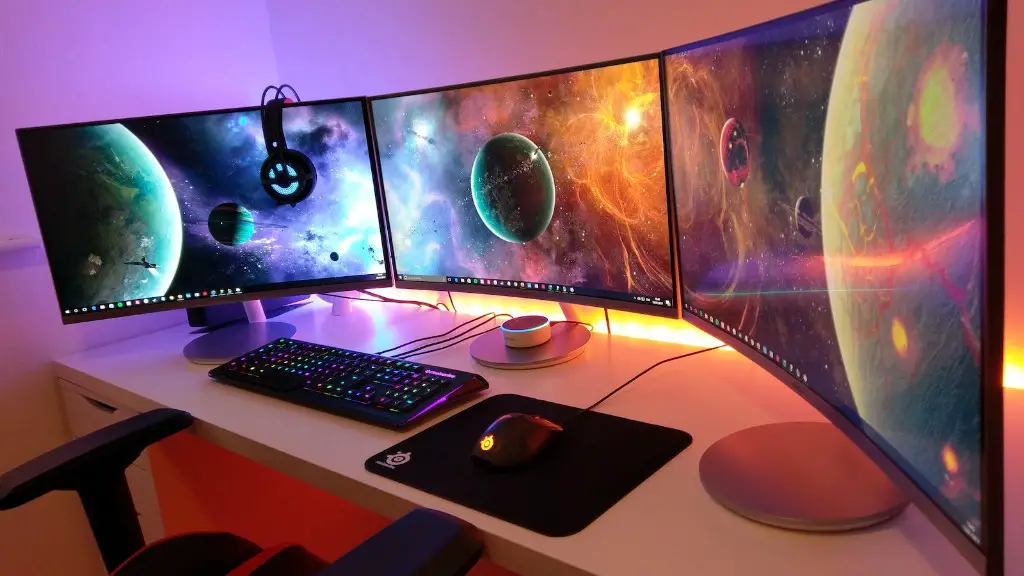
Consider replacing other components of the system as well. This includes the power supply, thermal paste, and fans. All these components should be of good quality and match the requirements of the system. It is also recommended that you use experts or professionals during the upgrade process.
Lastly, check the software of the PC. This includes the driver software, operating system, and optimizer. Upgrading the software is often overlooked but it is necessary to get the performance you desired.
How to Avoid System Breakdown
It is possible to prevent system breakdowns if the right steps are taken. Start by reading the manual provided with the system and understand the correct power and reset buttons. This will help you to use the buttons carefully and only when absolutely necessary.
Check cables and connections from time to time. Another common reason for system breakdowns is due to faulty connections. Closing any loose connections and cables can prevent any hardware issues from arising.
After that, consider the cooling system of the PC. Monitoring the temperature of the system can ensure that the PC does not overheat. Cleaning the fan and the dust filter regularly is highly recommended to ensure the system does not breakdown.
Finally, you should also check the software of the PC. Make sure the operating system, drivers and system optimizer are all up to date. Backing up the data regularly also ensures that nothing is lost if the system breaks down.
Conclusion
Keeping your gaming PC in perfect condition and preventing system breakdowns is relatively easy if the right steps are taken. Regular cleaning, updating the software, and checking the cables and connections can ensure that the system works at its peak efficiency. Upgrading components and managing the cooling system as well can further enhance the performance of your PC.
