
The best custom gaming PC depends on multiple factors, such as the kind of games you’ll be playing, your budget, and the hardware you’ll be using. A custom gaming PC can give you a great deal of control over the hardware and software, enabling you to create the ultimate gaming rig. This article will cover the basics of what you need to look for in a custom gaming PC, as well as the best components to include.
When building a custom gaming PC, the most important component is the processor. You’ll want to find a processor that can handle the type of games you plan to play. It’s a good idea to look for the latest processors from trusted brands, such as Intel or AMD. You should also consider how many cores your processor has; the more cores, the better performance you’ll be able to get out of your PC.
The graphics card is also an essential part of your custom gaming PC. The best graphics cards are able to handle the most demanding games on the market, and you should look for a model that provides high frame rates. Additionally, if you plan to do 3D or VR gaming, make sure to opt for a card with a better GPU and additional features.
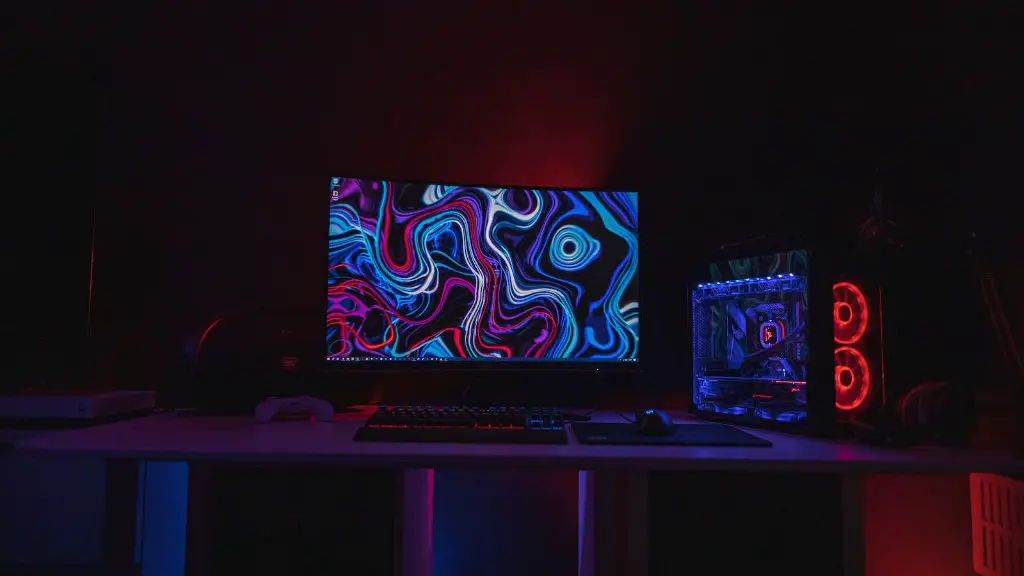
Another crucial element of building a custom gaming PC is the motherboard. The motherboard acts as the backbone of your system, and it needs to be able to support your specific hardware. Make sure to pick a motherboard model that is compatible with the processor, memory, and graphics card you have selected.
Other components you’ll need include the hard drive, RAM, power supply, cooling system, and a case. The hard drive will store all of your data and should be chosen based on your specific needs. RAM, also known as memory, is used for extra storage if your hard drive is filled up. You’ll need to select a power supply that is compatible with all of your components, and a cooling system to keep them running at optimal temperatures. The case houses all the components for your PC and can come in many styles and sizes.
Finally, you’ll want a high-quality monitor to display your games. Look for a model that has a fast refresh rate, so your games will look smooth. You can also opt for a curved monitor for an even higher level of immersion in your favorite games. Ultimately, you should opt for the best monitor that you can afford.
Software to Enhance Performance and Experience
Once you’ve selected the best hardware for your custom gaming PC, you can also invest in special software to enhance your gaming experience. You can choose between software applications that are designed to boost the performance of your system or apps that can optimize your gaming sessions.

Performance-boosting software is designed to increase the speed of your system and make sure that your games run smoothly. These programs typically focus on system management, disk defragmentation, and hardware optimization. Additionally, there are also apps that can measure your gaming performance and help you identify any potential problems.
To further enhance your gaming experience, there are apps that can optimize your gaming sessions. These apps are often referred to as gaming renderers and they can help you get the most out of your hardware. These apps tend to boost the performance of your GPU and CPU, allowing you to get the best out of each game.
Finally, there are also tools available to help you customize your gaming setup. You can use these tools to customize the look of your desktop, control the fan speed, and even monitor your system’s performance in real-time. These tools are essential for anyone looking to get the most out of their custom gaming PC.
Choosing Components Wisely
When choosing a custom gaming PC, it’s important to select components that are reliable and well-suited to your gaming needs. Some components may be more expensive, but they offer better performance or compatibility. When it comes to processors, opting for a higher-end model may be worth the money if you plan on playing the most demanding games. Similarly, the GPU should have good performance and features to handle the most graphically demanding games.

RAM and storage are also important, as they dictate how much data your system can store and handle. Make sure to select RAM with a high enough capacity, so your system can handle multitasking and store all necessary data. As for the hard drive, you may want to consider an SSD (solid-state drive) for the best performance.
Another area that you should research carefully is the motherboard. Make sure to select a motherboard that is compatible with the other components of your system. Additionally, some motherboards come with extra features, such as VR capabilities or SLI/Crossfire support. You may want to look into these features if you plan on using your PC for advanced gaming.
Finally, cooling is an essential part of any custom gaming PC. Your system will generate a lot of heat, so make sure to select the appropriate cooling solution. This can range from air cooling to liquid cooling, depending on your needs. You should research all available cooling solutions and make sure your components are compatible with the solution you select.
Providing Reliable Connectivity
When building a custom gaming PC, it’s also important to choose the right components to ensure reliable connectivity. You might want to invest in a dedicated gaming router, which provides more reliable performance than a standard router. A good gaming router will make sure your network isn’t overwhelmed with traffic, ensuring a smooth online gaming experience.
Additionally, you should also make sure that your gaming PC has a reliable internet connection. Many gamers opt for a wired connection for the best performance, but a wireless connection can also be viable depending on your needs. You should check the coverage and speed of your network to make sure it can handle the games you plan on playing.
Lastly, if you plan on streaming your gaming sessions or broadcasting with audio and video, you’ll need to make sure your system is equipped with the necessary ports. Make sure to check that your peripherals, such as headsets and webcams, are also compatible with your PC.
Making Sure It All Works Together
Once you’ve chosen all your components, it’s time to assemble your custom gaming PC. Make sure to have all the tools you need, such as a screwdriver, an anti-static wrist strap, and thermal paste. Before you start the assembly process, check to make sure all the components are compatible and the motherboard is properly seated. It’s also a good idea to practice the assembly process with some parts that aren’t necessary for your build.
When installing components, make sure to carefully follow the instructions for each step. You should also make sure the cooling solutions are properly mounted and the power cables are connected properly. After you’ve finished assembling your PC, you should make sure everything is working properly and all components are running without any issues.
When it’s time to test your custom gaming PC, make sure to run stress tests and benchmarking tools to make sure the components are working properly. You may also want to install your favorite games and try them out in different resolutions and settings. If you encounter any issues, make sure to check that all components are properly connected and the cooling solutions are functioning correctly.
Upgrading and Customizing Your PC
Once you have your custom gaming PC up and running, you may want to start customizing it to suit your needs. You can choose from several different components, such as a custom case, RGB lighting, and better storage solutions. Additionally, you can also opt for overclocking components to get more out of your system.
If you’re using a gaming laptop, you can also install new hardware to increase the system’s performance. For example, you can install more RAM to improve multitasking or upgrade the storage with a faster SSD. You can also choose to upgrade the GPU if you plan on streaming or playing VR games.
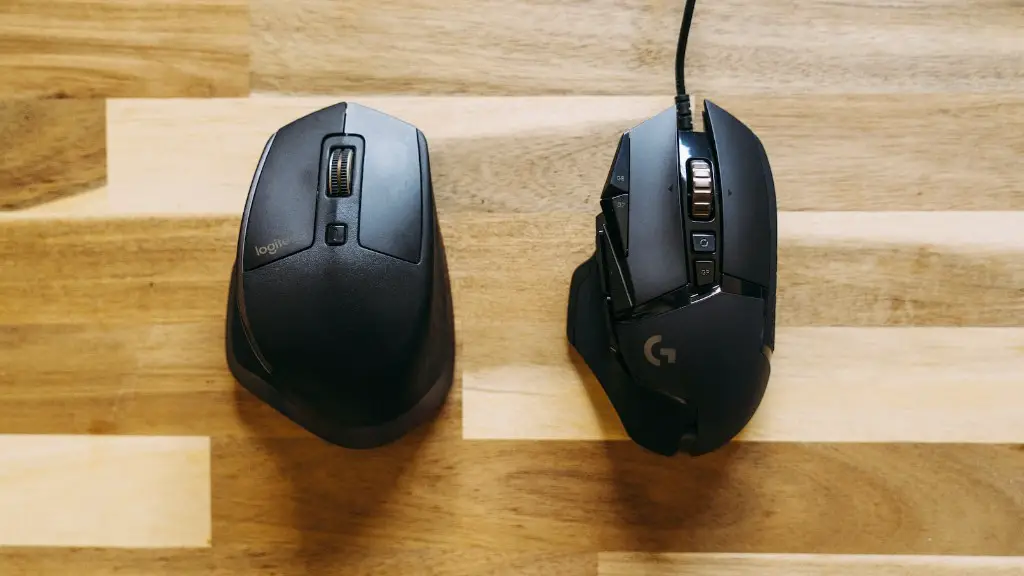
Finally, once you have the essentials in place, you can also explore different gaming peripherals, such as gaming keyboards and mice. These peripherals can provide a more immersive gaming experience, with features such as macro keys and adjustable sensitivity. You can also look for ergonomic gaming chairs for extra comfort during longer gaming sessions.
