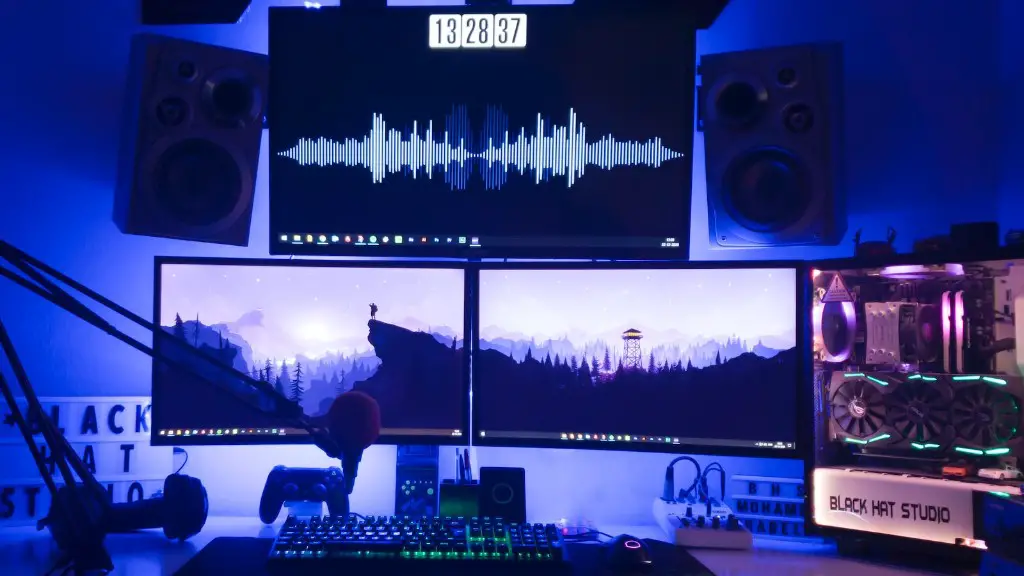
Active gaming PCs need an adequate amount of Watts to ensure optimal performance. Knowing the system’s specific power requirements for its components is essential for optimum performance and stability. To determine the total power requirement of a gaming PC, you need to know the wattage of its individual components. Here is a brief guide on how to calculate how many Watts your gaming PC needs.
What’s the Difference Between Volts and Watts?
Volts and Watts are two different units of power measurement. While voltage measures the potential difference between two points, Watt is the unit of power, or the rate at which energy is used or produced. You can calculate watts by multiplying the voltage of the component by the amperage. A component’s wattage is the same regardless of the voltage.
What Are the Power Requirements for Different Components of the Gaming PC?
The more powerful components in your gaming PC, the higher its total power requirement. The main component that determines the power requirement is the graphics card. This component typically requires more power than the other components. You should also consider the power requirements of the CPU, motherboard, memory, storage, and cooling solution. Adding more RAM, or overclocking your CPU and GPU may also increase the power requirements.
How to Calculate the Wattage Requirement?

Once you have determined the power requirements for all the components, add them together and you’ll be left with your gaming PC’s total power requirement. To ensure a stable system, add an extra 20-30% of the total power requirement. This will help the system account for any excessive power spikes.
What Kind of PSU Do I Need?
When selecting a power supply for your gaming PC, make sure it is at least 80 Plus certified. This certification ensures that the PSU has an average efficiency of at least 80%, so you won’t waste electricity and money. You should also keep in mind the form factor you require. If you are building a mini-ITX gaming PC, you should opt for a SFX or SFX-L PSU. Mid to full-sized gaming PCs require a standard ATX PSU.
Proper PSU Cable Management
It’s important to note that a power-hungry gaming PC requires proper cable management to ensure stable performance and a longer PSU life. Make sure to route the cables away from the motherboard or any other component to avoid short-circuiting. You should also avoid cable clutter and try to use only the necessary cables. This will help in reducing the load on the PSU.
Additional Tips for Your Gaming PC
When selecting a PSU for your gaming PC, go for a higher wattage than what your system needs. This will keep your system running at peak performance for longer, as the additional wattage will give the PSU more headroom. Also, make sure to use a good quality surge protector to protect your components from power surges or other power-related issues.
Using a PSU Calculator
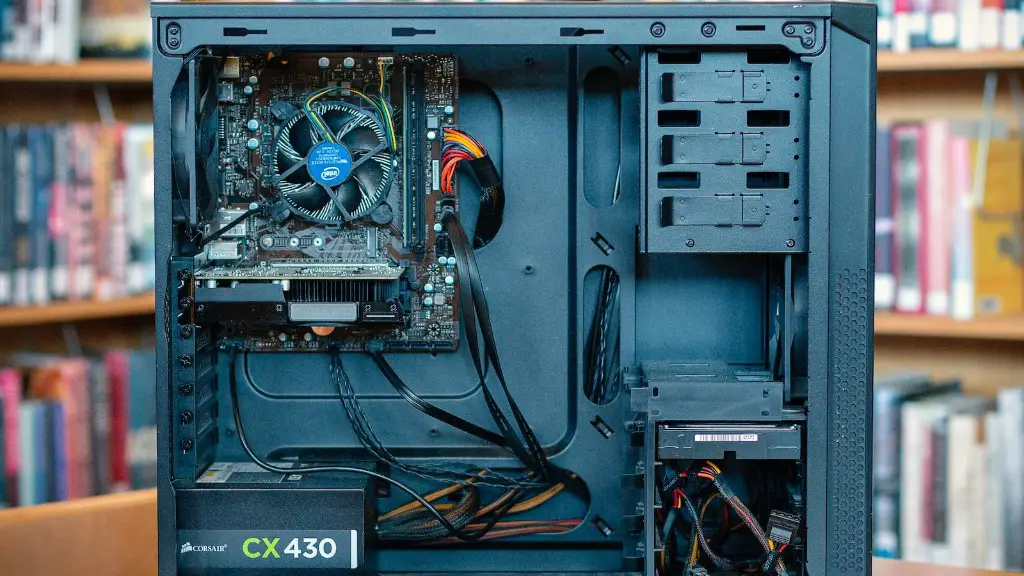
In addition to knowing the wattage requirement of each component, you should also use a PSU calculator to estimate how much power your gaming PC needs. This tool will take into account all components of your system, and suggest a suitable wattage for your PSU. You should also consider the ambient temperature you plan on running the system in, as the components may require more wattage to work reliably in higher temperatures.
Installing and Connecting a PSU
Once you have selected a suitable PSU, you need to install and connect it in your gaming PC. Disconnect all components and start by installing the motherboard first. After that connect the CPU and RAM. Then add the graphics card and other components. Make sure to do your cable management correctly and use the necessary cables. It’s also a good idea to get a modular PSU to make cable organization easier.
Effects of Underpowering and Overpowering a System
Underpowering a gaming PC can cause serious damage to its components, as the low wattage won’t be able to support the system’s demands. On the other hand, overpowering the system won’t cause any issues, but it’s a waste of money, as you won’t benefit from the extra wattage. This is why it’s important to know and calculate the power requirements of each component to determine your system’s total wattage requirement.
