Building your own gaming PC from scratch takes a great deal of planning and knowledge. In this article, we’ll provide step-by-step instructions on how to put together your own gaming PC. The guides will give you everything you need to know, from researching parts to putting it all together.
The first step is to do your research and create a list of parts that you need for your build. Take your time to read reviews, compare prices, and learn about the components you’ll need for your build. Some of the components you’ll need to consider include: processor, RAM, graphics card, storage, power supply, monitor, and a case. Be sure to get the right combination of parts that meets your gaming needs in the most efficient and affordable way.
The second step is to purchase the parts. When shopping, be sure to prioritize quality over quantity. You want components that will last, perform well, and won’t be easily outdated. Once you’ve purchased all the components, you can start the assembly process.

Thirdly, you’ll need to assemble the parts in the correct order. Start by assembling the CPU and heatsink, followed by the RAM and Graphics Card. After that, you can mount the power supply and connect all the cables. Lastly, you’ll have to install the hard drive, monitor, and peripherals.
Fourthly, you’ll ultimately have to install the Operating System. You will have to have a retail copy of the OS and you’ll have to format the hard drive in order to install it. Once the install is complete, all of your hardware should be working, and you should be able to start gaming.
Fifthly, you should be sure to connect everything up properly. This means using the correct power cables and connecting the cable from the monitor to the back of the PC. It also means ensuring that everything is connected, as leaving something out can cause hardware issues and will mean you don’t get the performance you should.
Finally, you can apply the finishing touches. This could be additional fans, a custom-painted case, or a new set of speakers. There’s a lot you can do to customize your PC, so make sure you make it your own.
Different Types of Graphics Cards
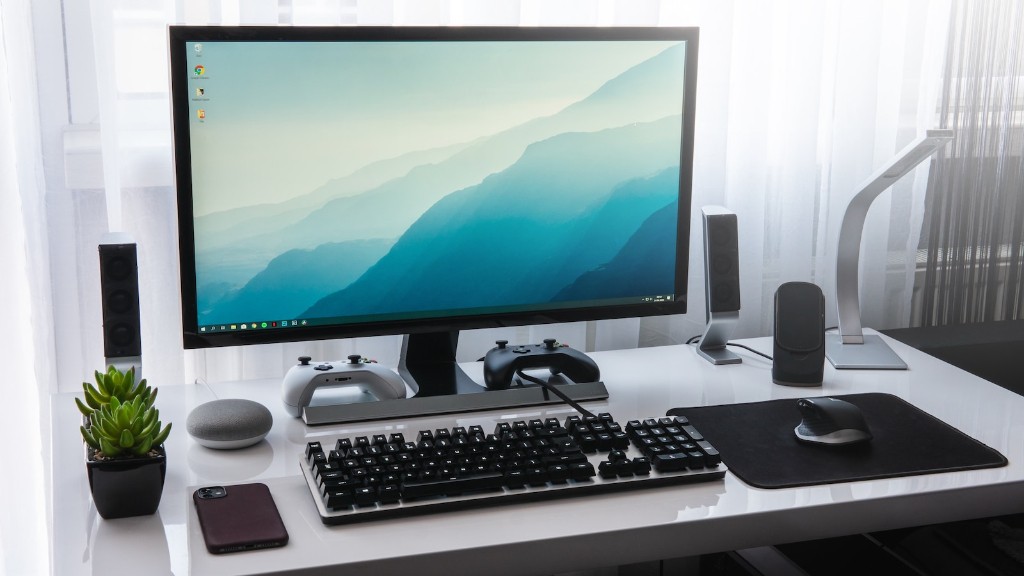
Graphics cards are an essential part of any gaming PC and should be chosen carefully. There are many different types of graphics cards out there, but the most popular type is the discrete, or dedicated graphics card. Discrete cards are separate cards that plug directly into the PCI-E slot on the motherboard. A discrete card will provide much better performance than integrated graphics.
Other types of graphics cards include multiple graphics cards or SLi/Crossfire configurations. Multiple graphics cards are used when you need more performance than one card can provide. Having two graphics cards will provide up to twice the performance of a single card, depending on the game. SLi/Crossfire is when two or more graphics cards are worked together in unison to boost performance at a much higher level.
When selecting a graphics card, you should consider its price, performance, cooling, compatibility and the type of games you plan to play. Take your time to research the different types of graphics cards, compare models and find one that fits your budget and needs.
Choosing the Right CPU
The CPU is one of the most important components in a gaming PC. The CPU determines the power and performance of your system, so it’s important to select one that fits your needs. The most popular CPUs today are Intel’s Core series and AMD’s Ryzen series. Both CPU families offer a wide range of chips to fit any budget.

When selecting the right CPU, look at performance, power consumption, and cost. Generally, a higher-end processor will offer better performance, but it will also use more power and cost more. Consider the needs of your build and find a processor that will give you the best performance while staying within your budget.
The CPU should also be selected based on how much future upgrades you plan on making. If you’re building a PC for the long haul, you may want to choose a processor that supports more cores and threads for future upgrades. If you don’t plan on making future upgrades, you can opt for a lower-end processor.
Choosing the Right Motherboard
The motherboard is the backbone of your system and provides other components with the power and data needed to operate. When choosing a motherboard, you should select one that matches the CPU you have chosen and that offers enough features for your build. Consider whether you need support for integrated audio, extra ports, and any other features you may need.
Be sure to also check the size of motherboard you will need. Motherboards come in a variety of sizes, ranging from mini-ITX to E-ATX. The size of your case will determine the size of motherboard you can select.
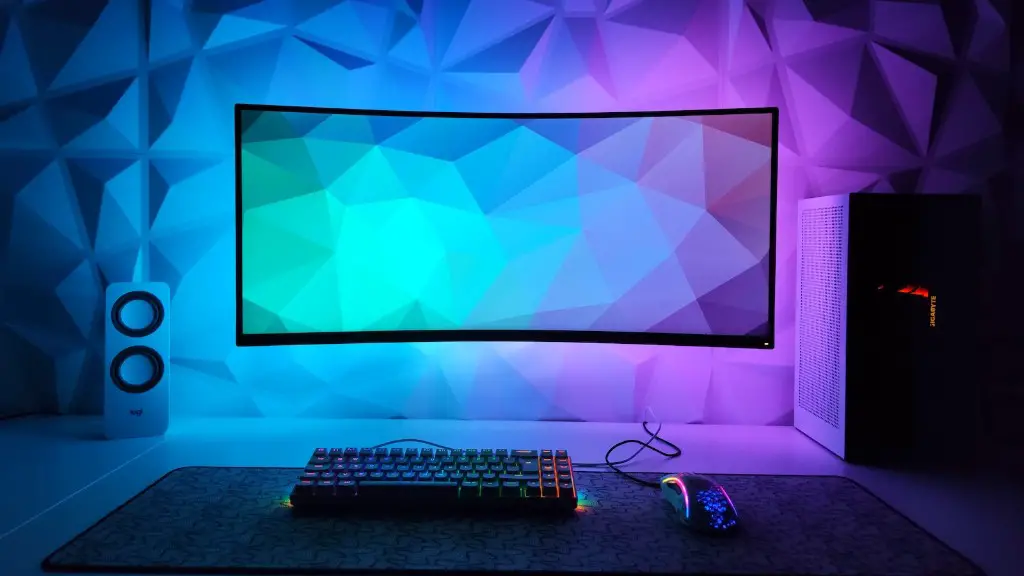
Finally, you should consider the cost of the motherboard. Motherboards range in price, and some higher-end models may not be necessary for your build. Be sure to look for a motherboard that fits your budget and still offers the features and components you need.
Choosing the Right RAM
RAM, or random access memory, is another important component in any gaming PC. The amount and speed of RAM in your system will determine the amount and speed of data that can be stored. When selecting RAM, consider the type of memory module, the size of the module, and the speed of the memory.
Most RAM these days is either DDR3 or DDR4, and the faster the speed, the better. When it comes to size, more is generally better. Many gaming builds will require 8GB, 16GB, or even 32GB of RAM.
Finally, be sure to properly install the RAM in the correct order. Make sure that all RAM modules are securely connected and that none of them are facing the wrong direction.
Cooling the System
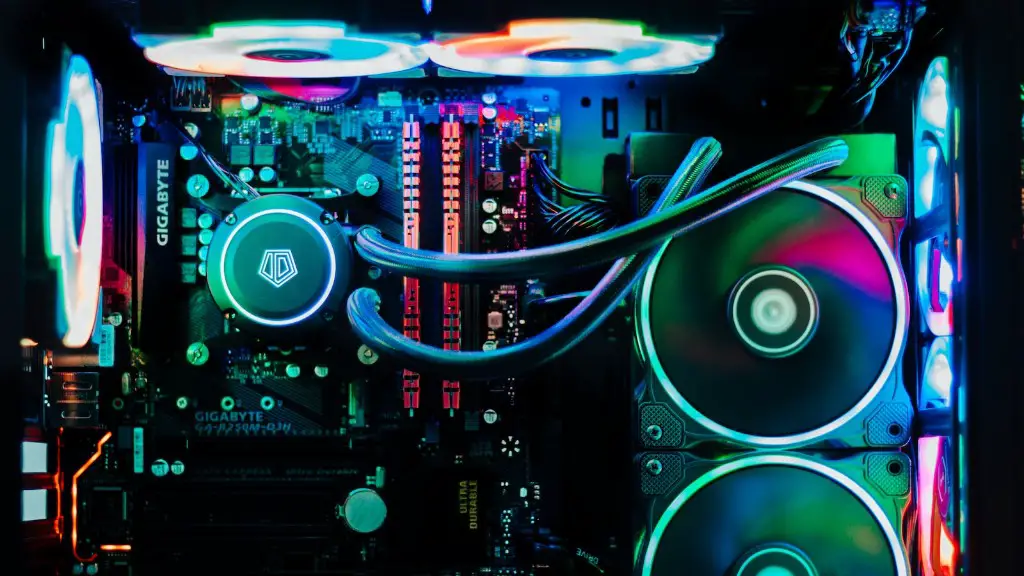
One of the most important parts of a gaming PC is cooling. Keeping your components cool is essential for ensuring that your system performs as well as possible. When selecting cooling components, consider factors such as noise and efficiency.
The most common type of cooling is air cooling, which uses a fan or heatsink to passively cool the components. You can also use liquid cooling, which uses a pump and radiator to actively cool the components. Liquid cooling is more efficient, but it can also be noisy and expensive.
You will also have to determine the number of fans you need, and where they need to be placed. Most cases have some built-in fans already, but if you’re building a high-end gaming PC, you may need to purchase additional fans for extra airflow.
Connecting the Cables
Once your PC is assembled, you will need to connect all the cables to ensure that everything is working correctly. Start by connecting the power cables to the components. This will include the CPU, GPU, storage, RAM, and other components. Once that is done, you can connect the monitor, keyboard, mouse, and other peripherals.
Be sure to also connect the case headers. This includes both the power switch, reset switch, and any other headers located on the I/O panel. Most of the headers have some sort of identifier, so make sure you read through the manual to determine the correct header.
Setting Up Your Operating System
The final step in building your gaming PC is to install your Operating System. The process may vary depending on the type of OS you have, but the general process is the same. First, you will need to create an installation media, as this is where your OS will be installed. Then, you will boot your PC from the installation media and follow the on-screen instructions.
Once the installation is complete, you can start setting up the OS for gaming. This typically involves installing additional software, such as system tweaks, graphics drivers, game updates, and game launchers. Make sure you download the latest versions of everything.
Finally, you should check to make sure that everything is working correctly. Make sure that your system is responsive, that all the components are on, and that your games run as expected. If all is working as it should, you’ll be ready to start gaming!
