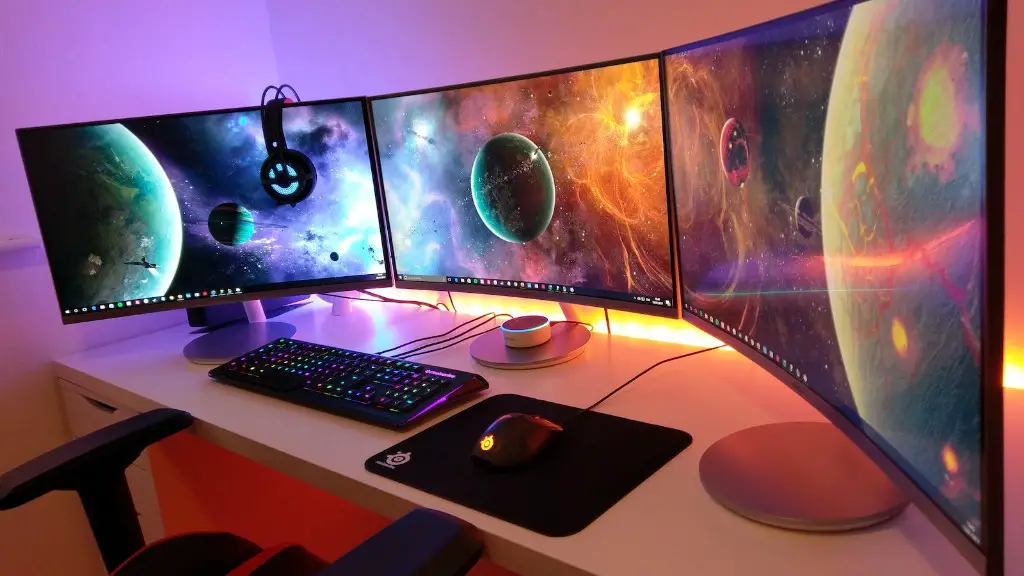
Building your own gaming PC is not as intimidating as it may sound – if you have the right components and a plan. To begin, you will need a CPU, a GPU, a motherboard, RAM, a storage drive and a power supply, among other items.
The processor or CPU is the brain of your computer and will have the biggest impact on performance. A high performing CPU may cost substantially more, but is worth the investment if you are looking to play the most recent AAA titles. We recommend an Intel Core i5 or Ryzen 5 processor.
The graphical processing unit (GPU) works alongside the CPU to process graphical computing tasks. All good gaming PCs should have at least a mid-range GPU to handle the high resolution textures and modern graphics. We advise choosing an Nvidia GeForce GTX 1050 Ti or better.
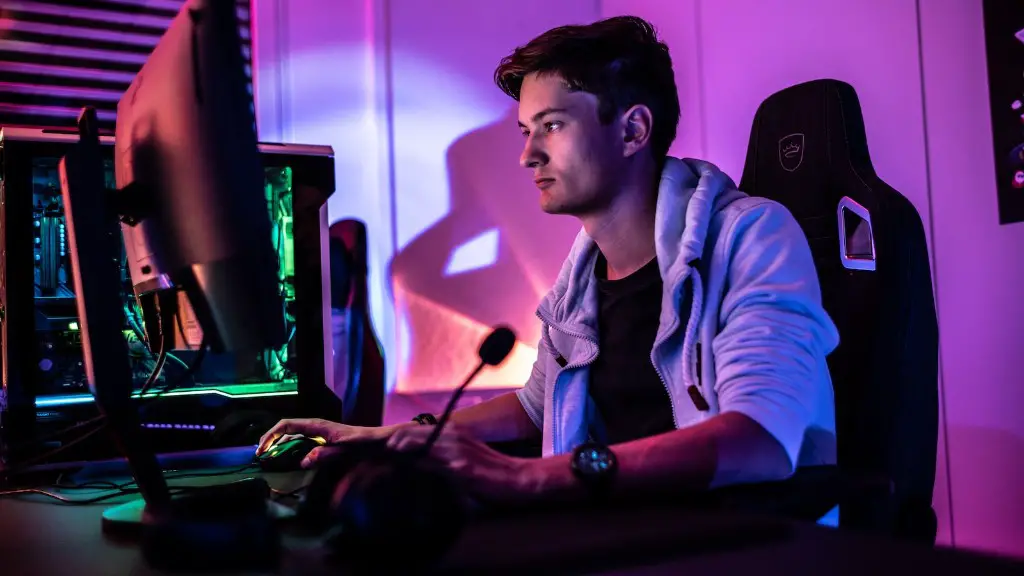
An important piece of Motherboard technology is the chipset which offers compatibility with the CPU and components. To support the GPU you should invest in a mid-range motherboard with an equal or higher chipset such as the AMD B450 or Intel B360.
System memory, commonly referred to as RAM, is responsible for managing your computer’s tasks and software. 8GB of RAM is the minimum requirement for most modern gaming PCs, but 16GB is recommended for optimal performance. You should also look for DDR4 memory which is faster and more efficient than DDR3.
Storage is an important part of any gaming PC build, but with modern solid state drives, it can be surprisingly low cost. An SSD is the perfect choice because it vastly outperforms HDDs in terms of read/write speeds, making your games load substantially faster. Even a 250GB-500GB drive should have plenty of room for your favorite games.
Finally, without power there is no hope for a functioning gaming PC, and it’s important to meet the minimum power requirements in order to run your system without damage. Choose an 80+ certified power supply unit of at least 500W.
Case
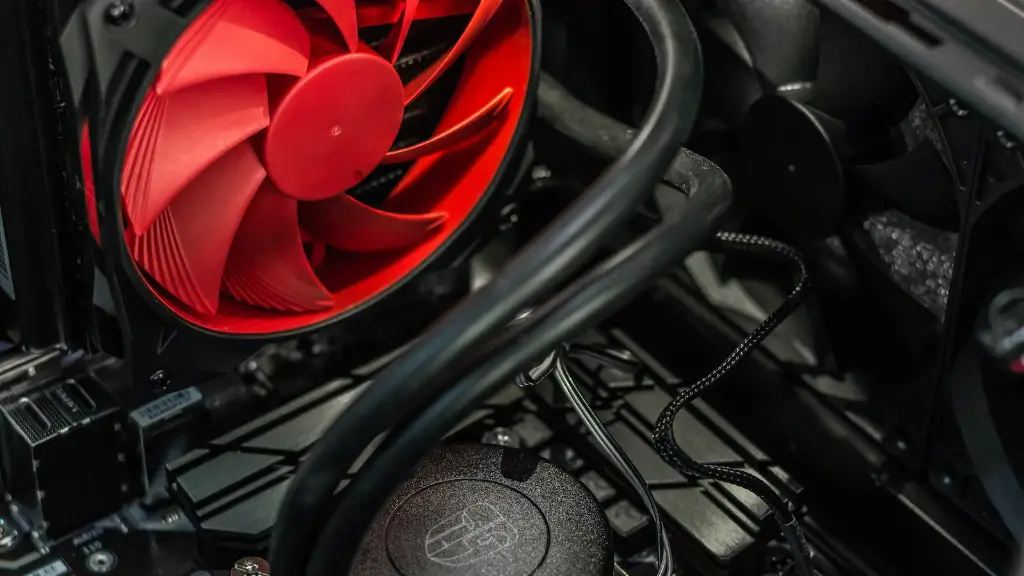
Your gaming PC will need a casing to house the components. We advise choosing a gaming case with plenty of space for expansion, allowing for extra storage space or components. It should also have multiple fan mounts to keep your system cool during long gaming sessions.
Make sure your case is capable of accepting all the components you plan to use – it should fit the dimensions of your motherboard, your CPU cooler and your GPU. Additionally, pick out a case with good air circulation to keep your PC running quietly and cool.
The design is also very important in a gaming PC as you will want your PC to look its best. We recommend opting for an angled or aggressive gaming design with plenty of customizable RGB lighting options.
Cooling
Air cooling is the most common form of cooling used in a gaming PC, given its low cost and easy installation, but it is also the least effective. Stock CPU fans are a decent option to start but you should consider upgrading to an aftermarket air cooler if you want to overclock your CPU.
Water cooling is much more efficient than air cooling, as it facilitates more direct contact between the CPU and radiator, allowing temperatures to remain low even during intensive tasks, such as gaming or video editing. However, water cooling usually requires more setup and maintenance than air cooling.
If you want to get the most out of your gaming PC and hook it up to a 4K monitor, you will need a powerful water cooling system to prevent your CPU from overheating. A popular alternative is an all-in-one liquid cooler, also known as an AIO – these come pre-filled and are relatively easy to install and maintain.
Storage
In addition to a primary storage drive, it is a good idea to include a secondary drive to back up important files such as game saves and other personal files in case something happens to the primary drive. A hard disk drive (HDD) is a great budget alternative for additional storage, given their cost and capacity.
HDDs offer multiple terabytes of storage for less and are an ideal solution for long-term storage or backing up data. HDDs are much slower compared to SSDs but you still shouldn’t notice a major difference in gaming performance.
Peripherals
Finally, don’t forget to include the essential peripherals such as a monitor, keyboard, mouse and headset. A gaming monitor with a 144Hz refresh rate should provide a good balance between price and performance. Gaming keyboards come with extra features such as anti-ghosting and RGB lighting, while gaming mice are better suited for precision and accuracy.
A good gaming headset is essential for gaming as it allows you to communicate with teammates and opponents across a range of different platforms, while also providing clear audio input and output. A wireless headset is a great option for gaming on the go as it provides more freedom of movement, although these usually cost more than their wired counterparts.
Software
You should also consider the software you need to install in order to set up your gaming PC, such as an Operating System (OS), drivers, antivirus software and other utilities. Windows 10 Home is a great option for most gamers, as it comes with many of the features gamers want out of the box.
While most of the drivers for your hardware will be included with the installation of Windows, you may need to install additional drivers manually depending on the manufacturer of the product. It is also important to install a good antivirus software, to ensure that your PC is safe from malware and other malicious programs.

It is also a good idea to include some games on your gaming PC, such as an MMORPG or an FPS. To get the most out of these games, you may need to install additional software such as Steam or Origin, depending on the game you are playing.
Networking
No gaming PC is complete without a connection to the internet. If you want to connect to the web wirelessly, you’ll need a wireless router or access point, although this will probably add to your monthly expenses. If you live in a large house, it is recommended that you invest in a more powerful router with extended range.
If you plan to play online multiplayer games, such as Fortnite or League of Legends, make sure you have a good internet connection. Most online gaming requires a connection speed of at least 5 Mbps, but you may need more than this depending on the game you’re playing.
Having a wired connection will give you optimal performance, so it’s worth investing in an Ethernet cable that is long enough to reach from your router to wherever you will be gaming. This will require some extra hardware, such as a powerline adapter, but it is the best way to ensure that you have consistent, lag-free gaming.
