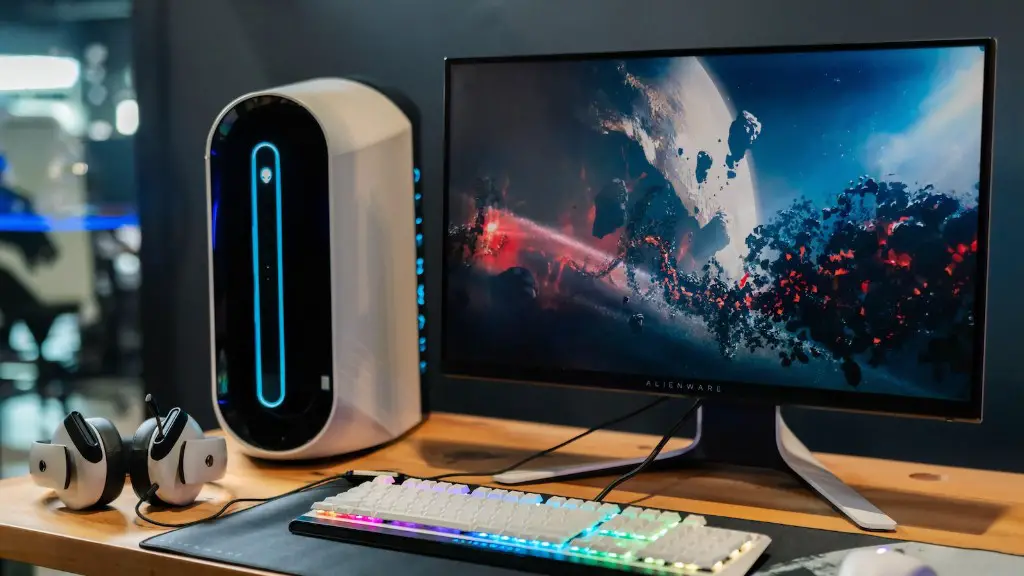
Building a gaming PC requires some technical knowledge, but that doesn’t mean it’s impossible for someone with no prior experience. There are a number of components required to build a high-performance gaming system. This includes a CPU, motherboard, RAM, cooling, a power supply and a dedicated graphics card. Additional components, such as a gaming case, gaming monitors, and accessories such as a gaming mouse and keyboard, are also available for purchase.
The most important component of any gaming computer is its CPU. The processor is the brain of the computer which enables it to run applications and process data. An Intel processor is generally the best option for gaming, as they are faster and more reliable than AMD processors. The recent 10th Gen Intel chips are designed to run the most high-end games with the highest settings. Since they come with multiple cores, they are also great for multitasking.
A motherboard is the component that houses the CPU, RAM, and other components. It is important to choose a motherboard that is compatible with your CPU and is designed for gaming. Motherboards come in a variety of form factors (e.g. ATX, Mini ITX, Micro ATX, etc.), so selecting the right form factor is essential. Additionally, it is important to select the right chipset in order to get the best performance from your processor.
RAM, or random access memory, is a critical component of any gaming PC. RAM enables your computer to access data more quickly, as it stores data as it is being processed. The amount of RAM you need depends on how intensive the games you play are, but 8GB should be sufficient for most gamers. Additionally, you’ll want to purchase RAM that is compatible with your motherboard.
Cooling is one of the most important but overlooked components for any computer. If your computer does not have adequate cooling, it can suffer from thermal throttling and your performance will suffer as a result. Most entry-level gaming PCs come with simple air cooling systems, but if you are looking for the best performance, a liquid cooling system is a must.
The power supply ensures that your computer components have enough power to function. When purchasing a power supply, it is important to select one that has enough wattage for your components, as well as the ability to handle overclocking if needed. Additionally, you should make sure that the power supply has the right connectors for your motherboard and other components.
Finally, you’ll need a dedicated graphics card in order to run the latest games. Graphics cards are available at a variety of price points, and the right one for you will depend on the games you want to play and the resolution your gaming monitor supports. It is important to ensure that the graphics card is compatible with your motherboard as well.
Types of Gaming Cases
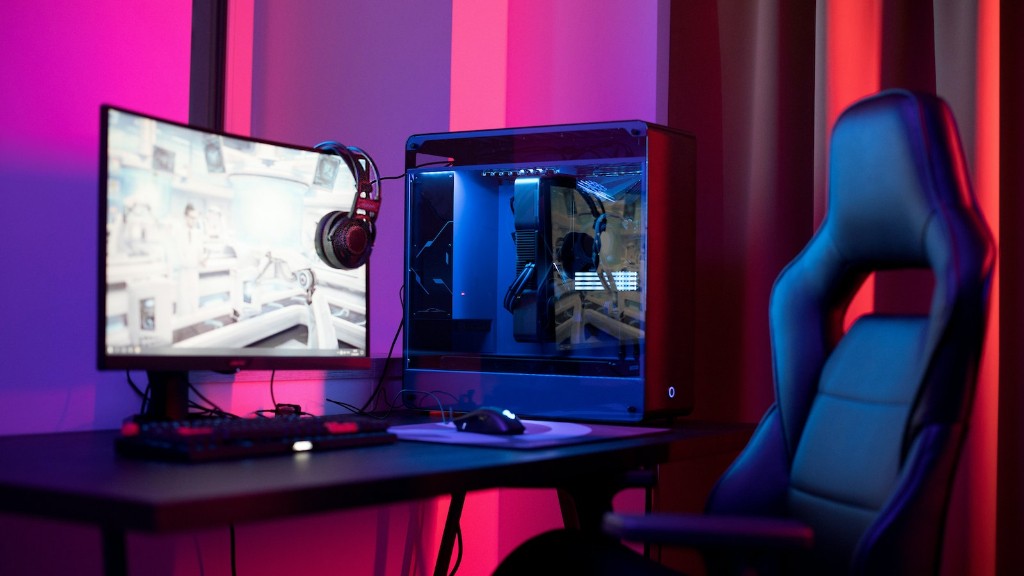
The gaming case is the exterior case of the computer which houses the components. The gaming case has to be large enough to fit the components, and should be durable enough to protect them from dust and other elements. There are a variety of different gaming cases available on the market, such as mid-tower, full-tower, mini-ITX, and micro-ATX. Each type of case has its own set of pros and cons, so it is important to choose the one that best suits your needs.
Mid-tower cases are the most popular option for gamers, as they offer plenty of room for components as well as good cooling performance. Full-tower cases are even bigger and can accommodate multiple graphics cards, liquid cooling systems and other high-end components. Mini-ITX cases are the smallest option, but still offer plenty of room for components, although the cooling performance may not be as good as larger cases.
Micro-ATX cases offer a good balance between size and performance and are the ideal option for gamers who want a balance between affordability and performance. Some micro-ATX cases are even small enough to be mounted directly to the wall or under the desk. It is important to check the maximum card length and PSU length of the case before purchasing in order to ensure it can accommodate your components.
Gaming Monitors
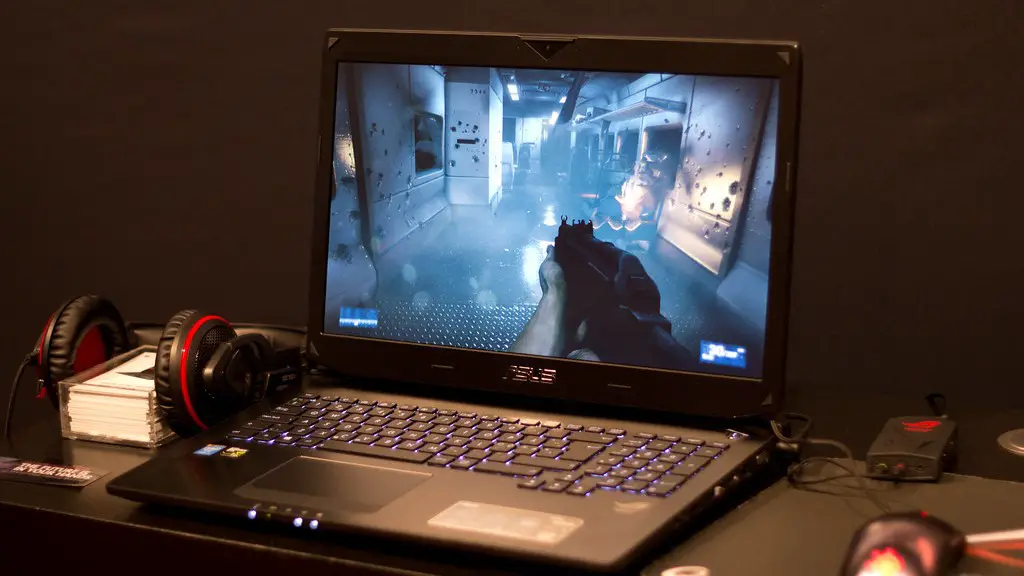
Having a high quality gaming monitor is essential for gaming. Monitors come in a variety of sizes and resolutions, so ensure that you choose one that suits your needs. For instance, curved monitors are great for providing an immersive gaming experience, while Ultra Wide monitors provide more screen real estate.
The refresh rate of a monitor is also important. Higher refresh rates will provide smoother gameplay, with the industry standard being 144Hz. If you are looking for a monitor with an even higher refresh rate, you may want to look into a 240Hz or even a 360Hz monitor. However, these monitors can be expensive, so it is important to make sure you get the one that is best for you.
Finally, it is important to choose the right type of panel for your monitor. TN panels are the cheapest option but offer poor colour accuracy and viewing angles. IPS panel monitors cost a bit more but offer better colour accuracy and wider viewing angles. VA panels offer the best of both worlds, with better colour accuracy and wider viewing angles than TN panels and faster refresh rates than IPS.
Gaming Accessories
While not essential, gaming accessories can greatly enhance your gaming experience. The most important accessories are a gaming mouse and keyboard. Gaming mice are designed to be more ergonomic and provide better accuracy and tactile feedback than regular mice. Additionally, they often come with adjustable CPI settings, which allow you to adjust the sensitivity to your preference.
Gaming keyboards provide a more comfortable typing experience and are generally easier to use than regular keyboards. Furthermore, gaming keyboards often come with RGB lighting and extra programmable keys, which can be useful for gaming as well as other tasks. Additionally, some gaming keyboards come with mechanical switches, which provide a more tactile response than regular keyboards.
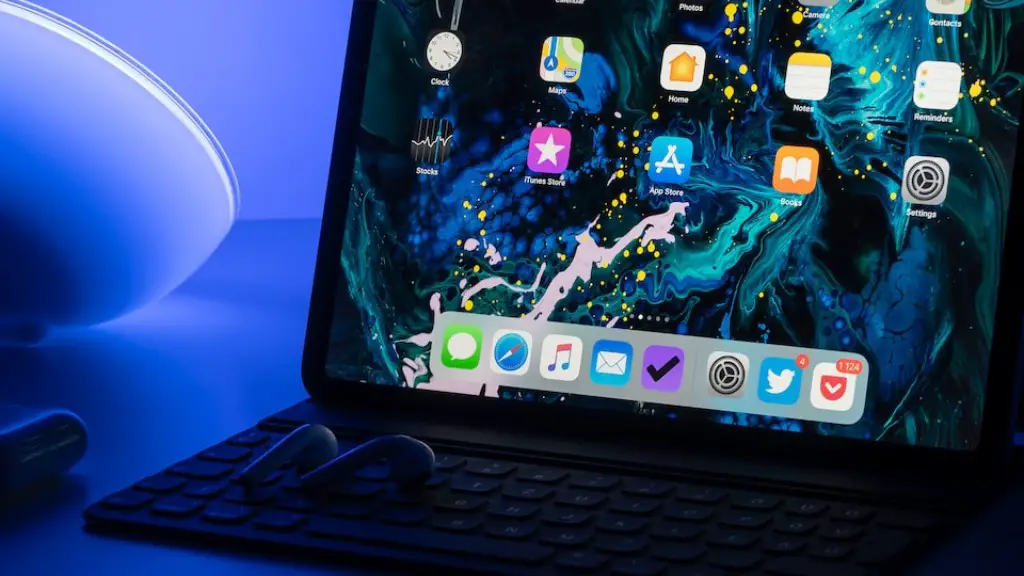
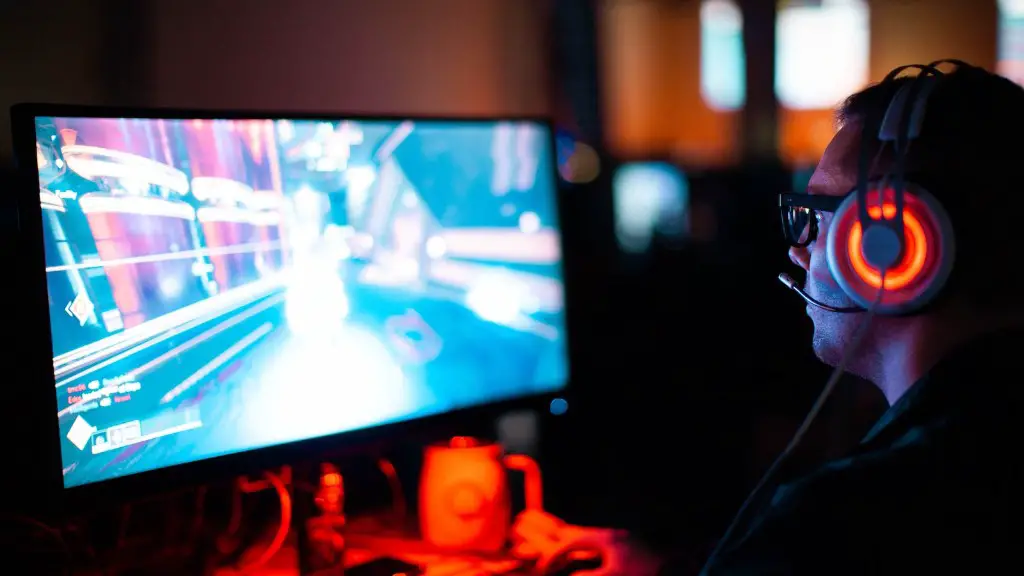
Another important gaming accessory is a headset. Headsets provide better audio than speakers and also allow you to communicate with your teammates, which can be invaluable in team-based games. Additionally, there are a variety of types of headsets from wired to wireless, so you can find one that is comfortable and suits your needs.
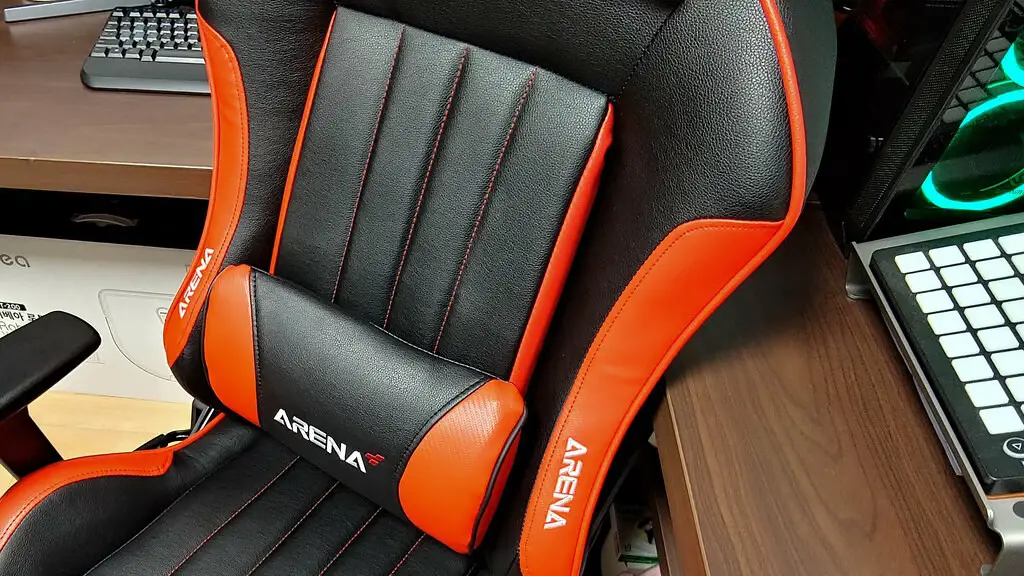
Finally, a gaming chair is also a great way to improve your gaming experience. Gaming chairs provide more comfort and support than regular chairs, and come in a variety of different styles. They can also be adjusted to fit your body and provide extra support, which can help reduce fatigue while gaming.
Storage Components
Storage components such as hard drives and solid state drives (SSDs) are also essential components of any gaming PC. Hard drives are larger and offer more storage space, while SSDs are much faster and are ideal for storing games and data that needs to be accessed quickly. A combination of both can be used to ensure that you have enough storage space as well as quick access to data.
Many hard drives and SSDs are available in 2.5” and 3.5” form factors. If you are using a desktop PC, the 3.5” form factor should be used, as it is more stable and offers better airflow. The 2.5” form factor is ideal for laptops and other small form factor PCs.
It is important to choose a hard drive or SSD with the highest performance level possible. Many drives come with a variety of features, from low latency to enhanced read/write speeds, so be sure to select a drive with the features that best suit your needs.
Optical drives are not necessary for gaming PCs, but they are still useful for watching movies and reading discs. DVD/Blu-ray drives are the most common types of drives, but they can be slow when compared to other storage components. If you want to be able to access data faster, you may want to purchase a UHD drive, which is capable of reading and writing to ultra high speed discs.
