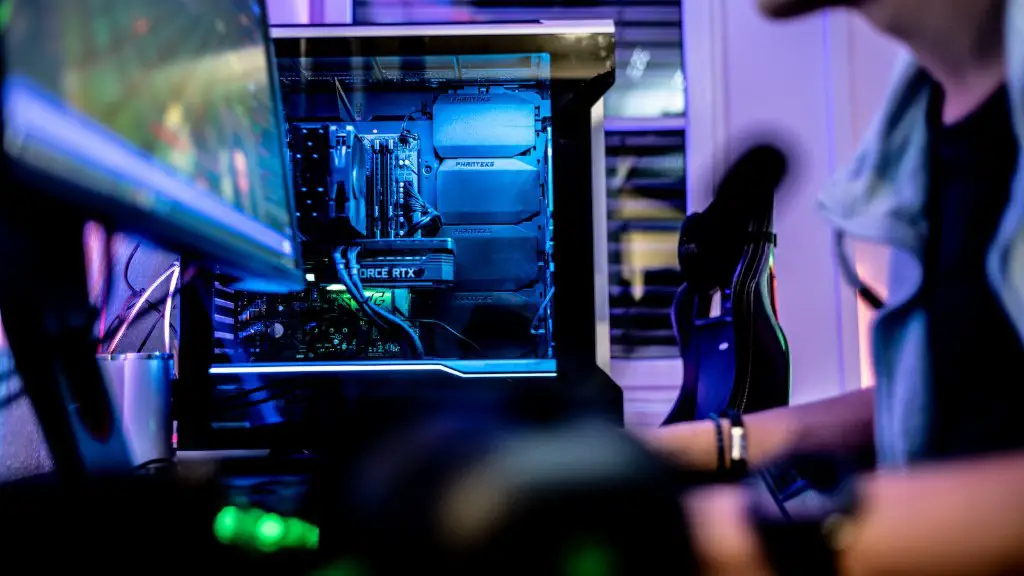
Should You Turn Off Your Gaming Pc?
It’s a difficult decision whether to turn off your gaming PC or leave it running when you’re done gaming. Each option has its merits and drawbacks, so let’s examine them both. Firstly, leaving your PC running will mean you don’t have to wait so long for it to boot up when you’re ready to use it again. However, it will consume energy – so if energy efficiency is a priority, turning it off is your best bet. Conversely, turning your PC off each time will help to keep it running well, as the power cycling will flush out clutter that builds up in the system over time. But restarting the PC will take a lot of time and can be a hassle.
On balance, it makes sense to turn off your gaming PC when you’re done using it. This will help to conserve energy, protect your system from clutter and also help to extend the life of the internals. Additionally, there’s no tangible benefit to leaving your PC on in this instance. It’s possible to turn the PC off and still have it running swiftly when you next need it – with options such as fast or ultra fast boot enabling this. Ultimately, then, turning off your gaming PC is the sensible option.
Benefits of Turning Off Your PC
On the plus side, turning your gaming PC off means that your PC is not running any applications and consuming energy in the background. This will do two things: Firstly, it will save you money on electricity – making the hardware cheaper to use in the long run. Secondly, it will help to reduce your carbon footprint – something that’s increasingly important in today’s world. Furthermore, turning your PC off will ensure that all applications are closed and shut down properly, meaning any unfamiliar processes won’t affect the system in the future.
Moreover, turning off your gaming PC promotes internal cleanliness. During periods of inactivity, the computer continues to generate heat, which could cause dust to accumulate. This can reduce the performance of your gaming PC if not dealt with, so by turning off the system, you can ensure this doesn’t become a problem. Similarly, the fans won’t be running constantly, leading to a quieter and less disruptive user experience.
Finally, the power cycling that occurs when you restart a PC can help to extend the life of its internals. This is because internals need rest in order to operate optimally and restarting your PC allows them to get the rest they need. As a result, by turning off your PC, you can get more life out of your hardware and keep it running optimally for longer.
Drawbacks of Turning Off Your PC
On the downside, though, turning off your gaming PC can take more time than just leaving it running. This is because restarting the PC involves more processing and can often be quite slow – even with fast boot modes enabled. This means that the time spent waiting for the PC to start up could be spent actually gaming, so in some cases it’s better to just leave the PC running.
Another potential issue is that the internal clutter isn’t addressed when the system is left running. This means that, although there won’t be any time spent restarting the PC, the issue of clutter still remains. Over time, this can lead to a decrease in performance of your gaming set-up, so if you don’t switch off your PC this problem won’t be rectified.
An additional factor to consider is safety. Turning off the PC will prevent it from overheating and as a result, potentially damaging its internal components. However, leaving it running might present a fire hazard in some cases, due to the fact that the PC will continue to generate heat even when you’re not using it. As such, it’s important to remain vigilant to any such risks and make sure to act responsibly.
The Ideal Solution
The ideal option, then, is to find a balance between these two choices. Turning off the PC when it’s not in use will ensure maximum energy efficiency and system performance, while still allowing you to have the PC running when you’re gaming. Additionally, you should check the storage, temperature and other readings of your gaming PC regularly to ensure all is running smoothly.
When all is said and done, then, the decision of whether to turn off your gaming PC or not is down to personal preference. In most cases, however, it’s best to turn off the PC when you’re done gaming, as this is the most efficient way of keeping your system running optimally. In this way, you can ensure your PC is fast, energy efficient and well-maintained – all while being kind to the environment.
Hydro vs Air Cooling
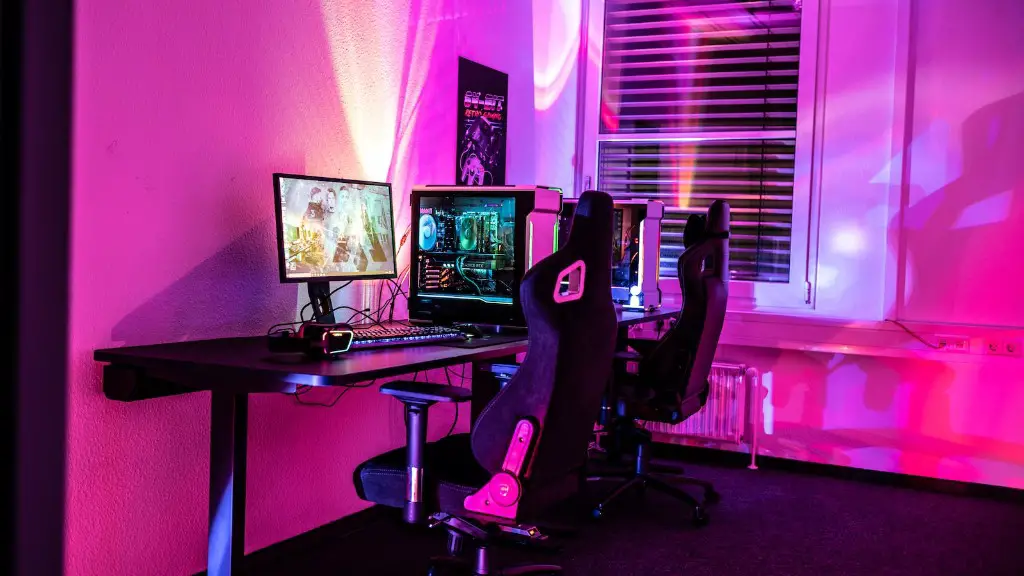
Another important point to consider is whether to use air or liquid cooling for your gaming PC. Air cooling is less expensive and more straightforward to set up, making it the ideal choice for gamers on a budget. On the flip side, liquid cooling is significantly better for system performance, as it enables a more efficient heat dissipation – meaning your games will run better. Ultimately, then, your decision will depend on whether you want to save money on cooling or have the best performance.
When it comes to energy efficiency, though, both liquid cooling and air cooling are generally the same. Any energy lost in the process of cooling is generally made back up by the cooling fan, meaning the choice between these two won’t have an effect on energy bills. With this in mind, then, it’s important to think carefully about how much money you’re willing to spend and how much performance you’re hoping to get.
Ultimately, the decision between air cooling and liquid cooling comes down to your personal preference. If you want the most efficient cooling solution, then liquid cooling is the best option. However, if you’re looking for an inexpensive and straightforward solution, then air cooling might be the way to go.
Conclusion
In conclusion, turning off your gaming PC when you’re done using it is the most efficient solution. Turning on and off your system will help to conserve energy, extend the life of its internals, and reduce the risk of dust and other debris affecting the system. Additionally, you should also consider whether to use air or liquid cooling for your gaming PC – depending on your budget, performance requirements and other factors. Ultimately, then, careful consideration should be given to how you cool your gaming PC, as this can impact both its performance and energy efficiency.
