Given the sheer popularity of the Fortnite game, it is no surprise that many gamers would be interested in getting it on their gaming PCs. Fortunately, there is an easy process to do so. To get Fortnite on gaming PC, one should include the following steps:
Firstly, make sure that your gaming PC meets the minimum system requirements for the game. You’ll need a graphics card of premium quality and processing power. A decent processor and RAM are also essential. Check the game’s official website and ensure that your PC has the specifications needed.
Next, find an official site to download Fortnite. There are a few options and the game doesn’t cost anything. Choose the right version for your PC and make sure you get the download file correctly.
Thirdly, install the program. Often, Fortnite will start downloading and installing itself, so you just have to wait. If not, then you’ll need to launch the program to initiate the process. Just follow the onscreen instructions.
Fourth, launch Fortnite and make an account. You might see prompts or tips for creating an account, after which you’ll have to wait for the game to download the necessary components. When done, you should have access to the game.
Lastly, make any necessary settings and in-game purchases. At this stage, you can also adjust the sound, graphics, and other settings. Then you can start playing the game with your friends or solo.
Benefits of playing Fortnite on Gaming PC
Since you are playing through a gaming PC, you can expect the best experience possible. PCs are built for gaming, especially when they meet the right system requirements. So having the game on them can be quite beneficial.

Firstly, since the PC meets the minimum system specs required, you’ll be able to run Fortnite with the best graphics and sound quality possible. The game runs smoother and your aim and movements will be more precise. Hence, your gaming experience is improved significantly.
Secondly, a gaming PC can handle longer gaming sessions. A decent gaming PC can handle a few hours of non-stop gaming without significant frame rate drops or lag. This means you will be able to play without worrying about the system breaking down.
Thirdly, you can modify all the necessary settings. Since PCs are built for gaming, you can find a lot of in-game settings that help optimize the overall gameplay. You can tweak the graphic settings, control sensitivity, and a lot more to achieve the gaming experience you desire.
Fourthly, you will have access to all the necessary peripherals. To get the best out of Fortnite, you will need controllers and other gaming hardware. With a gaming PC, you can easily connect these peripherals and get the best performance.
Lastly, you will be able to play with the latest updates. Fortnite is constantly rolling out new updates and patches, and with a gaming PC, you can easily install them and access the most recent content.
Using the Right Software and Updates for Fortnite
Apart from the hardware you have for your gaming PC, you also need to be mindful of the right software and updates so that you get the best out of the game. This includes running scans and updating the necessary drivers regularly.
Firstly, running regular scans and updates will ensure that your PC’s system is running as efficiently as possible. With the right performance optimization, you will be able to play Fortnite without any lag or stuttering.
Secondly, when you download Fortnite, make sure to check the official website for any critical updates or patches. This will ensure that the game operates perfectly, and you have access to the latest features and items in the game.
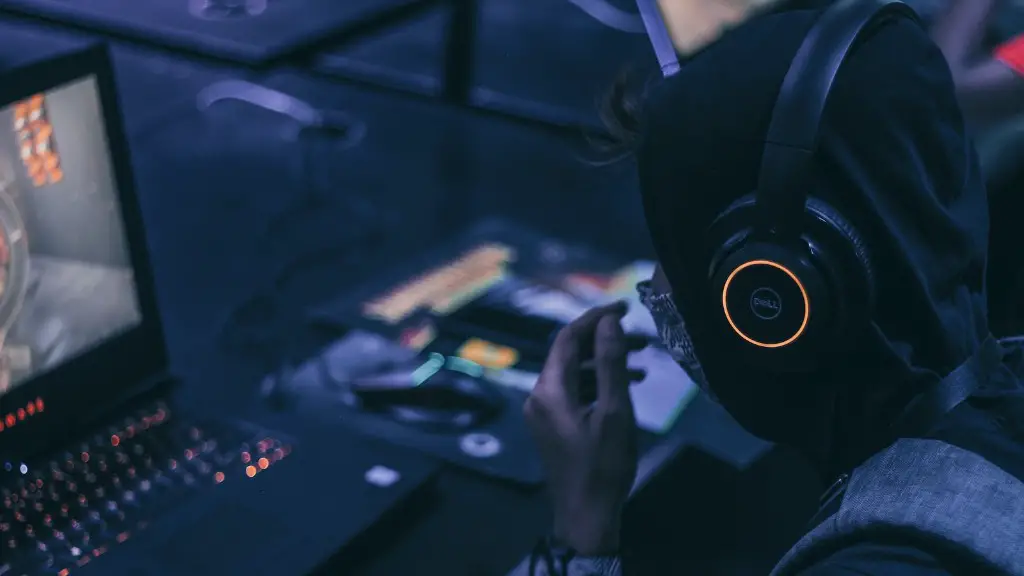
Thirdly, a good gaming PC will also include the necessary supportive software. For example, if you are playing with a controller, you might need a third-party software that allows you to customize and optimize the controller’s settings.
Fourthly, make sure to have an antivirus program installed on your PC. Not only will it keep your system secure, but it will also be helpful in keeping the game running without any issues.
Lastly, make sure to turn on updates for any gaming peripherals you’re using. This includes controllers, keyboards, and mice. That way, you can access the latest firmware and software updates to get the full benefits of having these gadgets.
Optmizing the Gameplay
In the game, there are various settings that you can tweak to optimize your gameplay. This includes the graphics, audio, textures, shadows, and more. And since you are playing on a gaming PC, you can easily modify these settings to get the best out of your gaming experience.

Firstly, it is important to adjust the graphics settings correctly. Too high and you risk affecting your gameplay as the game lags or stutters, particularly during huge gunfights. Too low and you won’t be able to fully appreciate the beauty of the game.
Secondly, sound plays a crucial role in the game. With the right sound settings, you will be able to get a better understanding of your opponent’s direction and location. You can also hear movement in the surroundings better.
Thirdly, textures and shadows also have a huge impact on your gameplay. A good gaming PC will allow you to set these settings to their highest levels, allowing you to get an edge over your opponents.
Fourthly, you can also tweak the sensitivity and key bindings. For example, you can modify your controller’s sensitivity to make your aim smoother, and you can bind keys to make the gameplay more intuitive.
Lastly, you can look into the game’s advanced options. CPUs with multiple cores can unlock options like anti-aliasing and motion blur, while highly-end GPUs can turn up texture quality. This can take your gameplay to new heights.
Playing with Friends
In Fortnite, you can play with your friends from all over the world. With the right setup, you will have no problem in playing a game together. All you need is a decent gaming PC, fast internet, and friends willing to join your session.
Firstly, make sure everyone has the game installed correctly and is running the same version. This is important, especially if you and your friends have PCs running different operating systems.
Secondly, your internet connection should be fast and secure. All lag must be avoided, as it can cause various gameplay and connection issues. By having a fast and stable internet connection, your gaming session will run smoother and you will have no trouble playing with your friends.
Thirdly, look into voice chat as well. Having a voice chat app installed on your PC, like Skype or Discord, can make communication easier. This allows you to coordinate with your teammates and plan out strategies.
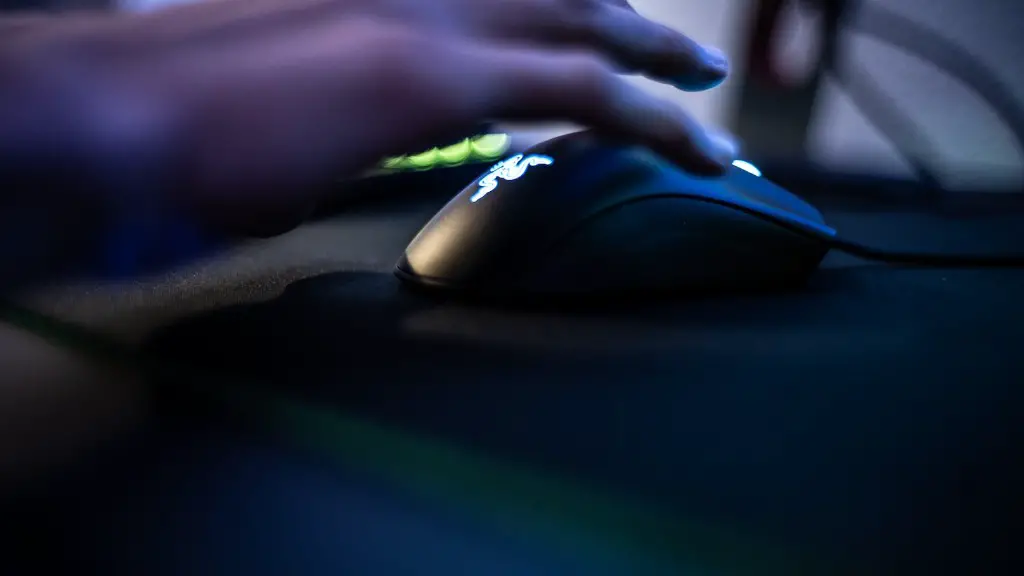
Fourthly, make sure each of you has the necessary hardware and peripherals. Depending on what type of gaming you’re going for, each of you might need a gaming mouse or joystick. If you have them, you will be able to compete at the highest level.
Lastly, you can customize the game settings to make your gaming experience even better. Things like HUD settings, control sensitivity, and graphics settings can all be tweaked to your liking. That way, you can get the most out of the game even when you are playing with your friends.
Accessing Open Servers
Apart from playing with your friends, you can also choose to play on your own or join open servers. Open servers are great for solo players or newcomers to the game who want to practice their skills.
Firstly, there is no need for a password or invitation to join open servers. All you have to do is select the open servers from the list and start your game. This makes it easier to practice and hone your gaming skills.
Secondly, you can play with players from different regions in open servers. This can be quite interesting, and a great way to appreciate different cultures and gaming styles. You can use these experiences to hone your skills even further.
Thirdly, you can also utilize open servers to find your game type. Every game type requires a different approach and style, so going through open servers can help you find the one most suited to your preferences and gameplay.
Fourthly, you can use these servers to measure your progress. In open servers, it’s easy to compare your stats with others and get an idea of how well you are doing. This will be helpful in tracking your improvement and knowing your current skill level.
Lastly, you can use open servers to take a break from your friends. There are times when one just wants to play a few rounds without the interference of friends, and open servers can provide that respite. This can be quite relaxing and fun at the same time.
