
Contrary to mainstream belief, building a high-end gaming PC does not have to cost a fortune. While there are expensive components that are only available for those willing and able to afford them, there are also budget options that provide excellent performance. The cost of a high-end gaming PC will depend on three main factors: the components, the accessories and the case. Keep in mind, the better the components, the higher the price will be.
Begin with the Central Processing Unit (CPU). It is the heart of any gaming PC and is absolutely necessary for smooth and optimal gaming performance. You could get away with a budget CPU, such as an AMD Ryzen 3 3200G, but in order to ensure the best gaming experience, invest in a mid-range processor such as a Ryzen 5 3600. Along with the CPU, you must also choose a compatible motherboard, preferably from the same manufacturer.
In regards to a Graphics Processing Unit (GPU), it is necessary for high-end gaming. Depending on the game you are playing, you may also require a more powerful GPU. With modern games such as Cyberpunk 2077 and Red Dead Redemption 2, an expensive GPU such as an Nvidia RTX 2080 Ti or an AMD Radeon VII will be necessary for smooth performance. It is also important to remember that the GPU you choose must also be compatible with the motherboard.
High-end gaming PCs also require a considerable amount of RAM. The amount you should choose will depend on the games you are playing, but 16GB of RAM should be sufficient for most gaming needs. Be aware that RAM must also be compatible with the motherboard of the PC.
Next, choose a storage option. For gamers who require a lot of storage space, a solid-state drive (SSD) is the best choice. An NVMe-based SSD is the fastest and offers the highest performance, but is also more expensive. However, if you are on a tight budget, you can opt for a hard disk drive (HDD), which is more affordable but slower.
Finally, choose a case for your PC. A case is not only important for the overall aesthetics of the PC, but it also serves another practical purpose: cooling. A well-ventilated and spacious case will help minimize heat and keep the temperature of your components from getting too high. Therefore, it is important to choose a case with enough space for the components you have chosen, as well as several cooling fans.
With all these components in place, the cost of a high-end gaming PC can vary significantly, depending on the type and quality of components you choose. A PC with budget components and an economical case could cost as little as $500, while a PC with high-end components and state-of-the-art case could cost upwards of $2,000. Ultimately, the price of your high-end gaming PC will depend on your budget and the level of gaming performance you desire.
Extended Topic 1: Different Components of Gaming PC
A high-end gaming PC consists of a number of components that work together to deliver a phenomenal gaming experience. Building a gaming PC from scratch can be a daunting task, especially when it comes to choosing the components. But armed with a little bit of knowledge of the various components, you can equip your PC with the best components for optimal gaming.
First and foremost, you will need a CPU, which serves as the “brain” of a computer. A quad-core processor, such as the AMD Ryzen 5 5600X or Intel i5-10600K can deliver enough performance to make any game run smoothly on your gaming PC. Depending on your budget and requirements, you can also choose a mid-range or high-end processor.
The GPU is another essential component of a gaming PC. A good quality graphics card is essential for games to run smoothly and at higher frame rates. If budget is not a concern, then consider investing in a flagship GPU such as Nvidia’s RTX 3080 or AMD’s Radeon RX 6800 XT. If you’re on a budget, then a midrange GPU such as Nvidia’s GTX 1650 Super or AMD’s Radeon RX 5600 XT should be more than enough.
RAM is one of the most important components in a gaming PC because it determines how quickly the processor can access and store data. 8GB of RAM is the minimum requirement for gaming, but having 16GB or more can significantly improve performance. You should also choose memory that is compatible with the motherboard.
When it comes to storage, a good quality SSD is the way to go. An SSD can drastically improve the speed at which data is transferred and can also help reduce load times in games. It is also worth investing in an HDD to provide additional storage space. As with other components, the amount of storage will depend on your budget and needs.
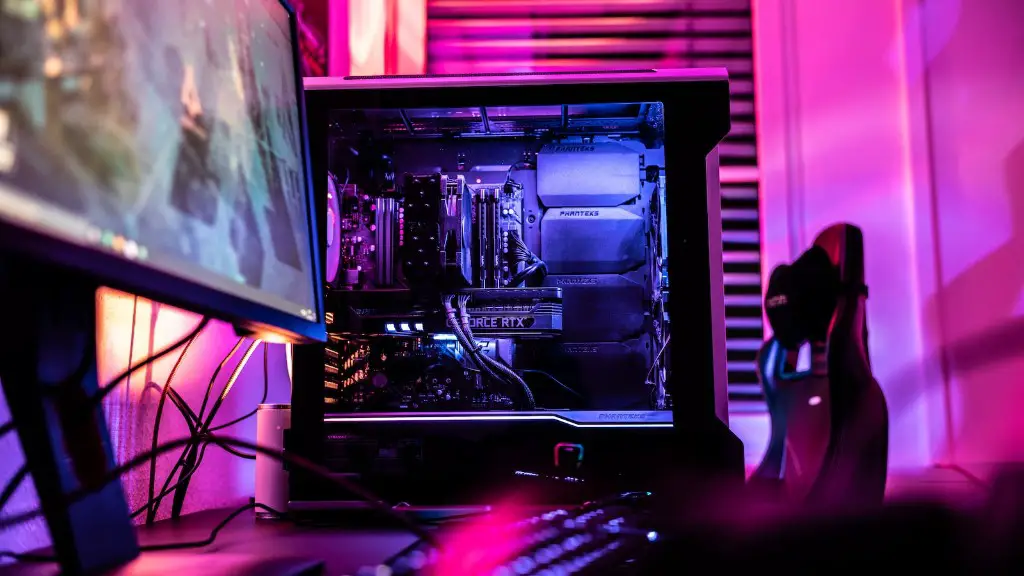
A case is necessary for holding all the components together and to protect them from dirt, dust, and other environmental hazards. Cases come in all shapes and sizes, so it’s important to choose one that is suitable for the components you’ve chosen. Some cases also come with additional features, such as built-in fans for better cooling and windowed side panels for a better view of the interior of the PC.
Finally, any gaming PC should have a reliable power supply. A good quality power supply will supply consistent, clean power to all components, ensuring the steady flow of electricity. It is important to choose the right wattage and connector type for your components, otherwise, you may end up damaging them.
Extended Topic 2: Accessories Needed For Gaming PC
Apart from the essential components, there are also some accessories that should be taken into consideration when building a gaming PC. While these accessories don’t directly affect performance, they can help enhance the gaming experience or make it more convenient.
A gaming monitor is the most important accessory for any gaming PC because it is the primary device used for playing games. Depending on your budget and needs, you can choose either a 5K monitor with a high refresh rate or a more budget-friendly full HD monitor. Monitors also come in various sizes, from 24-inch to 32-inch and more, so choose one that matches your setup.
An ergonomic mouse and keyboard are also necessary for gaming. Make sure to choose a mouse that fits comfortably in your hand and comes with the features you need. As for a keyboard, a mechanical keyboard is the best choice for gaming, as it offers superior responsiveness and faster actuation. You can also choose a wireless keyboard and mouse if you prefer a clutter-free gaming desk.
If you are serious about gaming, then investing in a gaming headset is a must. A good quality headset will provide superior sound quality and a clear microphone, which will make communicating with teammates or opponents more enjoyable. Additionally, headset also come with several features such as virtual surround sound, active noise cancellation, and wireless technology.
An external hard drive is also a good addition to a gaming PC because it offers additional storage space for all your games and other media files. An external hard drive also has the added advantage of being able to easily transfer data, so you can bring your entire library of games to a friend’s house without having to worry about filling up your laptop’s drive.
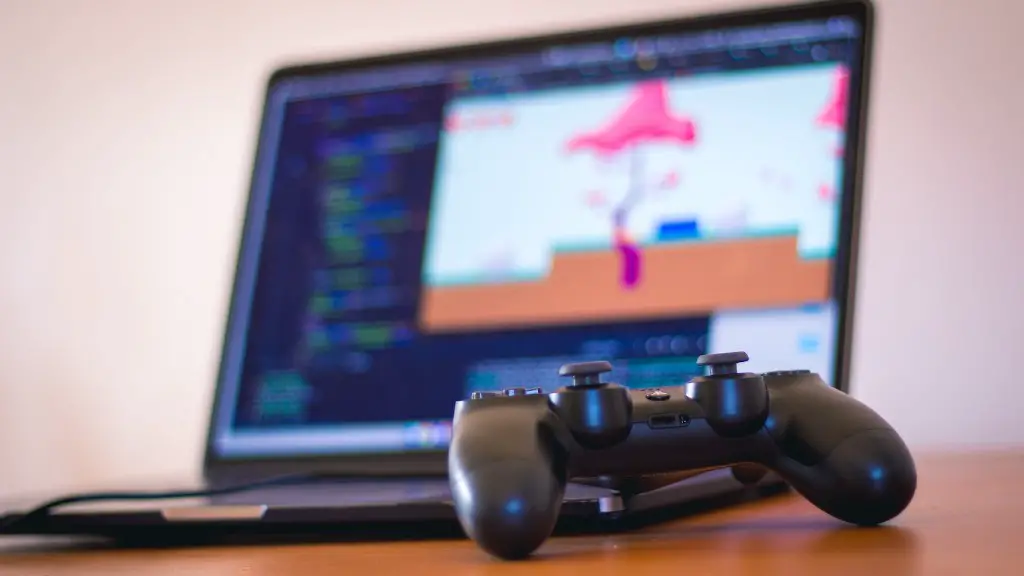
Finally, a game controller can make playing your games more enjoyable, as some games are simply better with a controller. You can choose from wired or wireless controllers, as well as first-party or third-party controllers. Regardless, make sure to choose a controller that matches your gaming style.
Extended Topic 3: Tools Needed For Building a PC
Although it is possible to build a gaming PC without any prior knowledge or experience, certain tools are required in order to ensure compatibility and performance. Below are a few of the most essential tools for PC building:
Screwdrivers are an essential tool for any kind of PC building. You will need these to secure the motherboard, case, fans, and other components in place. Invest in a good quality set of screwdrivers, as they will make the building process much easier.
Thermal compound is also necessary for aiding in heat dissipation. Thermal paste is applied between the CPU and the heatsink and serves to fill any “gaps” between them for better contact and heat transfer. Make sure to use a high-quality thermal compound for optimal performance.
A hard drive dock makes connecting multiple hard drives easier and more convenient. These are particularly useful when transferring data between multiple drives, or when doing a RAID setup. They are available in both internal and external varieties and come in varying sizes and connection types.
A card reader is also a handy tool for transferring data from one drive to another without the need for a full system restart. Card readers are also used for transferring photos and videos from memory cards to a PC or laptop.
Finally, a cable tester is a great tool for making sure all the connections are working properly and that nothing is faulty. Cable testers come in various forms and can be used to check the resistance of cables, as well as test the power output from connectors.
Extended Topic 4: Building Process of a High-End Gaming PC
In order to build a successful high-end gaming PC, the building process must be done carefully. Here is a step-by-step guide on how to build a high-end gaming PC:
The first step is to choose all the components you will need to build your PC. Choose the CPU, GPU, motherboard, RAM, storage, fans, and case, making sure they are compatible with each other. Once you have all the components, it’s time to start assembling them.
The next step is to begin assembling the PC. Start by installing the motherboard and CPU into the case, then add the RAM, GPU and other components. Make sure to use the screws provided to secure the components in place. If you can, try to use an antistatic wristband to avoid any potential damage. If you are unfamiliar with installing components, it might be best to look for a YouTube tutorial.
Next, connect all the separate components to the motherboard using the appropriate connectors. Make sure each cable is firmly connected and double-check to make sure everything is working correctly. Once all the components are connected, double-check the connections again to make sure everything is connected correctly.
Following that, connect all the necessary cables to the case to power the components and also connect the display cable to the GPU. Next, install and configure the operating system and all the necessary software. Once all of this is done, install any games or other software you need and you’re ready to start gaming.
Finally, be sure to keep the PC clean and dust-free at all times, as this will help keep your components running cool and help them last longer. In addition, dust filters should be cleaned regularly to ensure proper air flow.
