
Building a gaming PC on a budget can be an intimidating process, but it doesn’t have to be. With a few smart decisions and the right components, you can get an amazing gaming PC for under $1000 that’ll last you years into the future. Here’s how:
1. Choose Your Processor: The processor, or CPU, is the brain of your computer, and it’s one of the most important components. An Intel Core i5 or i7, or an AMD Ryzen 5 or 7, are great options that have plenty of power for gaming.
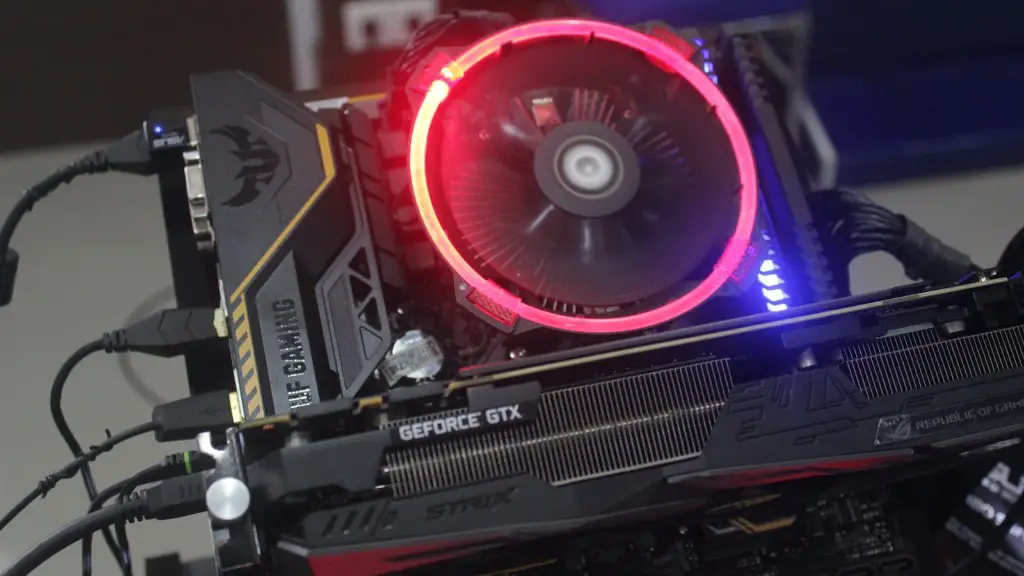
2. Select Your Graphics Card: The graphics card is arguably the most important part of your gaming PC. You should opt for a mid-range to high-end Nvidia GeForce RTX 3080 or AMD Radeon RX 5700 XT series card.
3. RAM is Crucial: Having 8-16GB of RAM is important for gaming, so make sure you get at least 8GB of quality RAM for your gaming PC.
4. Get a Decent Case: Don’t skimp on the case, as a good case will keep your components well ventilated and running cool. You don’t need to go all-out, but you should get a decent mid-range case.
5. Get the Right Power Supply: Make sure the power supply you choose is reliable and has enough power for your components. It’s also important to get a power supply with enough headroom for upgrades.
6. Find the Right Monitor: It’s important to get a good gaming monitor with a high refresh rate and a decent resolution. You don’t need to go over the top, but it is important that you get a quality gaming monitor.

7. Don’t Skimp on Storage: You should get a good SSD for your main drive, which will greatly improve load times, and a good HDD for bulk storage.
Storage Systems
There are a variety of storage systems you should consider when building a gaming PC on a budget. Solid state drives (SSDs) are ideal for gaming; they are faster and more reliable than traditional hard drives. You should also consider getting an SSD for your Operating System, which will greatly reduce boot times.
Many modern gaming machines, however, are beginning to include an M.2 NVMe SSD, which provides incredibly fast storage speeds, but at a higher cost. You should also consider an additional secondary hard drive (HDD) as it is still useful in storing bulk data, such as video and music files.
It is also important to remember that storage space and system memory are not the same thing. System memory stores temporary data, while storage space stores more permanent files.
Cooling
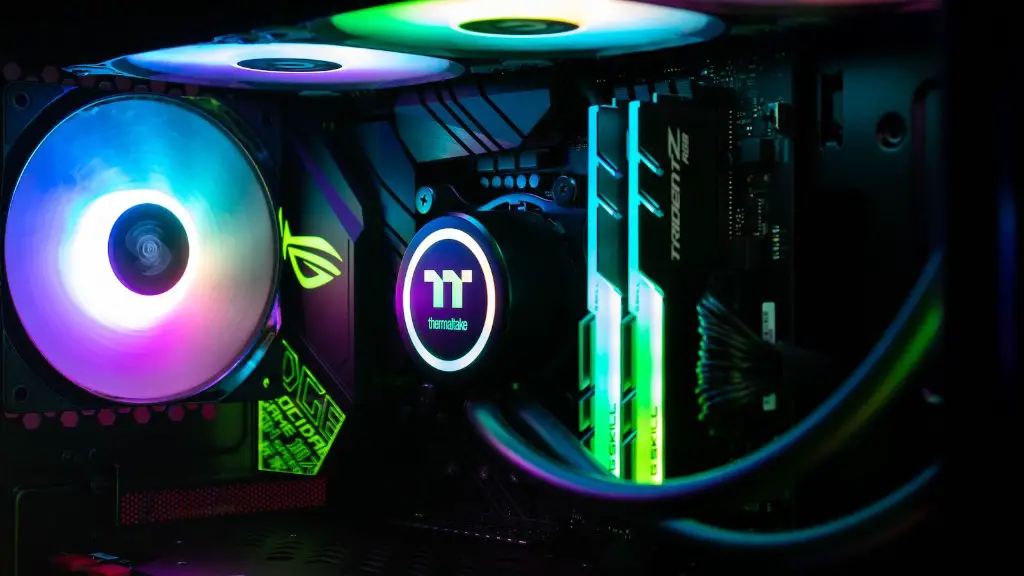
Cooling is an important part of any gaming PC build. An adequate cooling system will help maintain temperatures within safe ranges and prevent hardware damage due to thermal throttling.
You should opt for a liquid cooling system if you are doing an AMD build, or if you want to heavily overclock your processor. Air cooling is usually adequate as long as you have good airflow in your case and proper fan placement.
When selecting fans for your build, you should get good quality fans and make sure to get plenty of them. You should also consider fan controllers if you are finding your fans are too loud.
Peripherals
Having a good set of peripherals is important if you want to get the most out of your gaming PC build. You should get a good gaming mouse, keyboard, and headset.
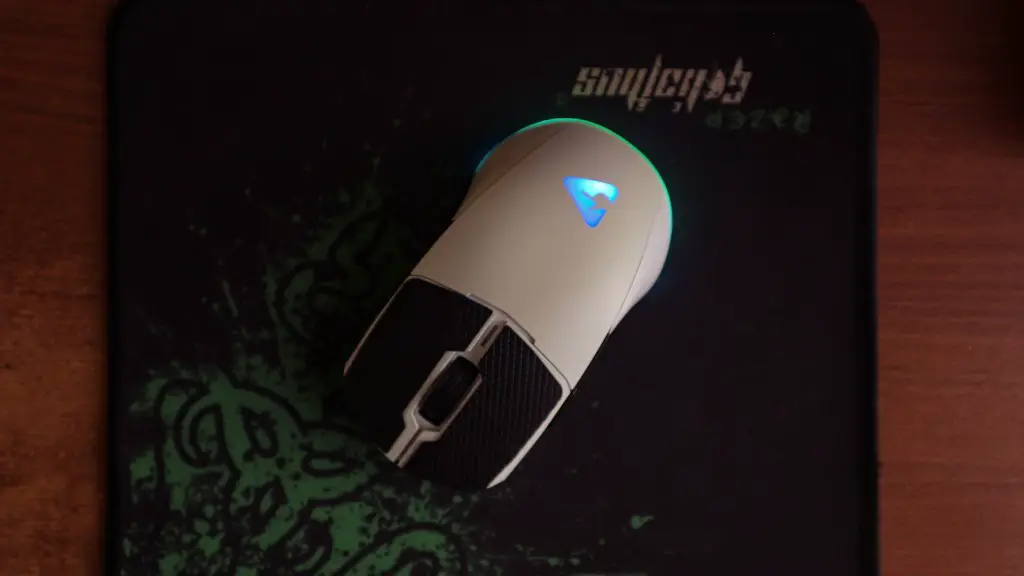
A good gaming mouse will make a huge difference in responsiveness and accuracy, and it is important to get a mouse that is comfortable and of decent quality. A good gaming keyboard should offer good tactile feedback, as well as key customization options.
Finally, it is important to get a good headset for gaming. A quality headset will give you clear audio and immersive sound.
Avoiding Bottlenecks
It is important to avoid bottlenecks when building a gaming PC on a budget. This means avoiding buying the best components in one category, while sacrificing the performance of other components.
For example, if you buy a high-end GPU without a good processor, your GPU won’t be able to perform to its fullest potential. Therefore, it is important to look at the whole system and get a balance of components so that you can get the most out of your gaming PC build.
Find the Right Price
Finally, it is important to find the right balance between quality and price. You should look for components that offer good performance for the price, rather than the most expensive components.
It is also important to shop around for the best deals. Take the time to compare prices from different retailers and look for coupons and discounts. Don’t be afraid to wait for a sale or a holiday. You can often get components at a much lower price if you’re willing to wait.
Saving Money
Buying used components is another way to save money on your gaming PC build. There are plenty of reputable places to buy second-hand components, such as eBay and Craigslist, and you can often get good quality components at a much lower price.
You should also consider buying older components. While they may not be the latest and greatest, they should still be more than capable of running the most recent games. It is also possible to find older components on sale at a fraction of the price of their more recent counterparts.
Lastly, you can also build your own gaming PC to save even more money. While building a PC isn’t for everyone, it can be an effective way to save money on components and ensure you get exactly the PC you want.
