
If you’re thinking about buying a prebuilt gaming PC, you should consider a range of factors. To start, consider your gaming preferences. Knowing what type of games you like to play on your PC will help you make an informed decision about a prebuilt model. Additionally, consider your budget. Prebuilt gaming PCs vary in cost, so it’s important to know how much you are willing to spend. Finally, you should make sure that the PC model you choose has enough RAM and storage space to accommodate your gaming needs.
Next, read customer reviews of the prebuilt model you are interested in. Finding out what others think of the PC can help you make a more informed purchase decision. You can also ask questions in gaming forums to see what experienced gamers recommend. It’s also a good idea to check out the manufacturer’s website to see if they have any reviews or user feedback about the model you’re interested in.
You should also research your options for parts and warranties. Prebuilt gaming PCs often come with certain warranties and returns policies. Make sure you understand the terms of these offerings and that you’re satisfied with them. Additionally, research if custom parts like video cards, RAM and storage upgrades are available for the model you’re interested in.
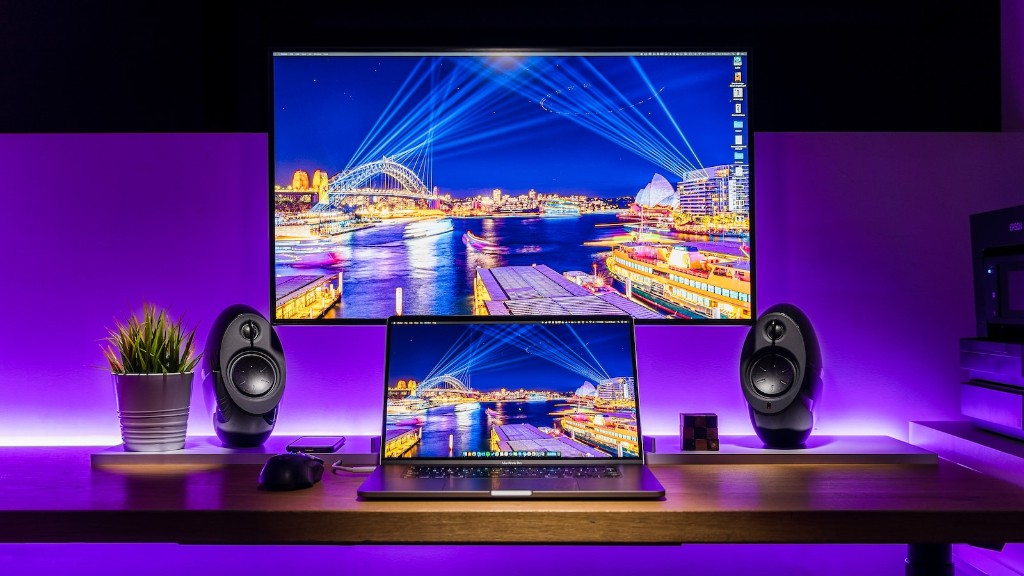
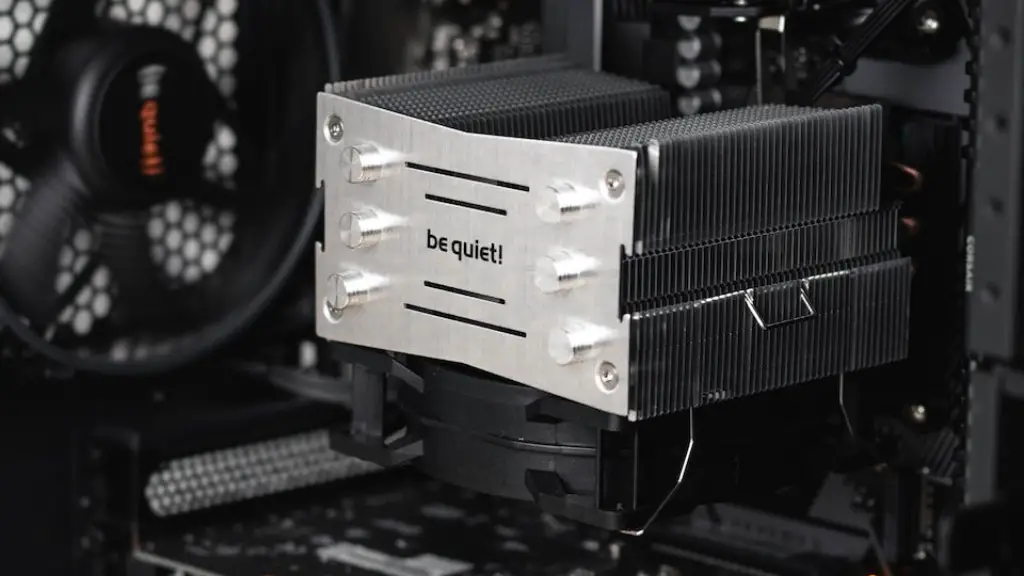
It’s also important to assess the cooling and power supply requirements of the model you’re interested in. This is especially important if you plan on doing heavy gaming. Check if the model you’re looking at has adequate cooling components and, similarly, if it has the necessary power supply to handle the demands of gaming.
Another important factor is what type of ports are included in the model. Many gaming PCs come with multiple ports to use for plugging in your gaming peripherals. Determine what ports you need and make sure they are available with the model you are looking at.
Finally, investigate the software that is included in the model. Some PC models come with the popular Steam software or other commercial variants installed. Investigate how much additional software or games you’d need to purchase to get your gaming experience going.
Upgrade and Customize
Once you’ve purchased a prebuilt gaming PC, you should consider exploring options for upgrading and customizing it. Check for aftermarket parts like video cards, RAM and storage upgrades. Having access to these components can help you increase the performance of your gaming PC. Additionally, you can customize the PC with gaming decals and other aesthetic features like lighting kits.
You should also consider how upgrades and customizations will affect the warranty. Talk to the manufacturer to find out if they will cover any potential issues that may arise from upgrading and customizing your gaming PC. This will help you understand the risks associated with modifying your prebuilt machine.
Additionally, make sure you understand the best practices for upgrading and customizing your gaming PC. There are a variety of tutorials online that can show you how to properly install and configure different components. Having the right knowledge and experience can go a long way in ensuring that you get the best gaming experience with your PC.
You should also research the tools necessary for installation and maintenance. This includes things like screwdrivers, thermal paste, and other hardware tools. Make sure you have the right tools available before you start modifying your PC. Additionally, you should research maintenance practices like dusting and cleaning, so you can keep your PC running at peak performance.
Finally, make sure that you take the necessary precautions against static electricity. Static electricity can damage hardware components, so before handling any hardware make sure you wear an anti-static bracelet or similar device. Additionally, always unplug the PC before modding it in order to prevent any potential electrical problems.
Network and Wi-Fi Requirements
In addition to customizing and upgrading your prebuilt gaming PC, you should also make sure that your gaming experience is a good one. Therefore, you should explore your options for connecting the PC to a network or Wi-Fi. Most PCs will come with a built-in Wi-Fi card, but make sure that your particular model is compatible with your router.
After you’ve established a connection, you should check the speed of your network. If you’re playing online games or streaming content, a slow network connection may affect performance and latency. Therefore, it’s best to invest in a good-quality router and make sure your network speed is fast enough to handle the demands of gaming.
Network security is also an important factor to consider. Make sure that your router is using the most recent security protocols and that you are using a good quality firewall to protect your system against intruders. Additionally, make sure that you are regularly updating the firmware on your router. Staying up to date with your router’s security measures can help protect against any malicious activity that may target your gaming PC.
In addition to security measures, make sure you understand the configuration and setup process. Router settings can be a bit confusing, so look for tutorials and guides online or ask an experienced friend for help. Making sure that your network is up and running smoothly will help you maximize the performance of your prebuilt gaming PC.

Finally, consider the cost of networking equipment. If you opt for a good-quality router and other networking devices, the costs can add up quickly. Do some research to find the most cost-efficient solution before investing in networking equipment.
Peripheral Components
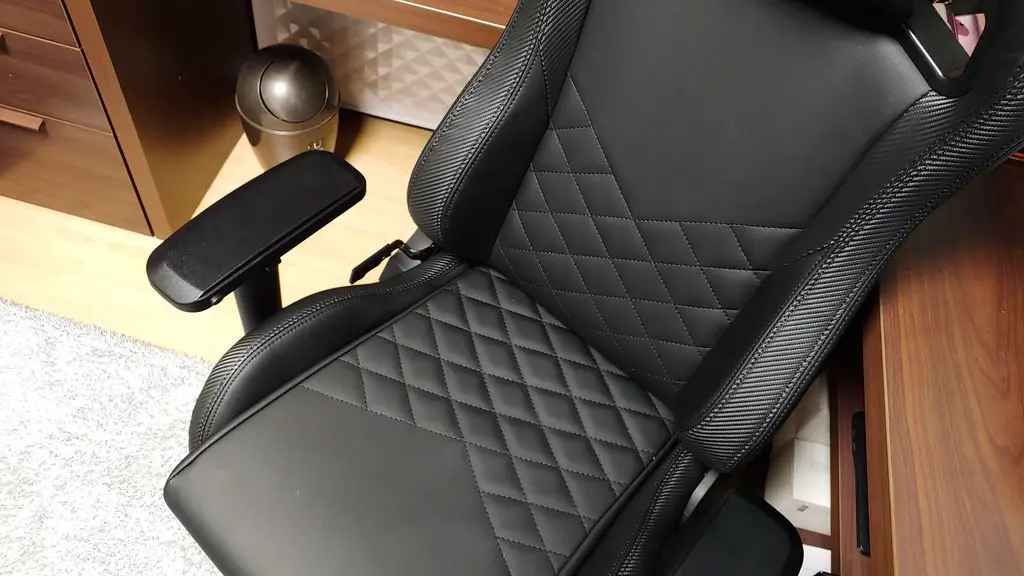
Finally, when purchasing a prebuilt gaming PC, you should also consider the gaming peripherals you’ll need. The most popular peripheral components are gaming mice, keyboards, and headsets. In addition to these traditional gaming peripherals, more advanced components are also available. Components like gaming chairs, racing wheels, and joysticks can add more immersion and fun to your gaming experiences.
When selecting gaming peripherals, make sure the components are compatible with your PC model. Additionally, check for any software requirements and make sure you install relevant drivers. Some peripherals will also require software providing three dimensional tracking and haptic feedback for enhanced experiences.
When looking for a gaming mouse and keyboard, look for features like ergonomic designs, customisable buttons and adjustable weights. Make sure to also read up on reviews so you can be sure you’re getting the best components. Similarly, when picking out a headset, research reviews in order to pick the most cost-efficient and comfortable model.
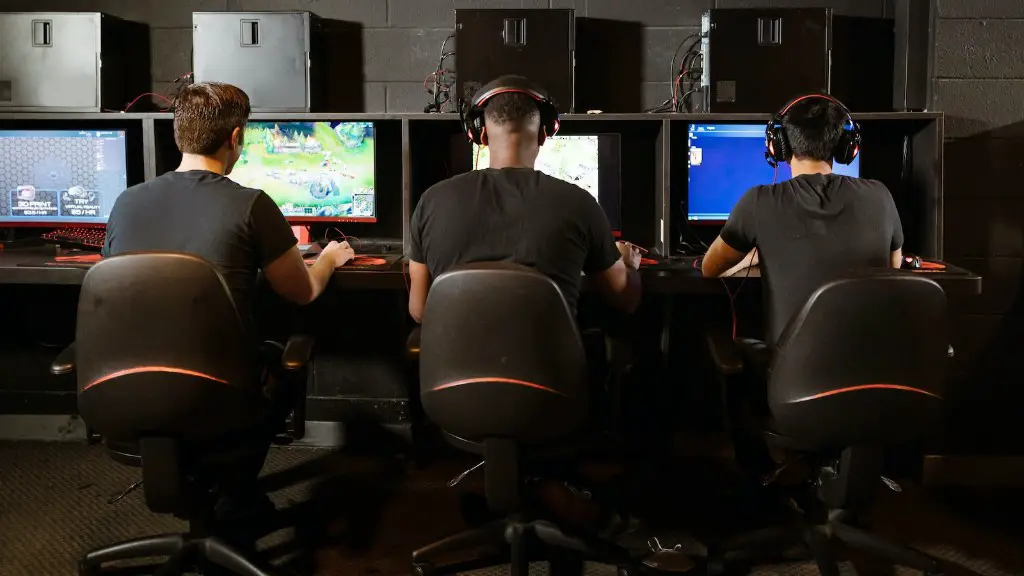
If you’re feeling particularly adventurous, you can consider setting up a gaming setup with multiple monitors. This kind of setup is great for enjoying games in cinematic-wide aspect ratios, and will require certain graphics cards that can support multiple displays.
Ultimately, the choice of what ought to be your ideal gaming setup depends on preference and budget. Doing your research and deciding on the best components for your prebuilt gaming PC will ensure you have a great gaming experience.
