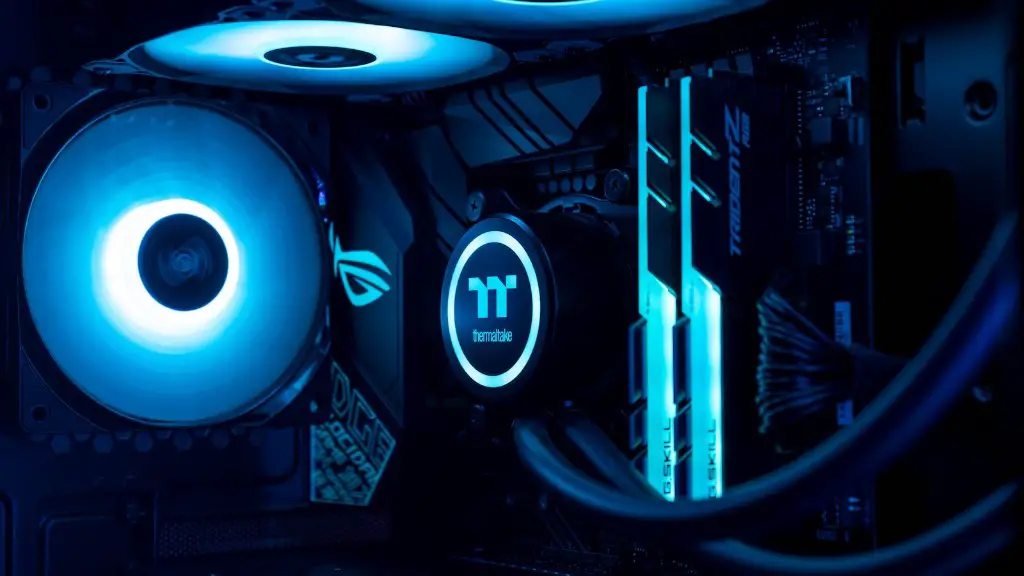
Installing Windows 10 on a gaming PC is not a difficult task. However, it is important to do so correctly in order to ensure that you get the most performance out of your machine. Here’s what you need to know to make sure your gaming PC is running the latest version of Windows 10.
First, locate your product key. This is a code that you received when you purchased your Windows 10 software. Once you have it, you can go to the Microsoft website and download the latest version of Windows 10.
Next, you’ll need to create a backup of your current system before you begin the installation. This is especially important for gaming PCs since game files and settings can be difficult to reinstall in case something goes wrong. A good backup strategy should include installing all of your data to a separate partition, such as a USB drive, so that it is easy to recover in case of an installation error.
After the backup is complete, you can then move on to the installation process. Most gaming PCs come with an installation package that includes the necessary installation files and instructions. Following these instructions will guide you through the process of downloading and installing Windows 10 on your gaming PC.
Finally, it is important to keep your gaming PC up-to-date with the latest version of Windows 10. This ensures that you always have the most efficient gaming experience. Microsoft provides regular security and bug fixes for Windows 10 and you should make sure to install them in order to keep your gaming PC running smoothly.
Upgrading Drivers
Upgrading your drivers is just as important as installing the latest version of Windows 10. With each new version of Windows 10, Microsoft adds new features and fixes bugs that could affect how your gaming PC runs. Installing the latest drivers will help optimize your gaming PC’s performance and enable it to run the latest games smoothly.
You can find the latest drivers on the manufacturer’s website or Microsoft’s Support site. It is always best to download and install the latest version of the drivers that are specifically made for your gaming PC model. Doing this will ensure that you get the most out of your gaming PC.
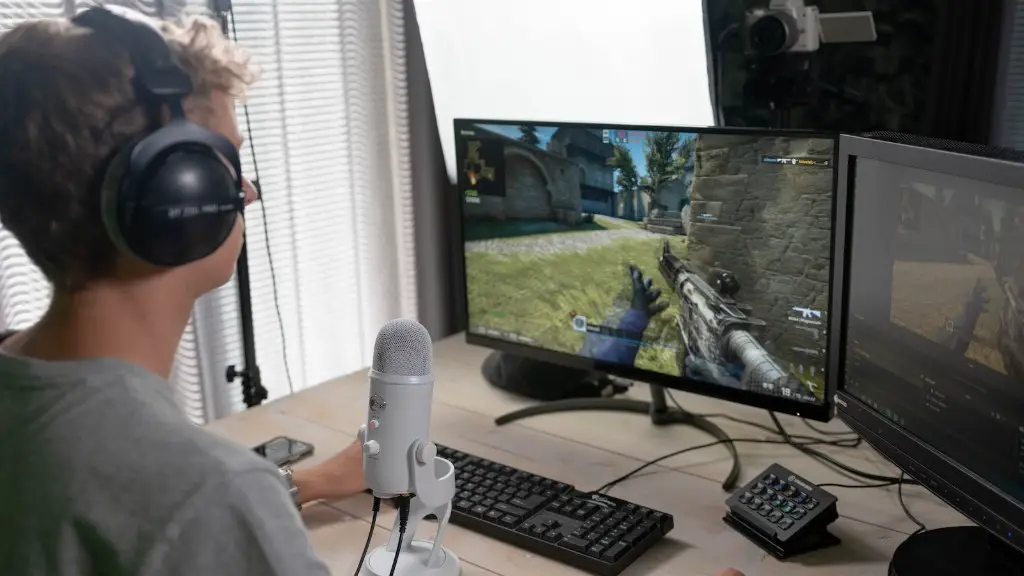
It is also important to check for updates to your audio and video drivers. These drivers are necessary for running graphics and sound effects in games. Updating them to the latest versions will keep your PC compatible with the latest game releases.
Finally, you’ll want to make sure your antivirus is up-to-date. An up-to-date antivirus can prevent malicious software from entering your gaming PC and causing damage. It’s important to keep your antivirus updated to keep your PC safe and secure.
Installing Anti-Virus Software
Installing anti-virus software is just as important as installing the latest version of Windows 10. An effective anti-virus program will help keep your gaming PC safe from malicious software and hackers. There are a number of free and paid anti-virus programs available, so it is important to do your research to find one that is right for your gaming PC.
Once you have installed the anti-virus software, it is important to keep it up-to-date. You should check for updates regularly and install them as soon as they are available. Doing this will ensure that your gaming PC is always protected from the latest security threats.

Finally, it is important to keep an eye on your system for any suspicious activity. Your anti-virus program should be configured to alert you if any suspicious activities are detected on your system. By doing this, you will be able to identify any malicious software or viruses on your gaming PC and take the necessary steps to remove them.
Optimizing Performance
Optimizing your gaming PC for performance can make all the difference when it comes to gaming. Installing the latest version of Windows 10 and upgrading your drivers are the first steps to optimize your gaming PC’s performance. However, there are a few other things that you can do to improve your gaming experience.
First, it is important to configure your gaming settings. These are settings that can be adjusted in your game menu or in the settings menu of your graphics card. For instance, you can adjust the resolution, refresh rate, and graphics quality in order to get the most out of your gaming PC.
Next, you can tweak your system settings to better optimize performance. These settings can be adjusted in the Windows Control Panel or in the BIOS settings of your gaming PC. Many components, such as the CPU and RAM, can be adjusted to get the most out of your gaming PC.
Finally, it is important to keep your PC clean and dust-free. Accumulated dust and dirt can affect the performance of your gaming PC, so it is important to clean the interior of your PC regularly. You can either use compressed air to blow out the dust from the internal components or you can use specialty cleaning products designed for gaming PCs.
Configuring Privacy And Security
Configuring privacy and security settings is just as important as optimizing your gaming PC for performance. When installing Windows 10, make sure to enable the latest security features and enable the Windows firewall. This will help keep your gaming PC safe from malicious software and hackers.
Next, it is important to configure the privacy settings in Windows 10. These settings control what apps and services have access to your personal information, such as your contacts, calendar, and photos. It is important to only allow apps and services that you trust to access your personal information.
Finally, it is important to be aware of the apps and services that are installed on your gaming PC. Many apps and services collect data about your usage and your system. It is important to be aware of these apps and services and configure them to protect your privacy.
Troubleshooting Issues

If you are experiencing any issues with your gaming PC, it is important to troubleshoot the problem before it becomes worse. The first step is to search the web for solutions. There are many online forums and websites dedicated to helping gamers troubleshoot their gaming PCs.
If these resources don’t help, you can try contacting the manufacturer’s support line. Many manufacturers offer online support for their systems and can help you diagnose and fix any issues that you may be experiencing.
You can also check Windows Update for any updates or fixes for your issue. Microsoft regularly releases updates to address known issues and bugs in Windows 10. It is important to install these updates as soon as they become available in order to ensure that your gaming PC is running the latest version of Windows 10.
Finally, you can try reinstalling Windows 10. This can help if the issue is related to a corrupted or incomplete installation of Windows 10. When reinstalling, make sure to back up your data to a separate drive in case something goes wrong. It is also important to follow the instructions provided by Microsoft carefully in order to ensure a successful installation.
