
One of the most effective ways to keep your room cool while running a gaming PC is to ensure proper air circulation. This can be accomplished by cleaning or replacing the air filters in the computer, as well as the vents. Dust and other debris can clog the airways, which reduces air circulation and makes your gaming PC produce more heat. Additionally, make sure the exhaust fans are running at the desired speed, and if your machine has an additional fan installed, keep it clean and running.
More often than not, heatsinks and ventilation systems do not provide enough cooling for a gaming PC. To remedy this, you need to consider a more extensive cooling system. This can be in the form of a liquid cooling system that circulates liquid throughout the computer and helps to dissipate the heat generated from the components. A liquid cooling system is ideal for gaming PCs, as it is more effective in managing heat than an air-based approach. It also requires less maintenance, making it a cost-effective option for gamers looking for an efficient way to keep their PCs cool.
Another way to cool down your gaming PC is to turn off any lighting or visual effects. Lighting and visual effects can generate additional heat, which can make it difficult to keep your gaming PC cool. So, when playing, try to turn off the lights or dim them, or opt for simpler visual effects. You can also adjust the fan speed settings to reduce the amount of heat produced by the PC.
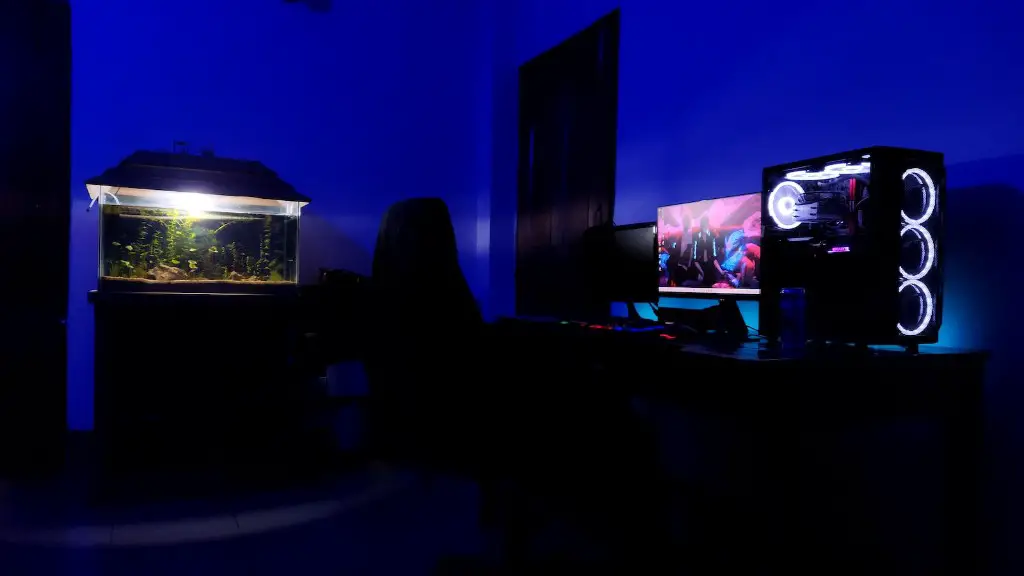
If you’re still finding it hard to keep your gaming PC at a comfortable temperature, you can try placing a fan or air conditioning unit near your gaming setup. This helps to disperse heat in the room and cool down the area around the PC. If possible, try to place the fan near the back of the case, as this helps to draw air through the system, keeping the components cool.
When all else fails, consider investing in a specialized cooling pad for your gaming PC. Cooling pads are designed to provide extra cooling for gaming-level machines. These pads have fans underneath that help to circulate air through the components, keeping them cooler. Some pads are even equipped with additional features to make them even more effective, and they’re often easy to install.
Heat Sinks and Ventilation Systems
Heat sinks and ventilation systems are another way to keep your gaming PC cool. Heat sinks are designed to absorb and dissipate the heat generated by the PC, while ventilation systems are designed to draw cooler air in and expel the hot air out. Heat sinks and ventilation systems can greatly reduce the temperature of the computer, helping to keep it running smoothly and efficiently. It is important to note, however, that if you are using a liquid cooling system, it is not necessary to install additional heat sinks or ventilation systems.
Appropriate Room Temperature
In addition to proper air circulation, it is important to also ensure that the room itself is at an appropriate temperature. High temperatures can cause the components of your PC to overheat and malfunction, so be sure to keep the room at a comfortable temperature. If it is too hot in the room, try to open a window, turn on an air conditioner, or use a fan to cool it down.
Choose Optimum Components

It is also important to ensure that the components you are using are designed to stay cool and prevent overheating. Components such as CPU and GPU should be selected carefully and should have enough thermal headroom to avoid any potential heat-related issues. Additionally, when assembling your gaming PC, make sure that the components are not stacked too close together, as this can limit the amount of cooling that can take place.
Keep the Environment Clean
Lastly, it is important to keep the environment of your gaming PC clean. Dust and other debris can clog the airways, which reduces air circulation and makes your machine produce more heat. Additionally, make sure your gaming PC has no unnecessary components that merit idle cooling. Keep the number of components and power supplies to a minimum, as this will assist in limiting the amount of heat being produced.
