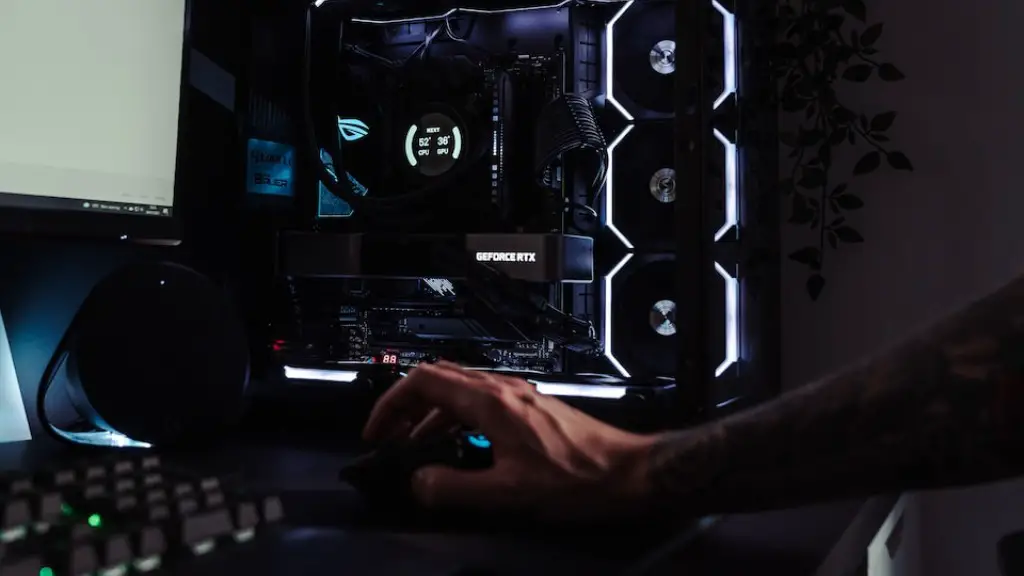
Building a gaming PC that runs smoothly and efficiently requires careful selection of components. Here are some tips to help you create an amazing gaming PC:
1. First, start by stocking up on all the necessary components. You’ll need a motherboard, processor, graphics card, RAM, power supply, storage, case, and an OS.
2. Determine what type of processor and graphics card that you’ll need. For most gamers, powerful CPUs such as AMD’s Ryzen 7 or Intel’s Core i7 are good choices. In terms of graphics cards, you should ensure that you get a good one, such as the Nvidia RTX 3090.
3. Choose a good quality case that is both spacious and can accommodate the components that you have chosen. It’s a good idea to invest in a case that has good ventilation, as this will help to keep your PC running cool.
4. Consider the types of cooling products that you may need to prevent your PC from overheating. This can be as simple as installing a good fan system or as complex as water cooling systems.
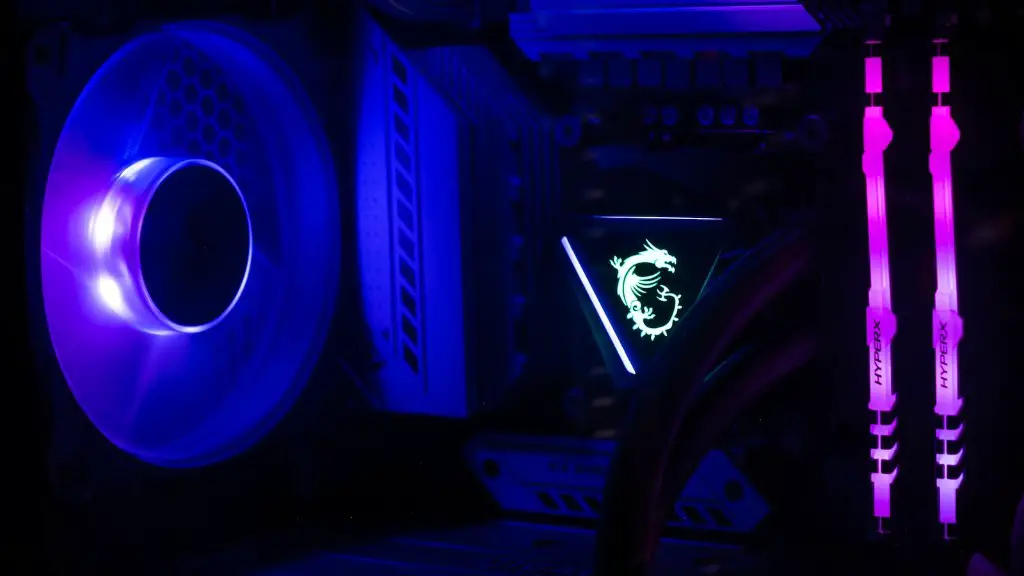
5. Invest in good quality RAM and storage. RAM is needed to store important programs and processes, and storage is needed to store your games and other files.
6. Make sure that you get a reliable power supply for your PC. It’s important to get one with enough power for your PC, as this will ensure that all the components are adequately supplied with power.
7. Last, but not least, install an efficient and reliable operating system. Both Windows and Linux are good options, but which one you choose is up to you.
Improving Performance
Once you’ve got your gaming PC up and running, it’s time to start tweaking its performance. Here are some tips to get the best performance out of your PC:
1. Upgrade your components. Over time, newer and better components become available. Upgrading your PC with the latest components can help your PC run smoother and faster.
2. Invest in a good quality monitor. A good quality monitor will help you enjoy your gaming experience more. 1080p is the minimum resolution that you should be looking at, but if you can afford it, higher resolutions are available.
3. Tweak your system settings. You can tweak your settings to make your PC more efficient. Some common settings that you can adjust include Overclocking and Voltage Control, Prefetchers and Datacache, and RAM timings.
4. Invest in a good quality power supply. This will ensure that your system is supplied with more than enough juice to run your hardware.
5. Overclock your hardware. Overclocking is a process that increases the speed of your components to make them run faster. Keep in mind that doing this may shorten the lifespan of your hardware.
Choosing Accessories
As well as choosing the right components for your gaming PC, you should also consider accessories. Here are some popular accessories for gaming PCs:
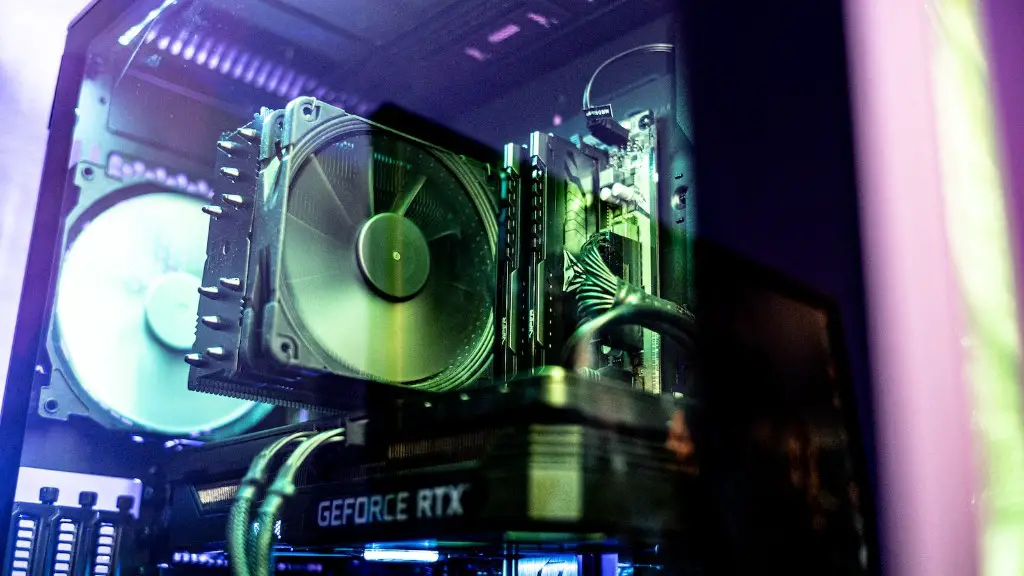
1. Gaming mouse and keyboard. Both of these are essential for any good gaming PC. Make sure to choose a mouse and keyboard that have the features and specs that you need.
2. Headset and microphone. A headset with a high-quality microphone is important for any serious gamer. It will allow you to communicate with teammates easily and accurately.
3. Speakers and audio system. Investing in high-end speakers and sound systems will help you take your gaming experience to the next level.
4. Racing wheel and pedals. If you’re a fan of racing games, then investing in a good quality racing wheel and pedals is a good idea. This will make your gaming experience more realistic and enjoyable.

5. Gamepad and joystick. If you prefer using a controller to a keyboard and mouse, then investing in a good quality gamepad or joystick is a good idea.
Managing and Protecting Your Gaming PC
In addition to building and optimizing your gaming PC, you should also manage and protect it. Here are some tips to help you keep your PC running smoothly and securely:
1. Keep your hardware and software up-to-date. This will ensure that you’re getting the best performance out of your PC.
2. Make sure that you have a good antivirus and firewall installed. This will help to protect your PC from viruses and hackers.
3. Regularly scan your PC for viruses and malware. This will ensure that your PC is clean from any malicious software.
4. Make sure that you have adequate backup for your data. This will ensure that your data is safe even in the event of a system crash.
5. Clean up your system regularly. This will help to keep your PC running more efficiently.
Upgrading Your Gaming PC
Finally, if you want to further improve your gaming PC’s performance, you should consider upgrading your hardware. Here are some components that you can consider upgrading:
1. Graphics card. Upgrading your graphics card will help your PC render games at higher resolutions and faster speeds.
2. Processor. If you’re looking to increase your gaming performance, upgrading your processor is a must.
3. RAM. Upgrading your RAM will help your PC run faster and more efficiently.
4. Storage. If you’re looking for more storage for your games and files, then upgrading your storage is a good idea.
5. Cooling system. Investing in a high-end cooling system will ensure that your PC runs cool and stable even when it is under heavy load.
