
Constructing a budget gaming PC yourself can save you a huge amount of money, and it can be done relatively easily. Assembling a PC is not intimidating, as long as you have some basic understanding of system components. To begin, you’ll need to select your core components: CPU, motherboard, GPU, RAM, and storage. Depending on your budget, you can opt for more basic models, or you can splurge on mid-range or high-end hardware. It’s important to find the best balance between price and performance for your needs. Here’s how to go about it.
First, select a CPU that suits your budget and gaming needs. Generally, you will get the most bang for your buck if you go with an Intel i5 processor or even an AMD Ryzen 5. Make sure you get an unlocked variant if you plan on overclocking your CPU. Next, pick a motherboard that fits your processor and your overall budget. Look for reliable models like an Asus Prime B550 Plus, MSI B460M Pro-VDH, or Gigabyte B550M DS3H.
Then, pick your GPU. Here, you should also base your decision on your budget. If you have a tight budget, you can get away with getting something like an AMD Radeon RX 570, 560, or a GeForce GTX 1650. Also, look at the VRAM of the GPU when making your choice. For a budget option, 4GB of VRAM might be enough, but you should look at the 8 or even 16GB options if you have a bit more to spend.
Your next components will be RAM and storage. For RAM, get a DDR4 kit that fits your motherboard and budget. 8 to 16GB should be plenty for most games, but you can go for more if your budget allows for it. For storage, an SSD is always preferable for gaming, but a hybrid HDD/SSD could also fit the budget. 280 to 500GB is usually a good size range.
Finally, pick a decent power supply and case. Flexible non-modular PSUs are usually a good option on a budget. Also, branded PSU’s are more reliable than non-brand ones. When it comes to cases, keep an eye out for mid-tower versions. Make sure it has enough slots for your components and USB ports, as well as good thermal management.
Case and Cooler
After you have acquired the main components, you can then focus your budget on some more affordable accessories. First and foremost, you’ll need a case and cooler. If your CPU doesn’t come bundled with a cooler, then you’ll have to buy one separately – usually an air cooler like the Hyper 212 EVO or the DeepCool GAMMAXX 400. As for cases, you can opt for a basic model or splurge on a bit more feature-rich version, if your budget allows.
Either way, focus on cases that have good ventilation. Good thermal management and enough room for your components and cable management are also important factors to consider when selecting a case. Many affordable cases also come with tempered-glass side panels so you can show off your internals, but these are not required.
Customization and Peripherals
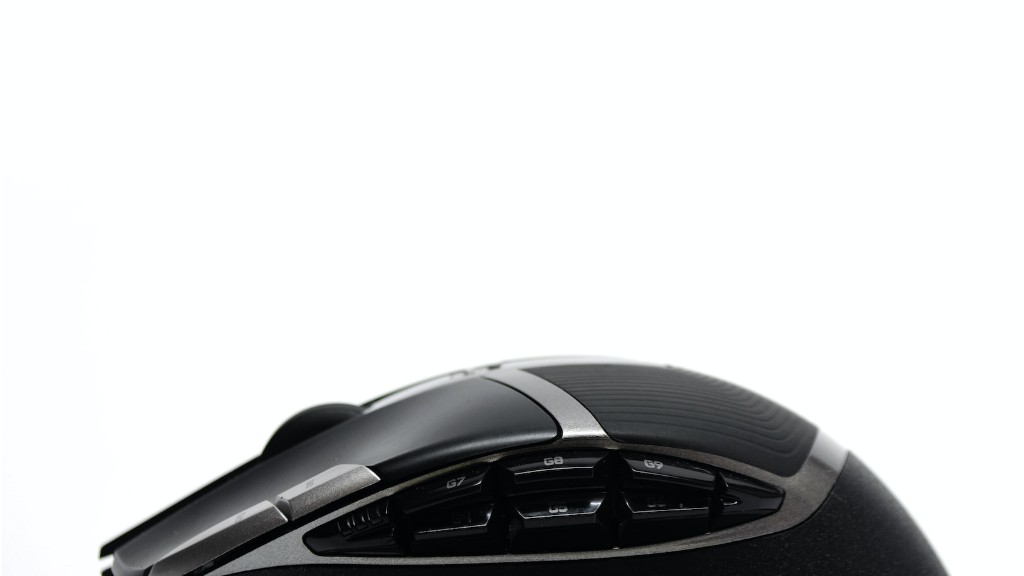
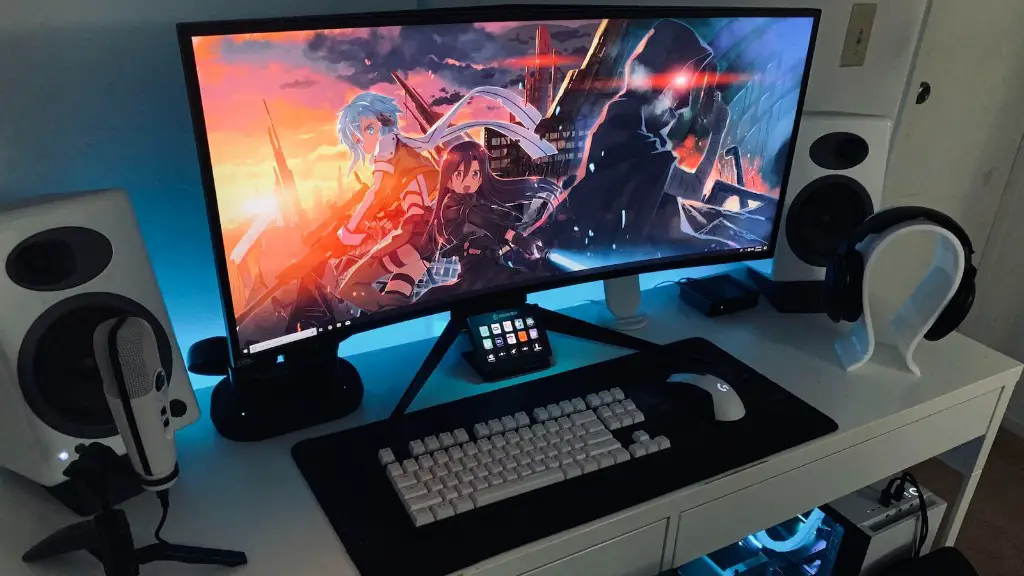
Next, you can start personalizing your rig by adding some more extras. If your budget permits, splurge on a gaming monitor, mouse, and/or keyboard. That said, you can get some good options even in the more affordable range. When it comes to monitors, watch out for refresh rates and look at the panel type. An IPS panel is best if you want vibrant colors. Also, consider opting for a G-Sync or FreeSync monitor.
You can also customize the lighting in your case. Many cases come equipped with RGB lighting strips that you can control by connecting them to your motherboard. You can also get some additional RGB fans if you want to go all-in with customization. If you prefer a more subtle look, then pure white fans and strips are also a great option.
Additional Upgrades
Once you are done assembling and customizing your PC, you can look into further upgrades if you want to. Adding an extra SSD or hard drive can give you more storage space for your games. An extra GPU could also be a good investment if you are looking for a bit more performance. Finally, you can look at getting an aftermarket CPU cooler, if you plan on doing a lot of overclocking. Such upgrades can provide additional performance boosts, but are usually not necessary for budget builds.
Putting it All Together
Once you have all the components, you need to assemble them. Pre-assembly work like installing the CPU and RAM into the motherboard, and putting the graphics card into the PCIe slot can be done outside of the case. Make sure you do this on a soft, clean surface, and be sure to handle these components gently. Connect any cables and plug in the power supply. Then slide the motherboard into the case.
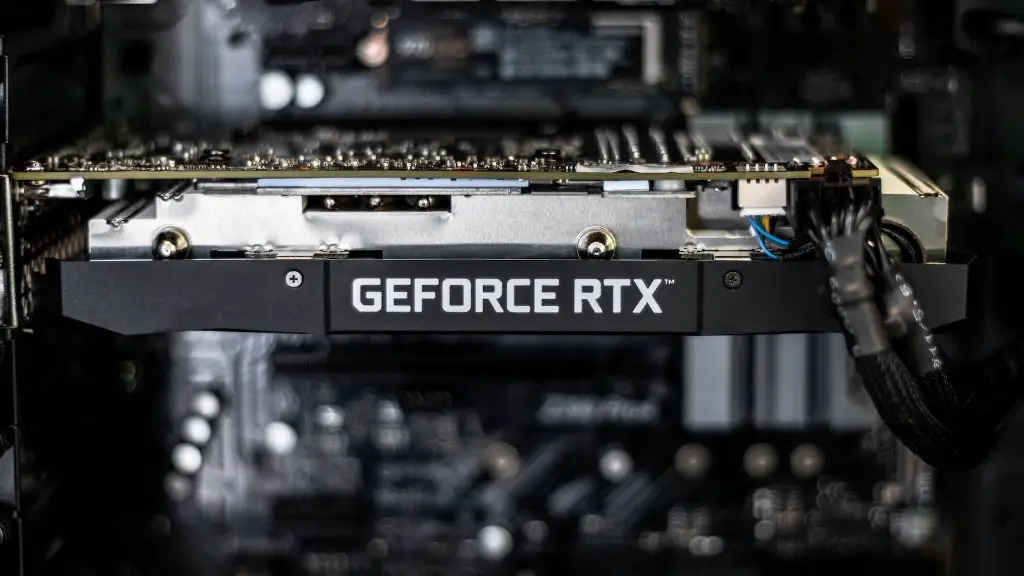
Once the motherboard is in, mount all the other components, like the storage drives and GPU, into the case. Ensure that all of the components are connected to their corresponding sockets and cables. Plug in any necessary peripherals, like your monitor, and then the PC should be ready to turn on. Once that’s done, you can start customizing the cooling system, installing your OS of choice, and updating any necessary drivers.
Building Your Own Budget PC
Building your own budget PC erases a lot of the markups and can get you a lot more for your money. You should focus on getting the components that best meet your needs, and try to find the best balance of price and performance. You should also save a bit of money for additional bits like peripherals and customizations. Once the components are acquired and assembled, the system should be ready to go and provide you with a great gaming experience.
