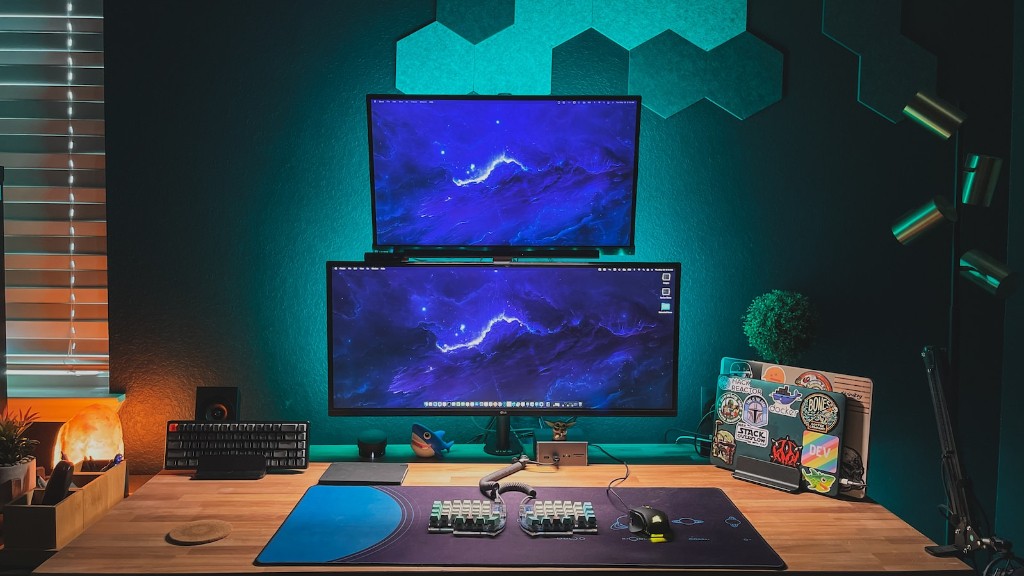
Building a gaming PC can be a daunting task for many people. It is important to remember that all components must work together for the PC to be successful. What do you need to make a gaming PC? At the very least, you need a CPU, a motherboard, RAM, a storage drive, a power supply, a case, and a GPU. You should also consider getting a cooling system, high-quality cables, and other extras like a HDD and an SSD.
CPU
At the heart of every gaming PC is the CPU or processor. This specialized microchip is designed to perform complex calculations quickly and efficiently. It is important to invest in a high-performance processor in order to get the most out of your gaming PC. With the range of processors on the market, it is essential to research and find the best one for your gaming needs.
Motherboard
The motherboard is the foundation of your gaming PC. It serves as a connection point for all of your components, so it is important to pick the right one for your needs. It is recommended to choose a motherboard with multiple expansion slots for adding additional components. In addition, it is essential that your motherboard is able to accommodate your processor and memory. It is also important to look for reliable cooling and a good power supply.
RAM
RAM or Random Access Memory is one of the most integral components of a gaming PC. This is because RAM helps with multitasking and when you are playing games, it provides a buffer for tasks that require a lot of number crunching. It also increases your computer’s response time, reducing lag and improving gameplay. When choosing RAM, you should choose a minimum of 8 GB for a mid-range gaming PC.
Storage Drive
A storage drive is one of the most essential components of a gaming PC. You will need a storage drive to store your games and other data. There are two main types of storage drives – hard disk drives (HDD) and solid state drives (SSD). HDDs are cheaper and offer more storage, while SSDs are faster and more reliable. To get the best performance, it is recommended to get a combination of both.
Power Supply
A power supply is a crucial part of a gaming PC. It is responsible for supplying power to all of the components in your system. It is important to invest in a reliable and high-efficiency power supply. Look for a power supply with enough wattage to support your system and the components you have chosen. In addition, make sure it is certified for the type of environment you are using it in.
Case
The case that houses your gaming PC is also important. There are a range of PC cases to choose from, from mini-tower to full-tower cases. When choosing a case, you should consider the size, cooling, and aesthetics. Look for cases with good airflow and plenty of space for expansion and upgrades.
GPU
Finally, you need to invest in a good graphics card (GPU) for gaming. This is the component responsible for rendering gaming visuals and performance. The newer generations of GPUs are faster and offer greater performance and visuals. Make sure to research the best GPUs for your budget and needs.
Cooling System
A strong and reliable cooling system is essential for any gaming PC. Overheating can reduce the performance of your gaming PC, so it is a good idea to invest in a cooling system. There are a range of cooling solutions available, from liquid to air cooling. It is important to choose the right cooling system for your system and components for the best performance.
High-Quality Cables
High-quality cables are important for ensuring your gaming PC runs efficiently and reliably. It is important to invest in the right cables to ensure the easiest possible connection between components. Make sure to use the right cable for the right application and check to make sure they are compatible with your system.
HDD and SSD
HDDs and SSDs are both great options for your gaming PC. HDDs offer more storage and are cheaper, while SSDs provide you with faster and more reliable performance. It is recommended to get a combination of both for the best performance and storage.
Additional Extras
There are a number of additional extras you can add to your gaming PC to give it a boost in performance and visuals, such as an overclocking utility, an additional fan, an external hard drive, or a sound card. These extras can give you the edge in gaming and help to enhance your gaming experience.
Importance of Research
It is important to take your time when you are building a gaming PC, and do thorough research into the components you need and the best brands to buy. Make sure to read reviews, compare specs, and get the opinion of experts to ensure you are getting the best possible gaming PC.
Connecting Components
Once you have all the components, connecting them together is relatively straightforward. However, the differences in sizes and shapes can make it difficult to figure out what goes where. Make sure to consult the manuals for each component, and if you are still stuck, YouTube videos are a good source of tutorials and help.
Configuring Software
Once all your components are connected together, you will need to configure your software and drivers to get them working together. This is a process of trial and error, so make sure to double check your settings and research any potential issues you find. Once you have everything working together, you will be able to enjoy your gaming PC.
