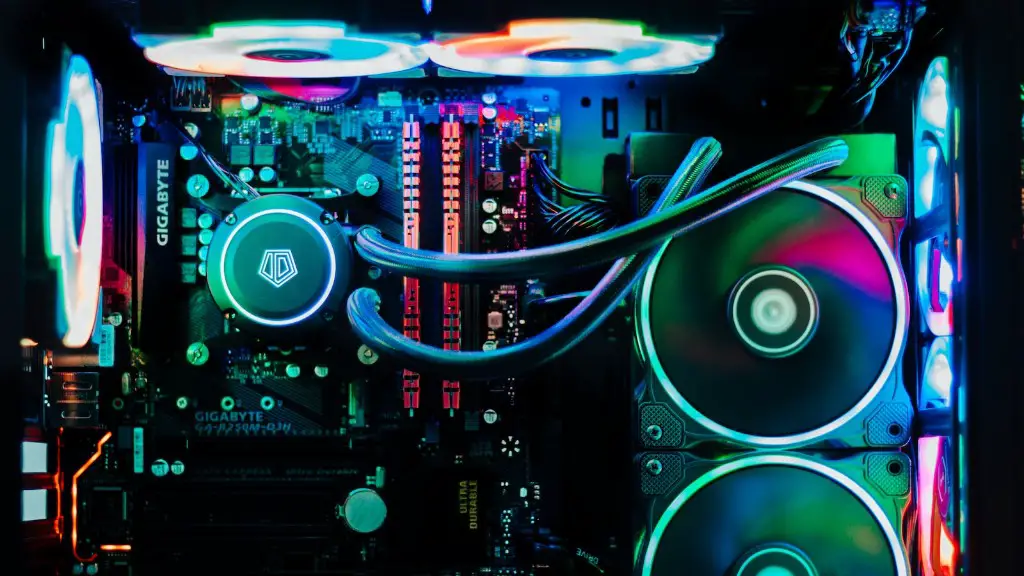
Can a gaming PC be utilized for school work? This is a popular question among students and parents alike. There are pros and cons to this idea that must be weighed carefully. But if the PC is properly configured and installed, it can be used for both gaming and school work.
The biggest benefit of using a gaming PC for work is that it is built for speed and performance. These computers are designed to handle the demands of programs used for gaming purposes, which often includes powerful graphics and multimedia. A gaming PC can also accommodate the needs of modern software and hardware used for school work.
Another plus is that a gaming PC is used with high-resolution monitors, so it can provide an eyeful of a crystal-clear display. It also comes with a gaming keyboard and mouse. So, users can work in a comfortable environment, free from the hindrances of external devices.
However, gaming PCs do tend to be more expensive than regular PCs used for school work. They usually come with pre-installed gaming software which has its own advantages and disadvantages. One must carefully assess the needs of the user and select the right components for their purpose.
In addition, gaming PCs come with high-end graphics cards, so they consume more power and require more cooling. This means they are noisier and generate more heat. But if properly ventilated, it won’t be a big problem.
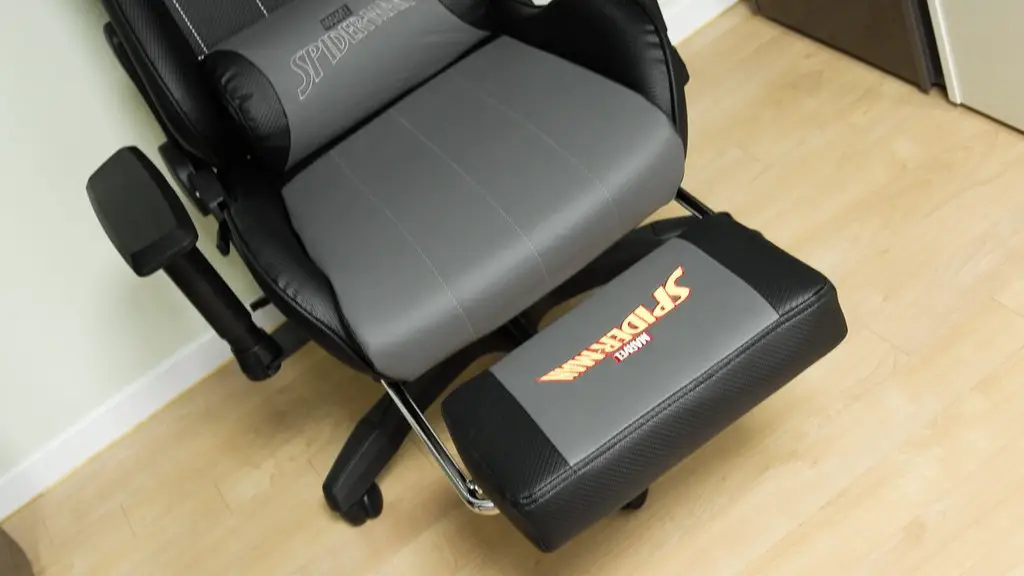
Finally, gamers often add peripherals to these PCs, such as extra controllers and gaming chairs, so this can add to the clutter. This can be annoying for many people trying to concentrate when studying for exams or high-stakes tests.
Are gaming PCs ideal for school work?
It all boils down to the needs of each user. If someone finds comfort and ease in using the gaming PC for school work, then there’s no question that it’s a good option. However, the powerful performance of gaming PCs also comes with its own set of drawbacks, so users must decide if the extra money spent will provide an improved school experience.

For students who need to work with multimedia, graphics, and animation, a gaming PC could provide the level of performance required. Those who require more control over their work might find customization options in a gaming PC a worthwhile feature. And with more efficient hardware and faster processors, students and teachers can anticipate excellent experiences when it comes to creating projects and presentations.
In the end, it’s important to consider the needs and preferences of the user when deciding whether to go for a gaming or non-gaming PC for school work. When comparing the costs, it is necessary to factor in the complexity of the games being played and the available specifications.
The user also needs to consider a balance between the performance desired from the gaming PC and the other needs of the setup, such as portability, space and convenience. Combined with cost, this will help determine whether it’s better to purchase a gaming or non-gaming PC for school work.
Can you save money on a Gaming PC?
One of the first questions to ask when purchasing a gaming PC for school work is whether or not money can be saved. The answer is yes, and a customer can often save money by investing in the right hardware.

Customizing a gaming PC allows users to purchase components based on their specific needs. This will enable you to get the best performance possible for the lowest cost. It is often wise to avoid pre-built PCs, as these can be more expensive than custom-built or self-built PCs.
In addition, buyers should review software and hardware bundled with their gaming PC purchase. Some bundles come with unwanted programs installed and can be costly to uninstall. Furthermore, if the customer already owns some of the bundled provisions, they can save money too.
Another method of getting the most bang for your buck is to shop online. Several online stores offer discounts on gaming PCs, and some provide tax savings. Of course, it is always wise to read the reviews before purchasing, to ensure that the PC has all of the desired features.
Finally, consider refurbished PCs. These tend to be much more affordable than new PCs, but the buyer should be sure to check the specs and warranty to make sure the PC is reliable and the warranty is viable.
Do you need extra accessories for school work?
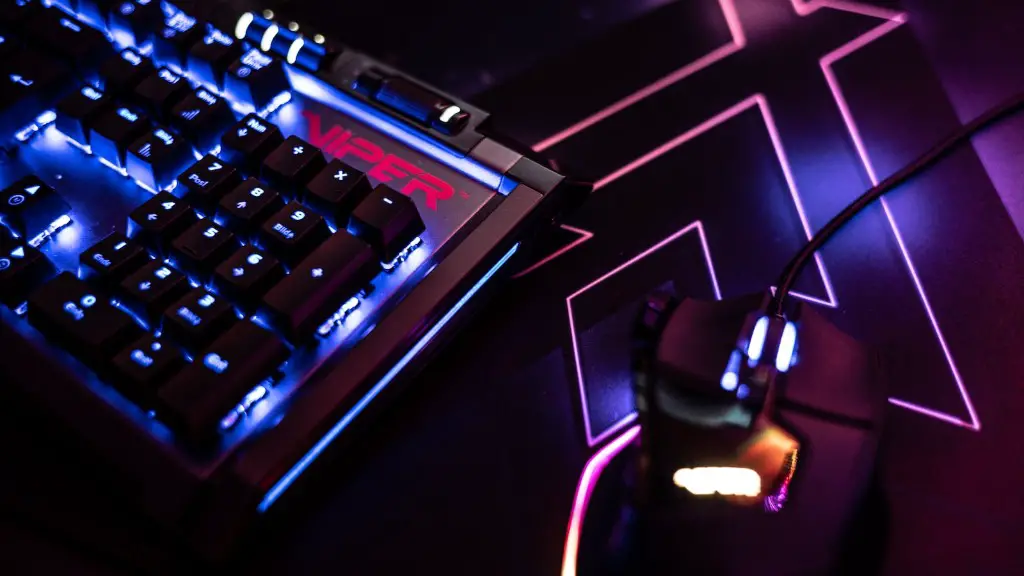
There are a few basic accessories that should be added to any gaming PC used for school work. A good, ergonomic keyboard and mouse are a must for any student. A reliable and comfortable headset or pair of headphones should also be included. Additionally, an external monitor may be useful for taking notes or working on multiple projects.
An external hard drive is another essential accessory. This allows users to back up their work quickly if they encounter any technical difficulties. It’s also a handy way to store finished projects or assignments. And, depending on the type of gaming PC, it might be necessary to purchase a cooling fan to keep the PC’s performance at its best.
A gaming PC should also include upgraded software and hardware. The latest versions of popular applications and operating systems are important to ensure seamless functioning and enhanced productivity. Furthermore, faster memory, better graphics cards, and robust CPUs are all highly recommended for optimal performance.
Finally, for a gaming PC used for school it is essential to have the latest anti-virus and anti-malware software. This will help keep all data safe from malicious programs, unauthorised access and data loss.
How to maintain your Gaming PC for school work?

Maintaining a gaming PC for school work can be a challenge. But there are a few steps that can be taken to prolong its life and maintain peak performance.
First, upgrade the software and hardware to keep them current. This will help to keep the OS and applications running at peak levels. Additionally, regular cleaning of the dust and debris on the internal components can help keep your PC running cool, and prevent damage caused by overheating.
Second, use the correct power supply. Many gaming PCs require higher wattage PSUs than those intended for general purpose computing. Using a power supply that is too low will cause the components to become overheated, resulting in premature failure.
Third, unplug the gaming PC at night. This will reduce power consumption and help to keep your system cool. Additionally, avoid running multiple applications at the same time. Too much multitasking can cause your gaming PC to slow down.
Fourth, keep a backup of your data. Gaming PCs often contain valuable files, and an unexpected crash or power surge can destroy or corrupt your data without warning. Thus, making regular backups will save you time and Hassle in the event of an emergency.
Finally, schedule regular maintenance for your gaming PC. This will ensure that all components are in good working order. Most experts recommend performing maintenance at least once a month to keep the PC running well.
