Finding a good gaming PC is essential if you want to enjoy your favorite titles. Knowing what to look for in a machine is the first step to selecting your ideal gaming experience. Here are several tips to help you in your search for the perfect gaming PC.
First and foremost, you will want to consider your budget. How much are you willing to invest in a gaming PC? This can affect what types of components and features you can get. Set a budget and stick to it to ensure you don’t spend too much.
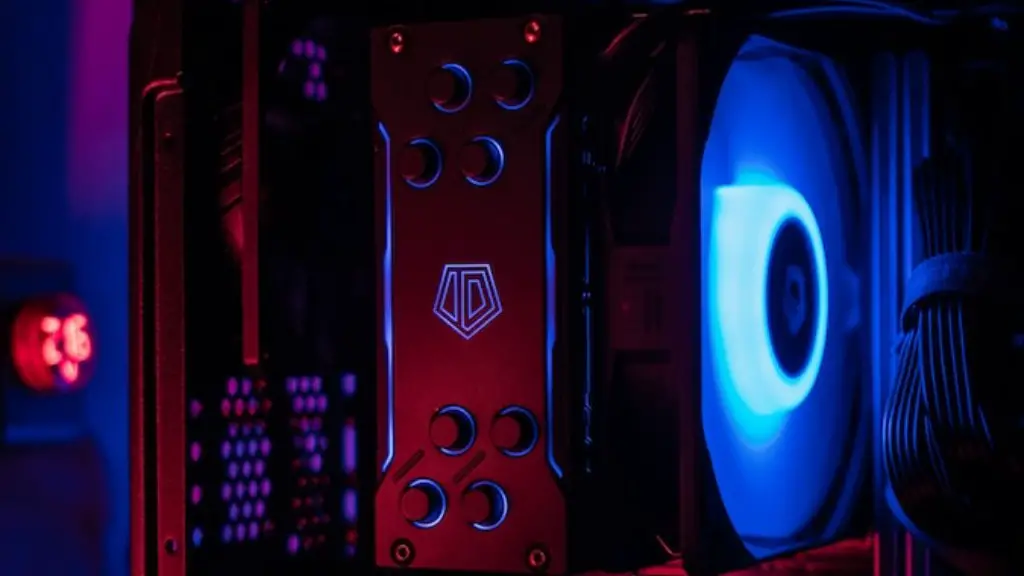
Next, consider the components of the gaming PC. Pay attention to the processor type, RAM, graphics card, and other features such as cooling and storage to determine which PC is best for your needs. Make sure the PC has the latest components from reputable manufacturers.
Thirdly, research the power supply. If you intend to make upgrades down the road, make sure you have enough wattage for the components. Selecting a quality power supply is essential to ensuring a reliable gaming PC.
After setting your budget and researching the components, it’s time to make your purchase. Secondhand stores may offer good deals, but they may not be reliable. It’s best to buy directly from a manufacturer or a reputable store. Look at customer ratings and reviews to make sure you are satisfied with the product.
Finally, once you have successfully found your gaming PC, it’s essential to take good care of it. This includes dusting out your PC’s fan filters, performing periodic maintenance such as defragmenting the hard drive, and updating drivers. Doing so can help to keep everything running smoothly and reduce the chances of damage.
Features to Look For in Gaming PC
When shopping for gaming PC, one should pay special attention to the features it has to offer. For example, an ideal gaming PC should be equipped with a high-end graphics card for optimum performance. Additionally, fast RAM and a powerful processor are necessary for delivering crisp visuals and smooth gameplay. Other features and components like sufficient storage and appropriate cooling systems are also important for long-term satisfaction.
Whether to Build or Buy
Another important consideration for finding a good gaming PC is whether you should build it yourself or purchase one pre-built. Building your own gaming PC can be an exciting and rewarding experience, but it requires a lot of technical know-how and often amounts to a more expensive purchase. Pre-built gaming PCs can vary in quality, but they may prove to be more cost effective and potentially more powerful than custom-built units. Evaluate your skills, preferences, and budget before making your decision.
Where to Find Quality Parts
When it comes to parts, not all components are created equal. Some manufacturers offer more reliable products than others, so it’s important to research the brand and consider reviews and ratings. Additionally, some retailers, such as Newegg and Amazon, may offer better deals and higher quality parts than local stores, so be sure to check their prices.
Compatibility
Ensuring compatibility between components is also important in finding a good gaming PC. If a component isn’t compatible with your motherboard or graphics card, the best you can hope for is that it works without issue. Generally, it’s best to stick with components of the same brand if possible. In addition, double-check that the parts you have selected will fit inside the case and use the correct power connectors.
Knowledge of Processors
Another important aspect to consider when purchasing a gaming PC is knowledge of processors and their capabilities. Look for CPUs that come with Turbo Boost and Hyper-Threading technologies for optimal performance. Additionally, modern processors come with streamlined designs that cause less heat and power drain, which can translate to smoother gaming.
