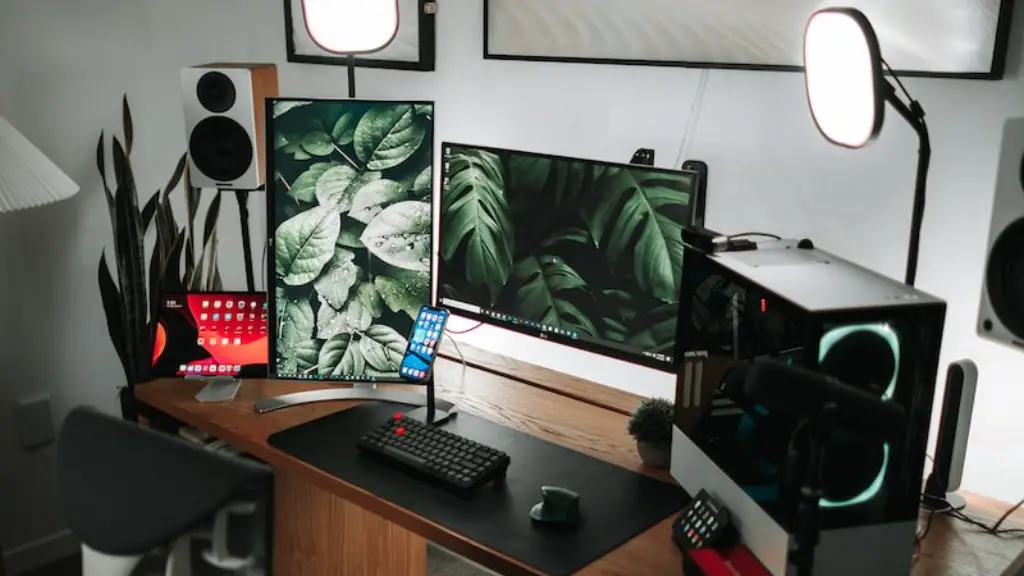
Building a gaming PC is an exciting project, but can be daunting when you are starting out. Below are the steps to get you started on your gaming PC project. First, research the type of gaming activities you will be doing, such as gaming genres and games you might be playing. Once you have an idea about the type of gaming you will do, then you can move on to the component selection phase. You’ll need to consider the type of processor, video card, storage, and RAM as well as any additions such as a sound card or additional cooling systems. You’ll need to choose components that are compatible and will serve your purpose. Then you’ll need to decide where you will be purchasing the components. There are many options available such as brick-and-mortar stores, online stores, and specialized gaming shops. Depending on the components you need, be sure to compare prices, reviews, and to ensure compatibility. After researching the components and where to buy them, you will then need to assemble them inside the case. It is important to have the right tools and anti-static protection such as a wrist strap when handling any of the hardware components. Be sure to read the instructions and follow them carefully.
Choosing the Right Case & Cooling System
Once you have chosen which components to buy, you’ll then need to select the right case and cooling system. This is a important step, because if the components aren’t properly cooled, they may crash during intense gaming sessions. To help with cooling, select a case that can accommodate additional fans and air flow. Additionally, consider looking into complementary water-cooling systems for extra cooling power and a quieter system. Make sure to install the fans correctly and to double check the wiring and cable management setup.
Installing the Operating System & Drivers
Once the components are installed, you’ll be ready to install the operating system. There are various operating systems available for gaming PCs including Windows, Linux, and Mac OS X. Once you have selected the operating system, be sure to download the drivers for your specific hardware components. This will ensure the hardware is properly recognized by the operating system. The installation process is relatively straightforward, but having the right drivers is key in optimizing hardware performance.
Testing the System & Optimizing Performance

Once the drivers are installed, it’s time to test the system. This is critical to ensure there are no hardware issues before starting the gaming. The test should include benchmarking the system, and running varying level games to ensure the hardware is performing optimally. Once you have tested the system and gotten an idea of the performance, then it is time to optimize the system further. This can be done through configuring the system settings to enhance performance such as setting the power settings and GPU configuration. Additionally, you can check for any patches or updates to ensure the system is running the latest software.
Installing and Configuring the Software
Once the system is tested, it’s time to install the gaming software. This is the fun part, as you’ll get to install and customize your favorite games. When selecting and installing the software, be sure to look for current versions and to make sure the games are compatible with your chosen operating system. Additionally, be sure to review System Requirements and patch notes before downloading the game. After you have installed the game, you may need to configure the game settings to optimize performance with your newly built gaming PC. That includes setting the resolution and game settings to get maximum power.
Using the PC for Gaming
After you’ve set everything up, you’re ready to start gaming with your newly built PC. Make sure to review the settings and check for any patches or updates before starting. Additionally, you may need to configure the game and system settings to get the best performance out of your gaming PC. Getting the most out of the system requires a bit of effort once it’s built, but it will be worth it when you experience your games in the highest resolution and with the best performance.
Adding Customization and Upgrades
When you have become comfortable with your new gaming PC, you may want to customize and upgrade it. This can be done by improving the hardware components, adding novelty items, and configuring the gaming setup. These modifications will require more research and effort to ensure they are compatible and can handle the additional performance. Additionally, the cost of these modifications is important factor to consider when budgeting and should be factored into the overall cost of the gaming PC.
Keeping The System Up To Date
To keep the PC running in top performance, it is important to periodically check for software and driver updates. This will ensure the system has the latest drivers and patches for optimal performance. Additionally, be sure to update your anti-virus software and to use good security practices when it comes to browsing the internet and downloading content. This will help to protect the system against any viruses or other malicious programs.
