It is essential for gamers to add extra storage to get the most out of their gaming PC. With the introduction of new games being released almost every week, gamers will benefit from having adequate storage to keep their games up to date and free from any bugs.
The most common method for gamers to add storage to their gaming PC is using an SSD (Solid State Drive) or HDD (Hard Disk Drive). SSDs are generally considered the best choice as they are more reliable, faster, and can provide more storage than HDDs. HDD’s, on the other hand, are often cheaper, provide less storage, but offer more flexibility in terms of files that can be stored and retrieved.
When choosing a new storage drive, gamers should consider their budget, the speed of the drive, the interface type (such as SATA, M.2, etc.), and the type and capacity of the drive. Additionally, gamers should consider if their PC is optimized for the specific drive they are considering installing in their gaming PC.
To begin, gamers should make sure to properly back up their existing data before making any changes to their storage drive. This is important in case anything goes wrong during the installation process, or if the drive needs to be replaced with a newer model in the future.
Once the backup is done, gamers should turn off their PC, unplug all the power and data cables, and disconnect the existing storage drive(s). Then, depending on the type of storage drive, gamers should begin to connect the new drive to their PC. Often times, this will involve mounting the drive, connecting the cables and making sure that the drive is properly secured into place.
Finally, gamers should start their PC, enter the BIOS setup and make sure that the new drive is recognized. Then, depending on the drive type, gamers should either use the same partitioning method as the previous drive, or configure the drive manually. After that, they should install the necessary drivers and software and they’re ready to go.
Expanding Storage Through External Hard Drives
For gamers that need extra storage, but don’t want to install drives inside their gaming PC, an external hard drive may be the solution. An external hard drive is simply a portable storage device that can be plugged into the gaming PC via USB or Thunderbolt, and allows gamers to store and retrieve data quickly and conveniently.

When choosing an external hard drive for gaming PC storage, gamers should look for a drive that is fast and reliable, has enough storage capabilities for their needs, and is compatible with the ports and cables available on their PC. Committing to a drive that is reliable and has a warranty should also be considered, as it will offer peace of mind in the event of a hardware failure.
Connecting a gaming PC to an external hard drive is pretty simple. First, gamers should connect the external hard drive’s USB cable to an available USB port on their PC. Then, depending on the hard drive, gamers should use disk management or disk cloning software to create a partition for the external drive. Once done, the external drive should be immediately accessible on the PC.
Using an external hard drive for gaming will require some additional setup. Gamers should configure the external drive through the control panel of the gaming PC, and make sure that it is optimized for gaming. Additionally, they should take into account that the external drive will use more power than an internal drive, so it is important to make sure that the external drive is powered by an additional power source.
External hard drives are a great option for gamers looking to add extra storage to their gaming PC without having to install a physical drive. On the downside, they often come with limited bandwidth and will require more effort to get up and running than an internal drive.
Using Cloud Storage For Games
A third option for gamers looking to add storage to their gaming PC is cloud storage. Cloud storage is a service provided by cloud providers, such as Google, Microsoft, or Amazon, which stores data in the cloud rather than on the user’s PC or external storage device.
There are several advantages to using cloud storage for games. For one, gamers can access their games from anywhere, as long as they are connected to the internet. Additionally, cloud storage will oftentimes back up their data and files, in case anything happens to their gaming PC. Thus, if something goes wrong with their gaming PC, they can still retrieve their data and files without having to purchase a new device.
However, there are a few drawbacks to using cloud storage for games. One factor to consider is that, while cloud storage may be secure and convenient, it will also come with additional costs. Other than the cost of the service itself, gamers should consider the additional costs associated with downloading and updating their games, which can sometimes be quite large.
Apart from that, gamers should also take into account that games stored in the cloud may be slower and less reliable than games stored on physical storage devices. Additionally, gamers may experience issues when updating their games, as the cloud provider may not always have the most up to date version of the game installed on their servers.
Nevertheless, cloud storage can be a convenient and secure solution for gamers looking to add storage to their gaming PC. For those who are willing to pay, it may be the ideal solution for their storage needs.
Using External SSDs For Games
External SSDs (Solid State Drives) are quickly becoming the preferred storage option for gamers who need extra storage for their gaming PC. An external SSD is a portable storage device, similar to an external hard drive, except that it is much faster and more reliable.
An external SSD will offer gamers the same benefits they would get if they were to install an internal SSD inside their gaming PC. It is faster, doesn’t generate as much heat, and is more reliable than a hard drive. Additionally, external SSDs are a great option for gamers who don’t want to open up their PC or replace their existing drive.
Furthermore, external SSDs come with many features that can help gamers get the most out of their gaming PC. For instance, many external SSDs come with encryption options, which will help keep data secure from malicious attacks. Other features, such as configurable performance and automatic backup, can help boost performance and reliability.
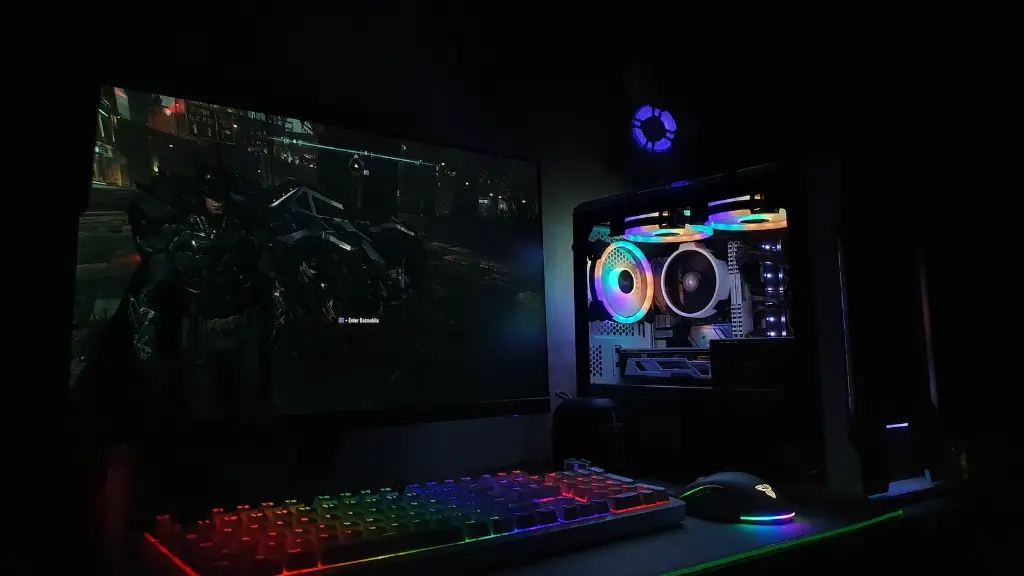
Unfortunately, external SSDs come with their own set of drawbacks. For one, they tend to be much more expensive than their hard drive counterparts. Additionally, the transfer rates may not be as fast as those of an internal SSD, so gamers should check if their PC is fast enough to make use of the extra speed of an external SSD.
Overall, external SSDs are a great solution for gamers looking to add storage to their gaming PC without having to open it up. They offer the same benefits as an internal SSD, but at a much higher cost.
Using Memory Cards For Games
Memory cards are another option for gamers who need extra storage for their gaming PC. These devices are usually small, portable, and can be plugged into the gaming PC via USB. Additionally, they offer a simple and straightforward way to add storage.
The advantage of memory cards is that they are affordable and require no installation. All gamers need to do is plug the card into their PC, and it will be ready to use. Furthermore, many memory cards come with security features, such as encryption and password protection, so gamers can feel secure that their data is safe.
However, there are some downsides to using memory cards for gaming. For one, these devices usually offer limited storage capacity and transfer speeds. Additionally, some games may not be compatible with memory cards, so gamers should check beforehand if their games will work on a memory card.
Memory cards are a great solution for gamers that are looking for a portable storage solution. They are easy to use, secure, and portable, and offer gamers a great way to add storage to their gaming PC.
Conclusion
Adding storage to a gaming PC can be a tricky task, especially for gamers that are not tech savvy. However, there are many options available to gamers, from internal SSDs and HDDs, to external hard drives, cloud storage, and memory cards. Each one has its own advantages and drawbacks, and it’s up to gamers to decide which option is best for their needs.
