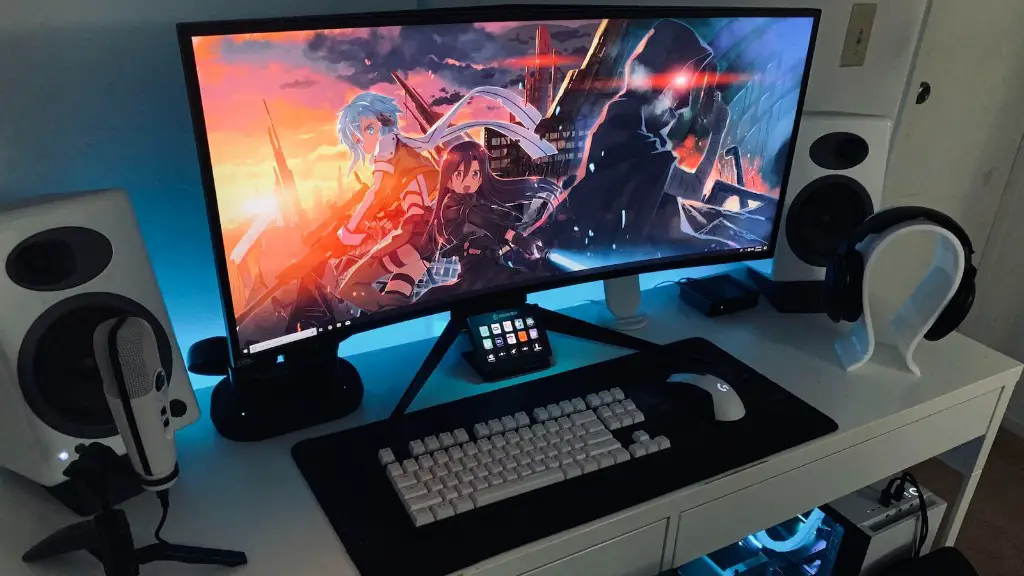
Buying a gaming PC and setting it up to a high-definition television can be a great way to take your gaming experience to the next level. This guide is designed to help you take the right steps in order to set up your gaming PC to your TV. It will cover all the basics, as well as some of the more advanced options.
The first step is to decide what type of TV you would like to use. It is usually best to use a flat-screen HDTV, as these are generally much better for gaming purposes. Additionally, you will also need to make sure that the video port on your TV is compatible with the video ports on your PC. This means that you may need to purchase an adapter or an extra cable.
Next, you will need to choose the right cables for your PC and TV. It’s recommended that you use either an HDMI or a DVI cable, as these provide the best quality in terms of picture and sound. It is also important to ensure that the cables are long enough to reach from the back of your PC to the back of your TV.
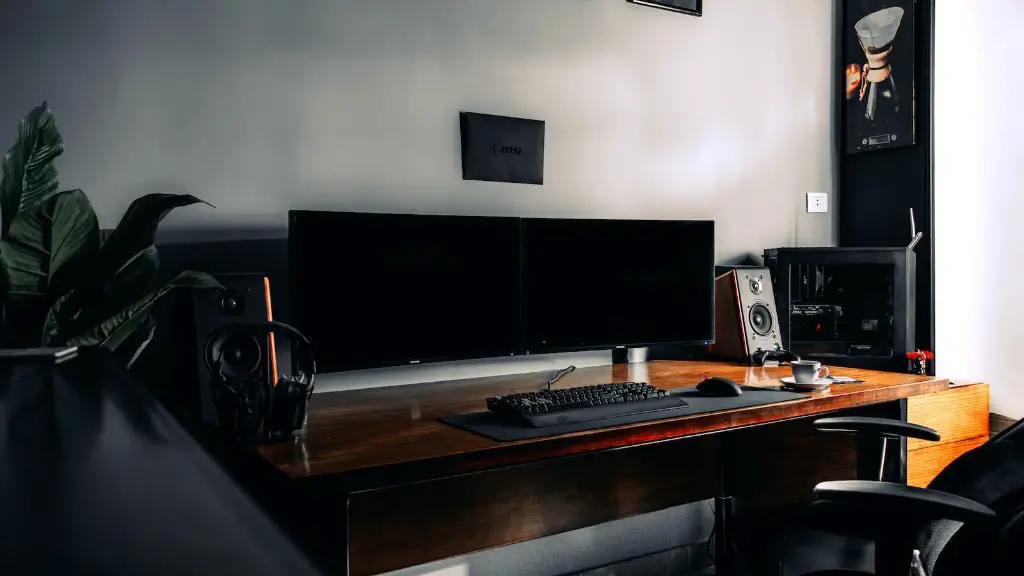
Once you have chosen your cables, you can then connect your PC to your TV. This is usually done by inserting the cables into the PC’s video and audio ports, as well as connecting the cables to the video and audio ports on the back of the TV. You may also need to use a switch or splitter if you are connecting multiple devices to one TV.
If you have an HDTV, then you should also ensure that you have the correct settings configured in order to get the best picture quality. This can be done by accessing the display settings menu and selecting the correct display mode. It is also recommended that you set the TV’s input to the HDMI or DVI connection.
Finally, you can now begin setting up your gaming PC. This involves downloading and installing the necessary drivers and software, as well as configuring the game settings to ensure that you get the best performance. Once this is done, you should be able to begin gaming on your television in no time.
Advanced Configurations and Settings
Once you have your gaming PC setup, there are some more advanced configurations and settings that you can consider to further enhance your gaming experience. For example, you can use a split-screen system, which allows you to watch a movie on one side of the TV while playing a game on the other. Additionally, you may want to consider using a gaming headset and surround sound system to enjoy the best audio experience.
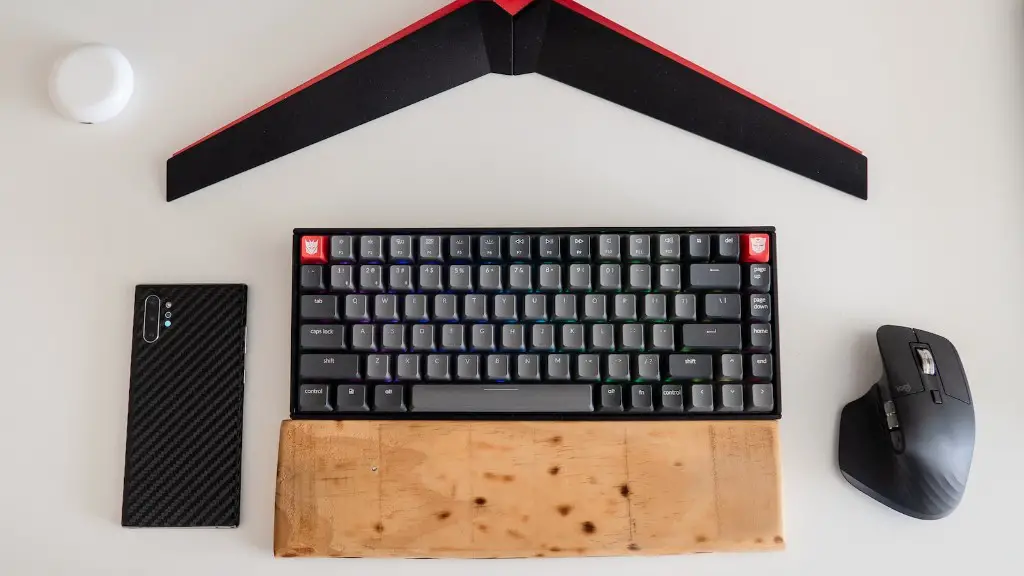
Furthermore, if you have multiple gaming PCs, then you can use a network switch or router to enable all the systems to play against each other or even share data or content. You may also consider purchasing a gaming keyboard and mouse to make your gaming sessions more comfortable and enjoyable.
In addition, you can purchase various gaming accessories, such as gaming chairs and desks, to further improve your gaming setup. Some accessories even come equipped with built-in speakers and microphones to provide a more immersive experience. Finally, you can also consider using a streaming media device, such as a Roku or Apple TV, to provide access to streaming services and content, allowing you to watch movies and shows in addition to playing video games.
Selecting the Ideal TV
When selecting your TV for gaming purposes, it’s important to pay attention to a few key aspects. Firstly, you want to ensure that it has a large enough screen size to enjoy all the visuals of your games. Secondly, you want to make sure that the TV has low latency to ensure smooth gameplay. Finally, you should ensure that the TV is compatible with the gaming system you are using, as this will ensure that all the graphics look as good as possible on the screen.
It’s also important to consider the aspect ratio and refresh rate when choosing your TV. Generally speaking, a 16:9 aspect ratio and a 120Hz refresh rate are ideal for gaming. Additionally, you should try to get a TV with HDR capabilities if possible, as this will improve the visuals even further.
Lastly, you should also consider the inputs available for the TV. High-end TVs usually come with multiple HDMI ports, so that you can connect multiple devices to the TV. Additionally, you want to make sure that the ports are compatible with the gaming device you are using, as this will make connecting the devices to the TV much simpler.
How To Connect A Gaming PC To A TV
Connecting your gaming PC to your TV is relatively simple, but it’s best to follow a few steps to avoid any potential issues. Firstly, you should make sure that the video ports on the TV and the PC are compatible. If not, then you may need to purchase an adapter or extra cables in order to connect them.
Next, you should choose the right cables for your PC and TV. It’s recommended that you use either an HDMI or a DVI cable as these provide the best quality in terms of picture and sound. If you are connecting multiple devices to one TV, then you may need to use a switch or splitter.
Once the cables are in place, you can then connect your PC to the TV. This is usually done by inserting the cables into the video and audio ports on the back of the PC and TV. Once this is done, you can then power up the TV and PC and they should be automatically recognized.
The final step is to configure the video settings on the TV. You can do this by going into the display settings menu and selecting the correct display mode. Additionally, you want to make sure that the TV’s input is set to either HDMI or DVI. Once this is done, you should be able to begin gaming on your TV.
Tips For Optimal Performance
Once you have your gaming PC and TV setup, there are a few tips you can follow to ensure optimal performance. Firstly, you should make sure that all the cables are connected correctly and tightly, as this will ensure that all the data is being transferred correctly. Additionally, you should ensure that you have the latest drivers and software installed on your PC, as this will ensure the best performance.
Furthermore, you should also ensure that the PC is set up in a comfortable position, as this will make it easier for you to access the various keys and controls. Additionally, you should adjust the angle and height of the monitor to make sure that you are comfortable while gaming. Finally, you should also make sure that the room is well lit when gaming, as this will help reduce eyestrain and improve your overall gaming experience.
Choosing The Right Games
Finally, you should also consider what type of games you want to play on your gaming PC to get the most out of your setup. It’s best to choose games that are designed for high-definition gaming, as these will make full use of the high resolution of your TV. Additionally, you should consider games that take advantage of the latency and refresh rate of the TV, as these will help to improve your experience.

It’s also a good idea to try out several different games to determine which ones best suit your tastes. Additionally, you should look out for games with split-screen or multiplayer options, as these can greatly enhance the gaming experience. Finally, you can also consider streaming games over the internet, as this can help you to keep up with the latest titles.
