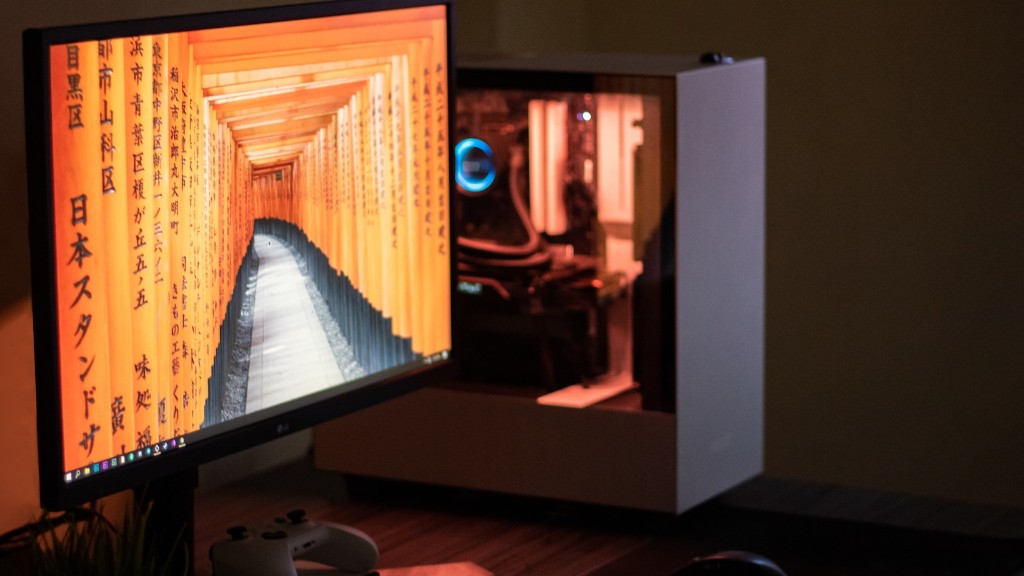
Building a gaming PC isn’t as intimidating as it may seem. It’s actually very straightforward if you have all the right components. It just requires a fair bit of research and knowledge. You’re gonna need a good case, a motherboard that can handle the tasks you want your setup to include, a powerful enough power supply, a good graphics card, a processor (CPU) that won’t bottleneck the other components, RAM that can handle how much multitasking you plan to do, storage for all of your games and other files, plus a cooling system to keep all of these parts from over-heating.
The case is the foundation of your build. It’s important to make sure it has enough space for your components. It should be big enough to fit the components and have enough fans or cooling options installed to cool everything inside. A good case should also be sturdy and well ventilated.
The motherboard is the body of your gaming PC. It needs to be compatible with the processor you plan to use and contain the right ports for connecting peripherals, including USB 3.0 and HDMI. It also needs to have enough RAM slots and support PCI Express slots for your GPU and other components.
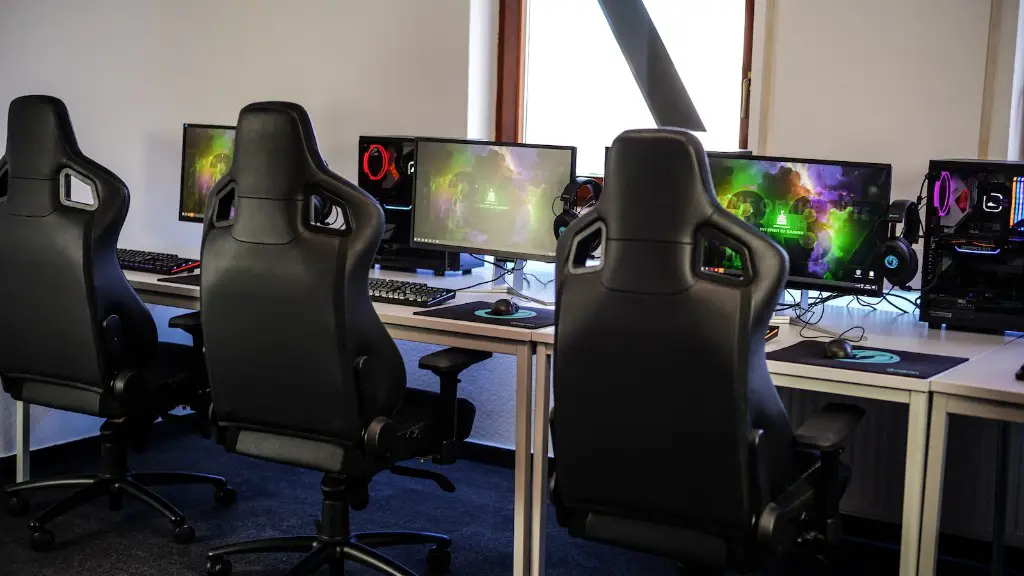
A good power supply is essential for making sure everything runs smoothly. You don’t want to skimp out on this, as it can cause serious damage to your other components if not up to par. Look for one that’s certified by 80 Plus, so you know it’s high-quality, efficient, and will provide enough wattage for the rest of your components.
Your graphics card (GPU) is extremely important for gaming, as it handles all the graphics processing. Get one that’s up to the task. Look for one with a decent amount of RAM, processor, and clock speed and make sure it’s compatible with your motherboard and power supply.
The processor (CPU) is a key component. You need one that can handle the workload and multitasking. Look for one with a really high base clock speed and multiple cores.
RAM (Random Access Memory) is crucial for running multiple programs and multitasking. Get RAM that’s fast and has a big enough capacity for how many apps and games you’re going to be running.
Storage

Next, you need to decide how much storage you need to house all your games and other files. For gaming, an SSD (Solid State Drive) is best, as it has much faster read/write times than a traditional HDD. Look for one that’s big enough to store your games, but also fast enough to load them quickly.
For larger files and media that don’t need to be accessed quickly, you can also opt for a traditional HDD. You can either get one or a combo of both an SSD and an HDD. This way, your operating system and games will be stored on the SSD and everything else on the HDD.
Make sure to get an external hard drive too in case your computer crashes and you need to back up all your data. Don’t rely solely on cloud storage, as it can be slow and unreliable.
Cooling System
Having a good cooling system is essential for when your gaming PC heats up during intense gaming sessions. This can be handled by a combination of fans, a liquid cooling system, and a quality thermal paste.
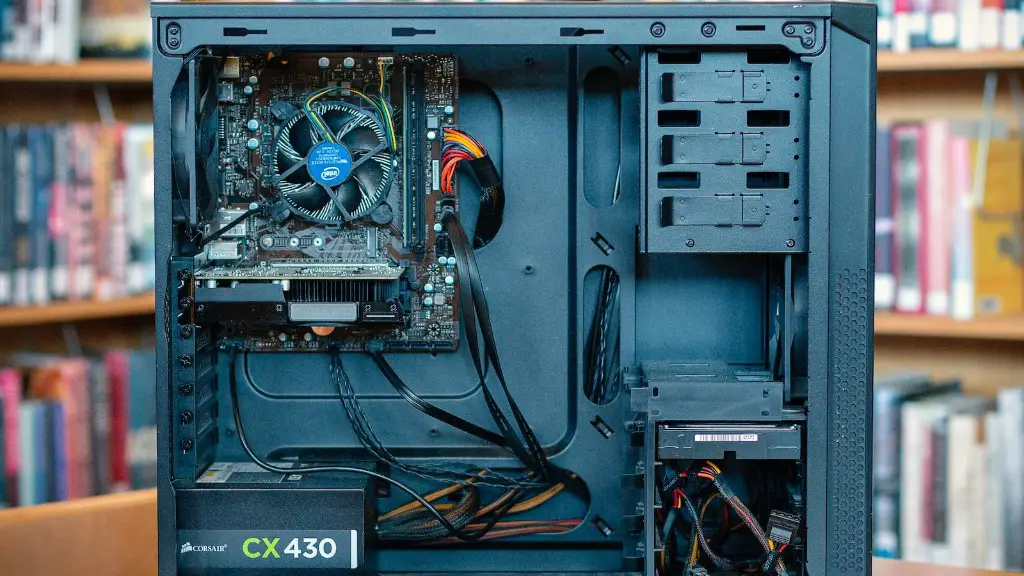
Fans are cheap and do a decent job of cooling components. You can get them in standard sizes and pick different speeds, depending on how much cooling you need. You should also focus on air flow, as good air flow is key to keeping temperatures low.
Liquid cooling systems are more expensive than fans, but they do a great job of cooling parts too. They also don’t take up as much space and are way quieter.
Thermal paste is crucial for creating a good connection between the processor and the heat sink or the CPU cooler. Without it, the processor won’t be able to transfer heat away from it and could potentially overheat.
Peripherals
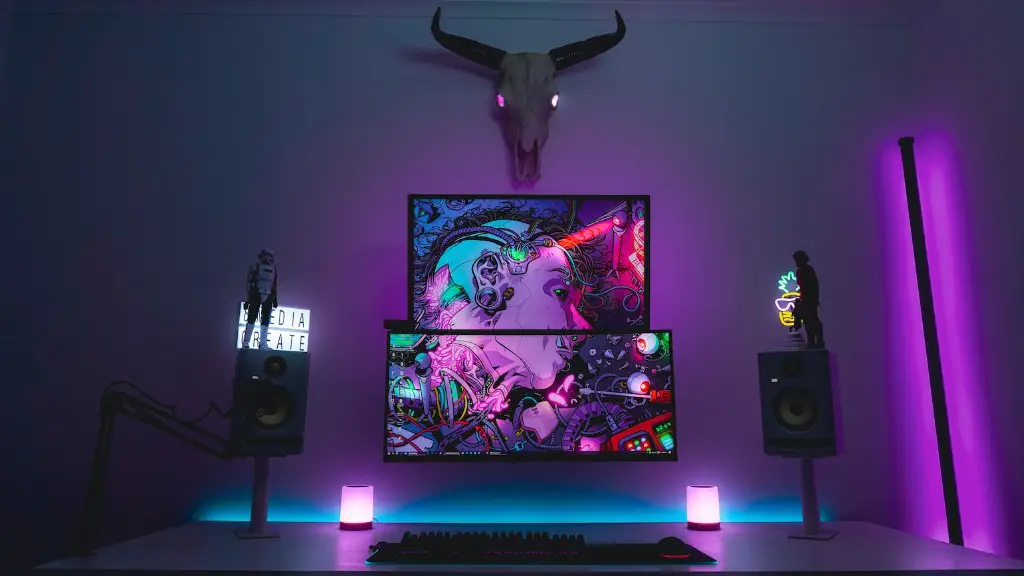
You’ll need to get peripherals for your gaming setup too. A good gaming keyboard, mouse, and mouse pad are essential for getting the most out of your games. Look for ones that are comfortable and durable as well as those that provide extra features like programmable keys and adjustable weights.
Furthermore, you’ll also want a decent set of headphones and a microphone so you can communicate with other players. Look for one with noise-canceling and a comfortable fit, so you can enjoy gaming for hours at a time.
Having a proper external monitor or TV is just as important as the rest of the components. You’ll need one that has a good resolution, a fast refresh rate, and a variety of inputs, including HDMI and DisplayPort. This will ensure that you get the best visuals and gaming experience your PC can provide.
Considerations and Cost
Before you start building your own gaming PC, consider the cost. A good gaming rig will cost anywhere from a few hundred dollars to thousands, depending on what you want and how powerful your rig is. Also consider how much time and effort you want to spend on building and maintaining your system.
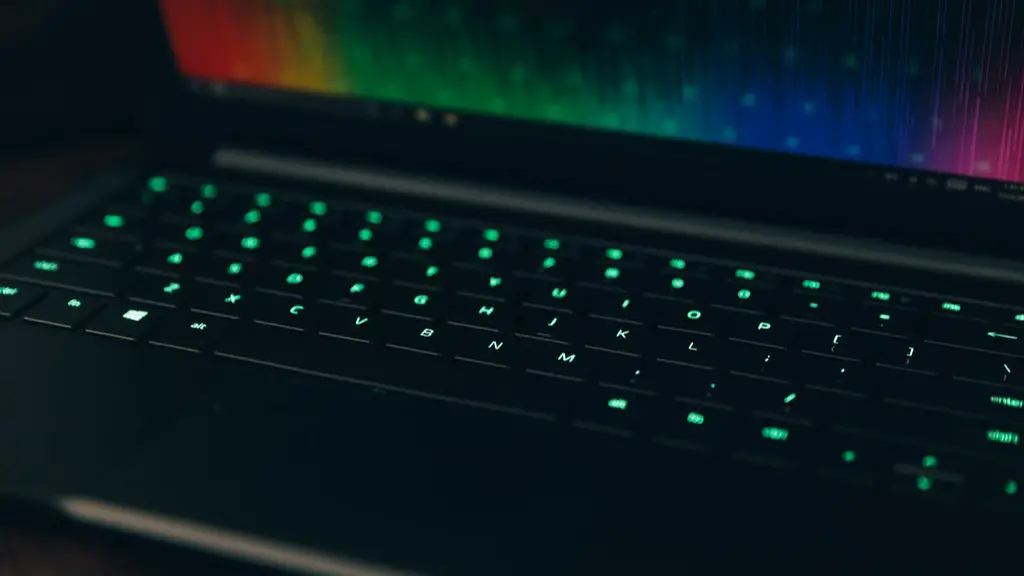
You should also know that it’s difficult to upgrade parts individually if you don’t have the right tools or experience. Buying a pre-built gaming PC might be a better option if you’re on a tight budget or don’t have the confidence to do it yourself.
Finally, be sure to research any potential components and brands before you start purchasing them. Read reviews and compare the specs side-by-side to ensure you get the best deal and value for your money.
Protecting your system
It’s also important to think about protection for your gaming PC. Investing in a good antivirus program and firewall is essential to keep your data safe. If you have a wireless gaming setup, make sure you use a secure network and password.
You should also invest in a surge protector or UPS (uninterruptible power supply) to protect your gaming PC and other components in the case of a power outage or surge. This will help protect your system from damage caused by sudden power fluctuations.
Having a good warranty on all parts is also essential. It’s best to get a warranty for at least 3 years for any parts you buy. This will help protect your parts in the event of any failure or damage.
These are all important things to consider when planning and building a gaming PC. Making sure you have the right components and protection will ensure you get the best gaming experience.
