
Transporting your gaming PC can be a daunting task, but it doesn’t have to be. With the right supplies and know-how, you can transport your gaming PC with ease. Here’re a few tips on how to transport your gaming PC safely and securely.
Choose an Appropriate Case
The first step when looking to transport your gaming PC is to choose an appropriate case. There are a variety of different types of cases available, from simple foam enclosures to more robust, hardshell cases. If possible, choose a case that can fit the entire gaming PC, including the keyboard and monitor. If space is an issue, you can also opt for a smaller, more compact case. When choosing a case, make sure to measure the components of the PC to ensure a snug and secure fit.
Ensure Your PC is Securely Mounted
Once you have a case for your gaming setup, make sure your PC is securely mounted. You can either choose to use mounting screws or use a foam insert to secure the components in place. You may also want to consider using a cushion or padding around the PC components to ensure extra protection. Make sure that all the cables are tucked away, as they are susceptible to getting damaged in transit.
Cover Your PC

You may want to consider covering your PC with a cloth or canvas cover to protect its components from dirt and dust. This is especially beneficial when transporting the PC in a car, as dust and moisture can easily build up. Be sure to also cover any exposed ports or slots, as dust can easily enter the system and cause damage.
Extra Tips and Tricks
When transporting a gaming PC, avoid moving it in extreme temperatures or conditions. Severe temperature fluctuations can cause the components to malfunction or overheat. It is also important to always use two people when transporting the PC, as it can be quite heavy. Lastly, make sure to keep the PC disconnected from any power sources at all times.
Make Sure to Pack Everything Needed for Setup
When transporting your gaming PC, make sure to include all the necessary parts and components. These include the power supply, video cards, any necessary cables, cooling fans, and manuals or driver CDs. Keep the PC setup in mind when you are packing the components, as you won’t want to forget something important.
Use the Proper Shipping Materials
When you are ready to transport the PC, make sure to use the proper shipping materials. This includes thick packing tape, bubble wrap, and foam inserts. These materials can help ensure that your PC stays safe in transit. Once everything is packed, you can choose to ship the PC or take it with you.
Prepare for Transit
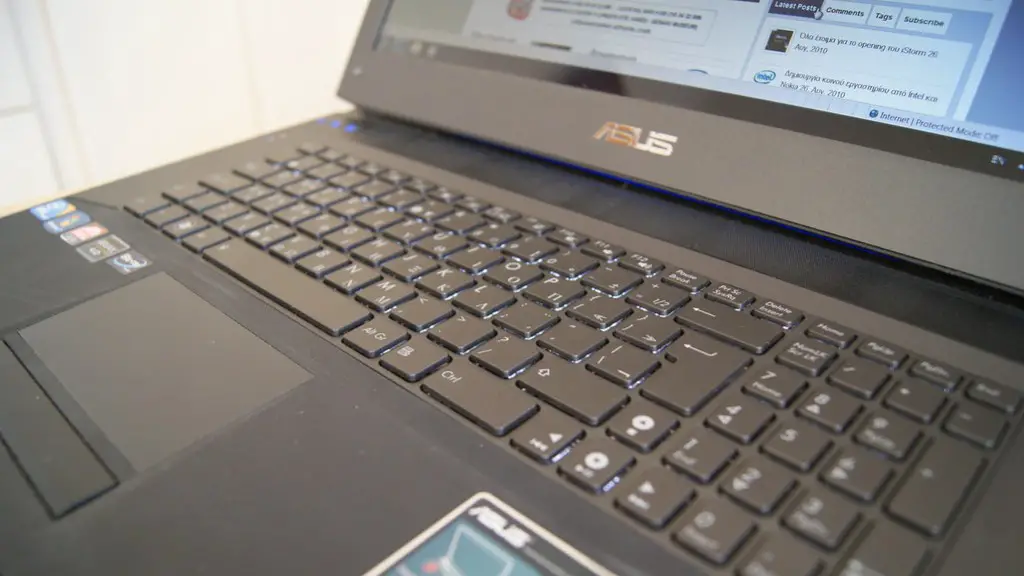
Before you transport your gaming PC, double-check all the components to make sure nothing has been left behind. Make sure that you have the proper power cable and that the cables are securely connected to the system. Make sure all the components are securely mounted and that any exposed ports or slots are covered. Once everything is in order, you are ready to transport your gaming PC.
Use the Right Carrying Container
The best way to transport your gaming PC is to find the right carrying container, such as a hardshell case or a protective bag. Hard shell cases tend to be more durable and provide the best protection against outside elements. If you’re taking the PC in a car, opt for a protective bag with thick padding. And if you’re flying, look for a hardshell case that is checked baggage approved.
Additional Accessories
You may want to consider adding a few additional accessories to make the journey easier. For example, an anti-static mat can be used to protect the PC from static electricity and dust. A surge protector might also come in handy if you’re using a hotel’s power outlet or a public one. Make sure to bring any additional tools you may need to adjust the PC, such as a screwdriver.
Secure the PC to Avoid Damage in Transit
When transporting a gaming PC, it is important to secure the system to avoid any damage in transit. Use straps or padding to keep the PC and its components in place, and use bubble wrap to cushion any fragile parts that may be jostled around during the journey. Make sure you check the PC once you’ve reached your destination to make sure that it arrived safe and sound.
Final Thoughts

Transporting your gaming PC can be a challenging task. But with the right supplies, knowledge, and safety measures, you can easily move your rig from one place to another. Choose an appropriate carrying case, make sure all the components are securely mounted and covered, and bring all the necessary accessories to make the journey smoother. Use the right materials to secure your PC and, once you’ve reached your destination, check to make sure that everything arrived in one piece. That’s it, you’re all set to transport your gaming PC safely and securely.
