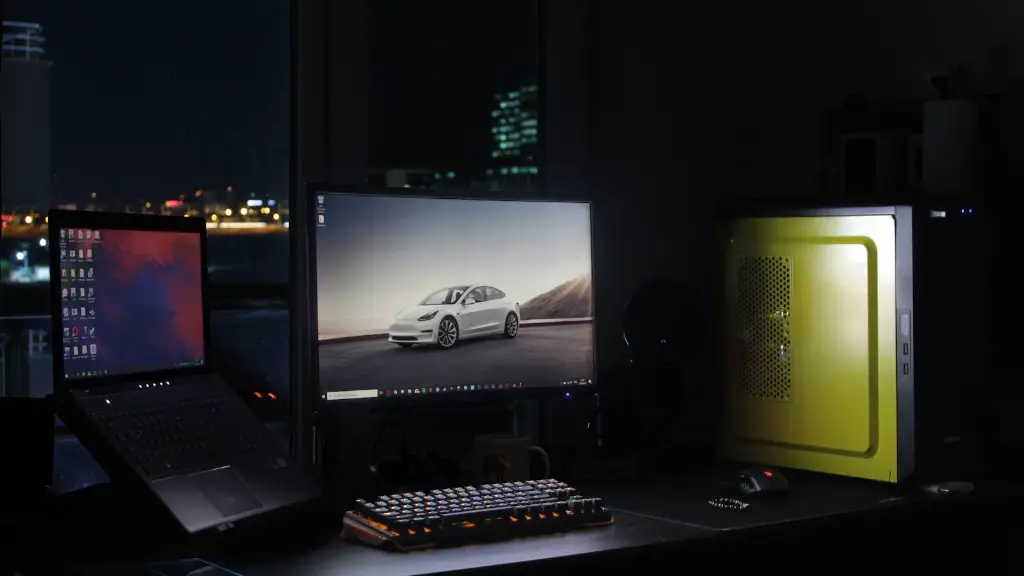
Buying a gaming PC on a budget can be quite challenging. Gamers want to get the most bang for their buck, while still enjoying all the latest games on the maximum settings. With the right hardware, you can get the best cheap gaming PC that still packs a punch in terms of performance and value. Here’s what to look out for when shopping for a good, yet inexpensive gaming rig.
Firstly, aim for an Intel Core i5 processor. These come in a range of specifications, offering excellent performance without breaking the bank. Make sure to get a motherboard that supports the processor you choose, with plenty of RAM and a PCIe SSD. These components will greatly improve the gaming experience, while still keeping the price relatively low.
Next, make sure to get a dedicated graphics card rather than integrated graphics. This is essential for running games at their highest graphics settings. Look for a card that can handle 4K UHD resolutions, such as an Nvidia GTX 1060 or AMD Radeon RX 580. Once the core components are taken care of, make sure to get a quality power supply.
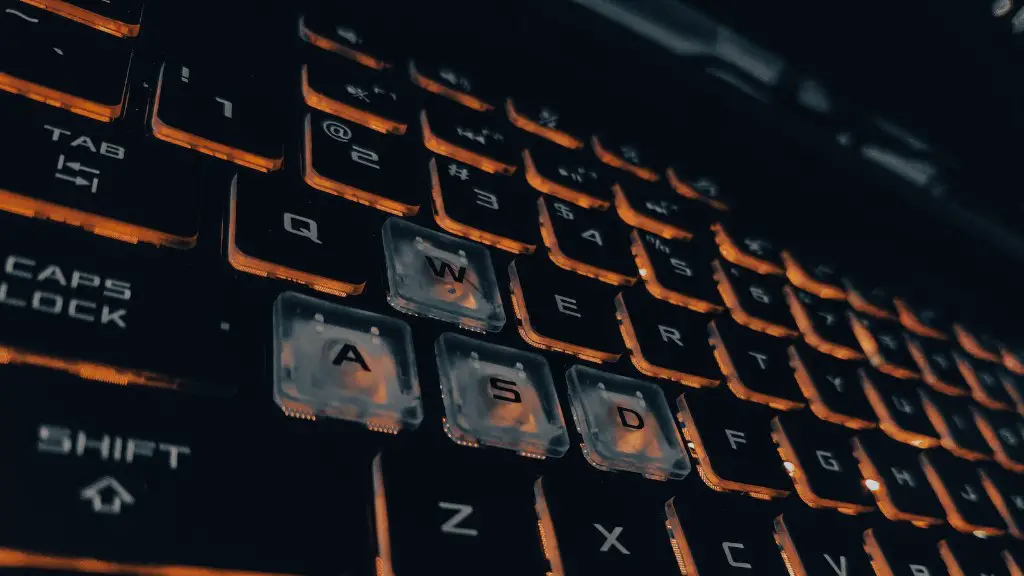
It’s also important to consider the type of monitor you’re going to use. For the best gaming experience, aim for a 4K UHD monitor with a fast refresh rate. This will ensure smooth visuals and allow you to take advantage of higher frame rates.
Finally, make sure to look for a case with good airflow and plenty of space for upgrades. Aim for a sturdy case with dust filters and plenty of room for additional storage and expansion. You can also add additional cooling fans for increased stability.
Choosing the Right Parts for The Best Cheap Gaming PC
When purchasing components for a gaming PC, it’s important to research the specifications and availability of the parts. Intense competition among hardware manufacturers ensures that prices are competitive and that you can get excellent deals. It’s also worth shopping around to compare prices, as well as checking online reviews to find out more about the performance of the hardware.
When selecting components, avoid skimping on the central processor, graphics card, and power supply. These are the most important components of a gaming PC, and they will have the biggest impact on gaming performance. Make sure to select newer hardware whenever possible, as older components may not be able to handle modern games.
It’s also a good idea to invest in some quality accessories, such as a mechanical keyboard or gaming mouse. These are essential for experiencing the best gaming performance, and can add a lot to the overall gaming experience.
Most importantly, plan your budget carefully. Decide on how much money you are willing to spend, and include the cost of accessories, upgrades and other peripherals in the calculation. This will allow you to find the best combination of components that are within your budget, allowing you to get the best cheap gaming PC.
Managing Temperatures for a Powerful, Yet Affordable Gaming Rig
When building a cheap gaming PC, it’s important to make sure that temperatures are managed properly. With increased computing power comes increased heat, which can lead to performance issues and potential damage. Make sure to invest in some quality cooling components, such as liquid cooling, in order to keep temperatures in check.
It’s also important to consider the airflow in the case. Poor airflow will cause the system to overheat, resulting in slowdowns and instability. Invest in a quality case with lots of ventilation and dust filters, and make sure to clean it regularly in order to maintain good airflow.

Finally, make sure to check the manufacturer’s guidelines when installing components. A proper installation is essential for getting the best performance out of the components. Follow the guidelines closely and make sure not to force any components into place, as this may cause damage.
Upgrade Potential is Key
When looking for the best cheap gaming PC, make sure to consider the upgrade potential of the components. Many gamers will want to upgrade their PCs over time, in order to allow them to play newer games at their maximum settings. Look for components that offer plenty of upgrade potential and that can be easily replaced with newer components.
It’s also important to consider the storage capacity. While an SSD offers the best performance, it may not offer enough space for all of your games and programs. Consider investing in an additional hard drive, or an external storage solution, for extra capacity.
Finally, make sure to look for components that are reliable and durable. Quality components are essential for achieving maximum performance, and investing in the best will save you money in the long run. Look for components with good reviews and backed by a long warranty.
Portability Matters
Another factor to consider when buying a cheap gaming PC is portability. Many gamers will want to take their PCs to LAN parties or other gaming events, and this may require a more portable PC. Look for lighter cases and components, as well as accessories such as a laptop cooler, in order to help keep the PC cool when transporting it.
It’s also worth considering the build quality of the PC. Make sure the case is sturdy and that it contains enough material to absorb impact. Select reliable components and make sure to avoid cutting corners in order to keep the cost down.
Look for features such as tool-less access to components, making it easier to upgrade or repair any damaged parts. This will save you money in the long run, and reduce the amount of downtime between gaming sessions.
Care and Maintenance is Mandatory
Finally, it’s important to understand the care and maintenance requirements of your PC. Make sure to thoroughly read the help documentation that comes with the hardware, in order to get the most out of your components. Regularly clean the system to keep dust from clogging the fans and other components, as well as to maintain the overall performance and prevent overheating.
It’s also important to stay up to date with the latest drivers and updates. This will ensure that the software and drivers are compatible with the latest games, and can also provide improved performance or stability.
Finally, consider investing in a maintenance plan. This will ensure that your PC is covered in case of any problems or damage, and will give you peace of mind when gaming.
