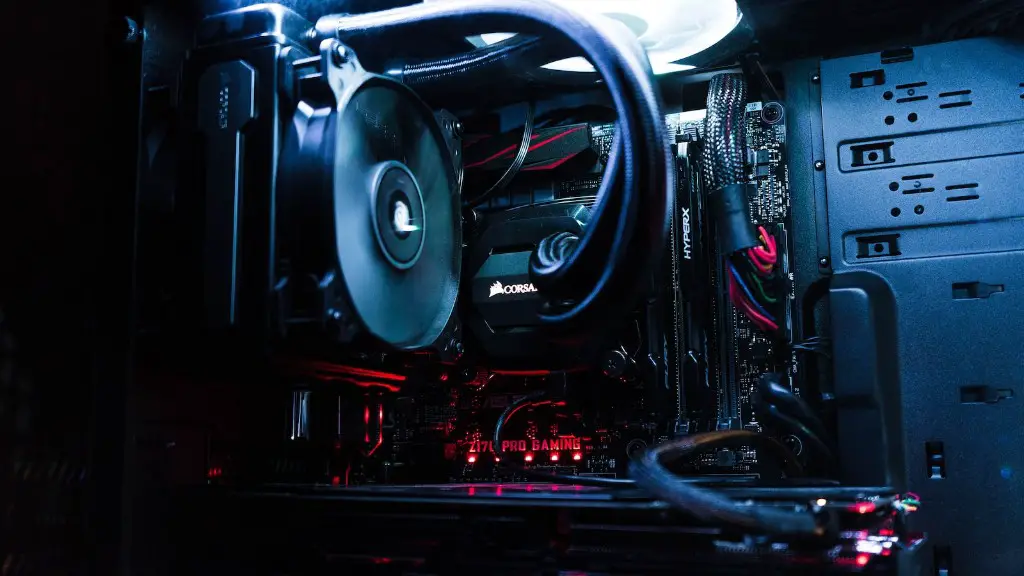
Building a gaming PC doesn’t have to break the bank. With the right parts and a little know-how, a capable gaming machine can be built for less than $500. Here’s how to do it.
The first step is to pick the right parts. You’ll need a processor, graphics card, RAM, a motherboard, and a hard drive. A basic processor like the AMD A4-3300 costs around $50, while a more advanced version like the AMD A10-5800K goes for about $125. Graphics cards vary greatly in price, but with some planning, it’s possible to find a good budget card like the Radeon R7 250X for around $90.
For RAM, look for a 4GB DDR3 kit to get started. The Corsair ValueSelect 4GB DDR3-1333 kit is a great option and costs around $50. A motherboard is also necessary, and you can find a good one like the ASRock A55M-HVS for around $40. To finish off the build, you’ll need a hard drive, and the Seagate Barracuda 1TB drive offers plenty of storage and is available for around $60.
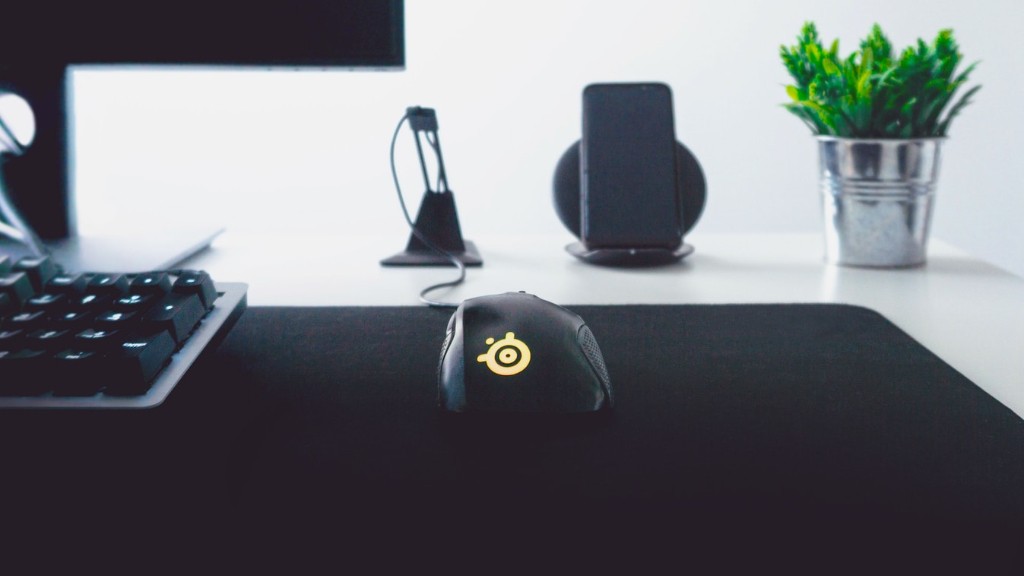
Once the components have been chosen, the next step is to assemble them. This can be a bit tricky if you have never done it before, but there are plenty of online tutorials to get you started. Make sure to read the directions for each component, and be sure to attach all of the wires properly. Also, a grounding strap should be used when handling components to avoid electrostatic discharge.
Finally, it’s time to install the operating system. Windows 10 is the latest version, and it can be purchased for around $90. Again, be sure to follow the installation instructions carefully. Once the system is up and running, you can begin installing the necessary software and drivers. With a little bit of work, you can have a budget gaming PC up and running in no time.
Using different components
When building a budget gaming PC, there are lots of different components to choose from. Some of the best components for budget builds include AMD’s Ryzen 3 processor, AMD’s RX 580 or RX 570 graphics card, and 8GB of DDR4 RAM. All of these components can be found for under $400, making them perfect for a budget-friendly build.
If you need more power, consider upgrading the processor to AMD’s Ryzen 5 or Ryzen 7 lineup. These processors offer more performance and can handle more intensive tasks. You can also upgrade the graphics card to an Nvidia GTX 1050 or 1060, which will offer better visuals and better gaming performance.
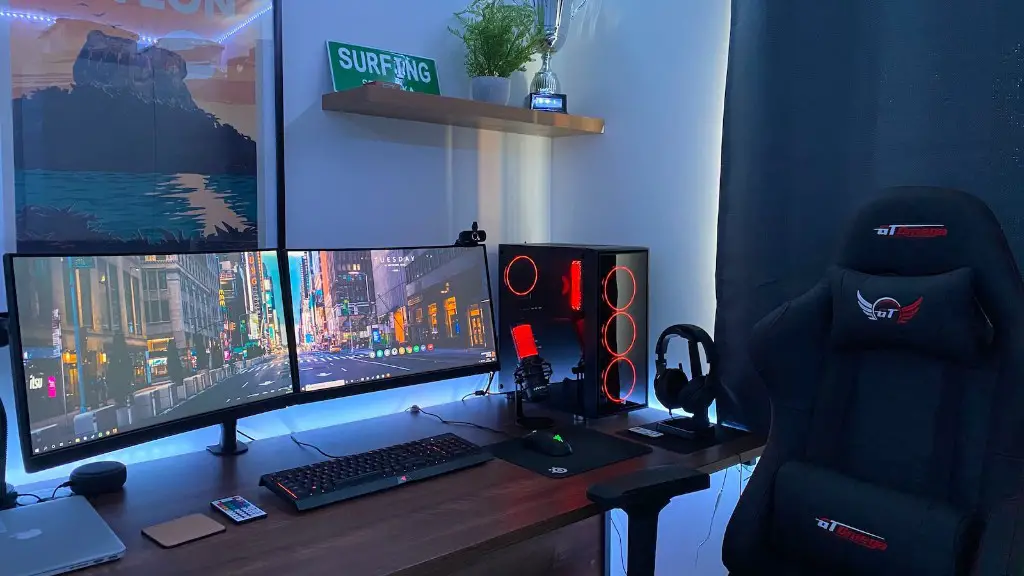
Another option for a gaming PC is to go for a pre-built system. Pre-built systems are already assembled and come with everything you need to get started. These systems are often cheaper than building your own, but they come with limited upgradability. However, they can be a great option if you want a quick and easy way to upgrade your PC.
Finally, you can also look into refurbished components. These components are used, but they have been inspected and tested to make sure they work properly. This is a great way to get a good deal on components and save some money. Just make sure to check the warranty information before making a purchase.
Installation of OS
The process of installing an operating system is relatively straightforward. Once you have selected the OS you want to install, you can follow the on-screen instructions to begin the installation. For best results, it’s recommended to use the latest version of the OS available. This will ensure the best compatibility and performance.
The first step is to create a bootable USB drive. This is done by downloading the ISO file of the OS and burning it to the USB drive. Once the USB drive is bootable, you can plug it into the PC and boot from the drive to begin the installation process. Make sure to follow the steps for the correct OS.
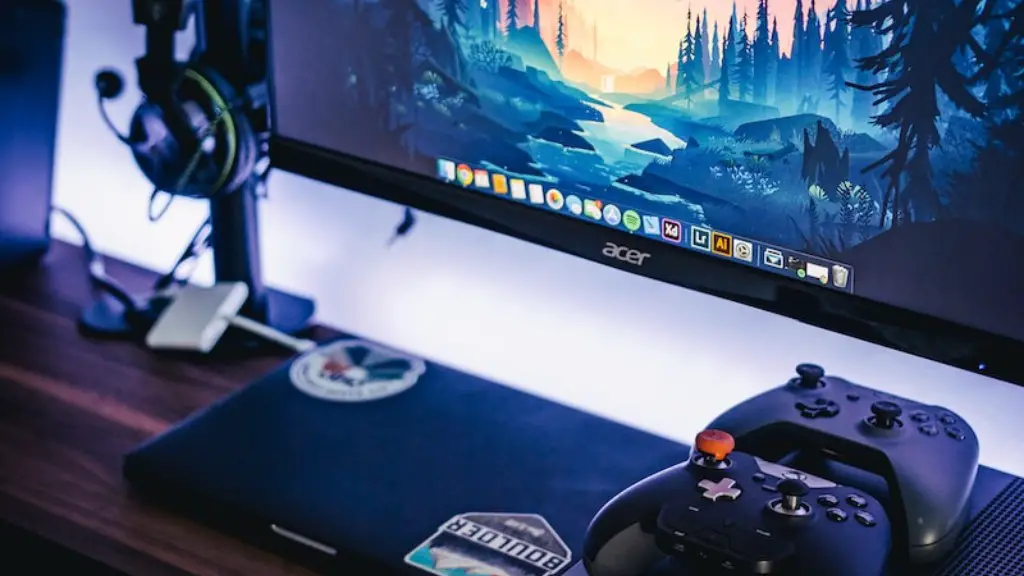
Once the installation is complete, you can install the necessary software and drivers. This includes the graphics card drivers, which are necessary for gaming performance. You can also install any other games or applications you need. Make sure to follow the instructions for each to ensure proper installation and compatibility.
Finally, you can customize your OS by changing settings such as the desktop theme, screen resolution, and other settings. This will give your PC a unique look and feel. You can also install additional programs and applications to further enhance your gaming experience.
Storage Options
When building a gaming PC, storage space is an important consideration. There are several storage options to choose from, including mechanical hard drives, solid state drives, and hybrid drives. Mechanical hard drives are the most basic option and offer plenty of storage space for a budget build. Solid state drives are more expensive but offer faster performance and reduce loading times. Hybrid drives are a combination of the two, offering a mix of storage and speed.
If you’re looking for more storage space, external hard drives and flash drives are good options. External hard drives offer a lot of storage space, but can be slow compared to internal drives. Flash drives are small and portable, making them great for storing games, movies, and music for quick and easy access.
Finally, cloud storage is another option for storing files and backup data. Cloud storage is convenient for backup and file sharing, but can be expensive for large amounts of data. Also, it’s important to note that you need an internet connection for accessing your files stored in the cloud.
Optimization
Once the PC is up and running, there are a few things you can do to ensure maximum performance. The most important step is to ensure the drivers are up to date. Outdated drivers can cause performance issues and should be updated regularly. Graphics and sound drivers are especially important for gaming performance.
Another way to maximize performance is to adjust the power settings in the system BIOS. This can reduce the power consumption of the components, and result in higher performance. For example, if the processor doesn’t need to run at full speed, you can reduce its power consumption to save some money.
A final tip is to make sure the PC is properly ventilated. Make sure the case fans are running, and consider adding additional fans for extra cooling. This will ensure that the components don’t overheat and reduce performance.

Finally, an important step for gaming performance is to make sure the games are properly optimized. This can involve adjusting the graphics settings to reduce unnecessary visuals and using other software to further optimize the game. Additionally, some games have specific settings that need to be adjusted to get the best performance.
