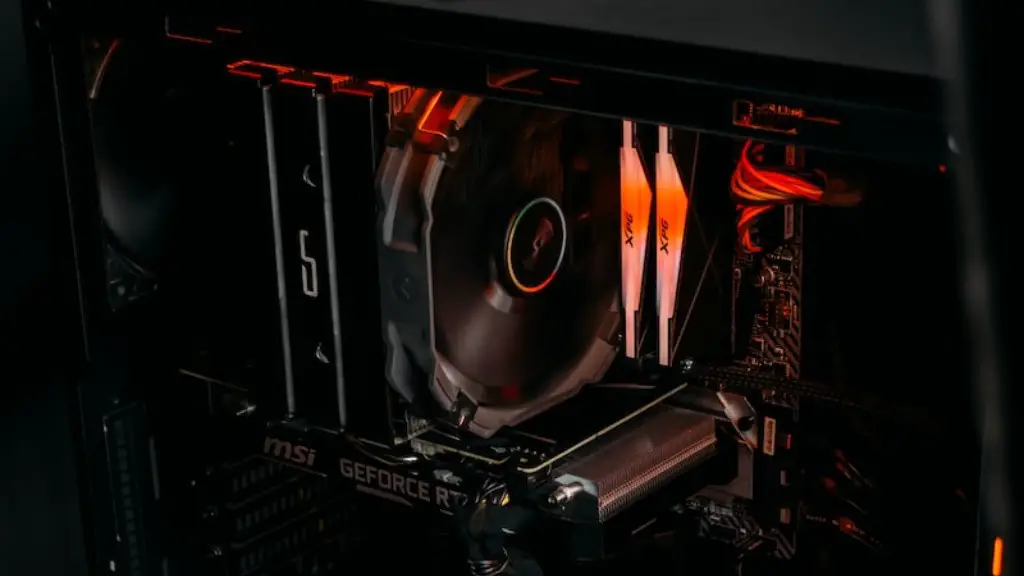
In order to maximize your gaming experience, it is important to consider taking the time to make a few upgrades to your PC. Whether budget-conscious or not, there are some things that you can do to make sure that your gaming system can handle the most demanding of tasks. Here are some of the ways that you can upgrade your gaming PC.
First, you should look into upgrading your graphics card. This will often be the most expensive component of a gaming PC, but if you choose wisely, it will pay for itself in better performance and smoother gameplay. Investing in a newer model card with higher clock speeds, better cooling, and increased frame rate capabilities can drastically improve your gaming experience.
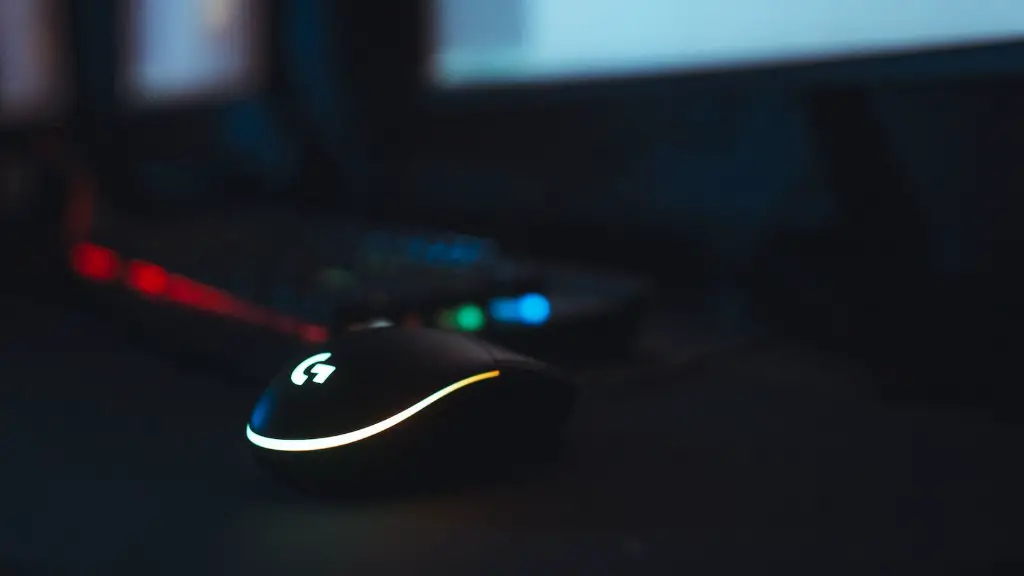
Next, consider replacing any hardware or accessories that are older and slower. Clunky old hardware can be the death of any gaming session so it is important to make sure your peripherals are working at top speed. Invest in mice with higher dpi ratings and keyboards with mechanical switches and anti-ghosting capabilities.
Next, evaluate your cooling system. Games nowadays can produce a lot of heat, so having efficient fans and heatsinks to dissipate that heat is paramount. Make sure your case has enough space for adequate fans and that hard drives and ram are being cooled properly. If necessary, upgrading the CPU cooler can make a big difference.
Finally, you may want to look into buying a gaming monitor for a more immersive experience. With a higher refresh rate and higher resolution, gaming monitors can make all the difference when it comes to sharpness, smoothness and contrast. Investing in a good monitor can help you get the most out of your gaming PC.
RAM Upgrade
One of the regular upgrades you can make to increase the performance of your gaming PC is to upgrade the RAM. RAM stands for Random Access Memory and is essentially the short-term memory of the computer. Games require a certain amount of memory to run effectively, so it is important that you have enough RAM to run games at their highest settings. If needed, you can purchase more RAM and install it yourself. Just make sure that you are aware of your computer’s limits and do not exceed them.
You can also overclock your RAM to increase its efficiency and run faster. You can look at guides online on how to properly overclock your RAM, as it requires a bit of fine tuning and tweaking. Make sure you also have a good fan for cooling as RAM can get hot very quickly.
Another option is to use high performance RAM memory, such as HyperX FURY. This RAM contains heatsinks on the outside, which helps it stay cooler for higher performance and extended usage. Furthermore, it comes with automatic overclocking capabilities and is designed for gamers.
You can also opt for a RAM disk, which is a separate RAM drive in your PC. This is great for storing large files that you can put on it and access quickly. This will free up space on your regular hard drive and offer you better performance.
No matter what you decide to do, having the right amount and type of RAM is essential for good gaming performance.
CPU Upgrade
Another key component to consider upgrading is your CPU. The processor is one of the most important components of your gaming system and it is responsible for telling your computer what to do and how fast to do it. If you choose the correct CPU for your gaming needs, it can make all the difference in the world.

When it comes to upgrading your processor, your biggest decision will be whether to choose an Intel or AMD processor. AMD has made a surge in the gaming world recently with its Ryzen series, offering great performance at an even better price point. However, Intel still dominates the market with their Core i7 and Core i9 lines of processors.
When choosing a CPU, you also want to make sure you have a good understanding of how many cores you need. Most modern games are being developed to take advantage of multi-core processors, so if you are wanting to run the latest games at high settings, a multi-core processor is a must. Having four or more cores can help your system run more smoothly.
Another option when it comes to upgrading your CPU is overclocking. This is the process of pushing your CPU to run at higher speeds than the factory settings and can give you an extra boost of speed and performance. Again, if you do decide to overclock your CPU, make sure that you have adequate cooling in place so you don’t risk damaging your system.
Finally, you can also opt for a custom-built PC with top-of-the-line hardware that can take your gaming to the next level. This could be a pricey endeavor, but if you want the ultimate gaming experience it may be the best option.
SSD Upgrade
Installing a solid state drive (SSD) may also be wise when upgrading your gaming PC. An SSD is much faster than a traditional hard drive, meaning it can transfer data faster and boot up faster. This can make a huge difference while gaming, as you don’t want to waste any time waiting for your system to start.
A new SSD will also enable you to store more data. With more storage capacity, you won’t have to worry about constantly running out of space. SSDs are more reliable than hard drives and don’t tend to slow down over time. They also generate less heat and consume less energy, so you won’t have to worry about burning out your system.
If you want the best of both worlds, you can also look into hybrid hard drives (HHDs). These drives combine a traditional hard drive with flash-based storage, giving you the benefits of both. HHDs are faster than traditional hard drives, but they are also cheaper and more reliable.
It’s important to note that the type of storage you choose is completely up to you. Some gamers prefer the lower latency of an SSD, while others may prefer the higher capacity of a hard drive. Ultimately, it’s important to choose the right device for your needs.
Hard Drive Upgrade
No matter how fast your video card and processor are, you will still benefit from upgrading your hard drive. Hard drives provide additional storage capacity and can also speed up your system’s performance. When it comes to hard drives, you have several choices.
The first choice is whether to choose a traditional hard drive or a solid state drive (SSD). Traditional hard drives are cheaper and provide higher capacities. However, they tend to be slower than SSDs and generate more heat. SSDs are more expensive, but provide faster loading times and are more reliable.
Another option is to choose an internal hard drive or an external hard drive. Internal hard drives are more reliable and provide a faster data transfer rate, but they can be tricky to install. External hard drives are cheaper and easier to install, but they are slower and more prone to data loss.
Finally, there are hybrid hard drives (HHDs) which combine a traditional hard drive and flash-based storage. HHDs are faster than traditional hard drives and more reliable. However, they tend to be more expensive.
No matter what type of hard drive you choose, it’s important to make sure you have enough space for whatever you plan to store on it. Investing in a larger hard drive can make all the difference in the long run and give you peace of mind.
Software Upgrades
In addition to hardware upgrades, there are also various software updates you can make that can help improve the performance of your gaming PC. Make sure your drivers are up to date and that your system is running the latest version of the operating system. You want to make sure your system is as secure and stable as possible before you begin gaming.
In addition, make sure you have the latest version of your gaming software. Install any security patches or updates that are available and make sure your system is capable of running the latest games. A game that requires a certain amount of RAM can put a strain on your system if you don’t have enough RAM installed.
You may also wish to look into a specialized gaming software such as Steam. This software is great for tracking and managing your game library and provides you with the ability to install and update your games quickly and easily. Additionally, Steam allows you to track your stats and join multiplayer games with fellow gamers.
Finally, consider investing in gaming optimization software. Programs like Razer Cortex can optimize your system for gaming, as well as free up memory, prioritize certain applications, and even provide tutorials on how to get the most out of your gaming PC.
