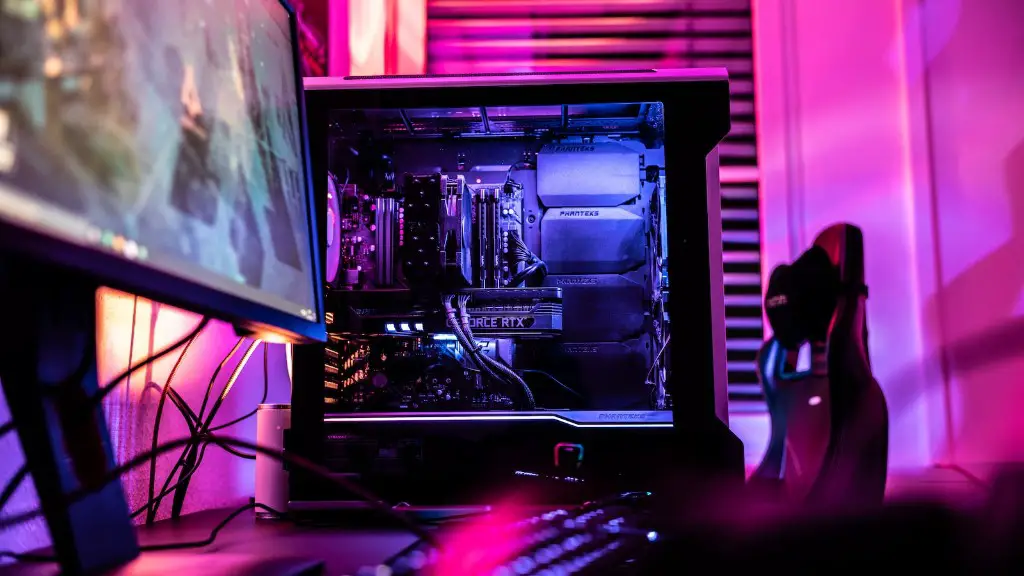
How To Shop For A Gaming PC
Shopping for a gaming PC can be intimidating. It takes some research to understand what you should look for and what components will make your performance the best. Here’s a guide for you to shop for a gaming PC.
Firstly, decide how much you can afford to spend. This will help you narrow down the components that would be necessary to build your gaming PC. Be sure to know what parts come together to create a good gaming experience. There is a wide range of hardware within every budget.
Next, check the specifications of the components you are envisioning. You should consider the CPU, GPU, RAM, power supply, and audiovisual components. Be sure that all components are compatible with each other so that you have a good gaming experience.
Thirdly, shop around. Different stores may have different prices and good deals, so it pays to check the prices online. Moreover, look for discounts and coupons that you can use. This can save you money and help you build a powerful gaming PC.
Fourthly, make sure you know the return and warranty policy of the shop you are getting your components from. This is important in case you face any issues with the hardware. Knowing the return policy can give you peace of mind.
Finally, read reviews from people who have built their own gaming PCs and the opinions of experts in the industry. Reviews will give you a better idea of how each part will perform. This helps you make an informed decision when you shop for components.
CPU
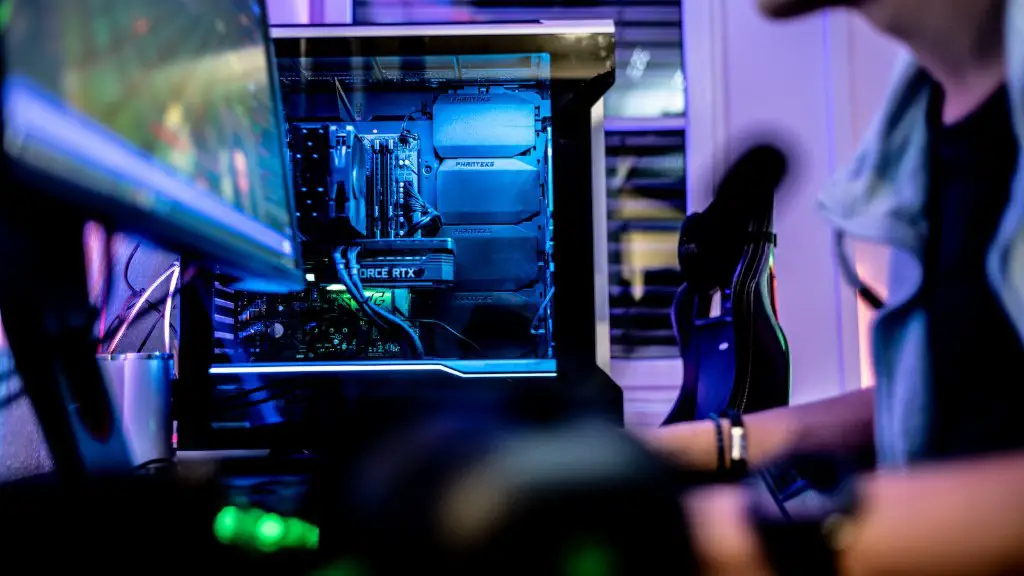
The central processing unit (CPU) should be the most important factor when shopping for a gaming PC. It is important that the CPU has enough power to sustain the workload – both graphical and computing – in your gaming sessions. When choosing a CPU for your gaming PC, make sure you get one with a high clock speed. Look for CPUs that are rated for high frequencies and are equipped with decent power handling features.
Also, make sure the CPU is compatible with the other components that you plan to get. Some gaming builds require high-end components that other cheaper counterparts may not be able to handle. Make sure that your chosen CPU will be able to handle the workload and will be able to power the other parts of the system.
Finally, it is best to get a CPU that comes with a warranty. This will give you peace of mind in case something goes wrong with the hardware and you need to get a replacement.
GPU
When it comes to gaming, the graphics processing unit (GPU) is as important as the CPU. As gaming requires more graphical prowess than computing, GPUs play an important part in a gaming experience. When shopping for a gaming PC, it is important to get the right GPU for the job. For the best performance and visuals, it is recommended to get the latest GPUs, such as the NVIDIA RTX series.
It is also important to make sure that the GPU is compatible with the rest of the hardware in your system. GPUs designed for higher-end gaming PCs may not be suitable for budget rigs. Furthermore, make sure that the GPU will be able to handle the performance needed for your gaming preferences.
Finally, check the warranty of your GPU. You don’t want to buy a GPU only to find out it is faulty or defective. Warranty is important as it gives you assurance of the hardware’s performance.
RAM
Random Access Memory (RAM) is another important factor when shopping for a gaming PC. Your gaming performance will depend on how fast and how much RAM is available. The more RAM you have, the faster your machine will be. It is important to choose the right type of RAM to ensure compatibility with your system. If you want to boost your gaming performance further, you can opt for RAM with higher speeds such as DDR4-3200MHz.
Moreover, be sure to factor in the amount of RAM you will need. Depending on the type of game you want to play and the resolution you will use, the amount of RAM you need may vary. Also, be aware that the amount of RAM available in your system will affect the amount of RAM you can add. You should consult with the manufacturer to check what RAM is compatible with your PC.

Finally, make sure to get RAM with a good warranty as it can help protect your investment in case something goes wrong. Warranties usually cover the cost of the RAM itself, as well as any labor that is required to replace it if necessary.
Power Supply
A power supply is necessary to power all the components of your gaming PC. It is important to get a reliable power supply so that components do not get damaged due to irregular power delivery. Quality power supplies usually come with efficient circuits and good safety features.
When shopping for a gaming PC, it is important to know the power requirement of all the components. You should get a power supply that has enough power to supply all components. Also, check the efficiency rating of the power supply. This will give you an idea of how much energy is wasted as heat. The higher the efficiency rating, the less energy will be wasted.
Finally, check the warranty of your power supply. Warranties usually cover of the cost of the power supply, as well as any labor required to replace it if necessary.
Audiovisual Components
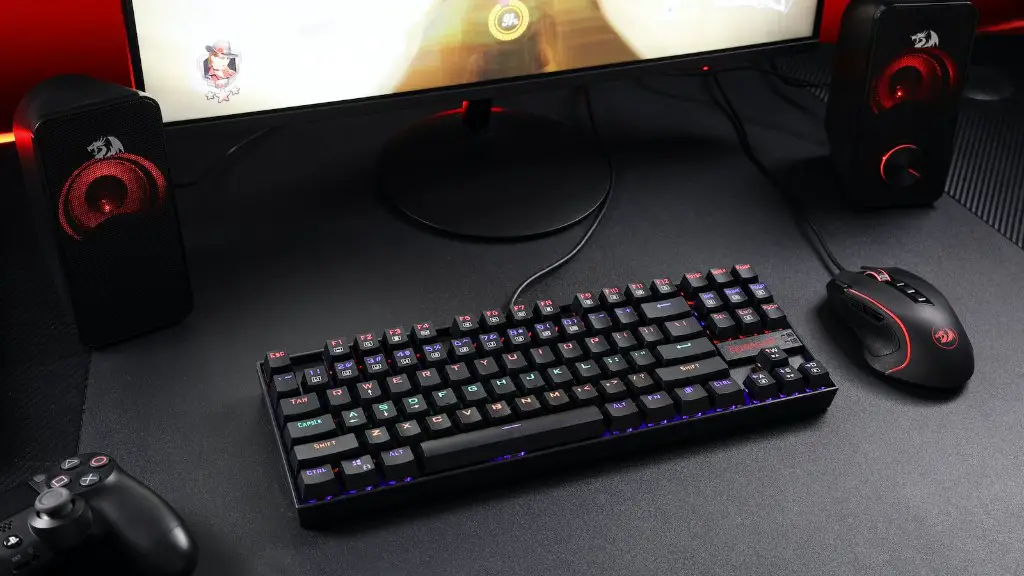
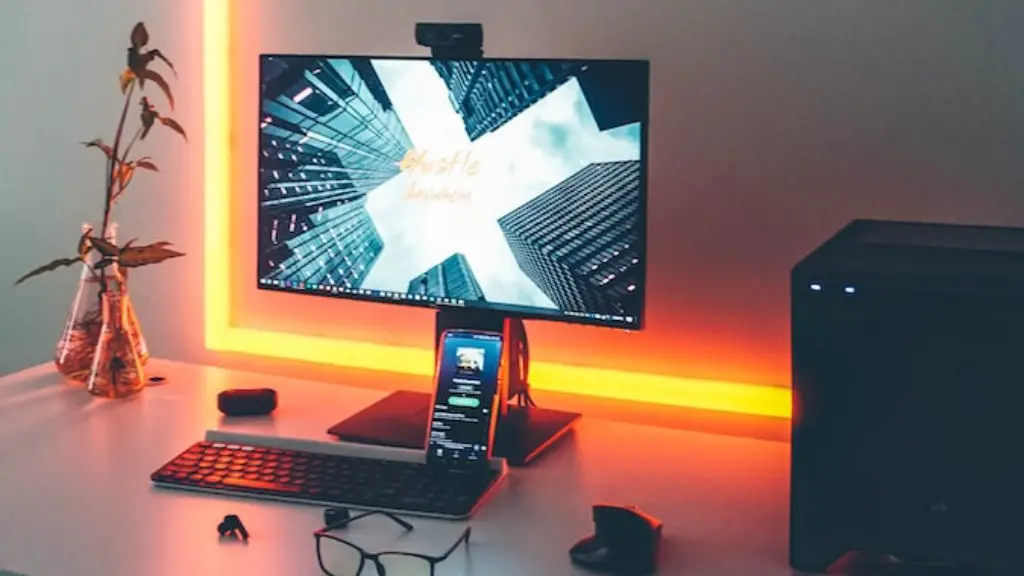
Audiovisual components, such as monitor, speakers, and headsets, are important for a good gaming experience. When shopping for gaming systems, it is important to choose the right components for your needs. Choose components that offer a good resolution and refresh rate, as well as good sound quality.
It is also important to choose the right type of input for your audiovisual components. Different components may require different inputs, such as HDMI, DisplayPort, or DVI. Also, make sure all components are compatible with each other so that you get the best performance out of the system.
Finally, make sure to check the warranty of your audiovisual components. Warranties usually cover the cost of the components, as well as any labor required to replace them if necessary.
