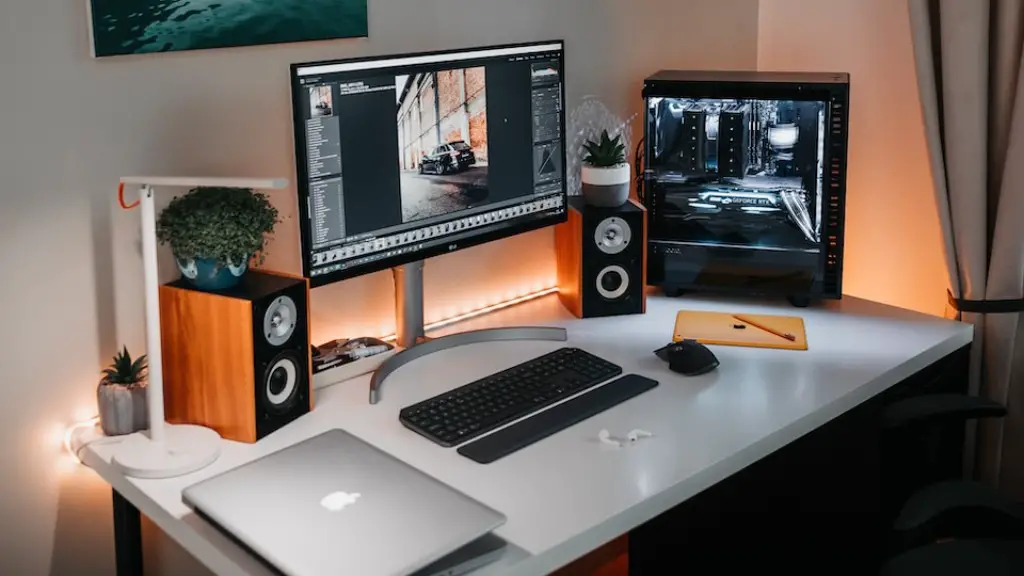
The noise generated by gaming PCs can be quite bothersome to endure, especially if you are a casual gamer. Fortunately, there are several techniques you can employ to make your PC much quieter. First and foremost, you will want to look into what type of cooling system your PC is using. If you use an air cooler, you might want to swap it out for a liquid cooler, as the fan-less ones produce a fraction of the noise. Furthermore, consider investing in some quality PC case fans, they tend to be much more efficient than their stock counterparts.
Proper cable management is another key factor in keeping your PC quiet. Make sure to route your power and data cables away from any openings that could lead to outside system noise. You’ll also want to use rubber cable sleeves or some sort of noise dampening material to further reduce the noise. Aside from this, you might want to look for a case with sound dampening material, it will help to block the majority of fan noise.
Aside from cooling, you may also want to pay special attention to the components inside the PC. Highly power hungry GPUs tend to generate a lot of heat and therefore lots of noise. Upgrading these components or underclocking/undervolting them can do a great deal in keeping your PC quiet. Similarly, you will also want to keep an eye on the frequency and voltage of your CPU. Lowering these settings has a similar effect as it does with the GPU.
Finally, If your PC is still too loud, you may want to consider installing a fan controller. These controllers are fairly inexpensive and they allow you to easily manage fan speeds using software. Having the ability to set temperatures and targets can be a great way to limit the noise of your gaming PC without sacrificing performance. Additionally, having a fan controller can be useful for specialized tasks such as overclocking or undervolting, as you can manually adjust fan speeds if needed.
Keeping the Case Cool
One of the best ways to keep your gaming pc quiet is to make sure the inside of your case is optimally cooled. The best way to do this is to make sure that you are using the best cooling system for your specific PC build. Liquid coolers tend to be the best option in terms of noise, as they do not have any spinning fan blades to generate noise. Air coolers, while more affordable, can still be quite loud, especially when running at high loads. Additionally, if your case supports it, adding additional fans can also help to cool your PC better, which could then lead to quieter operation.
Aside from cooling, you may also want to pay special attention to the components themselves. GPUs are commonly the noisiest part of a gaming PC, so you may want to consider performing a few hardware tweaks in order to reduce the noise. This can include either underclocking or undervolting the GPU, as this has the same effect as it does on the CPU in terms of reducing noise. Similarly, you may also want to pay attention to the frequency and voltage settings of the CPU, as these too could be tweaked in order to reduce noise.
Finally, if your PC still sounds too loud, you might want to consider investing in a fan controller. These controllers allow you to manually control fan speeds using software, which is great if you are looking to run your PC at lower noise levels without sacrificing performance. Generally, having a fan controller installed can also help to improve the overall cooling performance of your PC, which is ideal if you are looking to keep your gaming PC quiet.
Reduce Heat Generation
Highly power hungry components tend to generate a lot of heat, and thus lots of noise. This is especially true with powerful GPUs, as they can get quite hot and thus produce a lot of noise. That being said, upgrading these components can do a great deal in keeping your PC quite. If you do not have the resources to upgrade, however, you may want to consider underclocking or undervolting your components. This can provide a great balance between performance and noise, as it reduces the speeds of the components while still maintaining a good level of performance.
Aside from hardware tweaks, you may also want to consider investing in some particular PC case fans. Standard motherboard fan headers tend to run at full speed, which can lead to a lot of noise. Having the ability to manually control fan speeds through a fan controller is ideal, as you can easily adjust fan speeds to better optimize noise and cooling performance.
Finally, Another great way to reduce the noise generated by your gaming PC is to invest in some sound dampening materials. Generally, the best way to do this is to look for a PC case that has sound dampening materials, as this will help to absorb the majority of fan noise. Alternatively, you can opt to use rubber cable sleeves or some other noise dampening materials, as these have a similar effect.
Improving Cable Management
Proper cable management is one of the key steps in making your gaming PC quieter. Having unruly cables crisscrossing your PC’s interior can be a huge lead to system noise. To reduce the noise, you will want to ensure that your PC’s power and data cables are properly routed away from any opening or exhaust ports. Additionally, you may want to invest in some rubber cable sleeves or some other noise dampening materials, as this could help to reduce the noise generated by the cables themselves.

Another way to reduce cable noise is to use quality power connectors. While most motherboards come with standard power connectors, these tend to become loose over time and can resulting in rattles and vibrations. By investing in higher quality power connectors, you can minimize this rattling noise and thus keep your PC running quietly.
Finally, if you are still having issues with noise, you may want to consider using soundproof blocks. These blocks are fairly inexpensive and they can be used to keep the noise contained within your PC while still allowing air to flow freely. Alternatively, you can also consider investing in some noise dampening panels, as these are designed to absorb the surrounding noise. Using these items in combination with other noise reducing techniques can do a great deal in keeping your PC running quietly.
Using Noise Reduction Software
If you are still having issues with noise, you may want to consider using some type of noise reduction software. Generally, these tools will either reduce system wide noise or just target specific components that may be causing you issues. For instance, some noise reduction software will allow you to automatically reduce fan speeds for certain components, which can often help to reduce overall noise levels.
Another great way to reduce noise is to use fan control software. These tools allow you to easily manage the fan speeds of your PC, allowing you to easily set temperatures and targets for different fan speeds. Additionally, these tools can be used to underclock or undervolt certain components, which can help to reduce the noise of your gaming PC.

Finally, if you are still having issues with noise, you may want to consider using a noise reduction headset. Generally, these headsets are designed to reduce the overall noise levels of your gaming PC, which can be great if you are looking to keep your PC running quietly. Additionally, these headsets can also be used to block out external noise, which can be great if you are playing games in a noisy environment.
