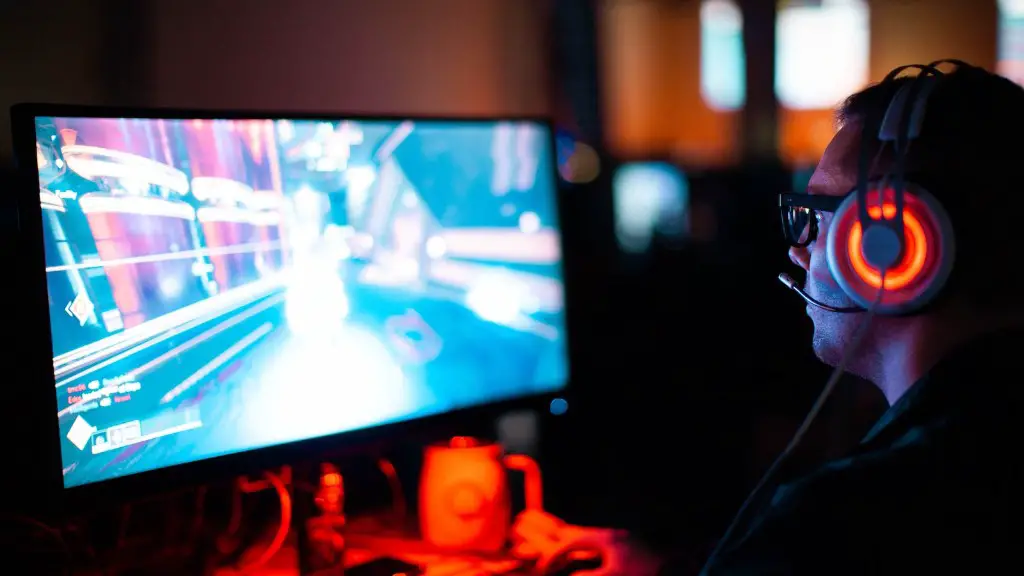
Building a gaming PC is something every PC gamer can do, but it comes with its own unique challenges. The most important thing is to understand what you need, as there is no one-size-fits-all answer to this question. Here we will cover the components you need to build a gaming PC, as well as how to select the right components for your specific build. By the end of this article, you’ll have a much better idea of what you need to get started.
Choosing the right components is critical to getting the most out of your gaming PC experience. The two main components of any gaming PC are the CPU and the GPU. The CPU (Central Processing Unit) is responsible for managing the operating system and running applications. The GPU (Graphics Processing Unit) is responsible for processing the visual data that is seen on the display. Both of these components must be powerful enough to handle the games you plan to play, so be sure to look into the latest hardware on the market.
In addition to the CPU and GPU, you’ll also need a case, a motherboard, RAM, a power supply, and storage. The case is what houses the components, and it should be big enough to fit all of them. The motherboard is the connecting hub that binds all the components together. RAM is the memory that stores temporary data and helps keep your PC running quickly while playing games. The power supply is responsible for providing the necessary electricity to the components. And lastly, storage is used to store your games and save data.
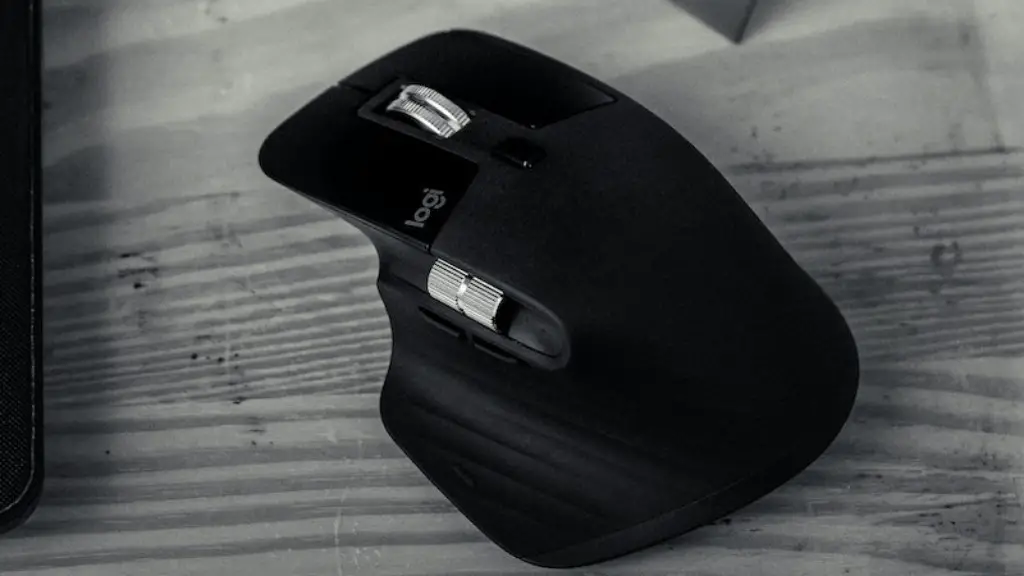
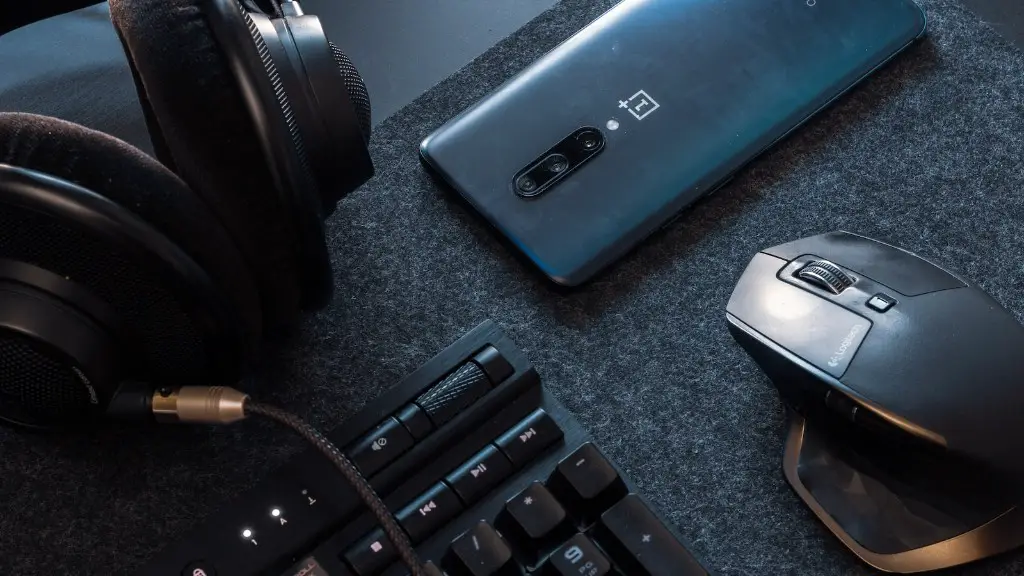
Next, you’ll want to think about the accessories and peripherals you want to use. The most important are a gaming mouse, gaming keyboard, gaming headset, and a gaming monitor. This will depend on your preferences as a gamer, with each one offering different features and styles. For example, mechanical gaming keyboards are great for precision and accuracy, while wireless headsets are convenient and comfortable to use.
Finally, you need to consider the software side of the equation. A good gaming PC can’t reach its full potential without the right software. This means installing an operating system (such as Windows or Linux), a host of applications (such as office suites or web browsers), and of course, the games themselves. Take some time to research the software side of gaming PCs and determine the best setup for your needs.
Case For Your Gaming PC
The case is one of the most important parts of building a gaming PC, as it houses the components. It’s important to look for a case that meets your needs in terms of size and cooling. You need enough space to fit all the components you’ve chosen and also ensure it has enough airflow to prevent overheating. Look for cases with tempered glass panels or mesh panels that allow for better airflow. You also need to make sure you get a case with the right ports.
The ports are important, because they are the connection point for all the other components. Most modern motherboards will have the standard ports like USB, HDMI, and Ethernet. You may also need one or two PCI-E slots depending on what GPU you’ve chosen. It’s important to make sure the case you choose has the ports you need and make sure they’re easily accessible.

Lastly, you need to think about size. If you want to use a full-tower case for your gaming PC, make sure you measure the space you have available. Before you buy, make sure you can fit the case inside your desk and make sure it isn’t too large. Full tower cases offer more room for extra components but may not be suitable for everyone.
When it comes to cases for gaming PCs, there’s no one-size-fits-all solution. It’s important to consider the size and ports to make sure your components can fit and connect, and consider the airflow to prevent your PC from overheating. Do your research and find the right case for your gaming PC.
Choosing The Best Parts For Your Build
When it comes to building a gaming PC, the components you choose are just as important as the case. Not all components are created equal, so it’s important to do your research and look into reviews when choosing parts. Generally, you’ll need a CPU, a GPU, RAM, a case, a motherboard, and storage.
The CPU is the heart of the PC, and it will determine performance, speed, and efficiency. The GPU is responsible for the visuals, so make sure you get one with enough processing power for the games you plan to play. RAM helps the CPU manage data and can help with multitasking. Be sure to get enough RAM for the games you plan to play.
The motherboard is the hub of the PC and connects all the components. Make sure the motherboard is compatible with the CPU and GPU you’ve chosen and that it has enough slots for all your components. The case serves a functional purpose and you should choose one that meets your needs in terms of size and cooling. Storage is important for storing games and data, so be sure to select a drive with enough room.
Choosing the right components for your gaming PC is key to getting the most out of your build. You’ll need to get powerful enough components to handle the games you play and also ensure they are all compatible with each other. Research the components and read customer reviews to make sure you get the right ones for your budget and needs.
Choosing Peripherals For Your Gaming PC
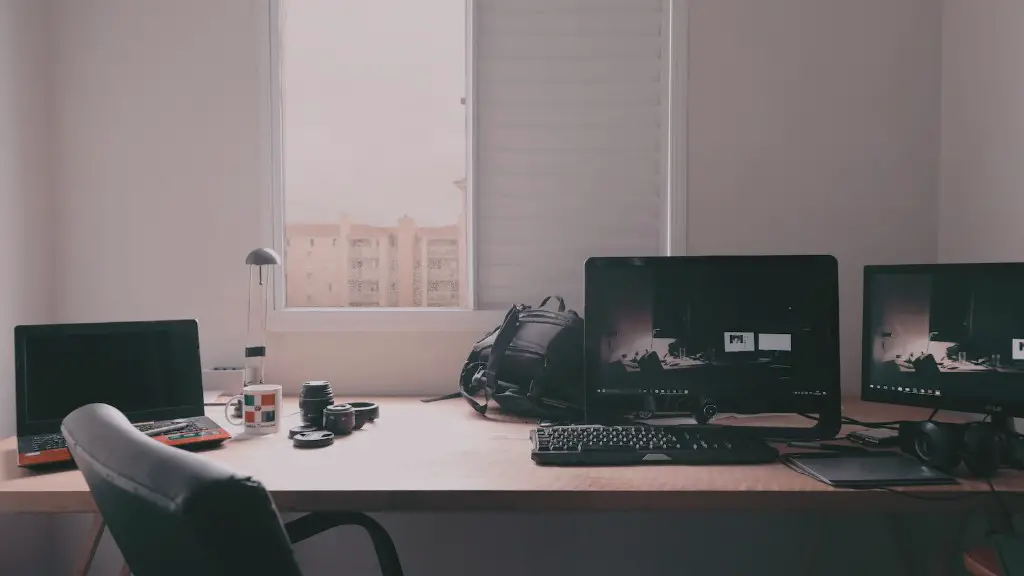
Once you’ve chosen the components for your gaming PC, it’s time to think about the peripherals. For a gaming setup, the most important peripherals are a gaming mouse, gaming keyboard, gaming headset, and a gaming monitor. Each of these peripherals comes in different styles and budgets, so it’s important to consider your needs when making a selection.
Gaming mice come in different shapes and sizes, from compact and lightweight to large and ergonomically designed ones. The type of game you play will help determine what kind of mouse you should buy. If you play competitively, a high-end mouse with lots of buttons and adjustable sensitivity will be beneficial. If you’re just a casual gamer or prefer a more basic set-up, you can opt for a cheaper budget-friendly mouse.
Gaming keyboards come in a variety of styles, from standard membrane keyboards to mechanical ones. Mechanical keyboards offer a more precise and tactile experience, but they tend to be more expensive. For most gamers, a membrane keyboard should suffice. Consider the feature set and decide whether you need a keyboard with dedicated macro keys and LED lighting.
Headsets are a must for gaming. You’ll want something with a good sound quality to give you a competitive edge, as well as a comfortable design for longer gaming sessions. Check for features like surround sound and adjustable noise isolation. Wireless headsets are great for convenience and comfort, but they tend to be more expensive than wired ones.
Finally, you need a monitor. Your choice of monitor will depend on the type of gaming you do and what kind of visuals you prefer. If you’re a competitive gamer, you’ll want a monitor with low input lag and high refresh rate. For more casual gamers or those who are just looking for a good viewing experience, you can opt for a cheaper monitor with lower refresh rates.
Installing Software On Your Gaming PC
Once you’ve set up the hardware for your gaming PC, it’s time to move to the software side of the equation. The operating system is the first thing you need to install, which is usually Windows or Linux. Next, you need to install a variety of applications such as office suites, web browsers, and security software. Once that’s done, you can start installing the games you want to play.
Whether you’re downloading or buying physical discs, you’ll have to install them on the PC. Make sure you have enough hard drive space available on your PC so that it can install the games without any issues. It’s also important to keep your drivers up to date. Drivers keep your components running at peak performance and can be easily updated with software like GeForce Experience.
Speaking of software, you’ll also want to use some kind of optimization tool or game optimization software. This software can help you easily tweak the graphics settings of your games as well as overclock your CPU and GPU to get the most performance out of your gaming PC. This is especially useful if you want to run your games at higher settings or resolutions.
It’s also important to use anti-virus and security software. This software will protect your PC from malicious software and keep your personal information safe and secure. Make sure you keep the software up to date and scan your PC regularly. This should help keep your PC running at its best and help prevent any potential issues.
Installing the software side of your gaming PC is just as important as the hardware. Make sure you install a reliable operating system, the necessary applications, and security software. Then, install and configure your games, drivers, and optimization software. By doing this, you can get the most out of your gaming PC.
