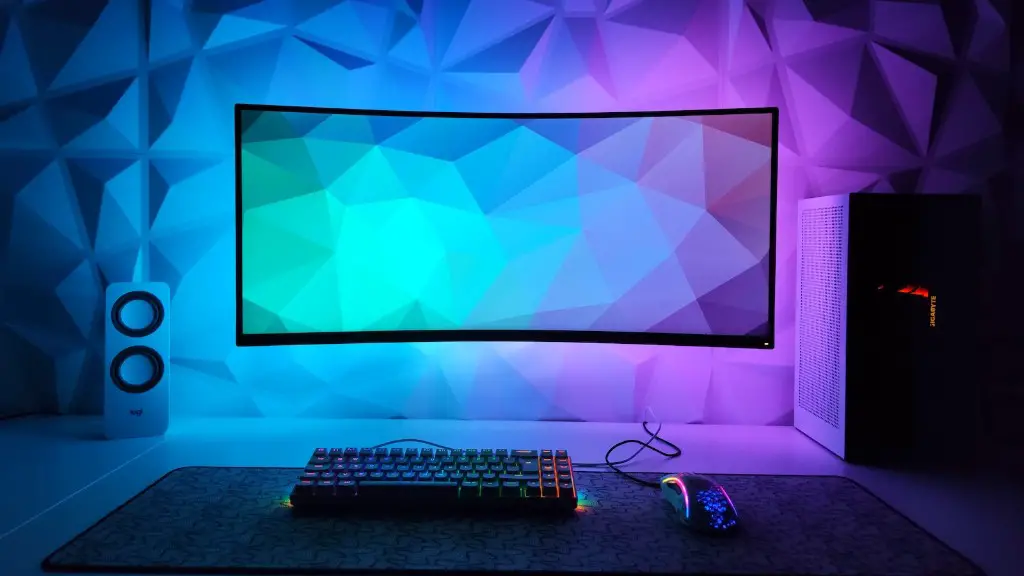
Aspiring gamers need a good gaming PC to play the latest and most popular games in the market. A gaming PC needs to have a range of processing power, memory and graphics, plus suitable accessories and peripherals. To build a great gaming PC, you need a good case, motherboard, CPU, RAM and video card, along with the necessary peripherals like a keyboard, mouse, gaming headset and sound card.
The PC case is the foundation of any gaming PC. It needs to be big enough to hold the components and keep them cool. Invest in a good quality case with plenty of fans and vents, this will ensure better ventilation, cooling and easier installation of components.
Once you have the case you will need to choose a motherboard. This is the main circuit board that houses the processor, memory and graphics card. Select a motherboard compatible with the latest processors and graphics cards and also make sure it has enough memory slots.

The processor is the heart of the system. Choose a good quality processor that supports your games, such as an Intel Core i5 or AMD Ryzen 7, with a reasonable clock speed for optimal gaming performance.
No gaming PC is complete without enough RAM. A minimum of 8GB of DDR4 RAM is recommended for most gaming PCs, although some recent titles may require 16GB RAM.
The graphics card is arguably the most important component for gaming. Invest in a good quality graphics card such as an Nvidia GeForce RTX 2080 or AMD Radeon VII to ensure excellent performance.
Finally, you will need a good sound card and speakers or a gaming headset to get the most out of your gaming experience. Choose a sound card with a good frequency response and support for audio standards like Dolby Digital.
Accessories
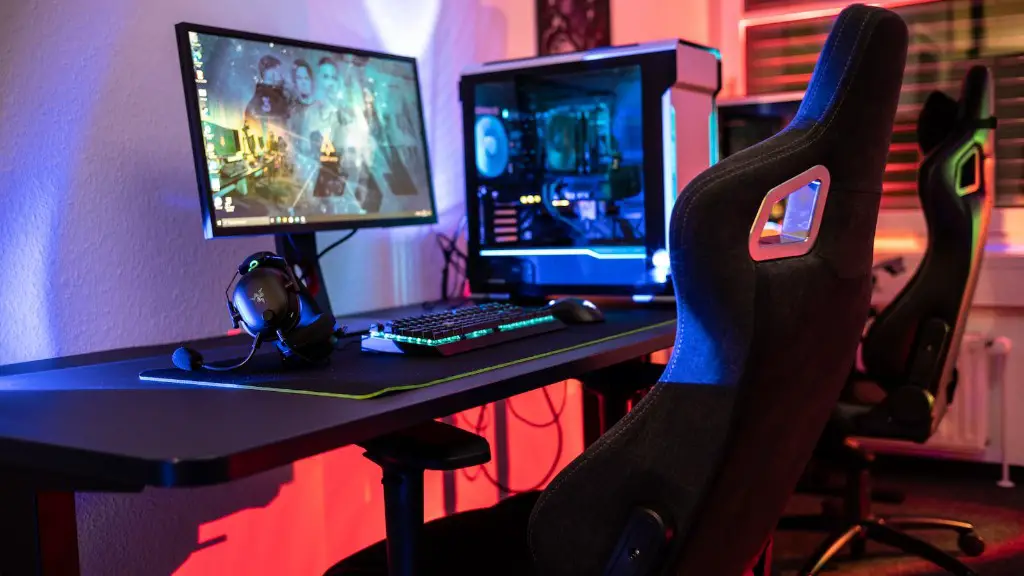
In addition to the main components of your gaming PC, you will need a range of accessories to get the most out of your gaming experience. A good quality gaming keyboard, mouse and headset are essential, as are headphones for immersion in the game.
A mouse is one of the most important peripherals for gaming. Invest in a model with a comfortable design and adjustable sensitivity, such as the Logitech G502 Proteus Spectrum gaming mouse. It features 11 programmable buttons, on-the-fly adjustable dpi and up to five profiles with adjustable weights.
A good gaming headset is also essential. Look for models with noise-canceling microphone and high-quality sound. The Logitech G533 Wireless Gaming Headset is a great option with 7.1 surround sound, two hidden microphones and a lightweight, breathable design.
A gaming keyboard is also important. Choose one with mechanical keys, RGB backlighting and anti-ghosting features for maximum comfort and control. The Corsair K95 RGB Platinum is a popular option with Cherry MX red switches, 100% anti-ghosting and dedicated media keys.
Finally, a good set of gaming speakers is also recommended for a more immersive gaming experience. Look for models with a wide range of frequencies, good sound quality and plenty of audio sources.
Drives and Storage
No gaming PC is complete without adequate storage and drives. Solid-state drives (SSDs) offer faster loading times than traditional hard disks and should be your first choice if you can afford them. If budget is an issue, look for solid-state hybrid drives (SSHDs) which combine a smaller amount of solid-state memory with a greater amount of traditional hard drive storage.
You will also need a good quality optical drive, such as a Blu-ray drive, to install games. If you keep all your games digital, an external hard drive will provide plenty of space and allow you to play games without the need for physical media.
Finally, a good network connection is essential for gaming. Invest in fast and reliable internet access as it can improve both your gaming experience and your competitive edge against other players.
Operating System and Software

Your gaming PC will need a suitable operating system to run your games. Windows is the most widespread and compatible operating system for gaming, so it is the recommended option.
You will also need the right software and drivers to get the most out of your PC. Invest in a good antivirus program to keep your PC secure, as well as a good system-monitoring program to keep track of your PC’s performance.
Finally, make sure you have the latest software updates for your games and for your operating system. This will ensure you have the best gaming performance possible.
Upgrades
After buying all the necessary components of your gaming PC, you may want to upgrade some parts down the track. Most parts of a PC can be upgraded or replaced, such as the graphics card, CPU, RAM or hard drive.
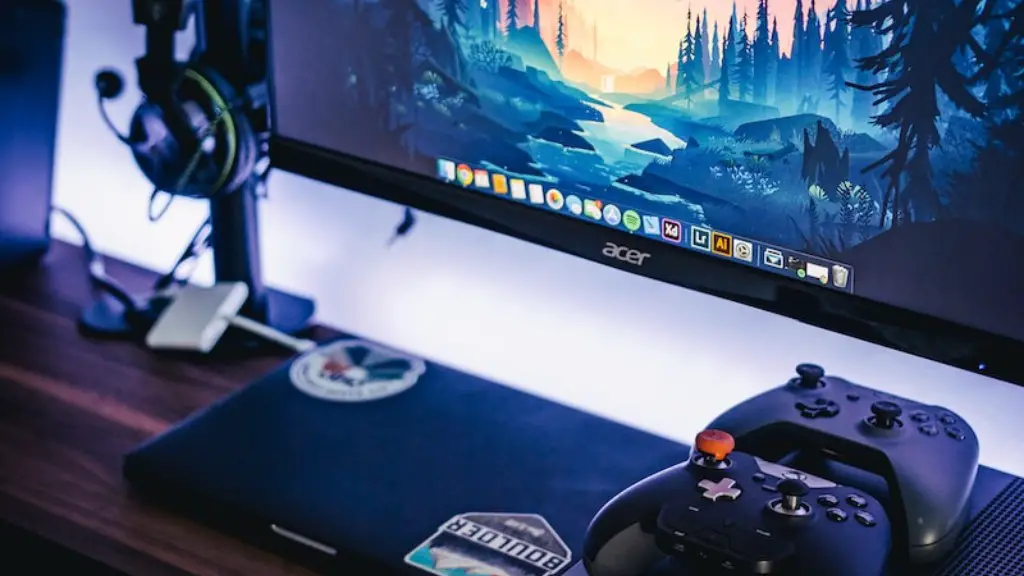
Upgrading your graphics card is the most common upgrade and requires a careful research of all the available options. Make sure you take into account the specs of the card, its power and cooling requirements, as well as its compatibility with your motherboard and other components.
RAM can also be upgraded, although it is best to purchase enough RAM when you build the PC, as adding more at a later date can be costly. If you are looking to upgrade your RAM, select high-quality modules and make sure they are compatible with your motherboard.
CPUs and hard drives can also be replaced, although the process is more complex and the cost higher. Check for compatibility with your motherboard and make sure you get the necessary cooling for the new CPU. When it comes to hard drives, look for models with faster speeds and more storage capacity.
Maintenance
Maintaining your gaming PC is essential for optimal performance. Clean the interior of your PC frequently to avoid dust accumulation, which can reduce air flow and lead to overheating. Dust will also affect the quality of the components and attract pests such as insects.
You should also check the fans and replace them when necessary. The fans will start to lose efficiency and produce more noise over time, so it is important to check them and replace them if needed.
It is also important to update software and drivers regularly. This will ensure you are running the latest version of the software, which can improve gaming performance, fix bugs and reduce lag in online games.
Finally, check your network connection regularly and make sure you have the latest updates for your games. This will ensure you are not missing out on any important updates or patches.
