Building a custom gaming PC can be quite a challenge. But don’t be discouraged: With the right parts and a bit of patience, you can assemble a gaming machine that can rival any store-bought system –– at half the price. With just a few tools and some prior knowledge, you can build yourself a first-class gaming PC for about $2000.
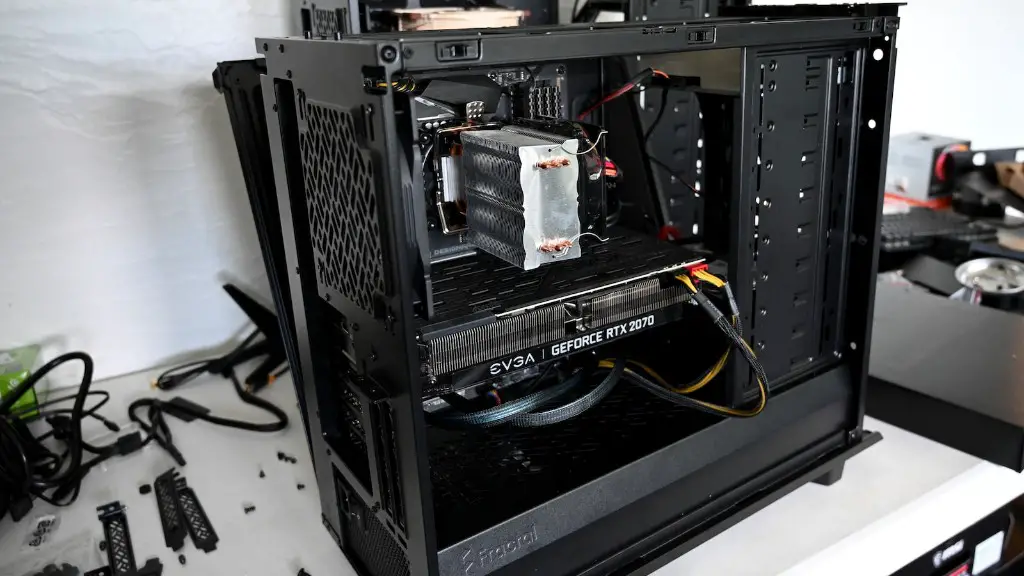
The first step in building any gaming computer is choosing the essential components. You’ll need a motherboard with enough space to accommodate your chosen processor, graphics card, and other hardware. You’ll also need a power supply to provide the necessary wattage; consider using a modular PSU to save space and ease cable management. Finally, you’ll need ample storage for your games and applications; for this, you can use a combination of hard drives and SSDs.
The next step is picking a CPU and GPU. Aim for the higher end of the market when selecting either of these components; you want your gaming rig to last for a few years. Consider getting an unlocked processor to make overclocking a breeze; this enables you to make your machine run faster at a fraction of the cost. The same is true for a graphics card; many advanced cards can be overclocked to squeeze more performance out of your machine.
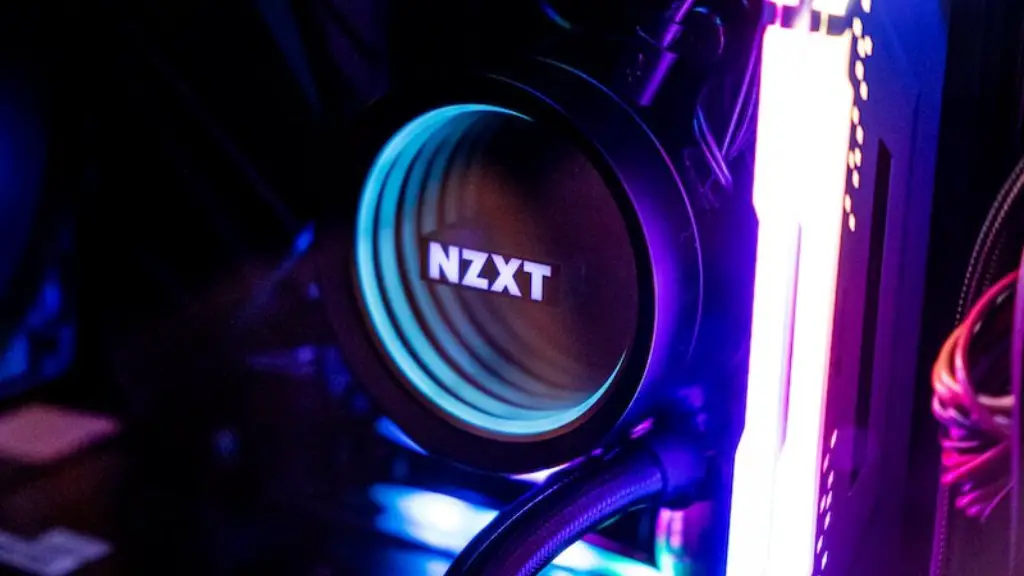
Once you’ve picked the core elements for your rig, it’s time to add in the smaller parts. You’ll need a case to hold the other components together; try to pick one that’s roomy enough to accommodate the size of the internal components. Get an efficient cooling system to keep your machine running smoothly and quietly. You’ll also need fans to direct cool air into the case, optical and audio drives, and other peripherals like a mouse and keyboard.
When it comes to actual assembly, preparation is key. Spend some time planning out how everything will be physically settled in your case; you can even draw a diagram to help you keep things straight. Start by connecting the power cord to your power supply, and then move onto the other cables. Pay attention to the orientation of the connectors and correspond them to your diagram. Lastly, attach the RAM and GPU to their respective slots before screwing everything into place.
The fun doesn’t stop with assembly. Now it’s time to start tweaking the hardware for optimal performance. Start with the screen resolution and graphics settings; if you’re using an HD monitor, aim for the highest resolution and refresh rate that your GPU can support. You can also tune the graphics quality settings for the best performance. Finally, you should fine-tune your processor and GPU clock speeds to boost overall performance.
Memory
The next step is picking out RAM – and the amount you get will affect how well your machine runs. Aim for the largest and fastest RAM that your motherboard can handle. Get at least 8GB of RAM, as less than that will cause significant performance drops, especially during multitasking. Don’t go too overboard, however; adding too much RAM will cause diminishing returns.
You can also upgrade your RAM in the future as needed. So, if you’re finding that your PC isn’t performing as well as it should be, consider swapping out your RAM for faster ones. But make sure to research your motherboard’s compatibility with different RAM modules before you purchase anything.
Storage
No gaming rig is complete without proper storage capabilities. Opt for a combination of hard drives and solid-state drives to ensure that you have plenty of room for game files and other applications. Start with at least 500GB-1TB of HDD storage, and then add one or two SSDs for faster overall performance.
For an even faster gaming experience, get an NVMe SSD. NVMe drives are considerably faster than their SATA-based counterparts and can greatly improve load times. However, they are more expensive than SATA, so consider your budget if you’re planning on getting one.
Cabling
Once everything is in place, all you have to do is cable everything together. Use the appropriate connectors and cables to ensure that your components get the necessary power, and don’t forget to tie up any excess wires to maximize airflow. Be as neat as possible, as this will keep your system running cool and quiet.
Operating System
Finally, you’ll need an OS for your gaming rig. The most popular choice for gaming machines is Windows 10; however, some people prefer to use Linux-based operating systems like Ubuntu or Mint. Choose whichever OS you’re comfortable with, and then get onto installing it. You’re almost done with your gaming PC!
Testing
Once the OS is installed and the cabling is done, create a startup profile in the BIOS and boot your machine up. Run some benchmarking tests to check that all the components are performing as expected, and then fine-tune your operating system. You should also check that the fans are running properly and that the cooling unit is cooling the components efficiently. Once everything is up and running, start playing some games and enjoy your $2000 gaming PC!
