Getting Started with a Gaming PC
Once you’ve built your PC, you’re ready to take on your gaming adventure. Before you start, there are a few vital steps that you must take to ensure you have a truly thrilling experience. The following steps provide an overview of what to do after building a gaming PC.
Check All the Parts are Working
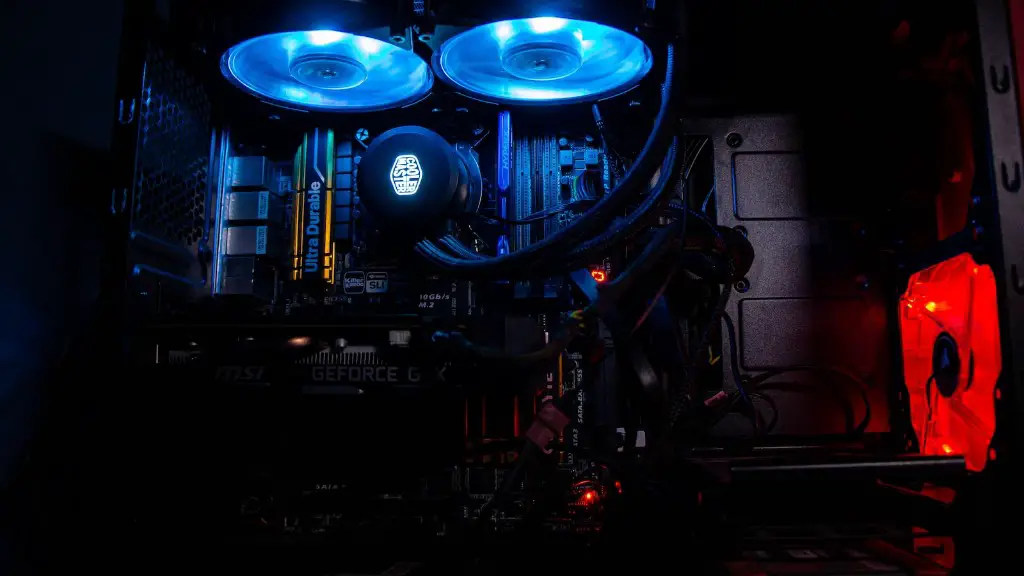
Before you start, it’s important to check that all the parts you’ve installed are functioning properly. This includes the motherboard, RAM, processor, graphics card, power supply, and any other components. For example, make sure the motherboard and RAM are securely connected, the processor is properly seated, the GPU is installed, the power supply cables are connected, and the power supply is turned on. If there’s a problem, take the time to fix it before powering up your PC for the first time.
Install Your Operating System
Now it’s time to put in the operating system. Choose from Windows or Mac, both of which were specifically designed for gaming. Most gamers recommend Windows 10 as it offers the most options for gaming, however, Mac can be a good choice if you want a more streamlined operating system. Whichever you decide on, follow the instructions and you should be able to set up the operating system without a hitch.
Install Drivers and Software
Drivers are essential software which allow the operating system to communicate with the hardware components. Installing all the necessary drivers is a good way to optimize the performance of all the components. You also need to install the relevant software such as graphics drivers, audio drivers, game and application programs.
Test Your Gaming Rig
It’s time to fire up your gaming rig and get gaming. Run tests on the hardware by running games or benchmarking programs and ensure that all the parts are functioning as they should. Make sure the video cards and processor are working properly, there’s adequate cooling, and all the graphics and audio is set up correctly.
Set Up a Power Plan
Once you’ve tested the hardware, it’s a good idea to set up a power plan. This is a crucial step to ensure that the hardware is running efficiently and that you’re getting the very best performance out of your PC. For instance, create a high performance power plan for gaming and then switch to a balanced plan when you’re not gaming.
It’s also important to consider the power saving options as these will help you save electricity and reduce the temperature of your rig. Additionally, if you find that your rig is running on maximum settings, it’s likely that you’ll need to reduce the power to prevent it from getting too hot.
You can also use the power plans to adjust the gaming mode. In this mode, you can prioritise processes and applications, allowing your games to run better. If you have an overclocked processor, you can also increase the processor performance by creating a specific power plan for it.
Finally, if your rig has several graphics cards, you can set up a custom power plan for them to ensure better performance when playing games. Your power plan should also be optimized to ensure that your gaming experience is as smooth and enjoyable as possible.
Update Your System
Now that you’ve set up your system, it’s time to make sure everything is kept up-to-date. For instance, keep your drivers, BIOS, and operating system up-to-date with the latest patches, updates, and fixes. This will help keep your system running smoothly and reduce the chances of any major glitches or problems.
Another important part of updating your system is to make sure the security software is correctly installed and up-to-date. Security should always be your top priority, as it can help protect your system from viruses and other security threats. Make sure you have a good antivirus and anti-malware program installed and running, and keep your firewall and other security settings active.
You can also keep your system up-to-date by regularly running virus scans and defragmenting your hard drives. This will help improve the performance of your system by keeping the files orderly and free of any digital clutter.
Finally, make sure you keep the software and games up-to date too. This will help ensure that you get the best performance and experience out of your gaming rig.
Connect to the Internet and Gaming Platforms
Now that your gaming rig is all set up and running smoothly, it’s time to connect to the internet and gaming platforms. Before you do, you should adjust the settings of your router to ensure that you have a secure connection and that your gaming experience is not interrupted by any lag or latency. There are special gaming routers available which you can use for this purpose.
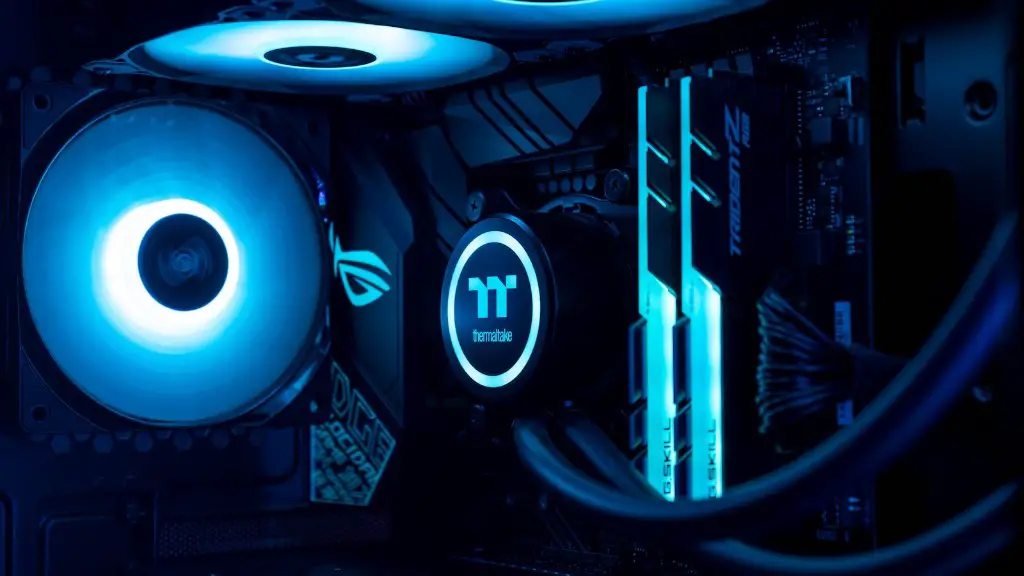
You should also check the other settings such as the DNS and TCP optimisation, as these can help improve your gaming experience. Additionally, if you enroll in an online gaming service, make sure you subscribe to the highest speed package that your provider offers.
Once connected, you will be able to access a variety of games and online services. If you have a gaming account with a particular platform, you can access a range of exclusive games, connect with friends and other gamers, and even find tournaments and competitions.
Finally, if you are a competitive gamer, you should consider joining a team. Joining a team usually comes with a range of benefits, such as access to better equipment, expert coaching, discounts on tournaments, and more. These benefits can give you an edge over other gamers, thus giving you a competitive advantage in the gaming arena.
Maintain Your Gaming Rig
Finally, it’s important to maintain your gaming rig to ensure that it remains in good condition and continues to give you the best performance. There are several ways you can do this, such as cleaning the inside of your case and replacing any broken or worn parts. You should also check for any dust or dirt buildup and use compressed air to clean it out.
Additionally, check for any loose or damaged cables, or any loose screws or fasteners. Make sure everything is securely fastened and check for any signs of wear and tear that might hamper your gaming performance.
Also, check that all the parts such as the processor, RAM and graphics card are at their recommended temperatures, as these can all affect your gaming performance. You can use a CPU cooler to help reduce the heat, or a dust filter to help keep the dust out of your system case.
Finally, make sure that your gaming rig is connected to a surge protector and a backup power supply. This will help protect your gaming system if there is ever a power outage or if a power surge occurs. Furthermore, make sure you keep all your game files backed up on a reliable storage device.
