There are a few simple steps you can take to make your PC a gaming machine. It may sound daunting, but it’s actually relatively easy and can dramatically improve your gaming experience. In this article, I’ll provide insight on what to upgrade, what to buy and how to get the most out of your gaming PC.
If you’re planning to make your PC a gaming PC, the main component you need to focus on is the graphics card. The GPU is responsible for how a game looks and performs, so it’s crucial that you’ve got a good one. Buying the most powerful card you can afford will ensure your gaming PC is good for years to come.
The next component you’ll need to think about is the CPU (central processing unit). This component is important in determining your PC’s overall ability to perform tasks efficiently and quickly. If you plan on streaming your games, you’ll need a CPU with multiple cores, such as an Intel i5 or i7.

The third component of your gaming PC is the RAM (random-access memory). The amount of RAM you have affects how quickly your PC will run and how responsive it is. 8GB of RAM is usually the minimum you should have as this will allow you to play most modern games comfortably.
The last component you should consider is the storage. You’ll need to bear in mind the type of storage you’ll be using, as some games take up a lot of space. Solid state drives (SSD) are much faster than hard drive discs (HDD) and can speed up loading times.
Once you’ve considered these components and decided which ones to upgrade or buy, you should also think about how powerful you want your gaming PC to be. This will depend on what type of games you’re planning to play and whether or not you’ll be streaming them.
Finally, once you’ve decided which components to buy and upgrade, you’ll need to also think about how you plan to use your PC. If you’re going to be using it for gaming, then you’ll need a monitor, software and peripherals such as a mouse and keyboard.
How To Choose The Right Graphics Card
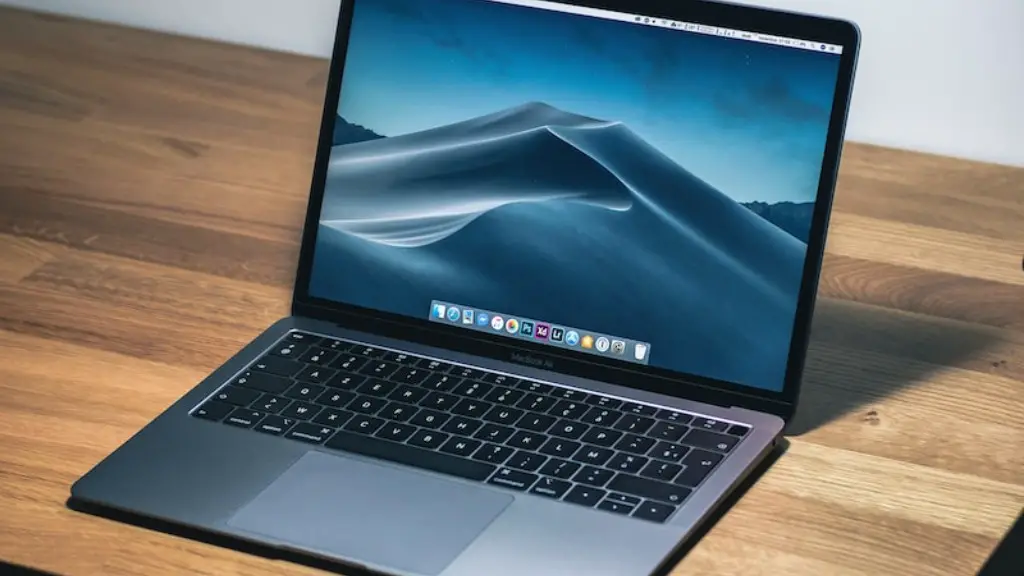
The graphics card is one of the most important components of your gaming PC and it’s crucial that you choose one that’s suitable for your needs. Recent graphics cards are becoming increasingly more powerful, and so you should look for one with specifications that match your gaming needs.
If you’re planning to play modern 3D titles, then you’ll need to look for a card with a higher memory bandwidth and clock speed. These cards are usually more expensive but are worth the extra cost if you plan on playing the latest games at higher resolutions or with more details enabled.
The number of ports a graphics card has also matters. This is because some games require a certain type of port to run properly. For example, if you plan on playing games that are designed for virtual reality (VR), then you’ll need to look for a graphics card that has at least one HDMI port and one DisplayPort.
It’s also worth looking for a card that has multiple fans as this will help it stay cooler during longer gaming sessions. Some graphics cards even come with a dedicated software that can monitor temperatures and adjust the fan speeds accordingly.
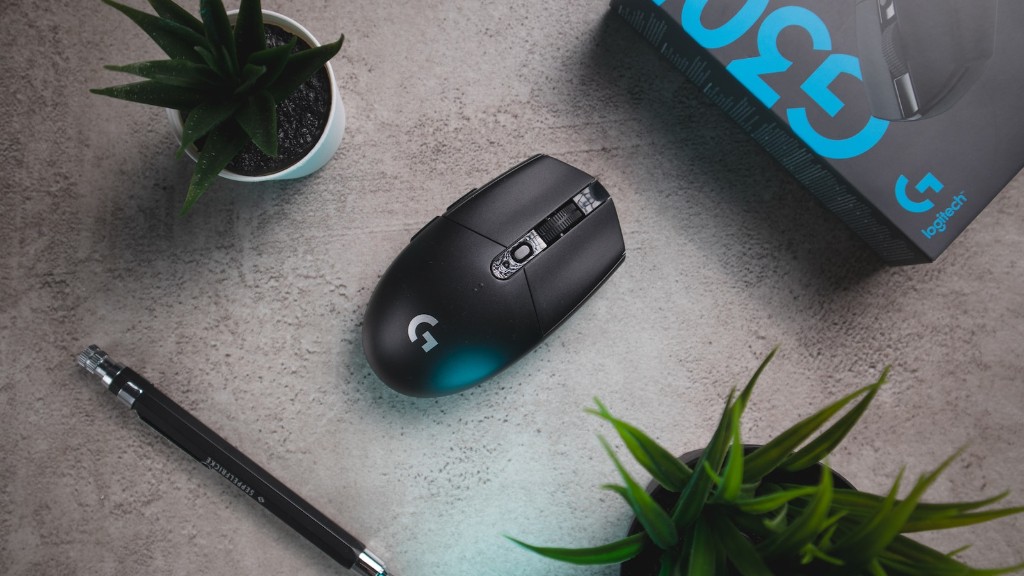
Finally, you should also bear in mind other features. Some cards allow you to overclock the GPU, which can give you a slight performance boost. Other features such as LED lighting can also be found on higher-end cards but are not essential for playing games.
How To Pick The Right CPU
When it comes to choosing a CPU for your gaming PC, you should look for one that’s powerful enough to handle the games you plan to play at their highest settings. This means looking for one with a good clock speed and multiple cores.
If you plan on using your PC to stream games, then you’ll need to look for a CPU with a higher clock speed. This will ensure that the stream runs smoothly without lagging or stuttering. You should also look for a CPU with multiple cores, as this will enable you to have multiple streams or games running at the same time.
You should also make sure the CPU is compatible with your motherboard. Some CPUs are designed to work better with certain motherboards, so you should make sure they will be compatible. Additionally, you should consider any overclocking abilities, as this can give your gaming PC a performance boost.
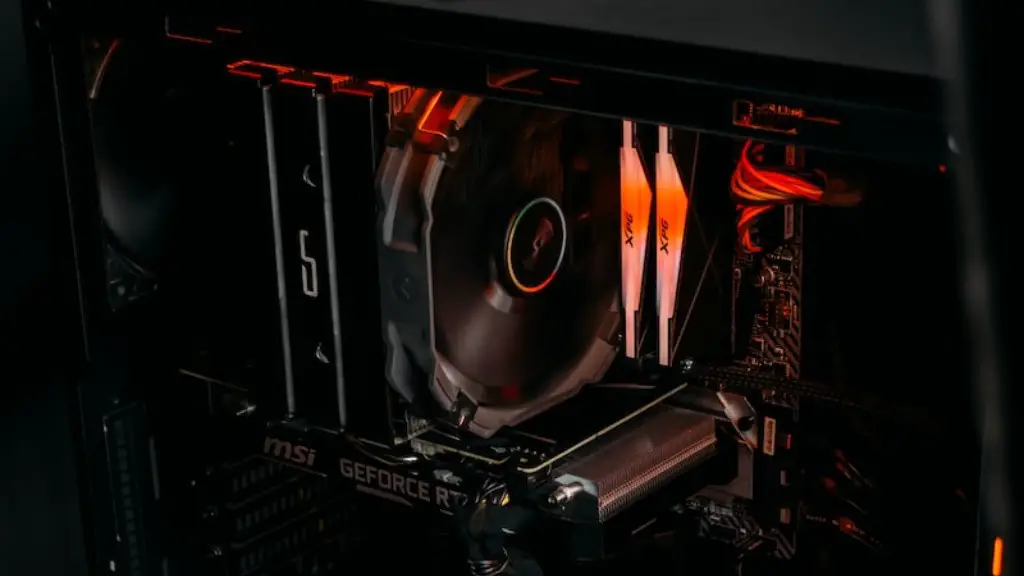
Finally, you should also think about what type of cooling you need. If you’re not planning on overclocking your CPU, then a standard or stock cooler is often enough. However, if you plan on pushing your CPU to its limits, then you may want to look for an aftermarket cooler such as a water cooling system.
Should You Upgrade Or Buy A New RAM?
The RAM of your PC determines how fast your PC is able to run and respond to tasks. This makes it a crucial component for any gaming PC, and so you should consider whether to upgrade or buy a new RAM.
If you plan on playing modern 3D games, then you should opt for a RAM with a higher speed and larger capacity. 8GB is usually the minimum you can go if you want to run most games comfortably. Additionally, you may want to look for a RAM with faster clock speeds if you plan on streaming or playing games that require lots of storage space.
However, if you already have a good RAM, then you may want to consider upgrading it instead of buying a new one. Upgrading is usually cheaper and may be a lot more convenient. You can add additional RAM modules to existing sticks and increase their overall capacity.
It’s also worth noting that some modern games require additional RAM. If you’re planning on playing such games, then you may need to upgrade your RAM anyway. Therefore, it’s important to make sure you have enough RAM to play the games you want.
What Type Of Storage Should I Use?
The type of storage you use can have a dramatic effect on how your PC performs. Hard drive discs (HDD) are cheaper but are much slower than solid state drives (SSD). Therefore, if you plan on playing modern 3D games then you should opt for an SSD.
SSDs are much faster, meaning they are able to load and access data faster than HDDs. This makes them ideal for gaming as they can reduce loading times and make your PC more responsive. Additionally, if you plan on streaming games, then you should also look for an SSD as this will speed up the process significantly.
Another factor to consider is the size of the storage. If you plan on playing large games, then you should opt for a larger drive, such as 500GB or 1TB. However, you don’t need to buy a huge drive if you’re only playing smaller games.
You should also bear in mind that some games require more storage than others. Therefore, you should check how much storage each game requires before making a purchase. This will ensure you have enough space for all your games.
What Else Do I Need To Consider?
Finally, there are a few other things to consider when building a gaming PC. For example, you’ll need to think about your budget, as some components are more expensive than others. You should also think about the peripherals you’ll be using, such as a monitor, mouse, and keyboard.
You should also think about the type of software you’ll need to play your games, such as the Steam platform or your favorite game launcher. Additionally, it’s worth checking your motherboard’s BIOS (basic input/output system) to make sure it’s compatible with the latest hardware.
Finally, it’s also important to install a good antivirus and security software, as this will help protect your PC from malicious attacks and Trojans. This is especially true if you’re planning on playing games online, as this increases your PC’s vulnerability to attacks.
