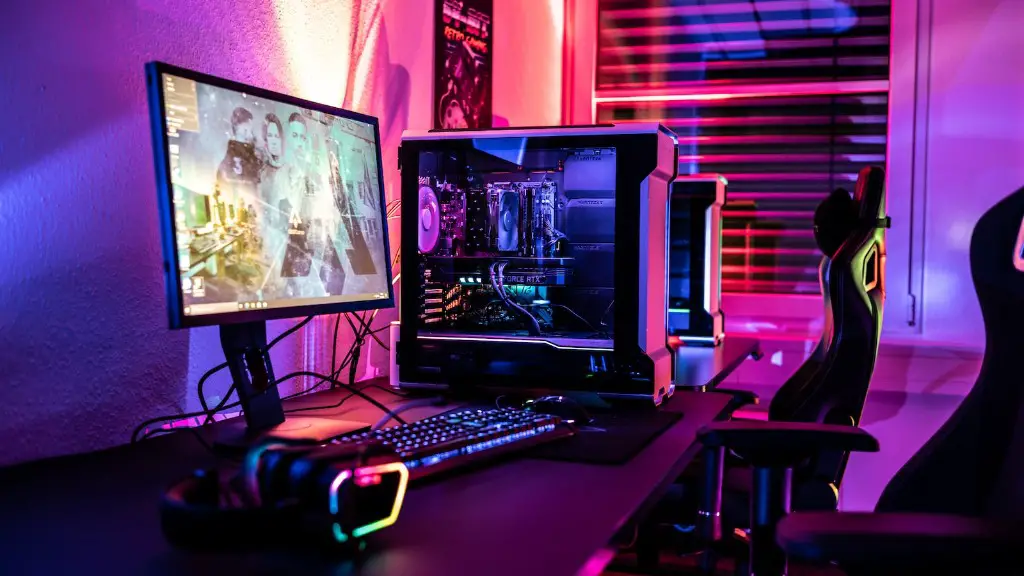
Building a gaming PC on a budget requires you to take several considerations into account. To save money, you should look for hardware with similar performance and features, but at a much lower price. In this article, we’ll guide you through how to build a cheap and powerful gaming PC, so you can get the most out of your money and start gaming right away.
The first step in building a gaming PC is to choose a budget. Set aside a certain amount of money that you’re willing to spend, and use it as the benchmark for all of your decisions. This will help you avoid getting carried away and spending too much on unnecessary hardware. Once you have your budget in mind, you can start building the PC.
The next step is to choose the components for the build. Select a CPU, a motherboard, a GPU, a power supply, RAM and storage. Try to get the best combination of components for your budget, but don’t skimp on the CPU and GPU if you want a powerful gaming PC. The CPU should be powerful enough to handle the latest games, and the GPU should be up to the task of running the games at high settings.

It’s important to find the right case, as well. Choose a chassis that provides ample cooling and can accommodate the components you’ve chosen. Once you’ve chose the components and the case, it’s time to start putting the PC together. You can use an online guide or a book to help you with the installation of the components.
Finally, once your PC is built and up and running, it’s time to install the software. You’ll need an operating system, like Windows 10, and any other software you need for gaming. It’s also a good idea to install some anti-virus software to ensure the security of your PC. With your PC built and ready to go, you’re now ready to start gaming.
Choosing The Right Components
When building a cheap gaming PC, it’s important to choose the right components for the build. You need to understand the process and the types of components that you need for gaming. One of the most important components is the CPU. It’s the heart of the system and will determine how powerful the PC will be. Go for the latest generation of processors, such as the Intel Core i5 or AMD Ryzen 5, and make sure it’s powerful enough to handle the latest games. You can also opt for a more affordable dual-core processor, such as the AMD Athlon.
The GPU, or graphics card, is also important. Get the latest card, as older models may not be able to handle the newest games. The Nvidia RTX 2060 or the AMD Radeon RX 5700 XT are good options if you’re on a tight budget. But if you have the money, go for the latest and greatest GPUs. Make sure the card you pick is compatible with your motherboard.
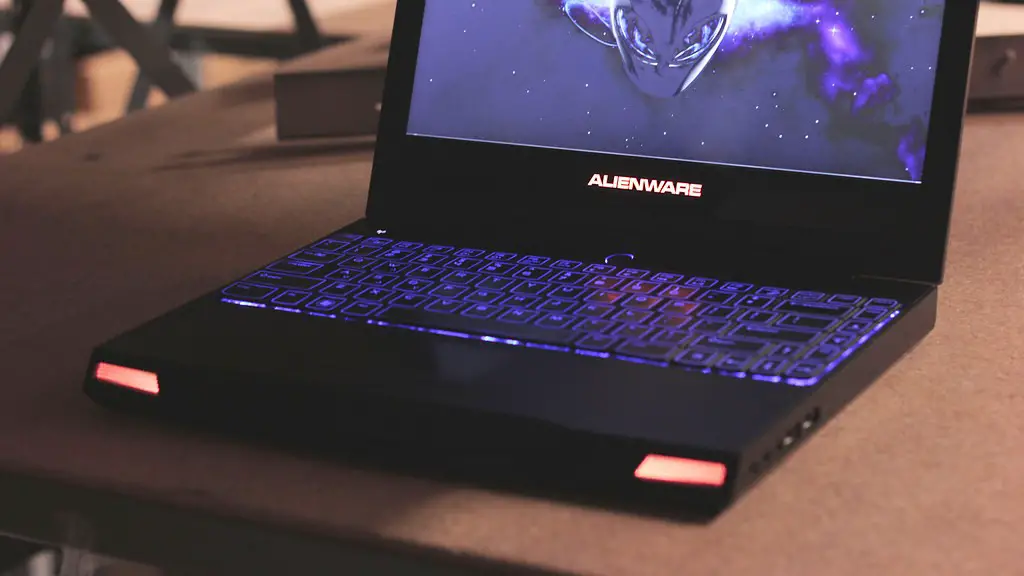
A good motherboard and RAM are also essential for a gaming PC. The motherboard should be compatible with the CPU and GPU. As for the RAM, make sure you get enough for your games. 8GB is the minimum for most games, but more RAM will give you a performance boost.
Storage is often overlooked, but a good hard drive or SSD is necessary for your gaming PC. A SSD is faster, but more expensive. HDD are much cheaper, but they’re not as fast. If you go with a HDD, make sure you get a 7200 rpm drive. That way, you’ll get the best performance for your budget.
The power supply is also important, as it will provide the power for the components. Make sure you get a good quality power supply that has enough power for all of your components. Look for a brand with a good reputation and ample protection, such as the Corsair CX550M.
Putting The PC Together
Once you’ve chosen the components, it’s time to put the PC together. You can use an online guide or a book to help you with the installation of the components. Make sure you double check all of the connections, as any mistakes can be very costly in terms of time, money, and component damage.
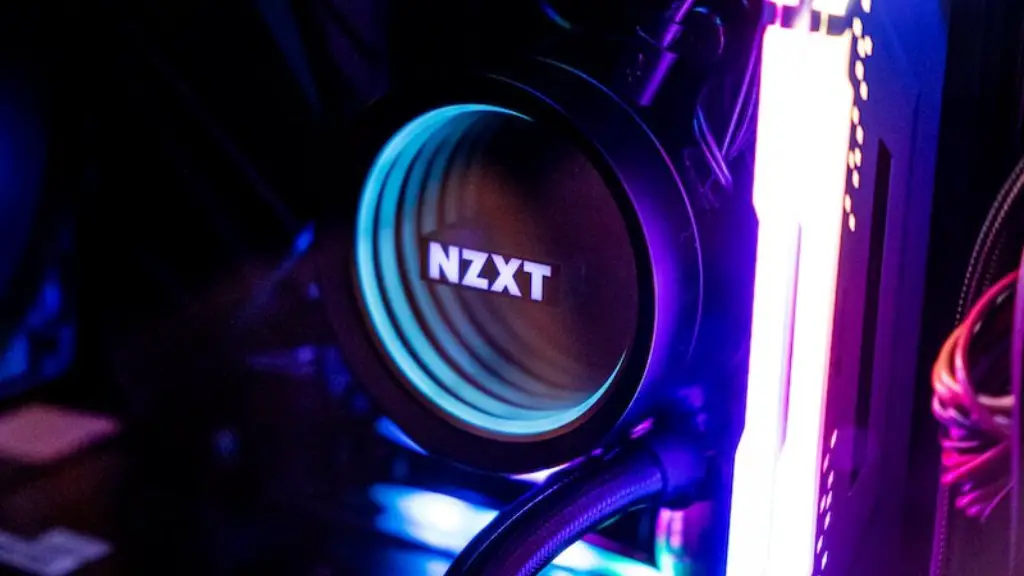
When installing your components, make sure you follow the right procedures. For example, the CPU should be installed on the motherboard before the RAM is installed. When installing the RAM, make sure you consult your motherboard’s manual and put the RAM in the correct slots. Also, be sure to mount the CPU cooler accurately. Pay attention to the details and make sure all of the parts are installed correctly.
The GPU should be the last component to be installed, as it will often require more time to install. All of the components should be installed in a specific order. Consult your motherboard’s manual for the correct order. Once all of the components are installed, you can now start to connect the cables.
Connect the power supply to all of the components, including the CPU, GPU, and RAM. Also, make sure you’re using the right cables for the right components. You should also double check that all of the connections are secure before moving on to the next step.
The last step is to connect the parts to the case. Install the power supply and the optical drive, if you have one. Then, carefully mount the motherboard, RAM, and GPU in their respective slots. Finally, attach the appropriate cables to the components and you’re ready to install the software.
Installing The Software
Before you can start gaming, you’ll need to install an operating system on the PC. The most popular OS for gaming is Windows 10, but most other operating systems can be used for gaming as well. Get a copy of the OS you want and then follow the instructions to install it on the PC.
Once the operating system is installed, the next step is to install the necessary software for gaming. You’ll need a gaming software for it, such as Steam, Origin, or GOG. Most gaming software will have their own installers, so just follow the instructions and you should be good to go.
It’s also a good idea to install some anti-virus software on the PC, to keep it secure. You can find a good free anti-virus on the web, but paid solutions offer more features. Install the anti-virus of your choice and make sure it’s updated on a regular basis.
Once the operating system, gaming software, and anti-virus are installed, you can start downloading and installing the games you want to play. Depending on how powerful your PC is, you may need to adjust the graphics settings for the games. Consult your GPU’s manual for the optimal settings for your games.
Tweaking The Settings
Once the games are installed, it’s time to tweak the settings to get the most out of your PC. If your PC is powerful enough to handle the games at high settings, you may want to adjust the settings for the games. But keep in mind that the higher the settings, the more demanding the game will be on the system. So be sure to keep an eye on the performance of your PC while gaming.
You should also do some general tweaking, to make sure your PC is running optimally. For example, you can adjust the power management settings, clean up your registry, or defragment your hard drive. There are lots of free tools available on the web to help you with this.
You can also optimize your network connection to get the best gaming experience. A good internet connection is essential for gaming, so make sure you’re getting the most out of your connection. If you’re on a slow connection, you may need to adjust the settings to get the best performance.
If you’re game has low frame rates, you may need to lower the resolution or graphics settings. Or you can try overclocking your CPU or GPU to get more performance. Of course, this should only be done if you’re comfortable with the process and you know what you’re doing.
Upgrading The PC
If you want to get more performance out of your PC, you can always upgrade components. For example, you can upgrade the RAM, GPU, CPU, or storage. But keep in mind that the price of components can vary, so make sure you do your research before upgrading.
You can also upgrade the motherboard and the power supply if you want to get more power for the PC. But in most cases, upgrading to get more performance isn’t worth the cost. So unless you really need more performance, it’s usually better to save your money.
Finally, you can upgrade the case, cooling system, or fans. If you’re planning on overclocking your PC, it’s a good idea to invest in a better cooling solution or more efficient fans. This will help keep the temperature under control and make sure the system is running optimally.
With the right parts, some tinkering, and a little luck, you can build a cheap yet powerful gaming PC. Just remember to research the components carefully and make sure you get the best combination of performance and price. Good luck, and happy gaming!
